





Marcocessna84
Member
-
Joined
-
Last visited
Everything posted by Marcocessna84
-
@GGlima99, A few things I would do, first is to turn of aircraft damage and stressor in the sim first. Next try to update FSDreamteam/GSX to ensure yours is update. Let me know if that works for you. Cheers
-
Mine freezes with any aircraft except this on. I think there is a bigger issue than it being the add on. Now mind you I have not had this before the last msfs2020 update. I'd look into this on the flightsim forum.
-
This is what I have for the TCA Quadrant Throttle file. You can locate it at: C:\Users\yourname\AppData\Local\Packages\Microsoft.FlightSimulator_8wekyb3d8bbwe\LocalState\packages\inibuilds-aircraft-a300-600\work You can try these settings and see if this would stop the reverse thrust on idle. For me it does work. Hope this helps you all. [throttle] reverse_on_axis = true [throttle_1] reverse_1 = -0.987500 reverse_idle_1 = -0.727063 idle_1 = -0.574902 toga_1 = 1.000000 [throttle_2] reverse_1 = -0.987500 reverse_idle_1 = -0.727917 idle_1 = -0.576001 toga_1 = 1.000000 ThrottleData.ini@Daniel Landucci Have you tried to use the optimal texture ? there have a lower resolution and might be able to improve the fps? Please see the picture for validation.
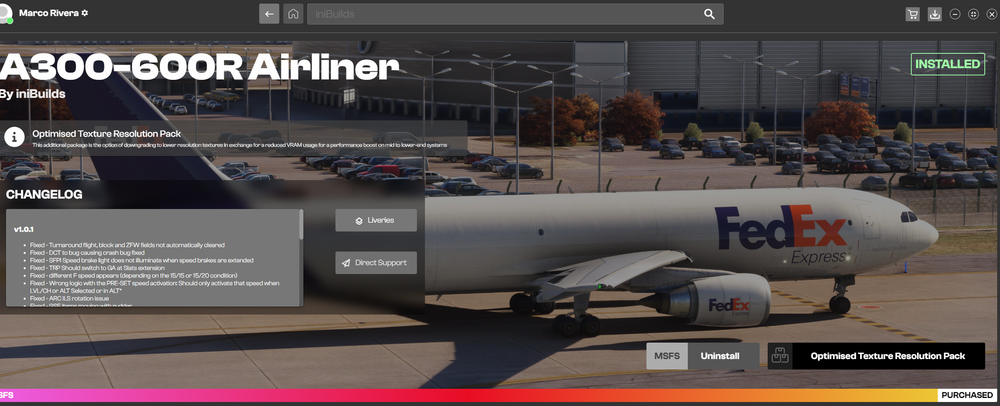 @berkkp Normally not, however there are several factors to take into consideration: Weight distribution, Center of gravity, winds and trims. There is so much more but the main ones are the ones mentioned unless I am forgetting something. Try setting trims to -0.4 or more to see if this will allow you to reach your VR,V1 speed. Cheers@Daniel Landucci Have you tried to use the optimal texture ? there have a lower resolution and might be able to improve the fps? You can download the optimised Texture Resolution Pack on the Inibuidler app.If you have not calibrated the Hardware in OS and updated it prior that would be of suggestion. Alot of times we think plug and play right of the bat is the way to go. Here are a few links to assist with getting everything properly calibrated ( noted only in MSFS2020 will the calibration not suffice). Hope this helps. 1. https://www.simvol.org/en/articles/tutorials/calibrate-thrustmaster-tca-airbus 2. https://support.thrustmaster.com/en/product/tca-quadrant-airbus-edition-en/ 3.https://support.thrustmaster.com/en/product/tca-quadrant-airbus-edition-en/ 4.https://www.google.com/search?client=opera&hs=u8e&sca_esv=594742070&sxsrf=AM9HkKlITJ2BvGIolwFZi1IGZ6_gQE1dYw:1704027644878&q=Thrustmaster+Airbus+throttle+calibration+MSFS+2020&sa=X&ved=2ahUKEwi0k9fT3bmDAxWuIEQIHaIiBqMQ1QJ6BAhHEAE&biw=1168&bih=900&dpr=1#kpvalbx=_Q2aRZZLGI5TBkPIPk6ms-A4_45There is a configuration file for the TCA in the Airbus folder. I know there is a way to manually modify it little bit. Someone posted under the A310 info at one point.@PotatoSalad Sir are you running your sim settings on? Have you tried to run an older version of gpu software? Try rolling it back a few cycles and see if this will eliminate that problem. I am not sure about Nvidia cards but shouldn't there be a settings that prevents screen tear and lagging? So e have stated the 8K texture might be the cause am not sure about it. I don't have those issues.Just a few more after arrival and walk around.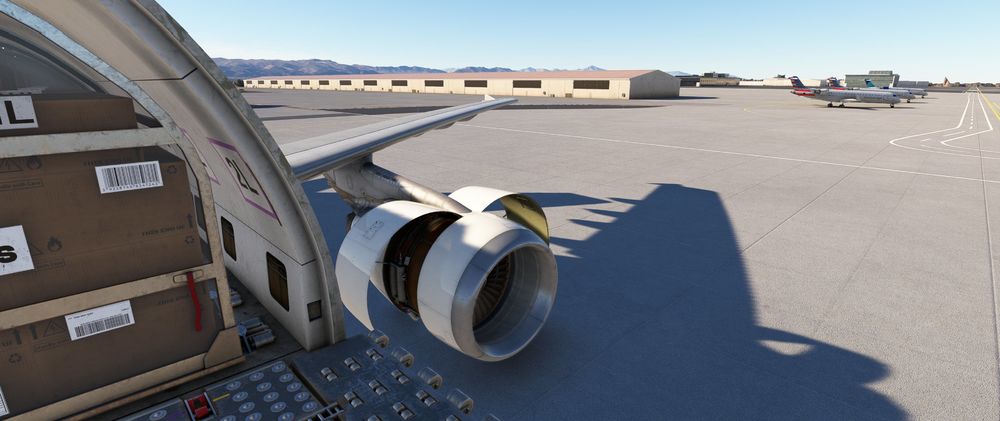
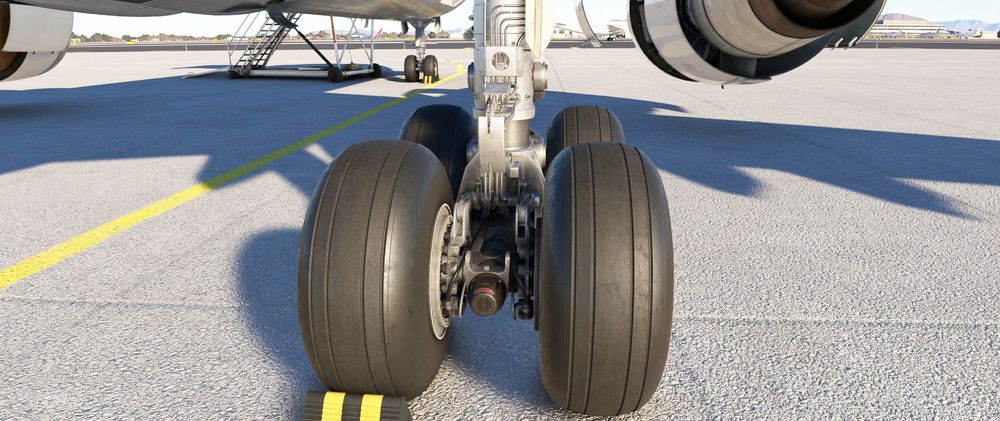
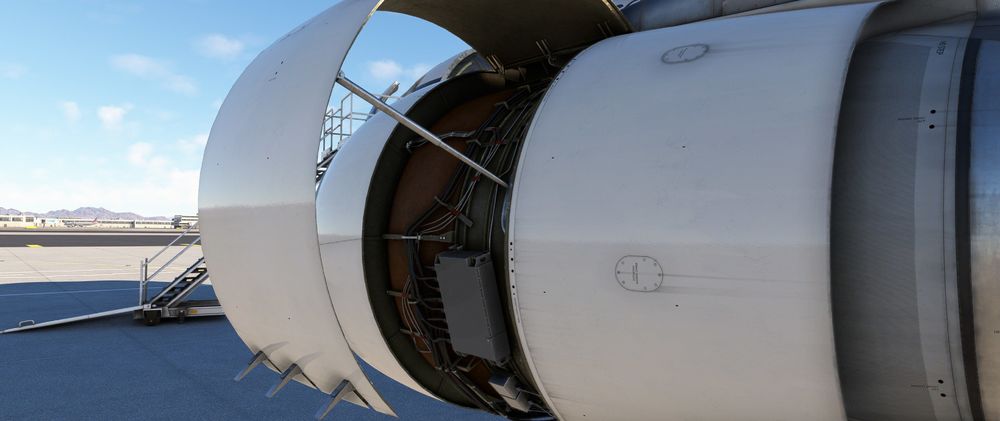
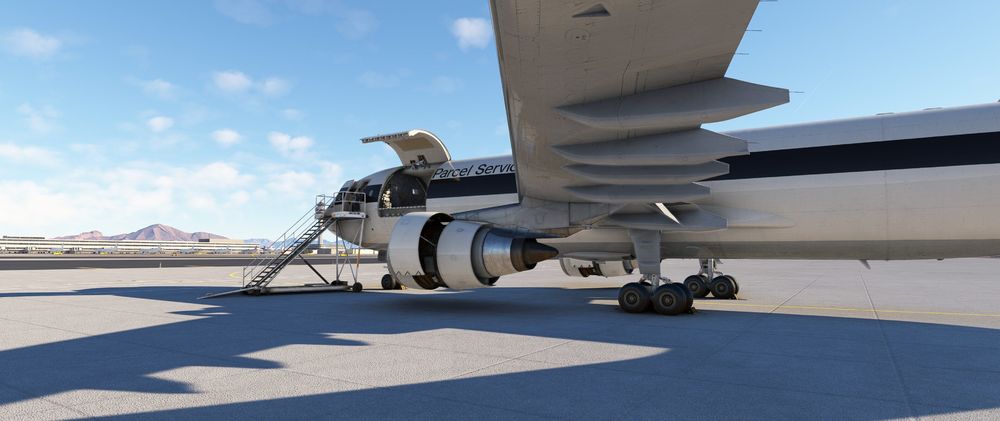 @bert50 there are a few post on here how to proper callibrate the TCA Quadrant.@theex0r the settings are under the controller settings top left look for sensitivity. There you can make adjustments to the X,Y axis. That should help with it. Cheers@theex0r have you tried to change your sensitivity settings under your controls? Please remember that. No plane will precisely move slowly and smooth unless you set the sensitivity according to your individual needs. Try that out and let us know how it works. Cheers@MaxTurso that might be the thermal settings that's activated. There is a particular settings for that. You’re gonna have to google that settings to turn it off. Let me know if you were successfully able to find it and turn it off.@CharlySeven are you running any programs (add on) parallel to starting the sim? Have you tried to reinstall the A300 newly and see if the same problem persist? I had FS Realistic starting and when cancelling it without proper uninstalling it caused my sim to crash now mind you I have a high end pc. Can you check your event viewer at the next CTD and let us know. Thanks@scottie2950 are you running any programs (add on) parallel to starting the sim? Have you tried to reinstall the A300 newly and see if the same problem persist? I had FS Realistic starting and when cancelling it without proper uninstalling it caused my sim to crash now mind you I have a high end pc. Can you check your event viewer at the next CTD and let us know. ThanksThe cargo model and pax model for me are under to separately listings.What I did was created a new profile and reassign it to the plane under a new name. If you use the same settings from another plane it will cause that issue. I found that out just by renaming the profile, recalibrate and save under a new name that helped me.It’s could be a corrupt file there. Have you tried to do a fresh installment of the Add on?Mate, if your using the same profile for another plane that would be why your reverse thrust is off. In order to eliminate that problem you need to reassign a new profile, rename it and recalibrate it to only the A300 settings. That worked for me.


.jpg.a88d51a2648f5a481ca1c2fe28a3c3e6.jpg)

