




LukeFF
Member
-
Joined
-
Last visited
Everything posted by LukeFF
-
Still a problem after updating to SU3.
-
This vehicle in front of the terminal is missing practically all of its wheels.

-
It was my first time in a few months flying the A300 tonight, so maybe I missed something, but on the approach to 23L at KIND, the LAND light did not illuminate when I clicked it. My PFD did say CAT3 was armed and we did capture the glideslope, so the mode was at least working.
-
-
On the part of the jetways that attach to the aircraft, there is a noticeable strip of texturing that flickers constantly.
-
Yes, it's been a problem since MSFS 2020. Very annoying.
-
In MSFS 2024 SU2, the jetways struggle to attach to the aircraft. They will come forward, stutter, then move back, and then repeat the process before it finally attaches on usually the third attempt. I experienced this with Gate 11. This was with the Fenix A319.
-
Also, deleting the scenery indexes changed nothing.
-
There are doubled-up buildings at the northeast end of the airport. 2020 version is not installed.
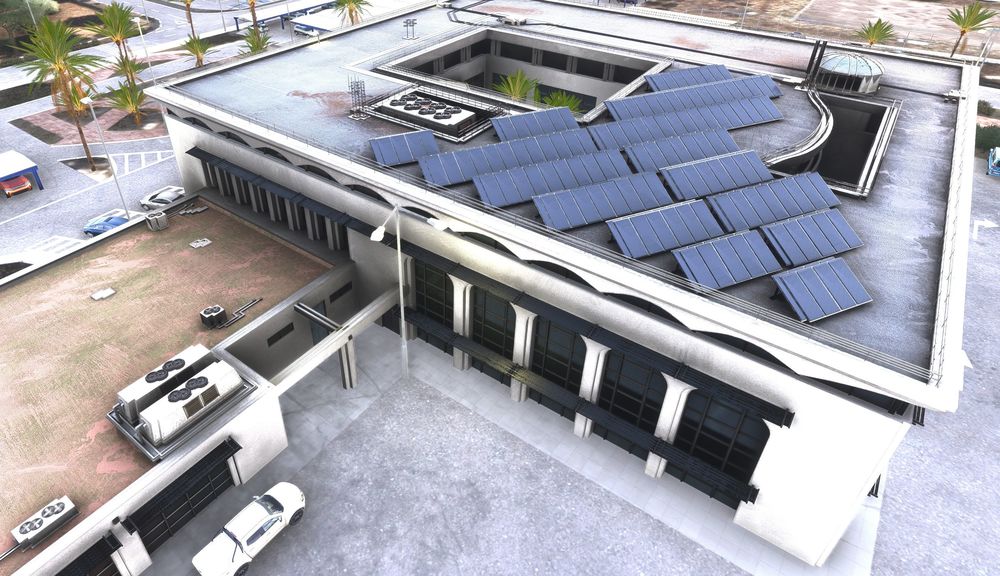
-
In the main terminal area, there is vegetation growing on top of the roofs.Thank you. It also happened just now when taking off from 25R. Framerates dropped down to the single digits, causing me to veer all over the runway. TLOD and OLOD again at minimum.Yes, I have the same problem here. FPS are nice and smooth coming in to land, and then about 2 miles out, the frame rates drop through the floor and thus make a proper landing impossible. Something just isn't right with this scenery.The ILS 04L localizer is entirely misaligned with the runway when trying to land with the A300. It's displaced far to the left of where it should be.Seconded. This is a great piece of hardware that needs to be made functional with the 320.I changed my frame generation to FSR3, and so far that has yielded much more stable performance.This is how close I have to get from Gate 34B to see all the details of the tower. Any further than that, and then the details start getting chopped off very quickly. Zoom back to behind my plane, and this is what it looks like: This is entirely unacceptable for an "Enhanced" airport:
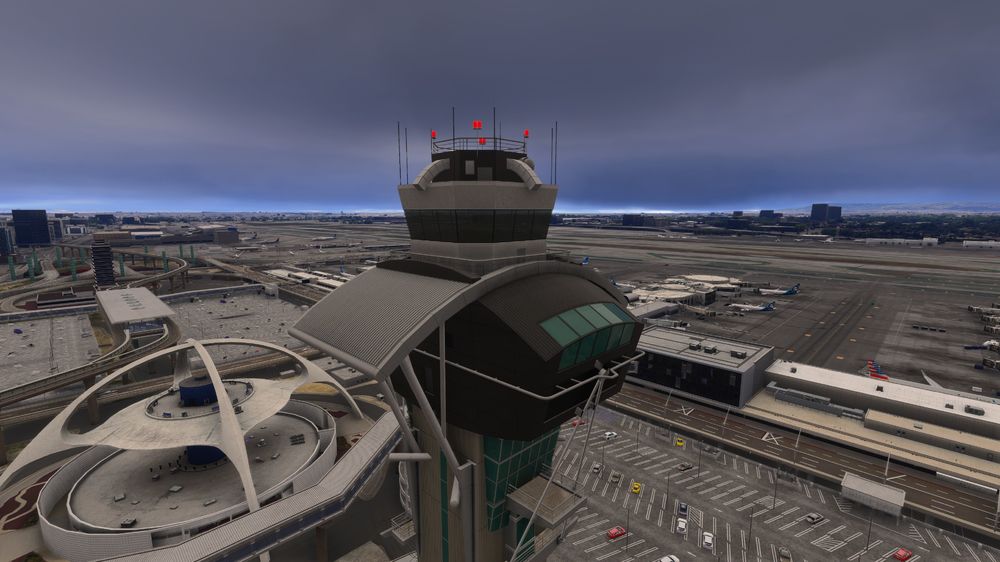
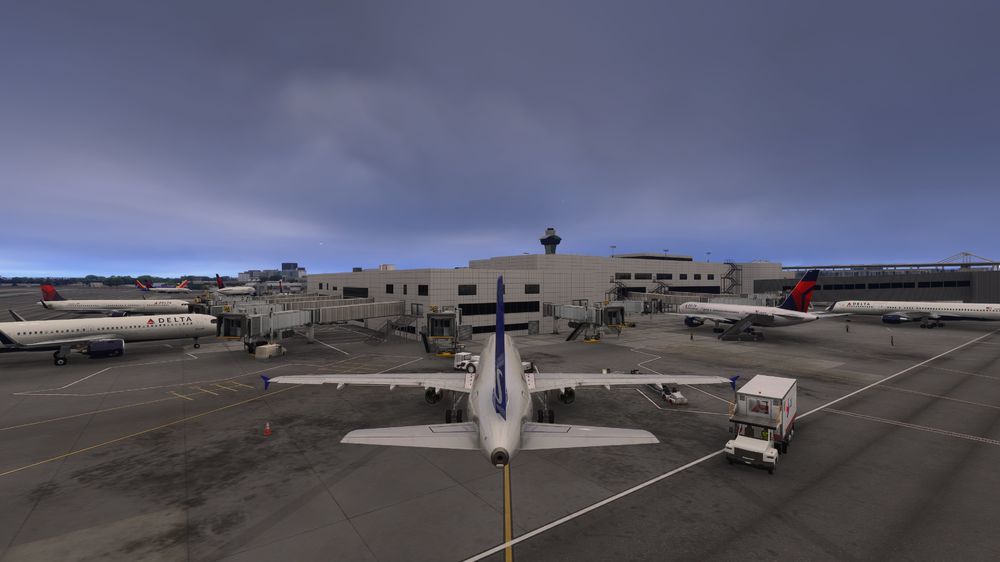 . Never mind, issue likely found.Not so with 2024. With all other planes, once you set up your controller profile, it will remember your choices, so you don't have to manually choose them every time. With the A300 it's not doing that and reverting to default on every startup.Thanks Also, it looks like "Register" is misspelled as "Regisrer"Okay, thanksOkay, good. Yes,it's been working as expected, then.The clearance frequency comes up as "Clearance Clearance" on the radio in BATC. Their developers said they cannot do anything about it and it must be fixed by the scenery developer.Also, when I cleared everything out of the WASM folder, I noticed I had a "inibuilds-aircraft-a300" subfolder and a "inibuilds-aircraft-a300-600" subfolder, even though all my installation files are under the latter folder name. There are no WASM files in the "inibuilds-aircraft-a300" subfolder.


