




VTCHFX
Member
-
Joined
-
Last visited
-
me too, sometimes it disappears, sometimes it stays
-
My windows calibration got resetted which caused this ... my apologies
-
As you can see in the video, I am in cruise and when I disconnect the autopilot, the plane just pitches up without me making any inputs.
-
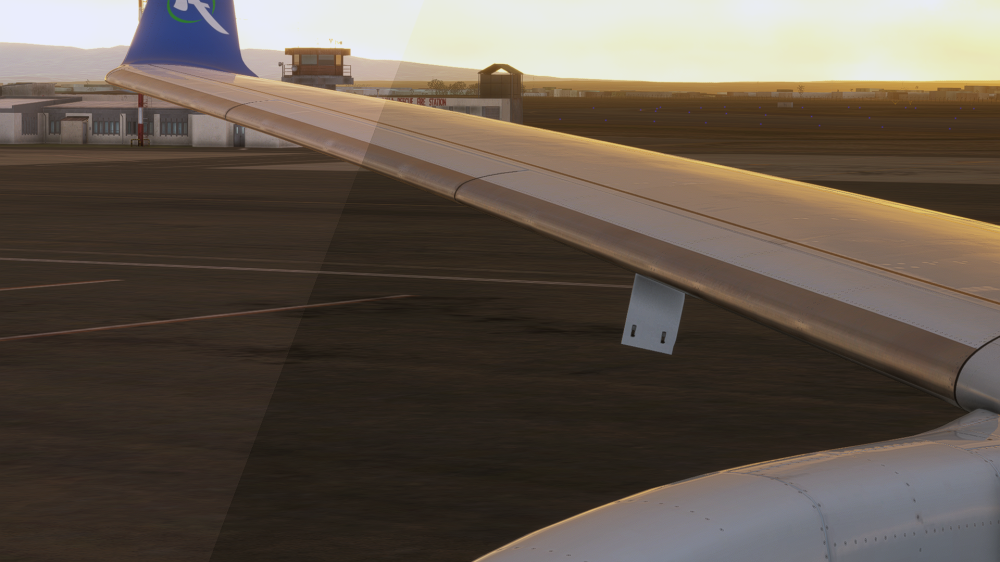
After GSX refueling leaves, the fuel panel just stays open on the right wing
-
I just tried the plane again after a long time. It seems MUCH better now. I just desperately need this fix on the A330CEO! But I guess Asobo/Microsoft will continue gate keeping that fix .......
-
There are soooo many chinese airliners with a350s, chinese cabin announcements would be amazing!
-
from what i have heard, people got banned for sharing their disappointment and criticism on discord...
-
indeed…. I feel like they never answer any forum posts…
-
I probably just had a placebo
-
It felt better now. I'm not sure if it really is different tho. But it felt more heavy to me. Anyone else experiencing the same?
-
Hi, as the title mentions. Are there any plans to include chinese cabin announcements? There are so many chinese A350 operators. Regards
-
This would be so nice … making custom panel states … the screens are always so bright at night time, i could just use a saved panel state but … oh well
-
Any. Update. ? 😒
-
crazy, it still works! thx!
-
Same problem as it has been in the A330. Makes the plane feel like a paper plane on takeoff...


