




zoomyboomy
Member
-
Joined
-
Last visited
-
Yeah, JFK was disabled. I suspect it might have to do with the scenery indexes? So I cleared those out and fresh-installed the scenery. I'll let you know if I experience it again...
-
Attempted to fly again and was flung in the a350 at Taxiway Alpha and TA intersection.
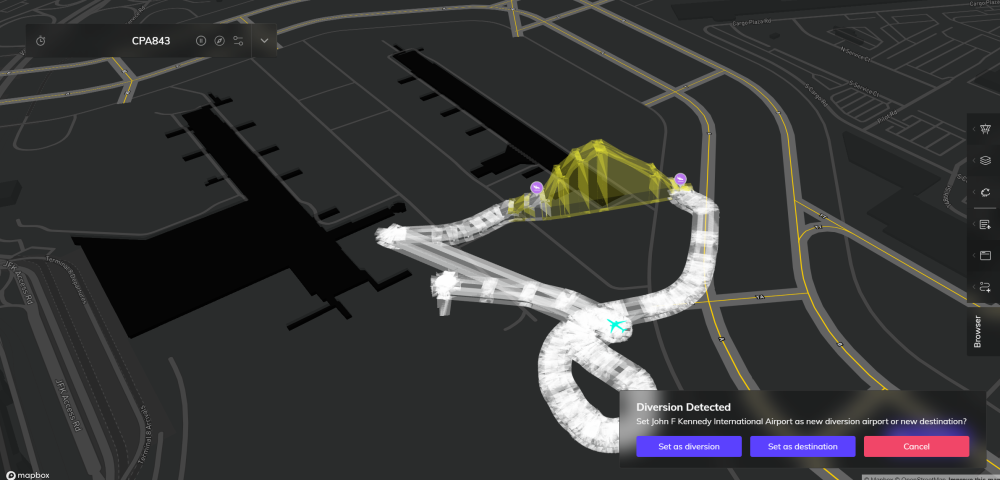
-
Unfortunately when landing on Runway 22R, as I was vacating, the aircraft (a220) was flipped upwards into the air. Using latest version on MSFS2024. I saw on discord that another user encountered a similar issue.
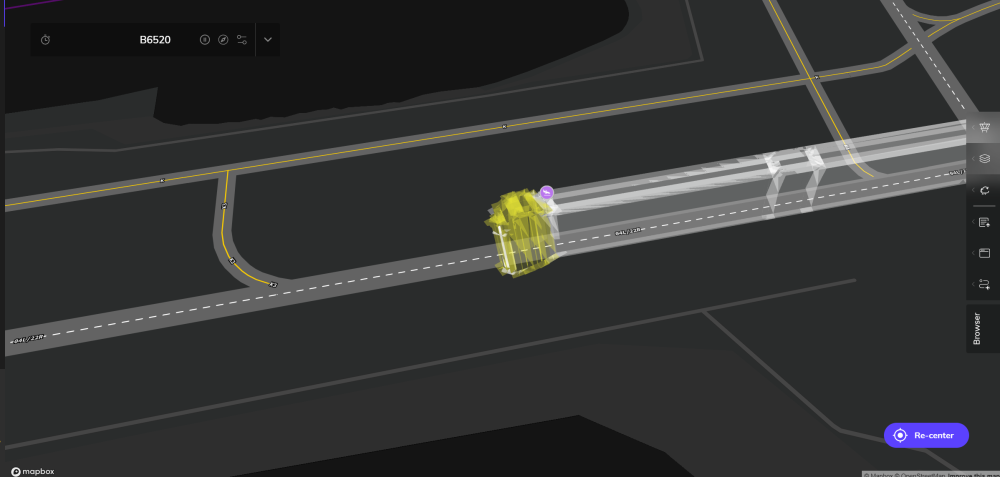
-
I'm not sure if this is related, but I have the latest JFK installed (1.07) for MSFS2024. I was crossing the bridge on taxiway A between A, U, and A - when suddently my plane was launched into the sky. It continued launching into the sky around the Terminal 7 Area, and did not stabilize until i got the plane past VA. Inibuilds, this is not acceptable, please let me know what to do to fix this or if you intend to release a hotfix. Thank you.
-
Do the same thing but link left side to throttle 1 and 2 and right side to throttle 3 and 4 for all the steps.
-
-
It is located at the D3 intersection right on the edge of RWY 13R/31L. Plane shot up in the sky when vacated off of D3. Hopefully that helps 🙂 (FS2024)


