Skip to content
View in the app

A better way to browse. Learn more.

iniBuilds Forum

A full-screen app on your home screen with push notifications, badges and more.

To install this app on iOS and iPadOS
  1. Tap the Share icon in Safari
  2. Scroll the menu and tap Add to Home Screen.
  3. Tap Add in the top-right corner.
To install this app on Android
  1. Tap the 3-dot menu (⋮) in the top-right corner of the browser.
  2. Tap Add to Home screen or Install app.
  3. Confirm by tapping Install.

Klaus

Member
  • Joined

  • Last visited

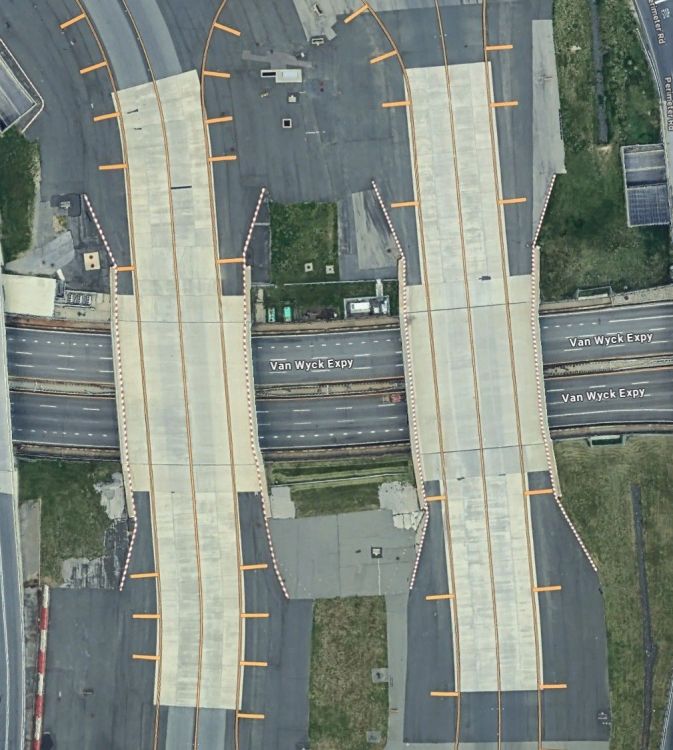
  1. Ok so uninstalled the scenery, cleared the caches installed the scenery started the sim .I did not test the taxiways for the bumps so can't say if still there however the taxiway lines still look weird, the Google Eart image shows that this is aligned
  2. Yes i have photogrammetry ON. I'll try the steps described above
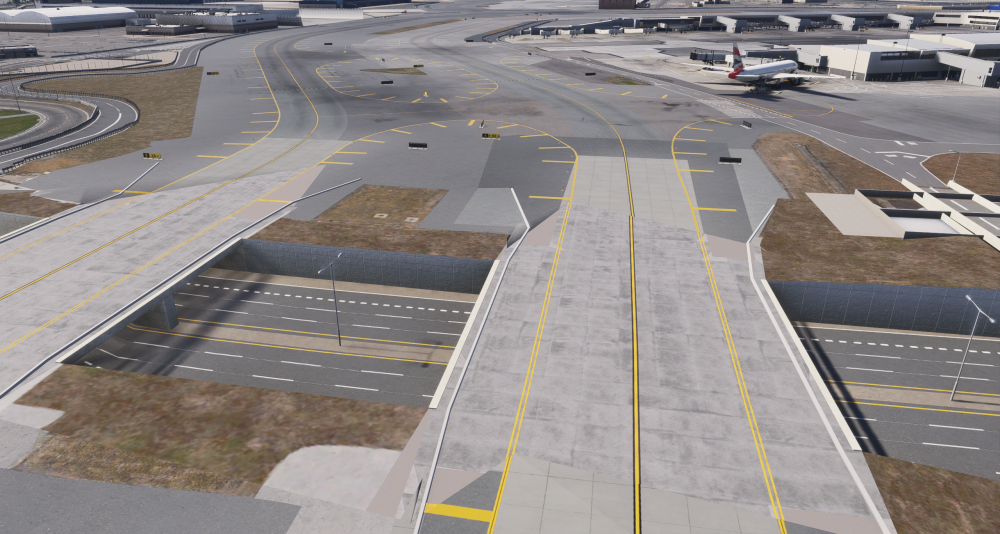
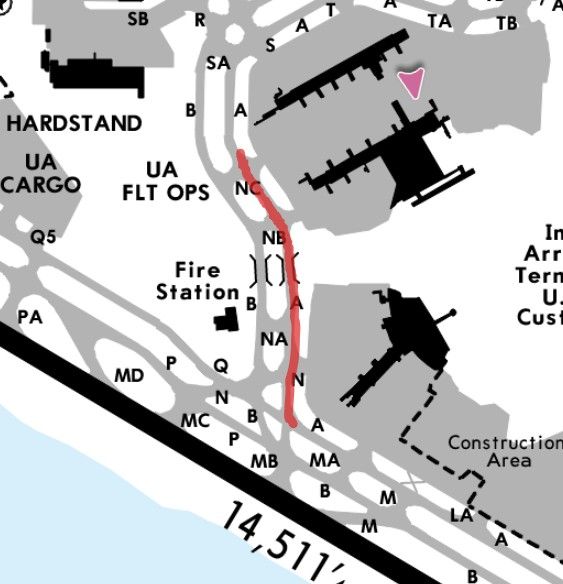
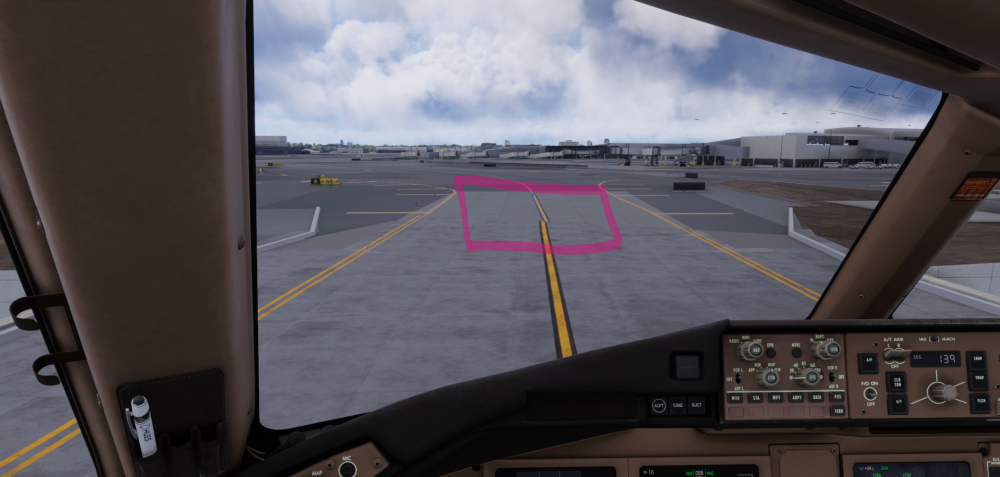
  3. Hi ,I have noticed a few bumps on taxiway A and the taxiway line by itself seem misaligned see the screen shots I am running KJFK version 1.03 from 26/JUN of the scenery and TLOD @ 150
Account

Navigation

Configure browser push notifications

Chrome (Android)
  1. Tap the lock icon next to the address bar.
  2. Tap Permissions → Notifications.
  3. Adjust your preference.
Chrome (Desktop)
  1. Click the padlock icon in the address bar.
  2. Select Site settings.
  3. Find Notifications and adjust your preference.