



Skip to content
View in the app

A better way to browse. Learn more.

iniBuilds Forum

A full-screen app on your home screen with push notifications, badges and more.

To install this app on iOS and iPadOS
  1. Tap the Share icon in Safari
  2. Scroll the menu and tap Add to Home Screen.
  3. Tap Add in the top-right corner.
To install this app on Android
  1. Tap the 3-dot menu (⋮) in the top-right corner of the browser.
  2. Tap Add to Home screen or Install app.
  3. Confirm by tapping Install.

airvice

Member
  • Joined

  • Last visited

Everything posted by airvice

  1. Hi dev team the a350 FO seat motor sound seems to be missing when moving the seat in any direction when you compare the sound made by the captains seat thank you
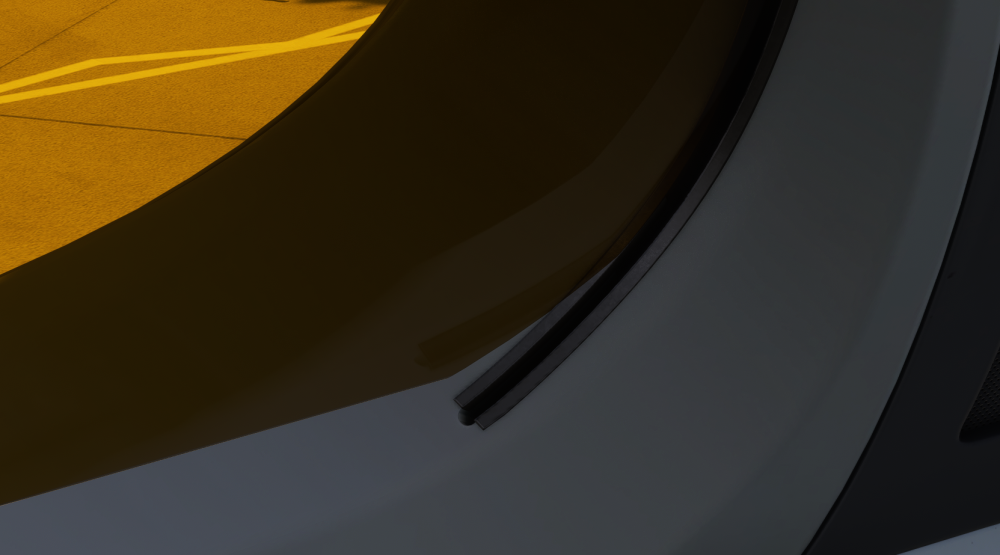
  2. thank you . the captains side also has issues, you can see the shade is cutting in to the plastic trim here too thank you
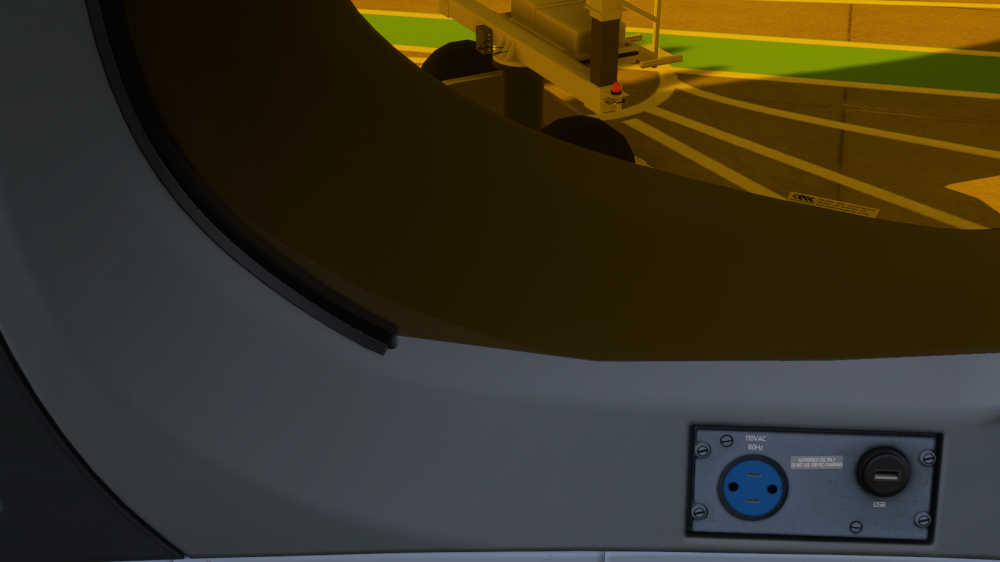
  3. Hi Dev team Please fix this issue with the rear window shade on FO side for the V1 and upcoming V2 versions thank you
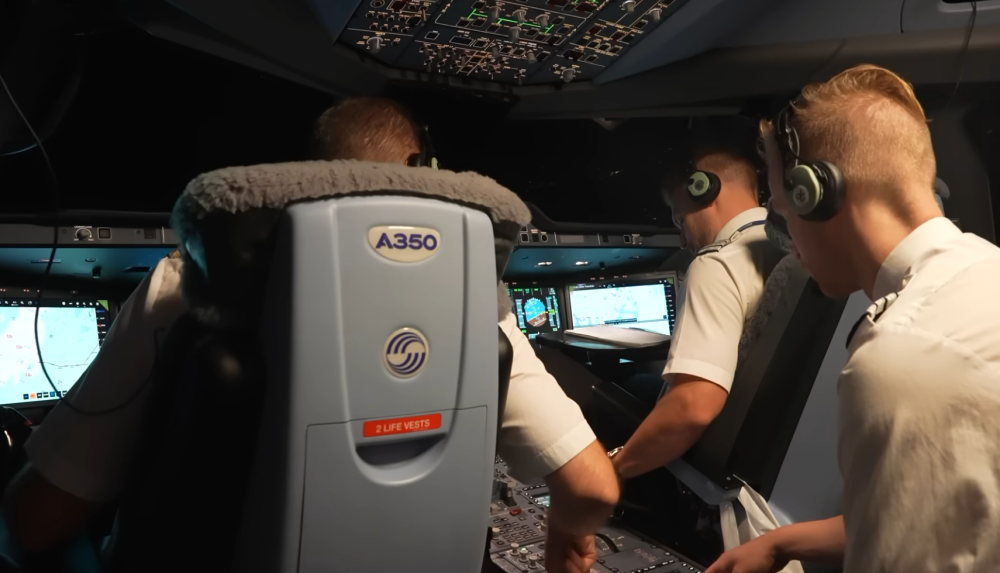
  4. Hi dev team please ensure that this very obvious illumination of the underside of the glare shield structure, from the screens is implemented as per real life in the upcoming v2 version thank you

Account

Navigation

Configure browser push notifications

Chrome (Android)
  1. Tap the lock icon next to the address bar.
  2. Tap Permissions → Notifications.
  3. Adjust your preference.
Chrome (Desktop)
  1. Click the padlock icon in the address bar.
  2. Select Site settings.
  3. Find Notifications and adjust your preference.