




LineDX
Member
-
Joined
-
Last visited
Everything posted by LineDX
-
Thank you.
-
Hi @iniBuilds since updating to version 1.1.6 the central MFB contrast buttons don't work as expected. This can be seen in the attached video. Regards Microsoft Flight Simulator 2024 2025 (1).mp4
-
HI Guys, DCT To LL is not working as expected since updating to 1.1.6 as can be seen in the attached video. In the previous versions, you had to click on the ac icon, then hit DCT TO. and then click on the LL(any point) on ND, but since 1.1.6 even clicking any spot on ND creates a dotted line to the LL/clicked waypoint. Not sure if it is normal or not? The other issue, since initial versions and still present is sometimes clicking a spot on the left side fms creates a dotted line to the left and vice versa. This is not s supposed to be like this. @iniBuilds @Eddie please look into it. Regards Microsoft Flight Simulator 2024 2025.mp4
-
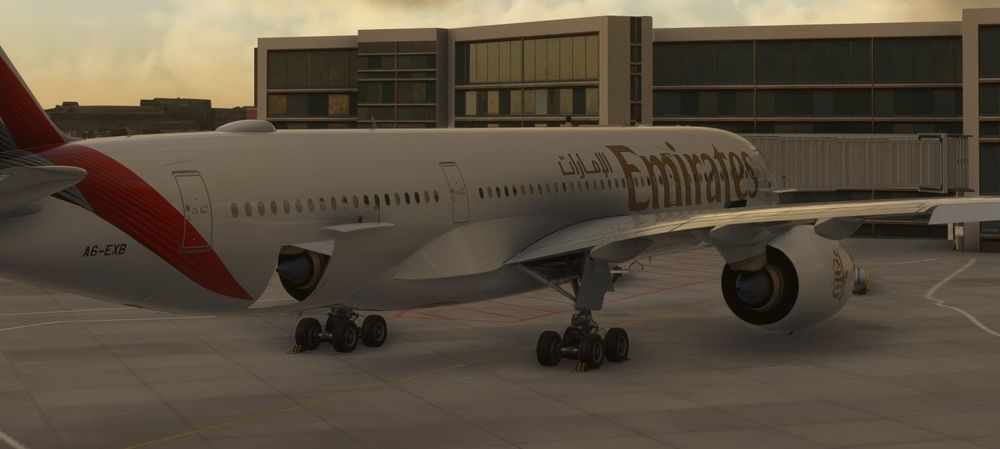
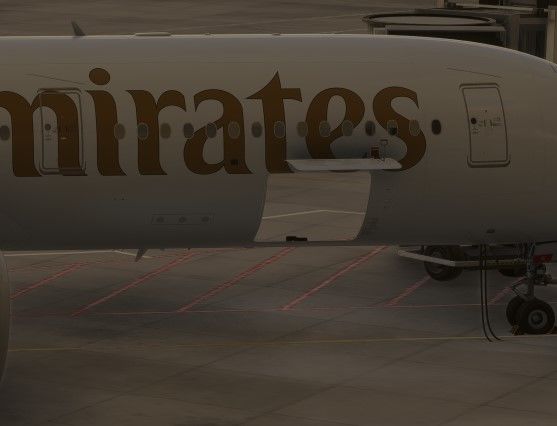
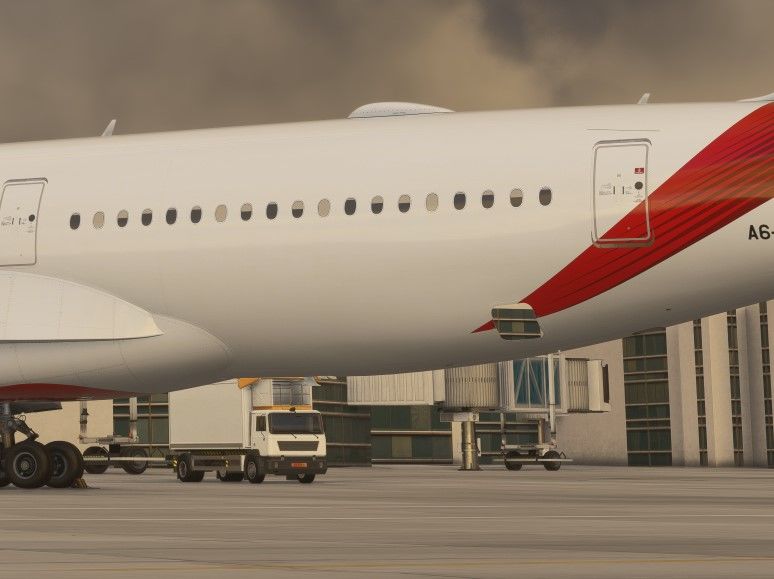
V1.1.4 SU3.. when open the doors you see across the fuselage.
-
-
The HUD covers can be tied to engine covers options. Leave it to the users I guess.
-
Eddie, Thank you for your feedback and suggesting it to the team 😊
-
Hi guys, any settings or config file to disable the HUD covers permanently. I like the neat and clean look without the hud covers. Thanks
-
@iniBuilds needs to fix it. It was fine up until v 1.0.7 Not a normal Airbus behaviour
-
Hi guys, up until v 1.0.7 when connect Ext 1 and Ext 2 from overhead panel, the connect sequence was fine and reflected normal Airbus behaviour. But since 1.0.8 to 1.0.10 when you connect the ext 1 and exr 2 there is a long delay before it brings the electric current from external powers. There is a delay in clank sound.
-
Hi team, since updated to v 1.0.8 there are some issue with auto land. The approach and landing goes fine but shortly after touch down the airplane starts veering/yawing to the right and end up in the grass. Here is the scenario. Possible bug. OPIS ILS 28L.
-
-
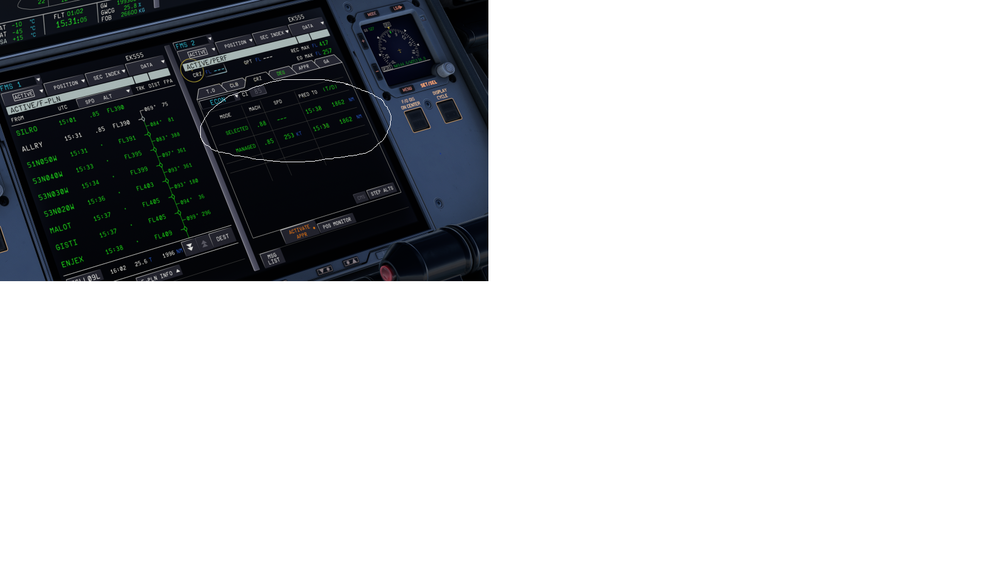
Hi @iniBuilds Managed vs selected speed ETA to TOD is the same whereas managed speed is M.85 compared to selected M.88. Technically, selected speed ETA to TOD should be earlier than managed but ETAs are the same for both managed vs selected speed. Looks like its a bug.
-
Hi @richboy2307 The taws logic, I made sure all the sound settings are on. Taking off from YYC and flying west towards the mountains at lower altitudes, without flaps, without gears many of the TAWS callouts are missing like Terrain ahead, too low flaps, too low gear. GPWS callouts come up like 2000. and so on.
-
-
-
-
Hi @iniBuilds, I really like the new flight planning tool in OIS. Please add the CI option on the form as currently it does not have the CI option and most of the flight plans generated it gives CI 15. Also UAL2018 output format does not generate any OFP. Gives an error. Please look into it. Regards
-
Hi @iniBuilds how about making engine and sensor covers an option in OIS. Many of the users like me, we start from the gate and in real life when you get the plane form gate engine and sensor covers are not there until or unless the plane is parked for extended duration of time. Please make it optional so that users who want to have the covers on they can do so from the OIS menu and people who don't want they can turn it off from the OIS menu. Regards
-
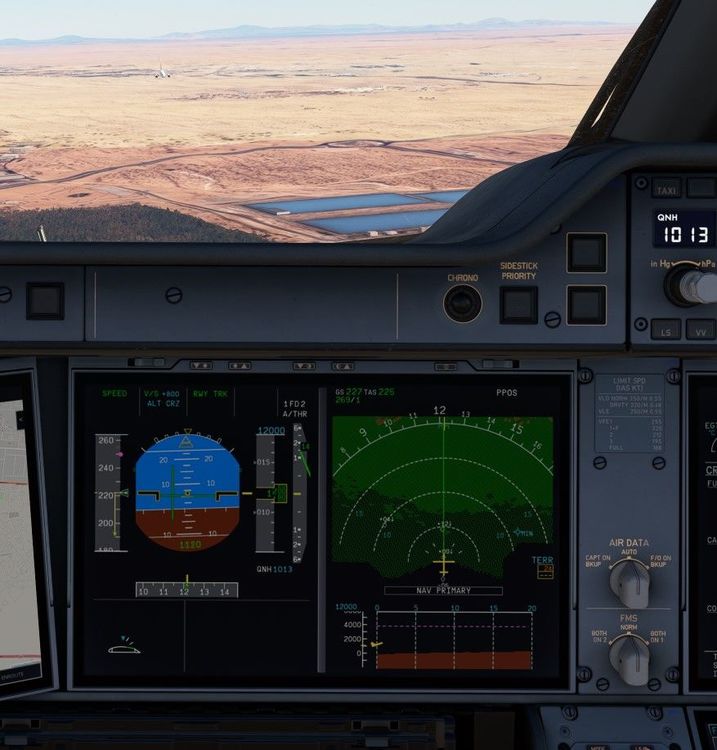
Hi team, updated to version 1.0.7 and many of the above reported bugs still exist. 1. In fs2020 T.O.THS is always out of range at cold and dark startup even after following the above mentioned instructions. 2-When open offset menu, the drop down list does not disappear after clicking the items. You have to press the ESC button after selections for lists to disappear. 6-The ac did not capture the ALT constraint during managed climb mode. Example, departing OPKC BADUL1 DEP. KC509 has an ALT cap FL070 but it did not capture and continued to climb just like OP climb when the AC was in fact in Managed CLB. It was maintaining the managed speed though. 7-Did not capture the STAR constraint ALT/FL during managed DES. VDEV more than 2500ft thus unable to capture the GS altitude of 3000ft set on FCU. Happening on MIMAL1 ARR and ILS36RZ for OPLA. New ones: 1-The TCAS does not generate any TA/RA even when traffic is visible. Even the aircrafts don't change the shape/color when comes in close proximity. 2-switch the TCAS from TA/RA mode to standby and then back to TA/RA mode does not clear ECAM notification. 3-When change the MACH speed in the CRZ mode from managed to selected. The ETA does not change in the CRZ tab in PERF section. It's bug. MACH.78 and M.88 has the same ETA for the T/D which is 94miles away. This can't be right. Regards

-
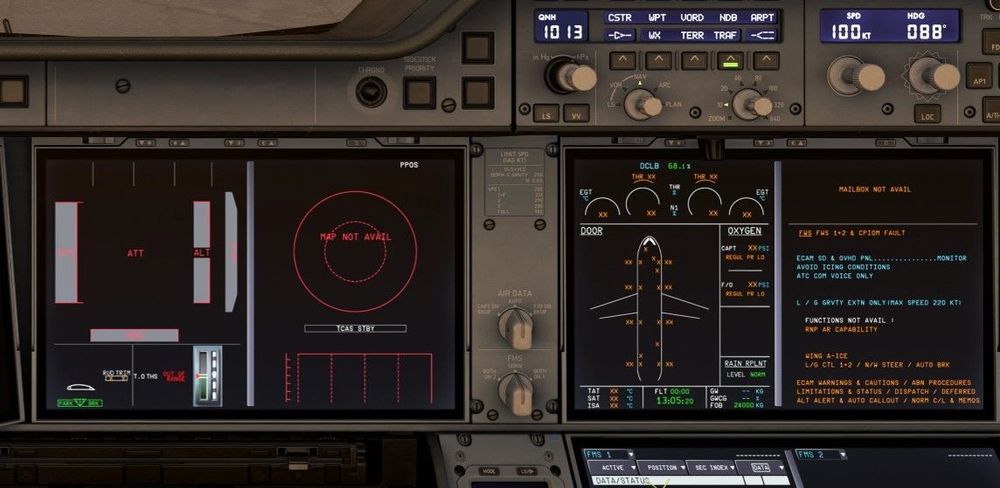
Hi @richboy2307 I tried cold and start, turned all 4 batteries to ON, but still T.O.THS shows out of range as shown in the screenshot. strange, its only in FS2020. FS2024 works as expected. Regarding the menu items, highlighted blue is very light and hard to see. If you guys can make it dark blue, it would be easy to see the selections. Have a look at the attached pic(edited in ms paint with little dark blue border) I see someone else on the forum had the same issue. Regards

-
-
Hi team, TCAS not giving any TA or RA when traffic in range even visible. TCAS and transponder both ON. set to TA/RA mode. GPWS does not generate any terrain callouts when flying low towards the mountains, gears up, flaps up. No terrain ahead, pull up, pull up, too low flaps, too low gear etc. GPWS system is selected on in SURV page as per FAQ section. Regards,
-
Thank you for looking into it Vrishabh, T.O.THS issue is present no matter what airport/gate the aircraft is at. Both variants, but only in FS2020. Example, OPKC gate 60, CYHZ gate 20. This bug only in FS2020. FS2024 works fine. Will keep you posted. any update on the OIS selected items border colors? Regards
-


