




-
Yes. It's a bug needs to be fired.
-
Hi @frank_m how to use package reorder tool? I see when you enable in in options, the tool open up. what you need to do there? if you could post few screenshots with instructions that would be great. Thanks
-
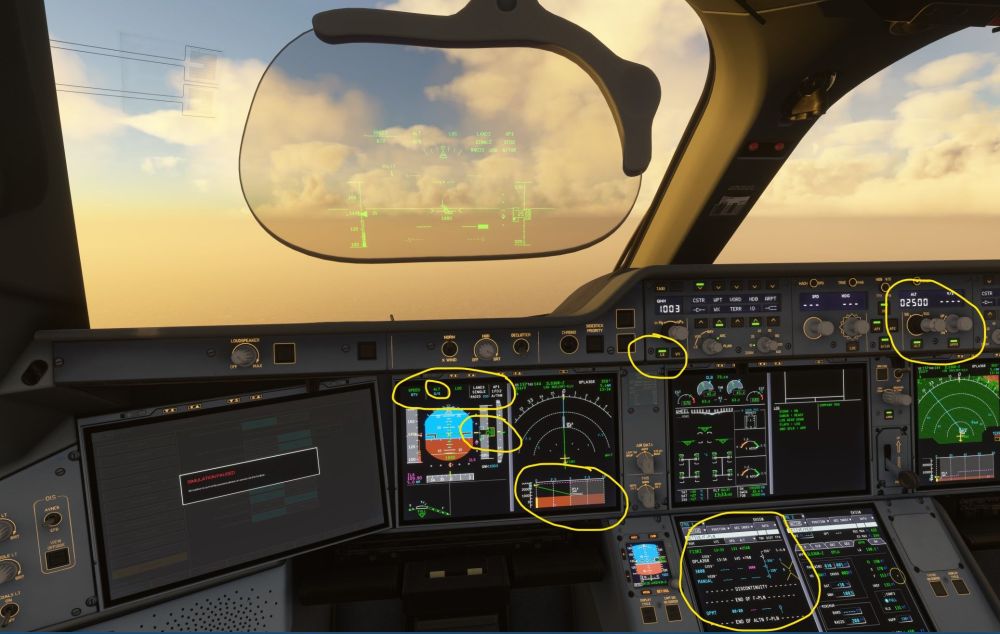
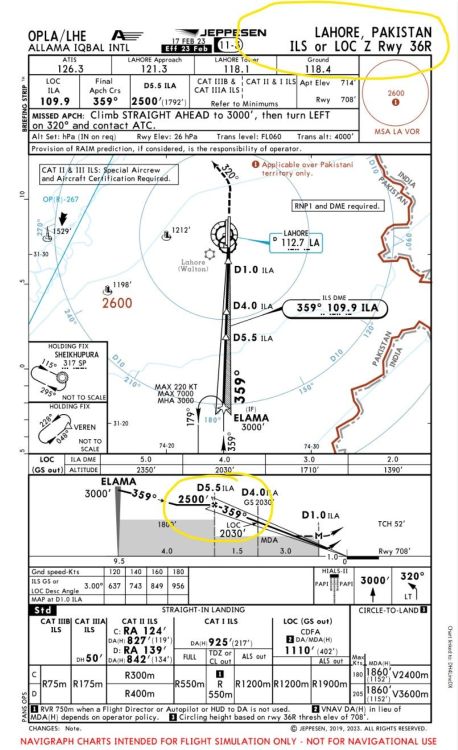
Hi Team @iniBuilds same issue A350-900 refused to capture GS even at the GS interception ALT. Screenshot attached. Never had this issue in the previous versions. Please have a look at the attached screen shot.
-
Hi guys, thank you for replying the post. I use Navigraph latest AIRAC cycle on SU5. I was also on SU5 beta before the final release. I did OPIS-OPFA flights 5 times since the update and this issues happened 4 out of 5 times. It also happened on another city pair as well. It was long haul do could not replicate it. I normally clear the WASM folder contents wash time there is sim update or ini update. The way I clear the Wasm folder is I delete the files in the wasm folder not folders as they contain terrain, navdata, simbreif. Do I need to delete everything in the Wasm folder including the sub folders? I will try to record a video and post it next time. The routing is OPIS-28R-BELKO1K-ENRIR1A-ILS Z-03R FL230 GS Intercept alt 2500. I have a few addons from FS2020 but mostly turned off in addon manager. But will try turning off if there is any left to see it it is package order issue. As said before never had this issue before. Regards
-
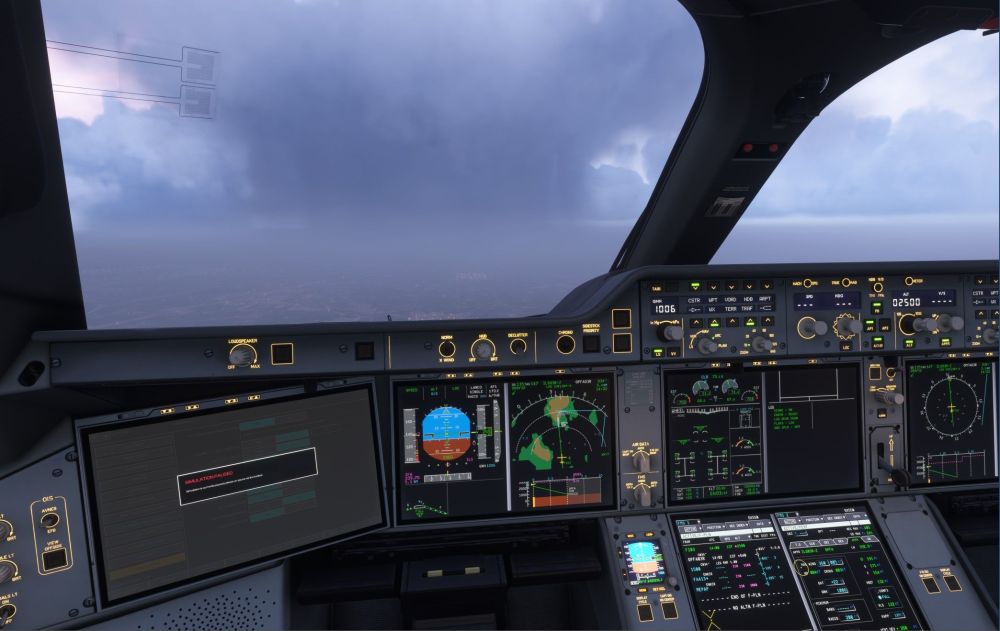
Hi Team @iniBuilds randomly at some airports v1.2.5 unable to capture the GS even at GS interception ALT. It captures the GS for a moment then goes back to ALT mode and looses GS. Never seen in the previous builds. Cleared wasm folders and tried few times but this bug comes randomly. Please look into it. Thanks
-
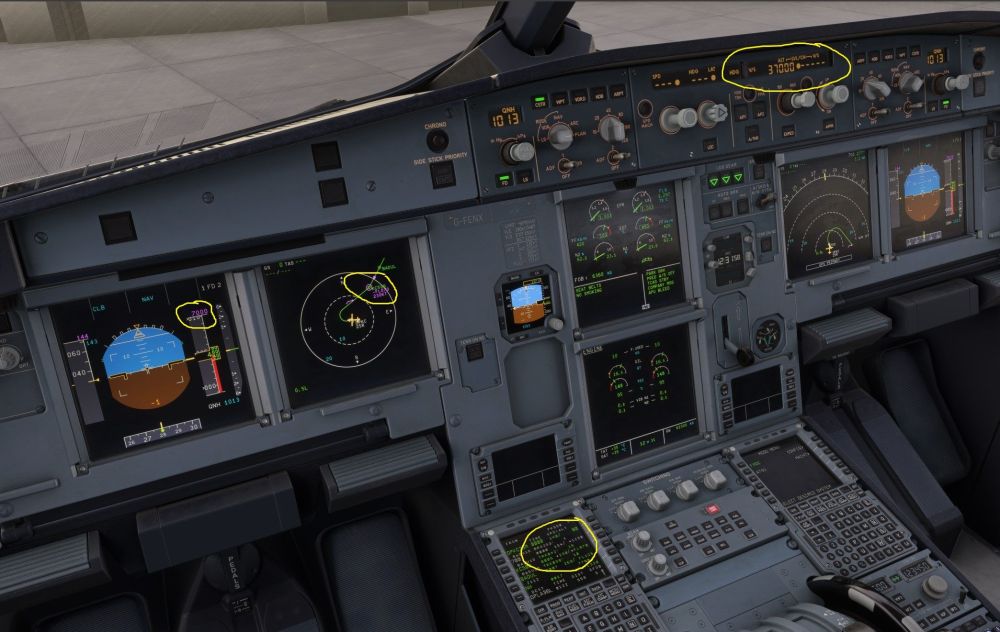
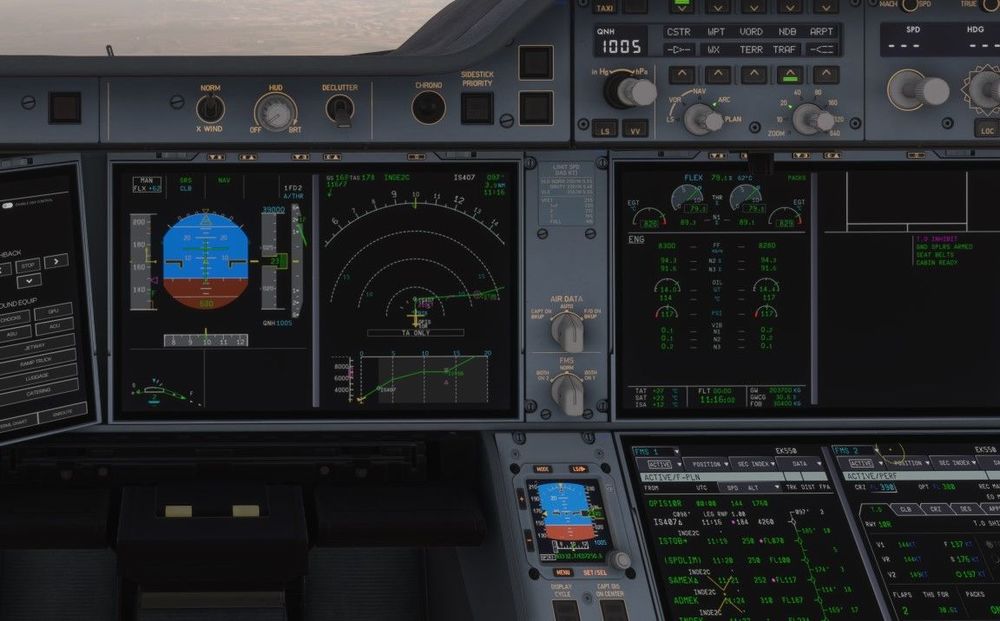
Comparison with Fenix A320: In the Fenix A320, the SID altitude constraint is correctly capped at 7,000 ft and is consistently displayed on the altitude tape, navigation display (ND), and FMS, even when the FCU altitude is set to FL370. In contrast, on the A350, recent builds appear to have a regression. The altitude tape does not display the SID altitude constraint during pre-flight setup. Instead, the constraint only becomes visible after takeoff, once thrust is reduced to CLB. This behavior was not observed in earlier A350 builds, suggesting a recent issue affecting constraint visualization during initial flight setup.
-
-
Hi guys, just a quick question. Is it normal SID ALT constraint gets active when bring the throttle to CLB? DEP OPKC set cruise ALT to FL390. When bring the throttle back to CLB SID ALT constraint shows up as FL070/7000. Not sure if this a350 behaviour normal.
-
-
Glad to see 350 in huge numbers at VATSIM CTP event also 350 being top aircraft as per Navigraph survey. Keep up the good work Team @iniBuilds. Regards
-
Dan, try to reinstall and clear the WASM folder and run the sim as admin after updating. Good luck.
-
Thanks Team @iniBuilds for your continued effort upgrading this lovely aircraft. Glad to see it is flying in huge numbers on Vatsim CTP event. Keep up the good work team.
-
Don't know why but every update is one step forward and 2 steps back. How come something working normal in one build and breaks in the new update. This is quite annoying. @iniBuilds need to look into to it deeply. It's been more than an year wirh 24 updates and many bugs still exist or appear with new updates.. It's a good airplane, please keep it good. Regards
-
-


