babybus
Member
-
Joined
-
Last visited
Everything posted by babybus
-
Sadly no change. It seems to be random textures like lamp posts, fuel trucks, taxiway edges etc.
-
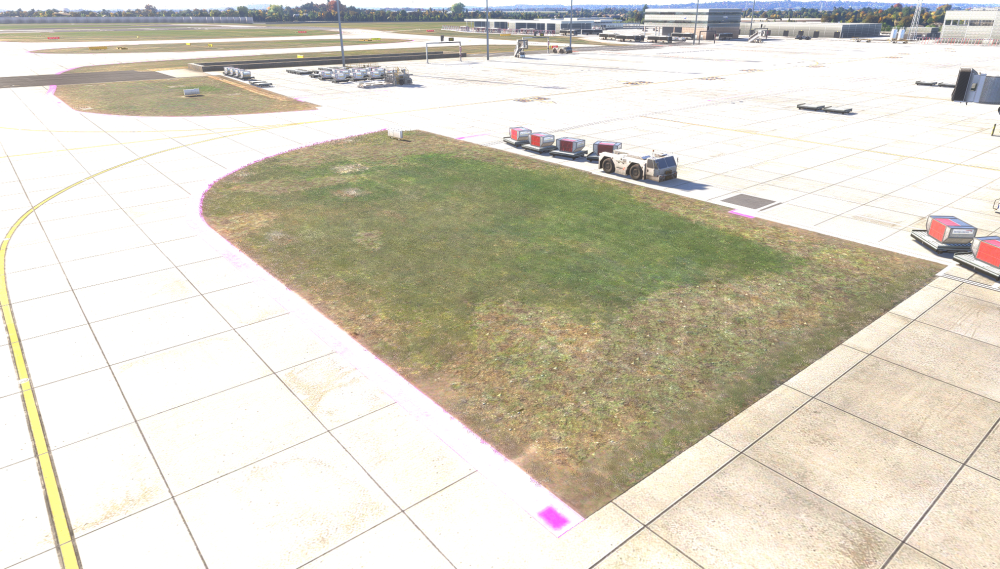
I'm experiencing ongoing issues with random pink textures across several of your MSFS 2024 airport sceneries. I own all of your MSFS 2024 airport products, and the issue seems to occur randomly across different airports, affecting anything from cars and people to taxiways, ground textures and buildings. I've tried adjusting the scenery priority using the MSFS 2024 Package Reorder Tool, but this seems to fix one airport while causing issues at another. Could you please clarify whether there is a recommended package order for your scenery products to ensure they all work correctly together? Alternatively, could you confirm whether each airport includes all the textures it requires, rather than relying on shared assets from other scenery packages? I'm wondering whether this could be contributing to the problem. It's becoming increasingly frustrating, particularly given the amount of money I've invested in your products. I would expect all the airports to work correctly without having to constantly adjust package priorities. I have tried uninstalling and reinstalling with no change. I'd appreciate some guidance on how to resolve this permanently. Many thanks
-
I have tried reodering the packages with no success. I have these pink textures around the taxiways. Its an issue with ini Products as when I remove everything from community folder and just have EGLL its fine. When I re add all other inibuilds airports it comes back. Really frustrating! Sorry for the overexposure, something to do with HDR.
-
Hello, Are the iniBuilds products affected by the SU7 drag issue? Cheers,
-
Hi Kyle, I have a large amount of scenery installed it would take ages to try all different variations. I also have pink textures at FAOR as well. All the ini sceneries have random pink textures?
-
Fixed LEIB with package tool however EGHI is still showing pink fuel trucks. Are you able to check your side?
-
Fixed, I restarted the PC and they've appeared after leaving the app for 5 minutes.
-
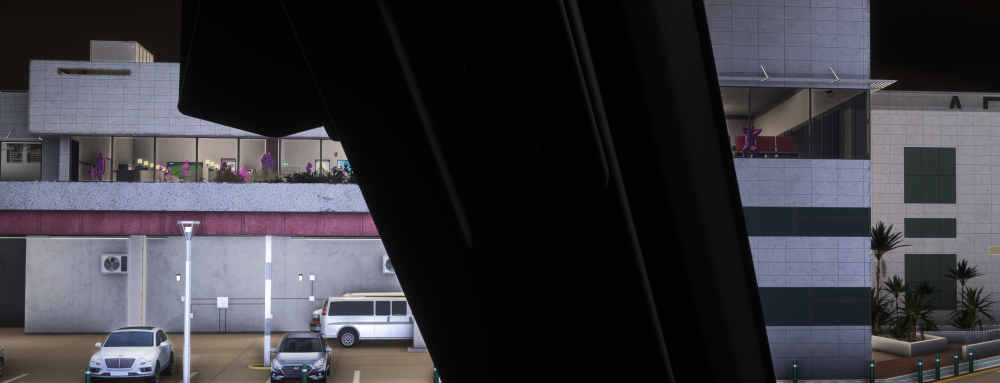
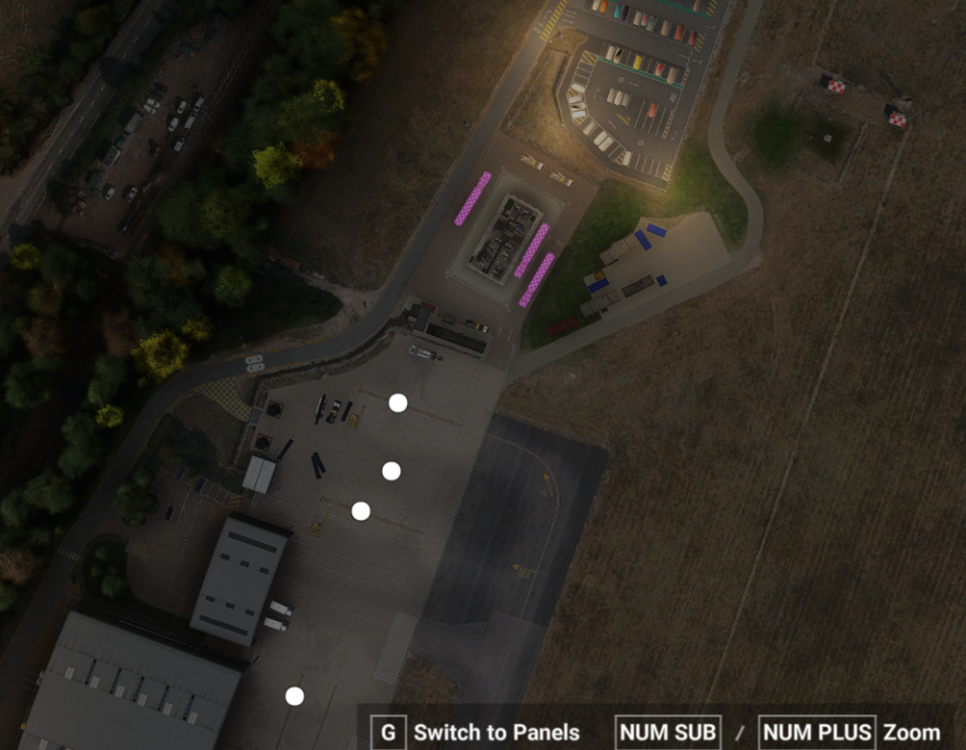
Would you mind expanding on exactly what you would like me to do? I have managed to get LEIB airport to show however now the people models are purple.
-
Also at Southampton there is purple trucks.
-
Hi Kyle, Yes this is set correctly. Cheers,
-
I have this issue, I have tried a full uninstall and reinstall as well as clearing the scenery indexes. Any thoughts?
-
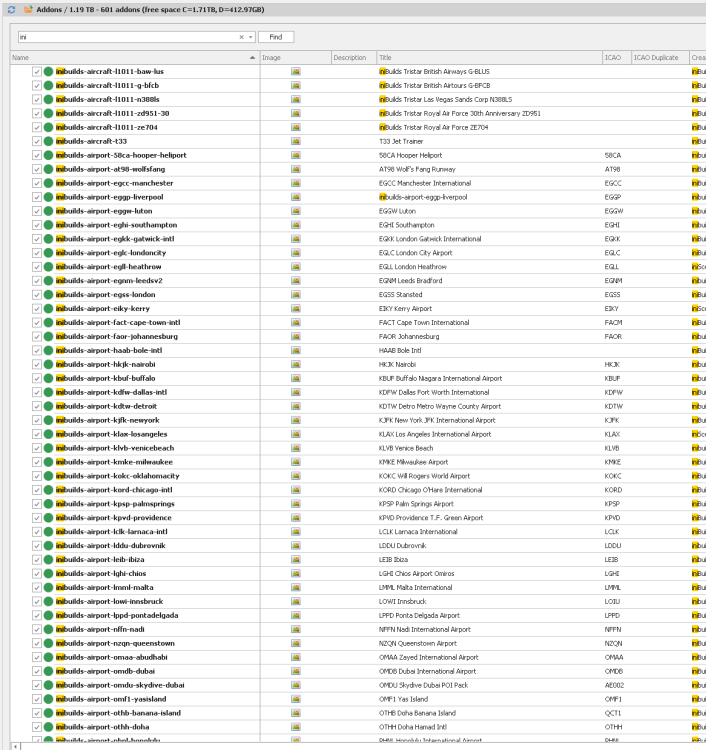
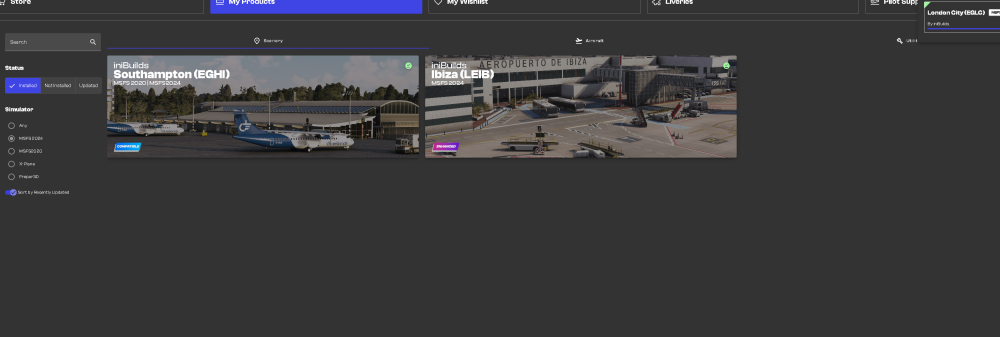
Hello, I accidentally changed my simulator paths in iniManager and, since then, none of my products are showing as installed, even though they are still installed and working. As you can see from Addon Manager, all of the products are still present in my external add-ons folder. I use a folder on my C: drive as my Community folder and have always pointed iniManager to this location without any issues previously. I’ve already tried completely uninstalling iniManager, deleting the remaining iniManager files/cache from both AppData locations, and then reinstalling it, but unfortunately the products are still showing as not installed. Is there a way to get iniManager to rescan the existing installations and recognise them again without having to reinstall everything? Any suggestions would be appreciated. Cheers,
-
Turns out it might be my tiller disconnecting and reconnecting!
-
Yeh, I have a tiller using the nose wheel steering axis. When I press the disconnect button in sim it doesn’t work. Only the rudder pedals can control the nose wheel steering. All other aircraft work correctly.
-
Is there any update on this?
-
I don’t think deleting the WASM is the answer. It doesn’t seem to make any difference to me anyway.
-
I have the same issue, and same system as the poster.
-
Hello, for some reason after the update it had reverted back to default, changes back to Navigraph and all sorted.
-
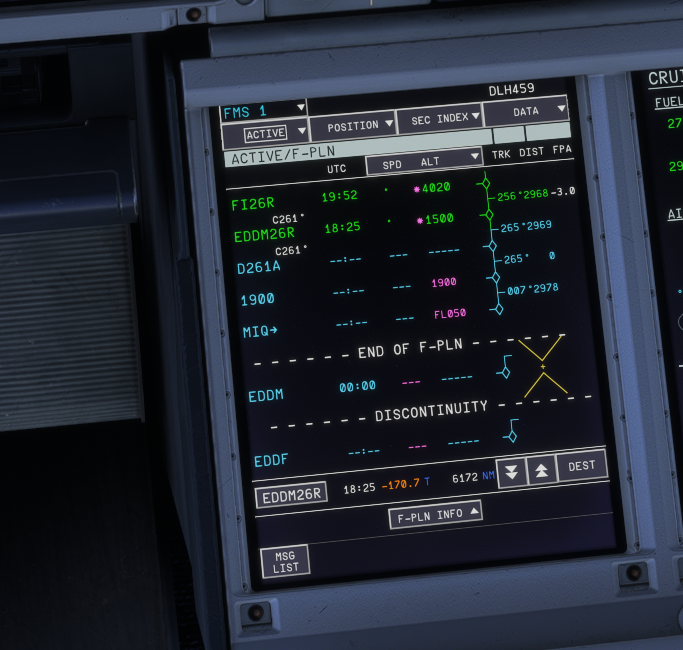
If you put the ILS26R and ELMOX1D arrival in the FMC doesn't calculate correctly, photo attached.
-
Morning again, just tested again. No issues! Thank you.
-
Hi Kyle, Yes, FMAs were correct. It wasn’t drawing the route correctly. It maybe as it was the first flight a WASM issue. I’ll give it another go. Cheers,
-
Thank you, its now appeared!
-
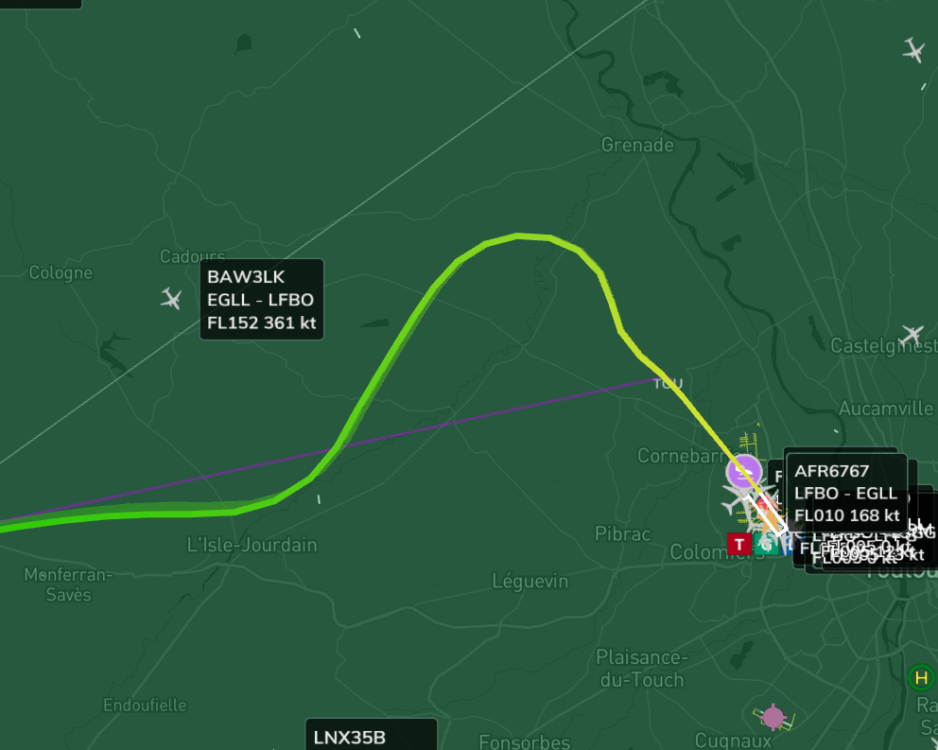
Hello, Just flown the LMB7B departure out of LFBO 32R, the aircraft didn't follow the SID and needed manual intervention to complete the left turn after the TOU VOR. Cheers,
-
Thank you, these ones are out of date. I purchased the new scenery from INI and it states there's a GSX profile included but I cant find it.
-
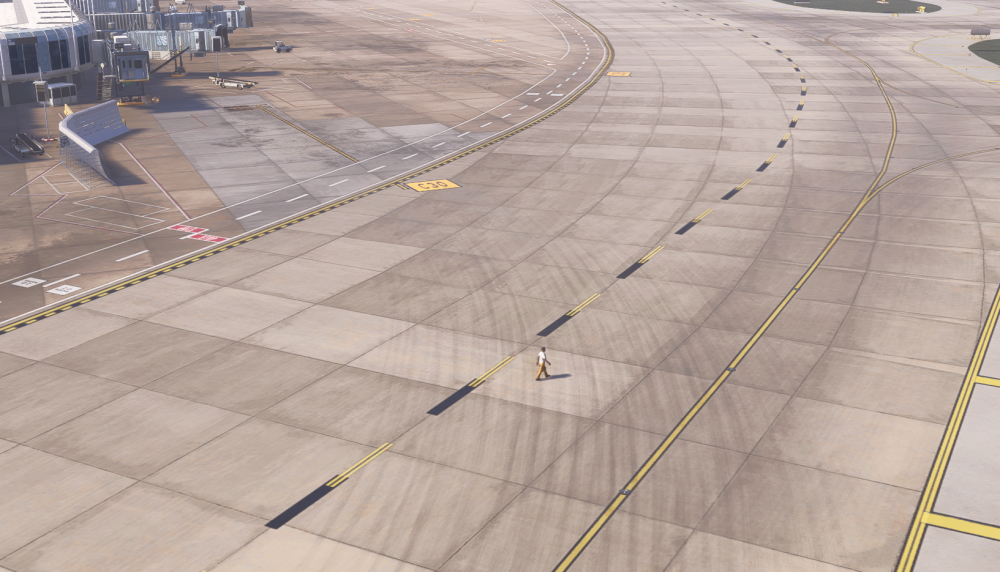
Parked on stand B16 I noticed a random person model walking on the stand, they just keep walking into the distance. Seems really random!