Skip to content
View in the app

A better way to browse. Learn more.

iniBuilds Forum

A full-screen app on your home screen with push notifications, badges and more.

To install this app on iOS and iPadOS
  1. Tap the Share icon in Safari
  2. Scroll the menu and tap Add to Home Screen.
  3. Tap Add in the top-right corner.
To install this app on Android
  1. Tap the 3-dot menu (⋮) in the top-right corner of the browser.
  2. Tap Add to Home screen or Install app.
  3. Confirm by tapping Install.

Alexxx88

Member
  • Joined

  • Last visited

  1. Hi, the legacy mod is very annoyng, i have tryed to shut off the engines with not the requested result, i hope in a easyer sistem like a grab one
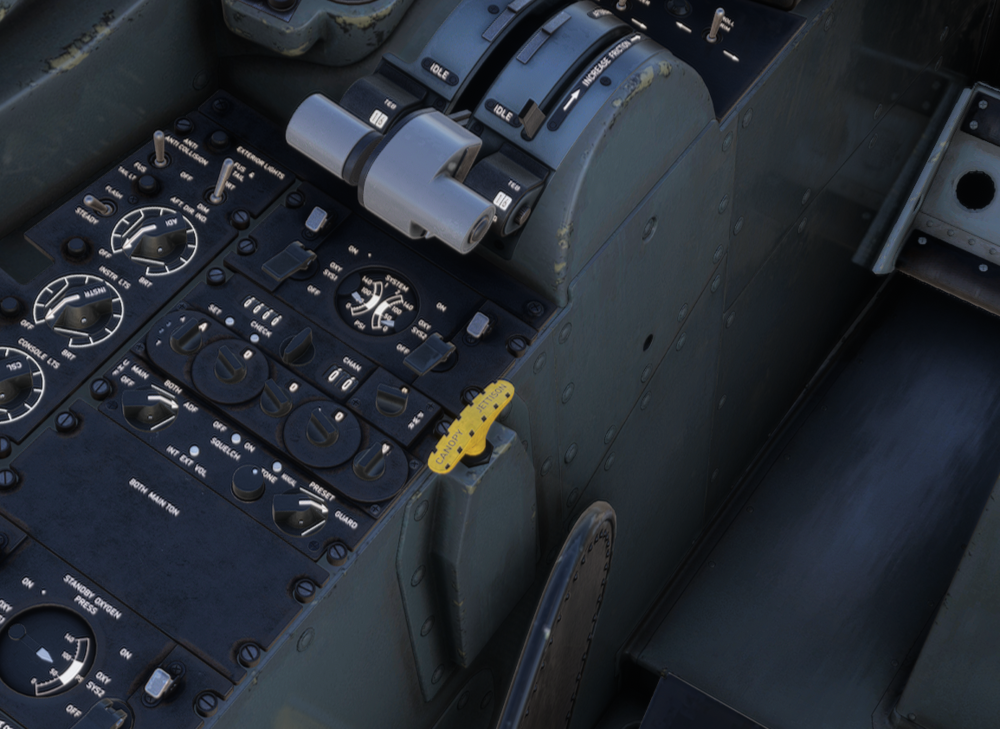
  2. Is the yellow one, canopy jettison
  3. Alexxx88 replied to chub's topic in Support
    Hdr on sorry, this one is better, i have try edit first but system say me is too late
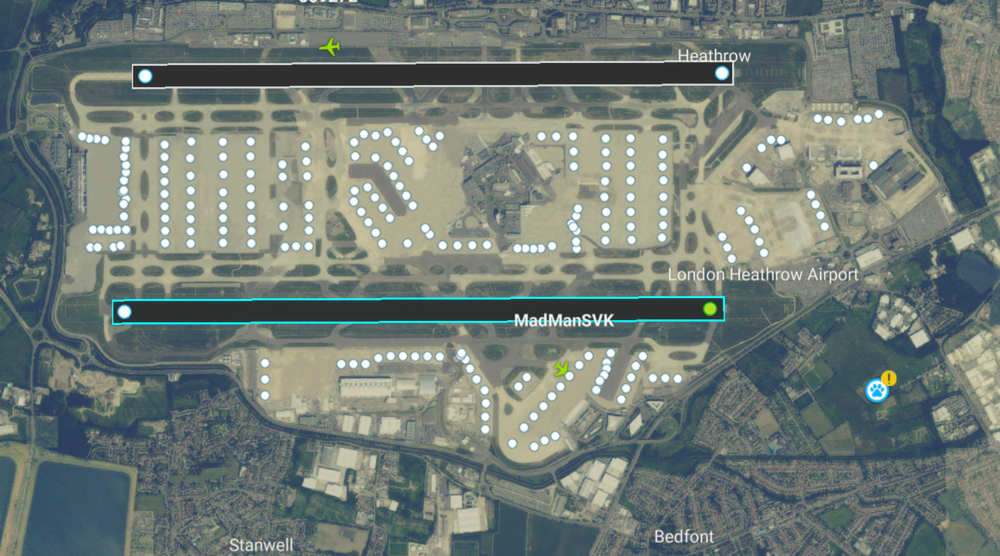
  4. Alexxx88 replied to chub's topic in Support
    You mean this
  5. Alexxx88 posted a topic in Support
    Hi, there nool is activated but as u see can't see the airport on the list, on the download are a very old copy, now i have the 6.06 on community Why doesn't work?
  6. Alexxx88 replied to LukeFF's topic in Support
    after various installer it works
  7. Alexxx88 replied to LukeFF's topic in Support
    Me too, hoping a fix soon
  8. Happened me too with 1.06, it happened after gsx loading
  9. Is possible see working train to t3 to d concourse?

Account

Navigation

Configure browser push notifications

Chrome (Android)
  1. Tap the lock icon next to the address bar.
  2. Tap Permissions → Notifications.
  3. Adjust your preference.
Chrome (Desktop)
  1. Click the padlock icon in the address bar.
  2. Select Site settings.
  3. Find Notifications and adjust your preference.