Krake802
Member
-
Joined
-
Last visited
Everything posted by Krake802
-
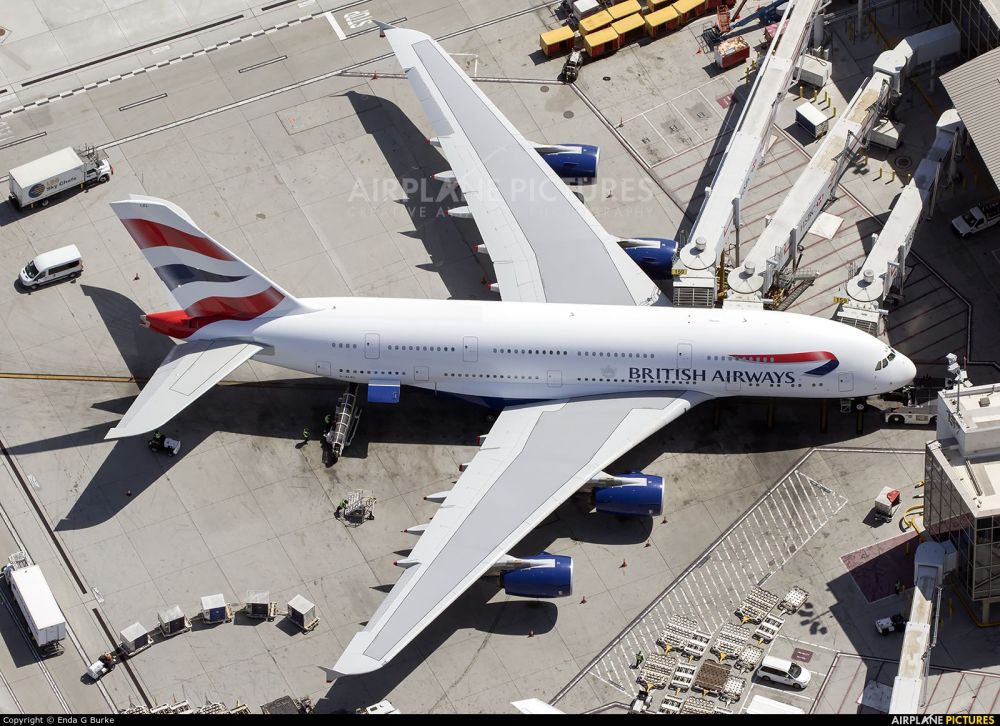
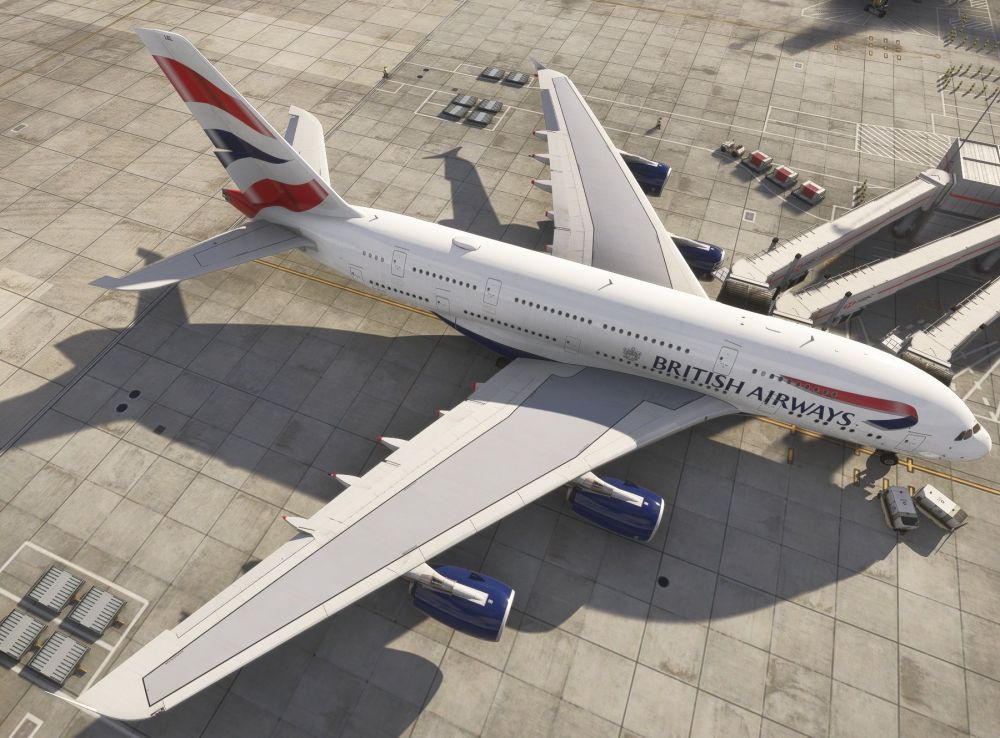
The BA fleet paints are painted with the 'Long' canoe, when BA use the 'short' version.
-
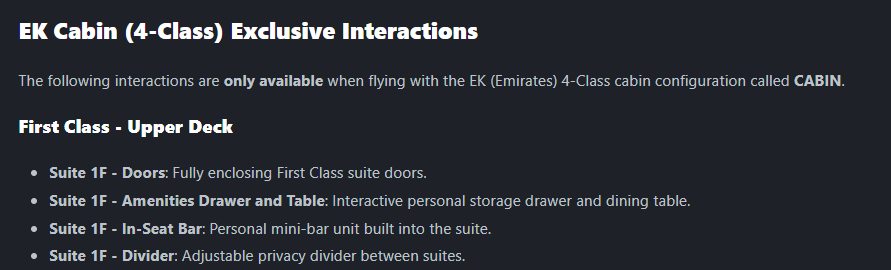
Hello, Reading the manual and getting too see some great animations added to the cabin for 'little pleasures' for those that do enjoy the cabin. However, I'm a little disappointed that all of these are in the middle set of seats rather than the window seats... I'm sure those, like me, who like the cabin and will spend time in there and now getting the chance to click some fun clicky animation things would very much appreciate if the animations could be moved to the window seats instead of the middle seats? I'd definatly enjoy my first class viewings from a window seat rather than the middle, F seat....

-
That’s really appreciative of you letting us know there’s active development on Luton. Are you able to dive into what updates are planned to be added in this progress? Or what things are being worked on?
-
Absolutely incredible work Kyle! Just loaded up and all is working as intended. Good to see some life and build again in Liverpool. Will be flying in and here much more common now :) Now... If you could fix Luton up as mentioned here: https://forum.inibuilds.com/topic/37162-luton-eggwltn-feedback-v110-bugs/ (Except the LOD's as they're fixed now), that would be great ;)
-
Continuing with area 4, the bus terminal side, all the LOD's are screwed here too... Especially around the doors, the building/windows areas and at the end of the building too.
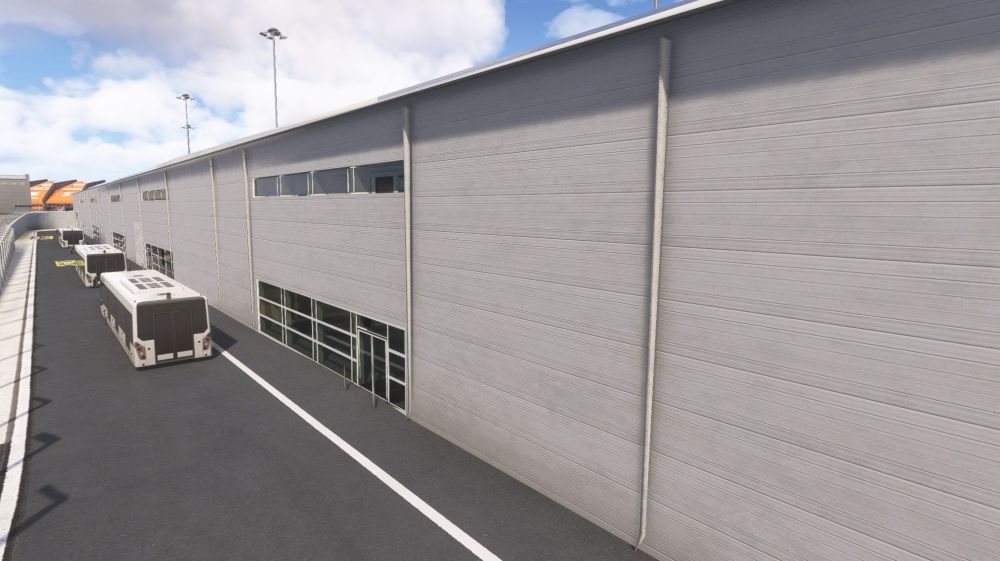
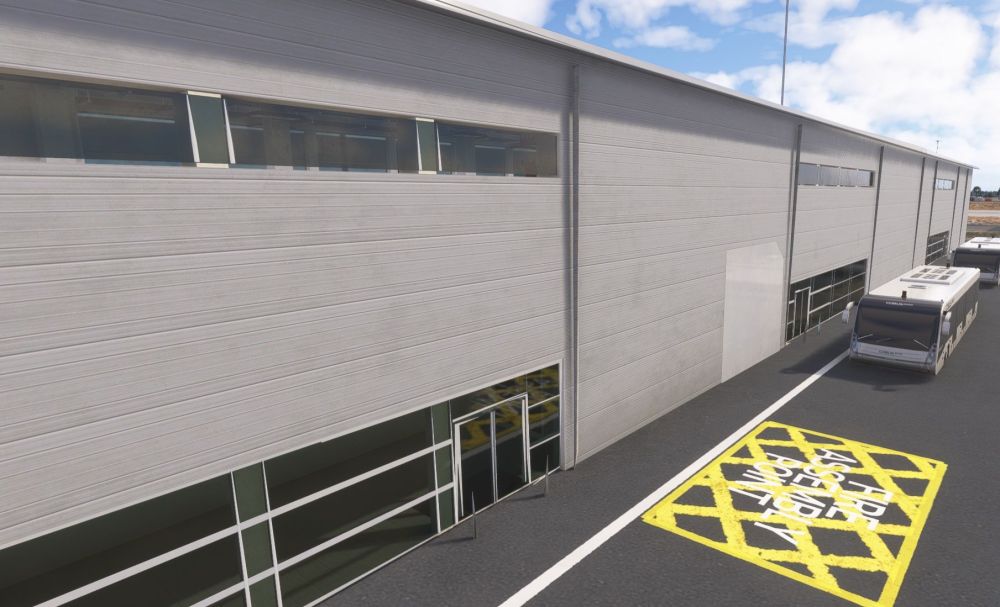
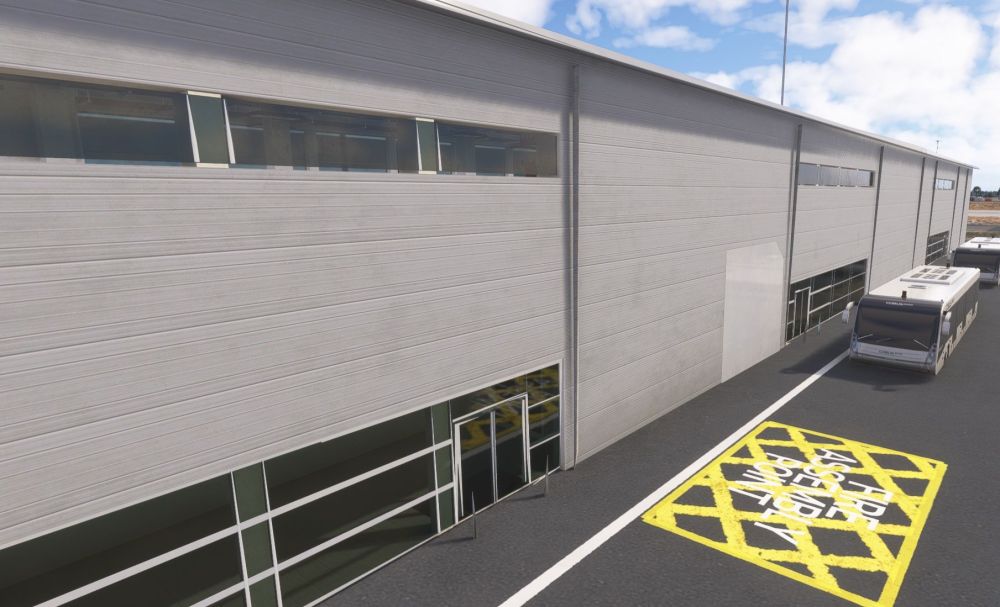
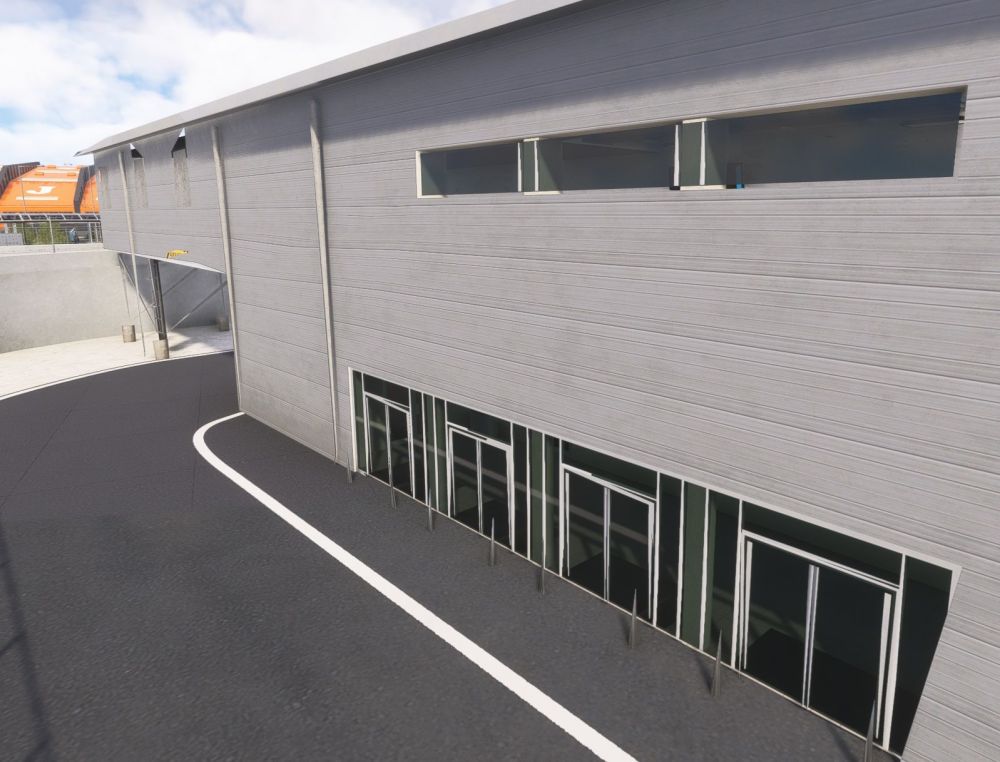
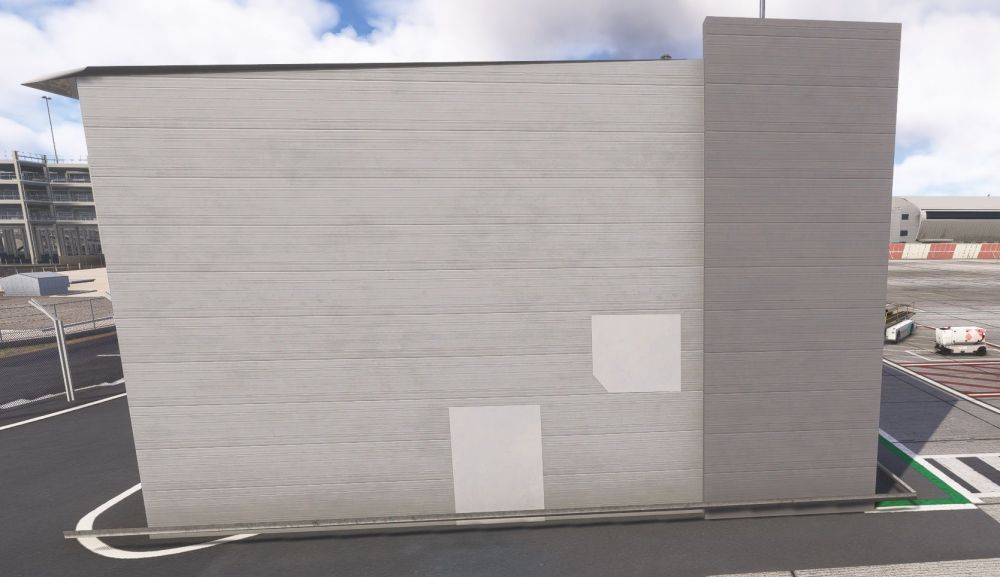
-
Then for area 4, you can see at stand 47, one side loads in, but go to the left a bit and it unloads.... The rest area all unloaded no matter how close you go.
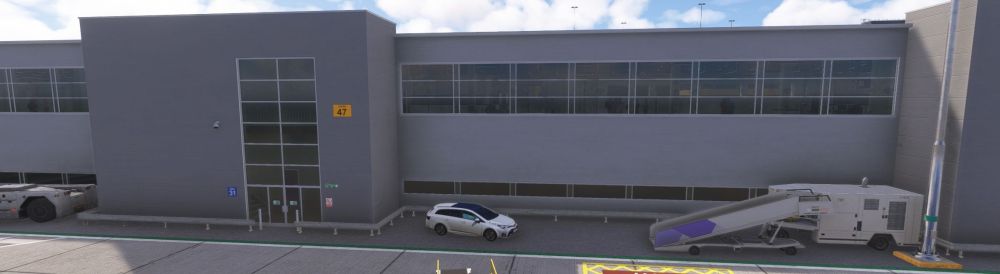
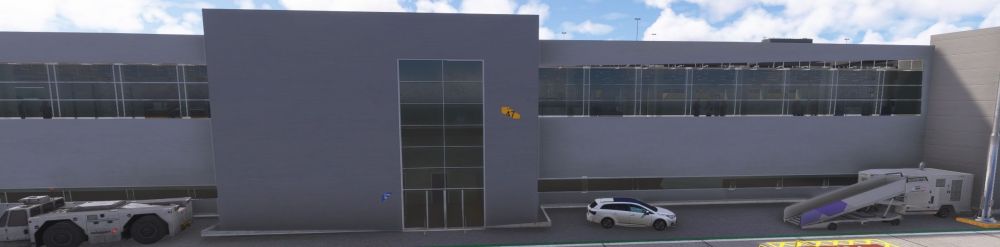
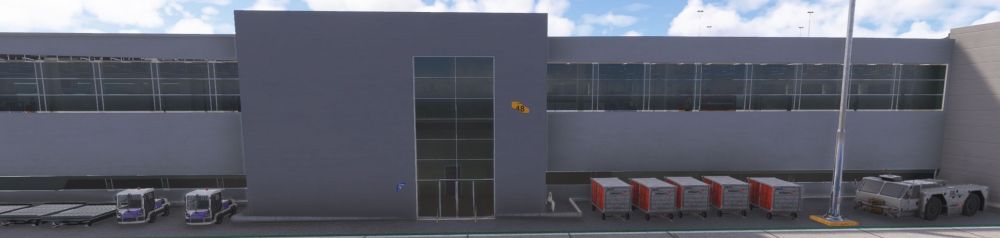
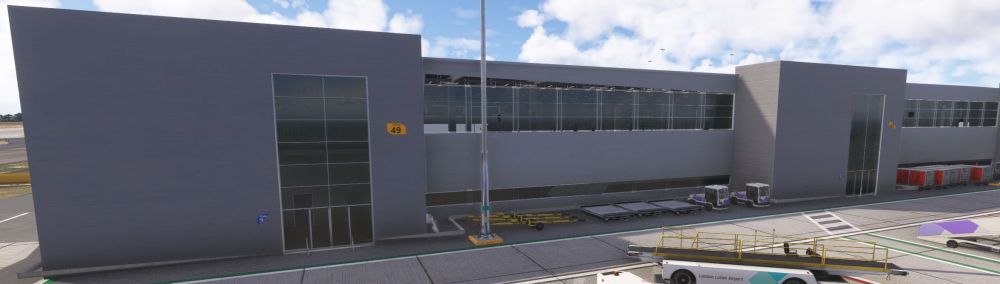
-
You can see at one point at stand 44L it loads in but at 44 it unloads.
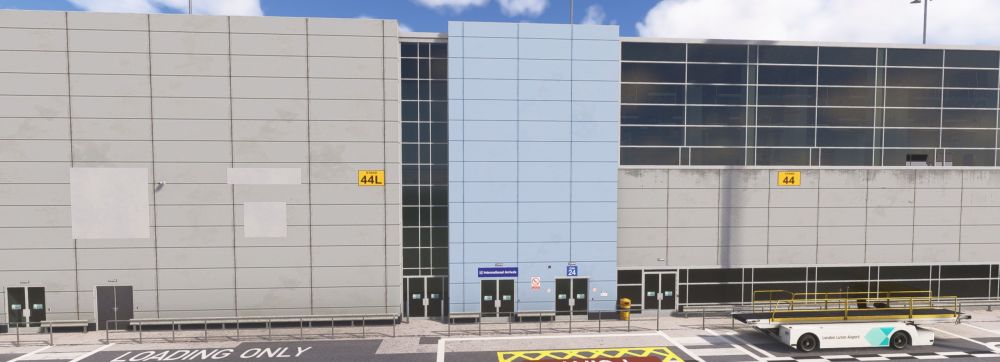
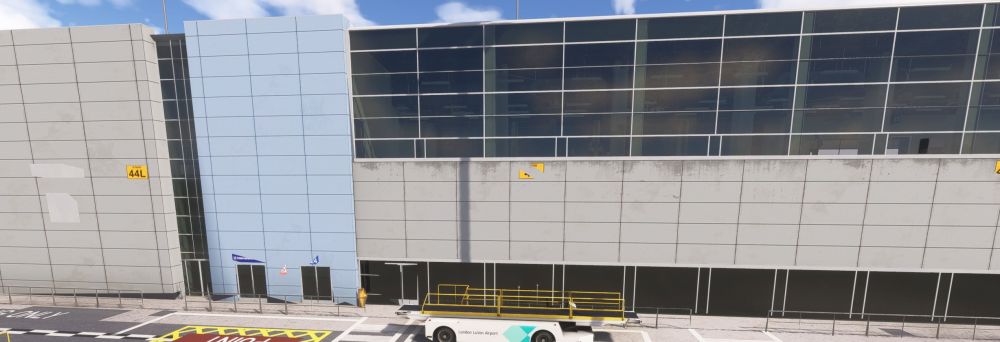
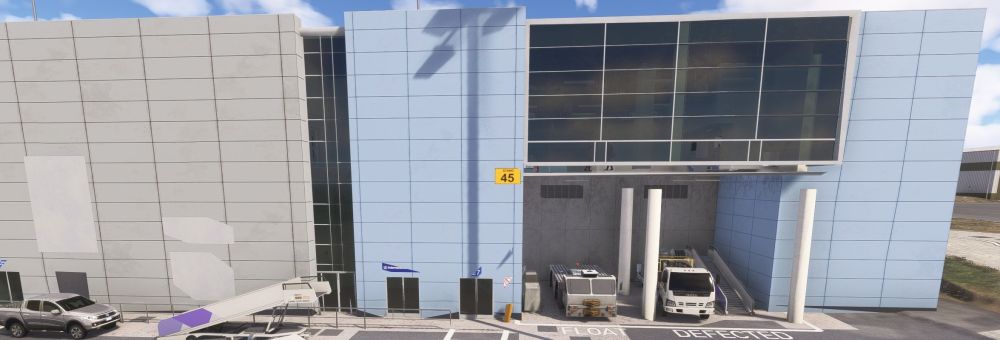
-
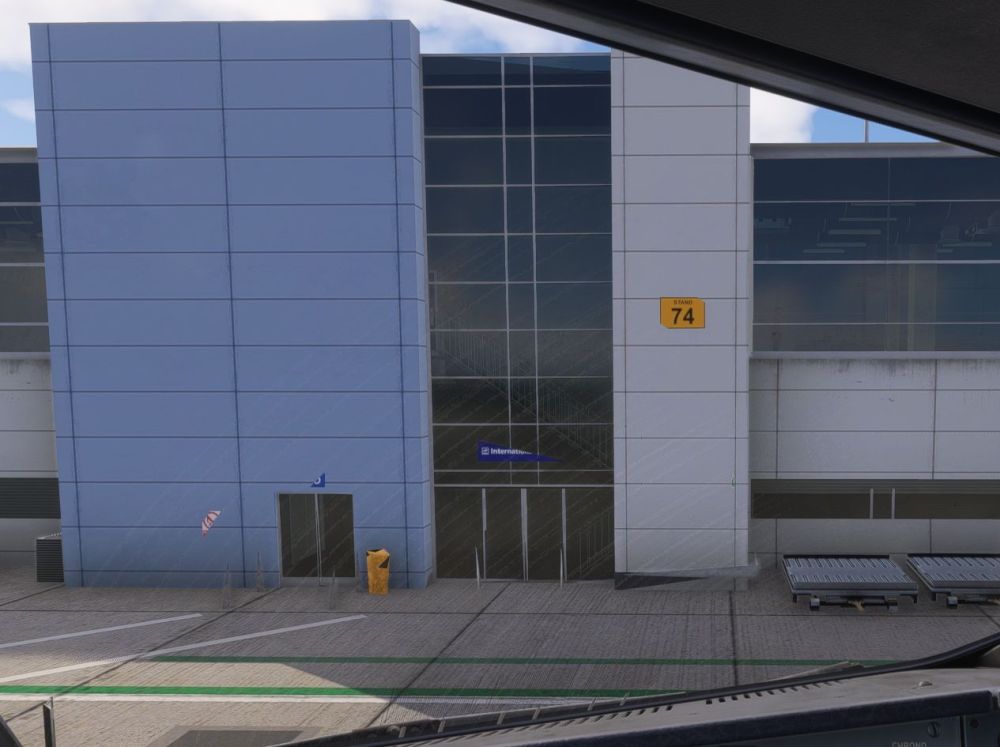
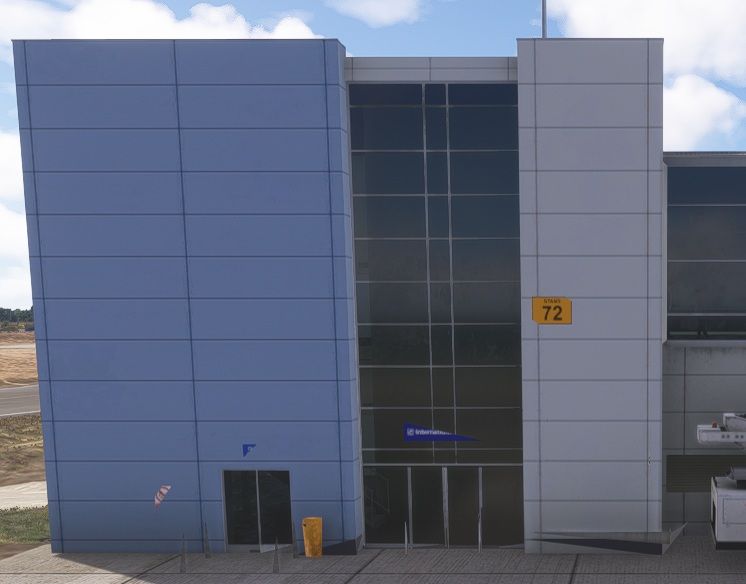
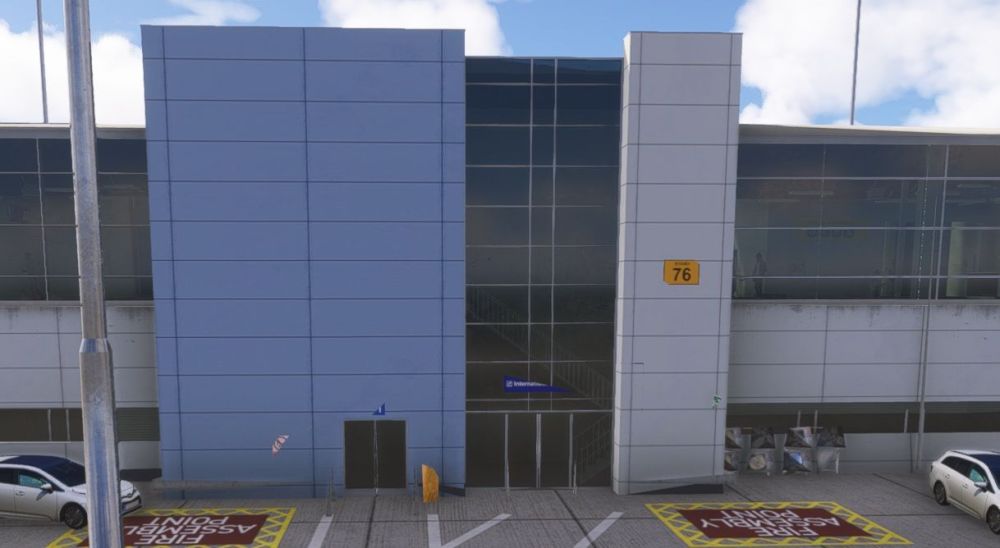
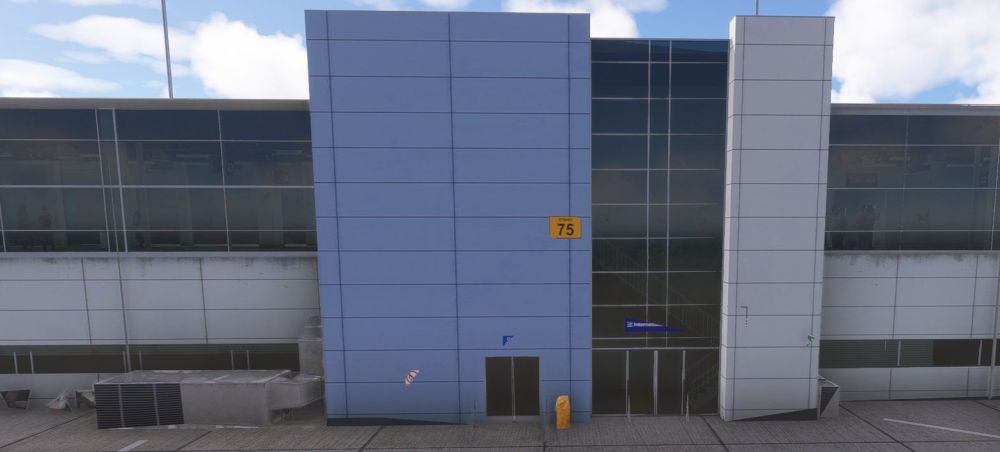
Then for area 3, you can see in some areas the building struggles to load in, especially by gate 45 & you can see the LOD's for the signs, fences, barriers, aircon units & some of the building are screwed on the 72-76 stands & 43-45 stands.
-
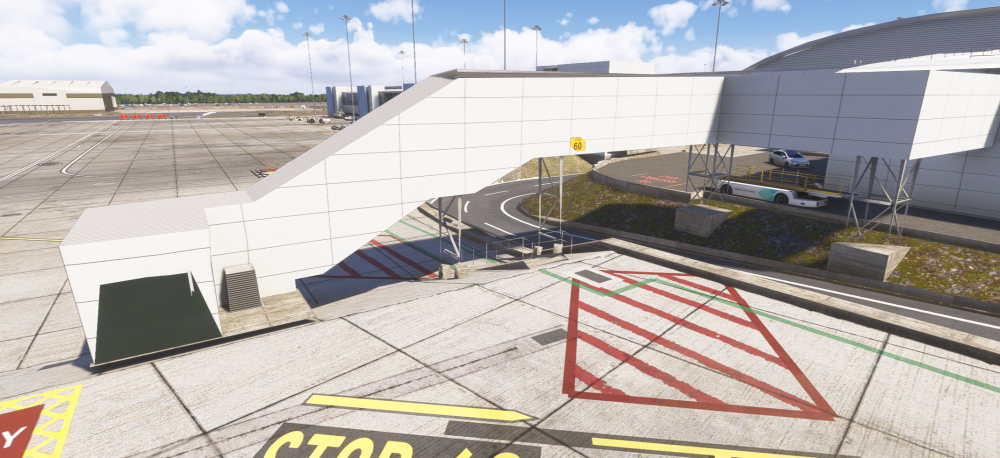
You can see here at stand 60, how close I have to be for the immigration area to build in...
-
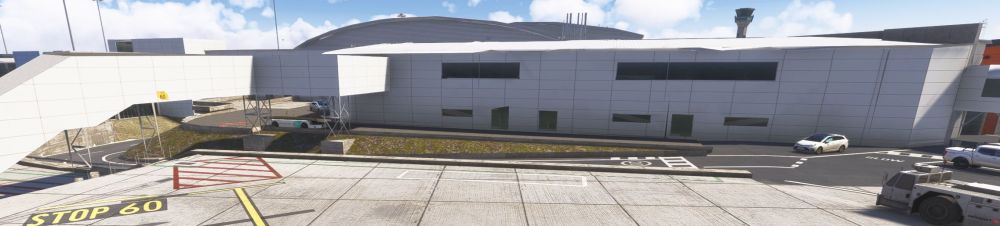
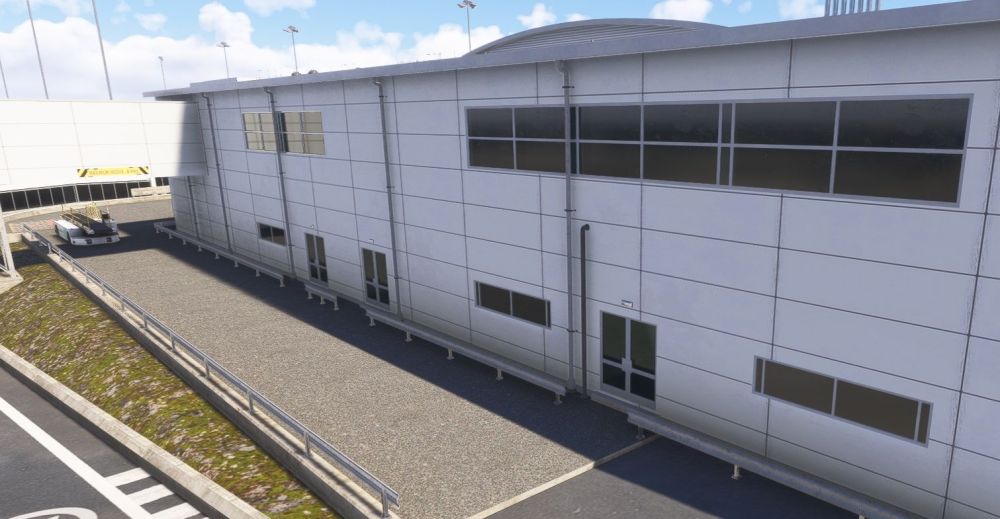
Area 1, the white long building that sits across stands 5 through to 9L and 60.
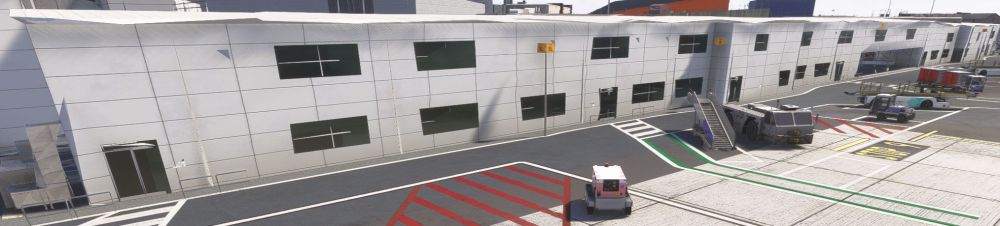
-
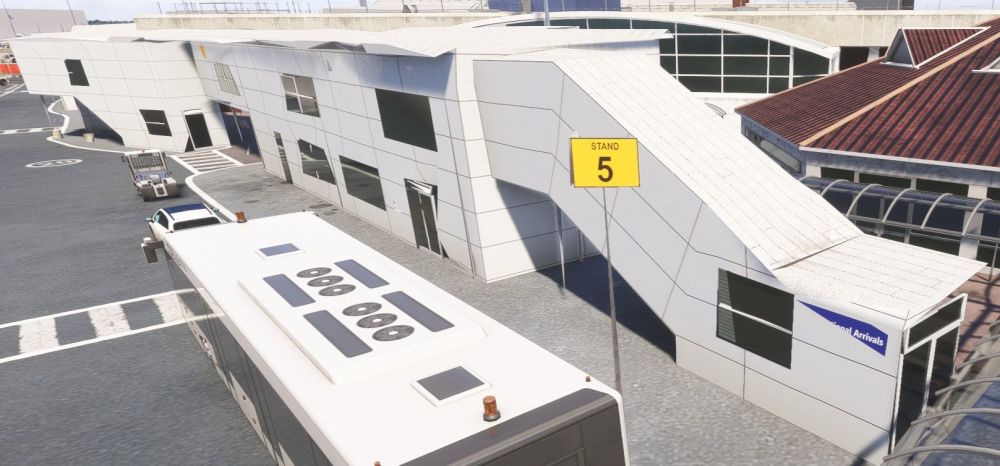
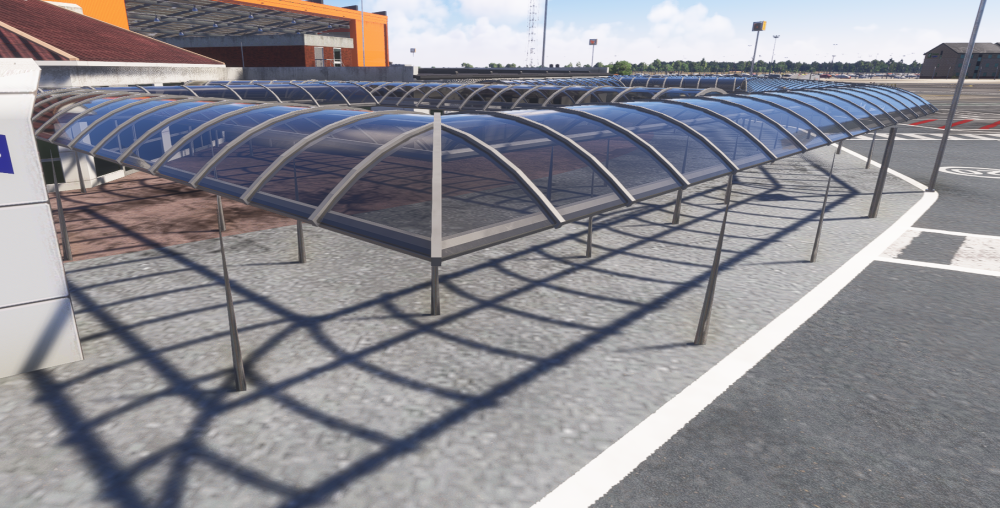
Starting with area 2, the covered walkway, they just don't load in, ever. The yellow bollards and chains are missing too. image.png
-
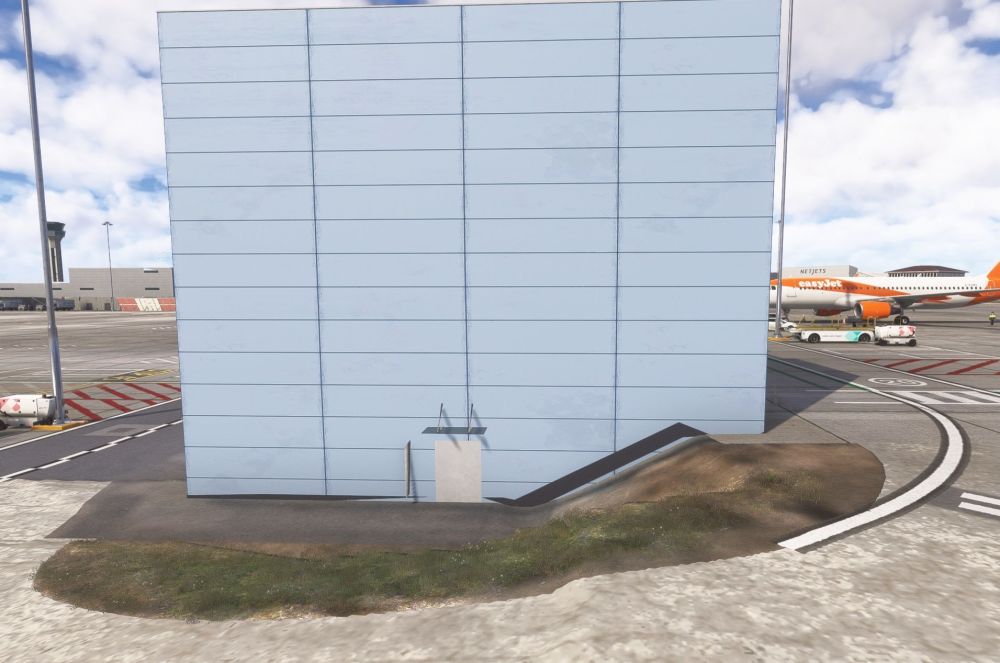
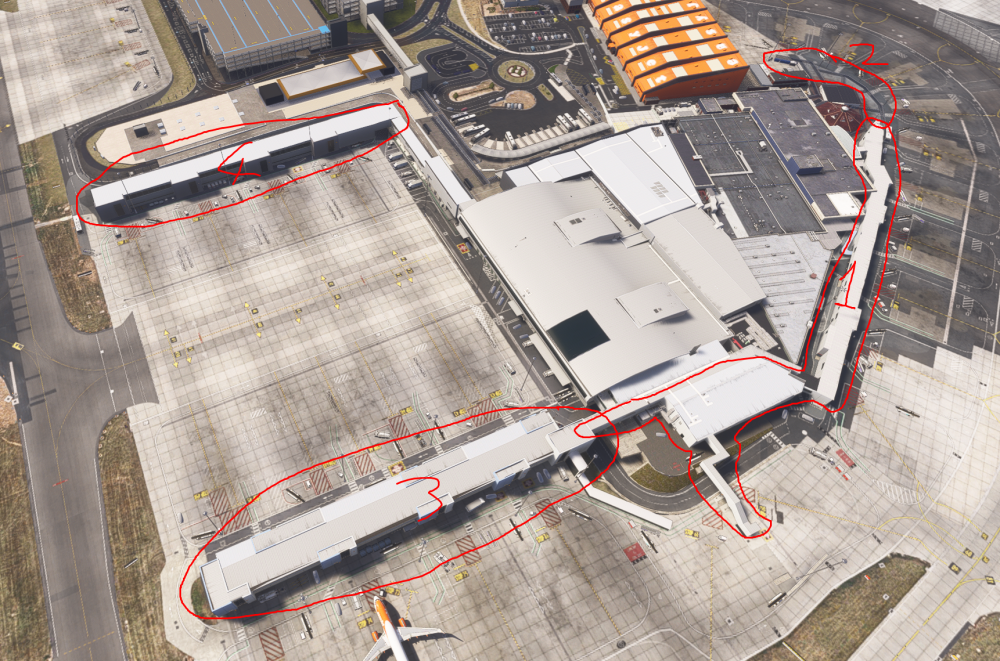
Now, for a big issue currently in the sim compared to updates needed above. These are BUGS due to the new LOD system.... There seems to be 4 buildings affected by the LOD, and you can be right on top of them and they still don't load in, or the load in only when on top of them.
-
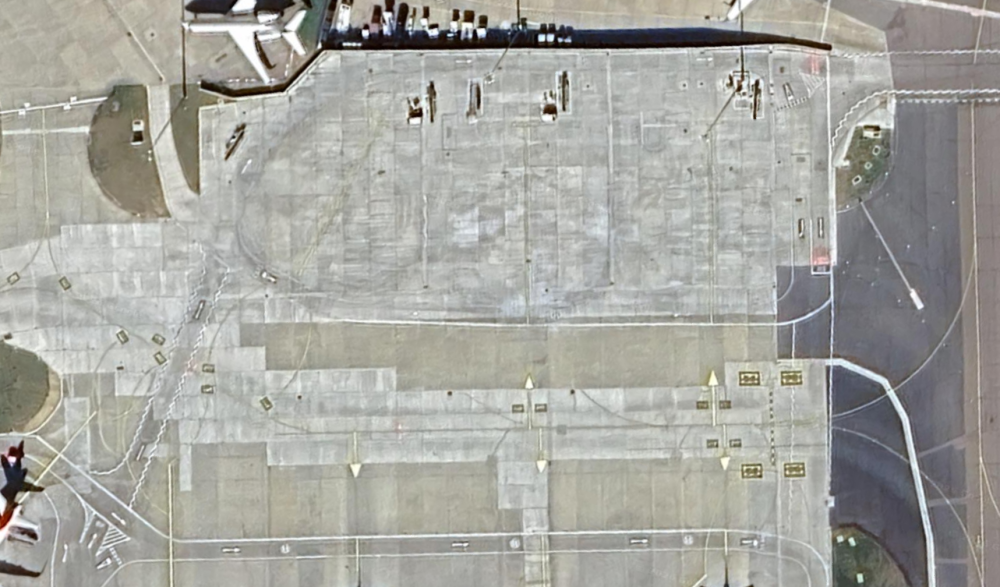
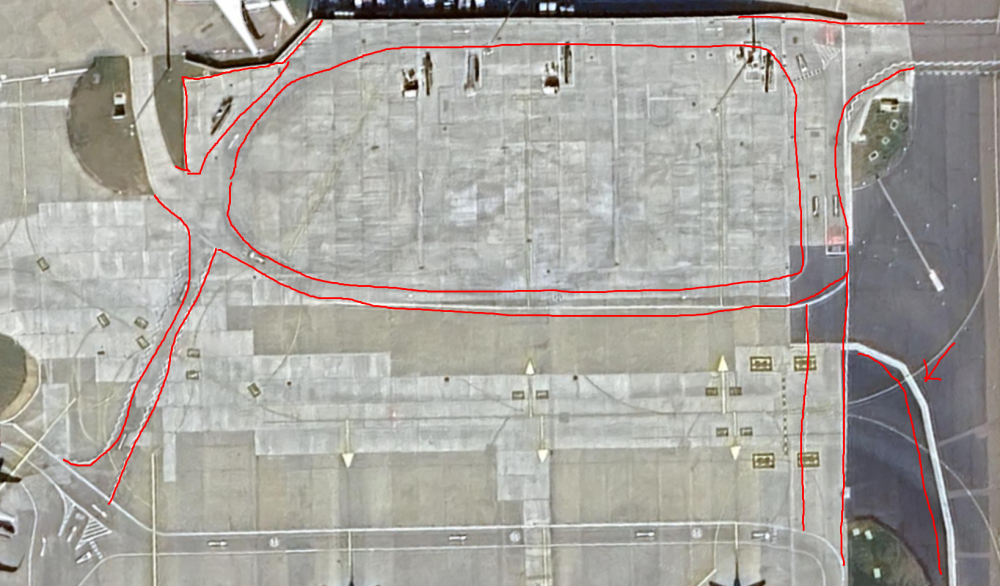
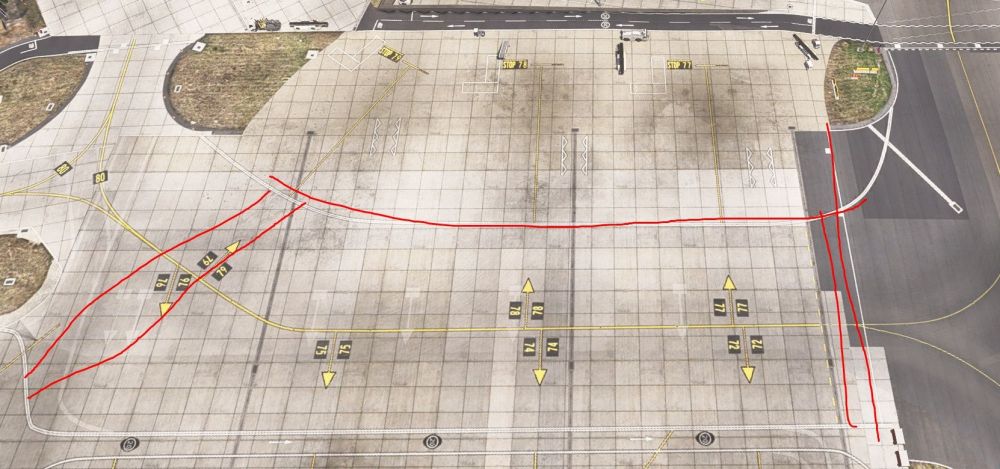
Hello, an update to road workings around the 70's stands.
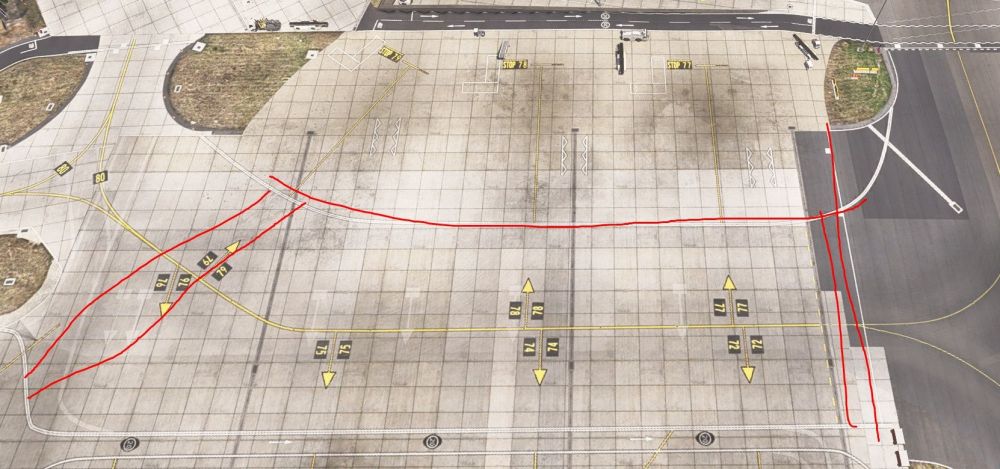
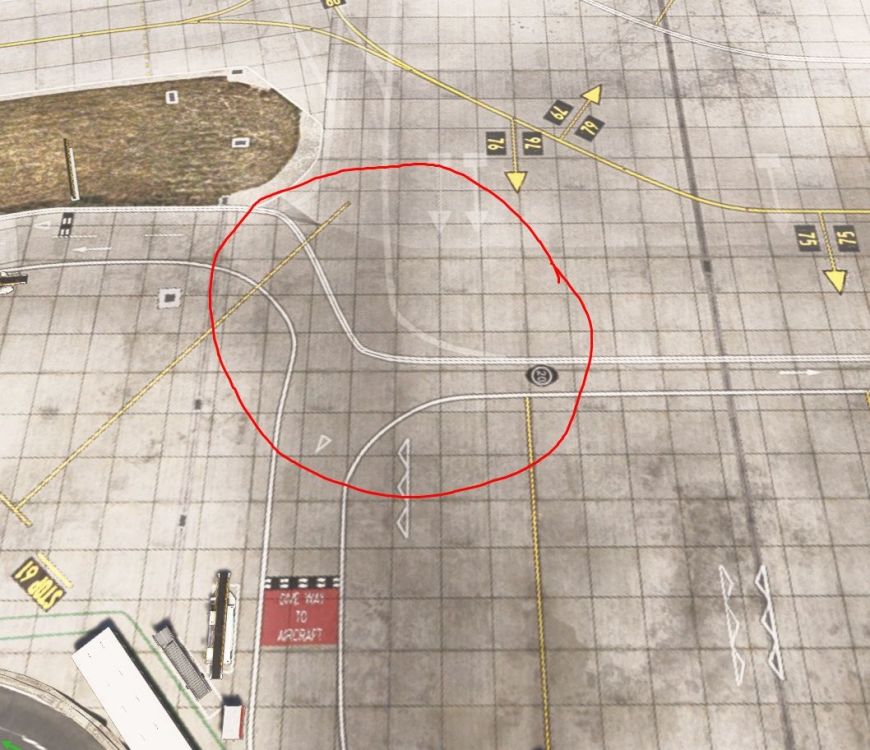
-
MISSING - At the far edge of stands 90-93, there is an area for ground service equipment to be placed. In the scenery, it just stops at the service road.
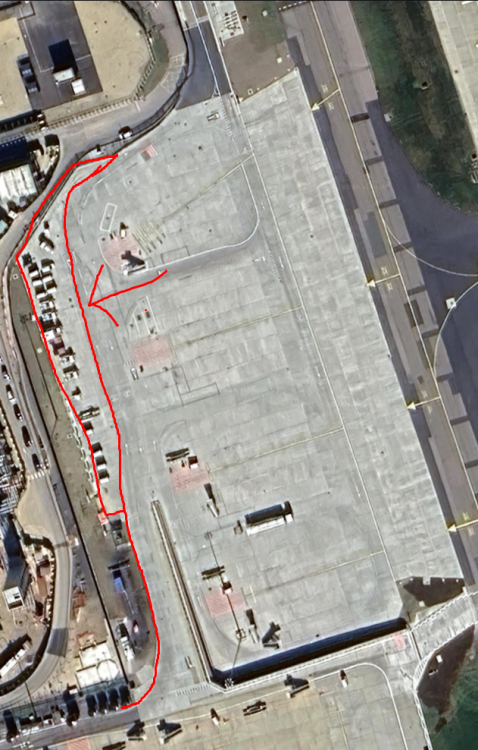
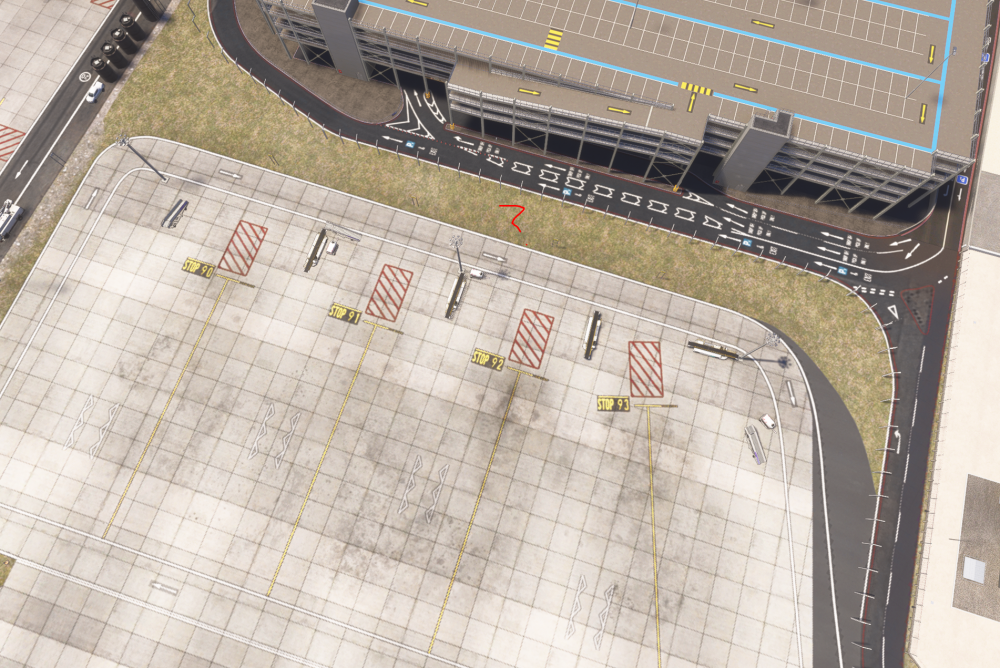
-
MISSING - Between stands 92 & 93, there is a road that goes both ways. With this, stands will need rearranging though due to space, so I understand it's quite a bit of work. https://www.youtube.com/watch?v=06H39DZzRRA - Time: 5:47
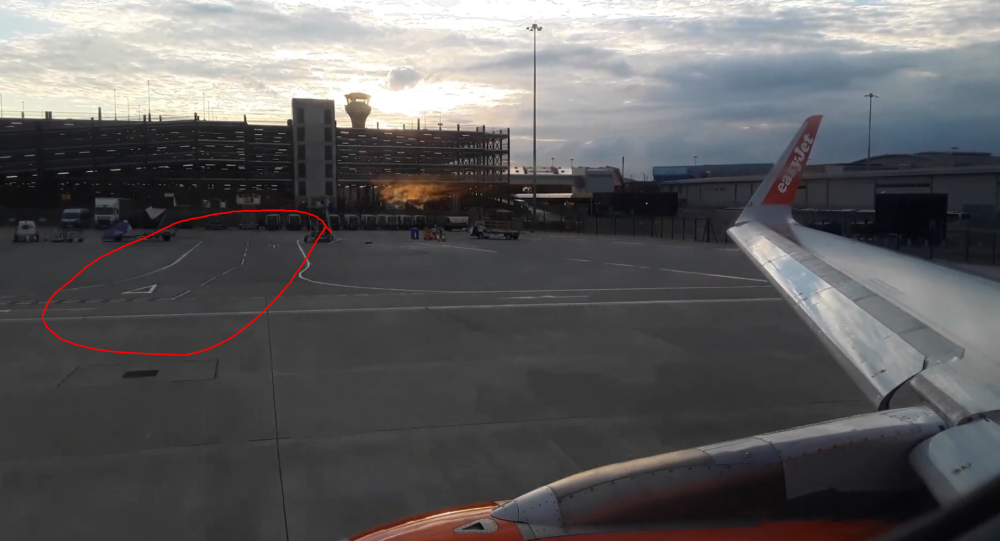
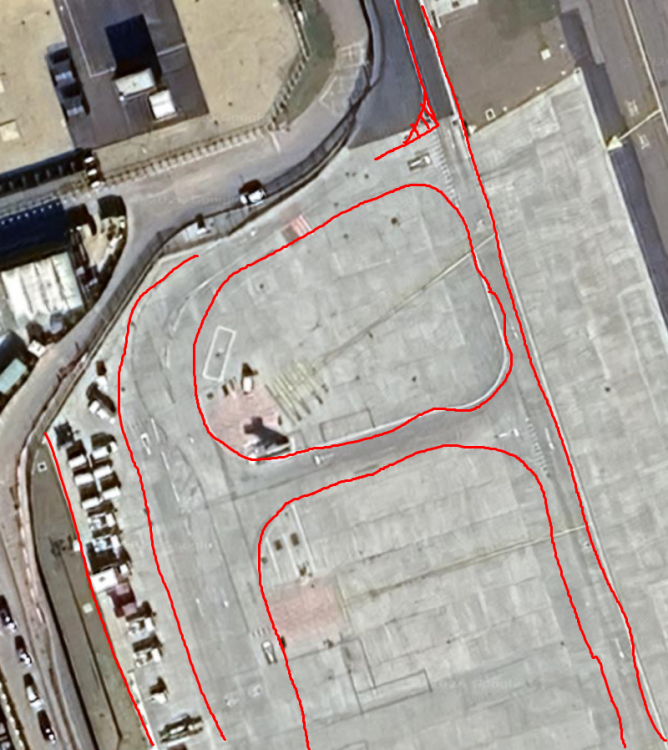
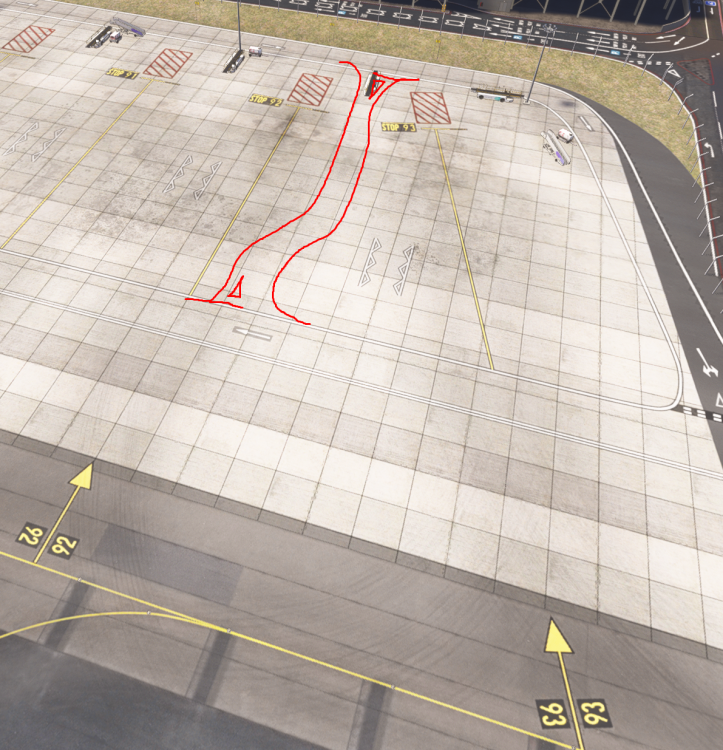
-
MISSING - From stand 91, at the back, there is a service road that ramps up to lead to the stands 20-23. The concrete wall 90* turns and follows down the service road to the D1 holding point. https://www.youtube.com/watch?v=6UjO6be3K5Q - Time: 7:36 https://www.youtube.com/watch?v=06H39DZzRRA - Time: 6:15
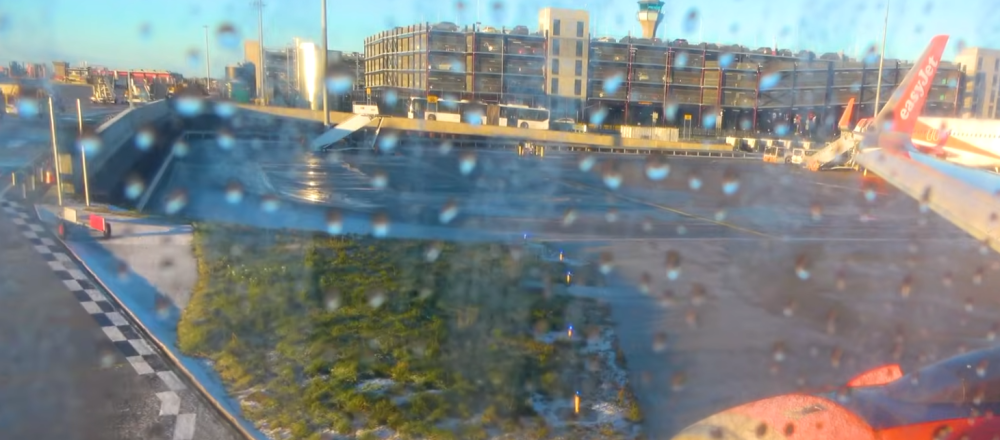
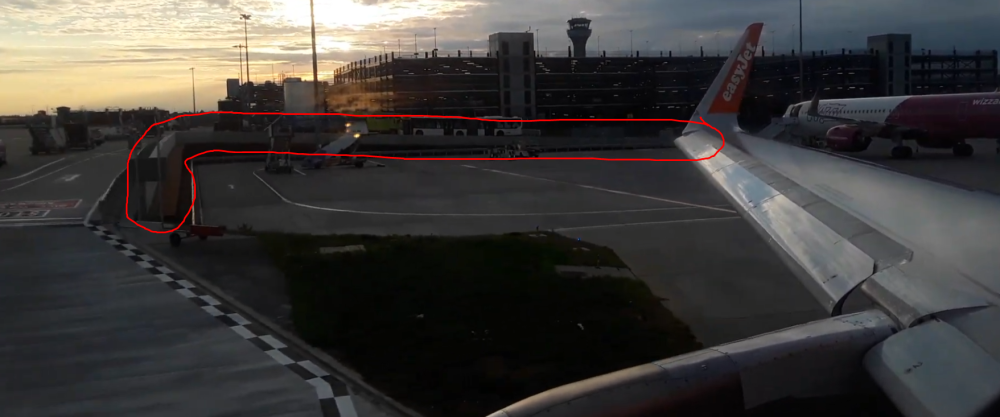
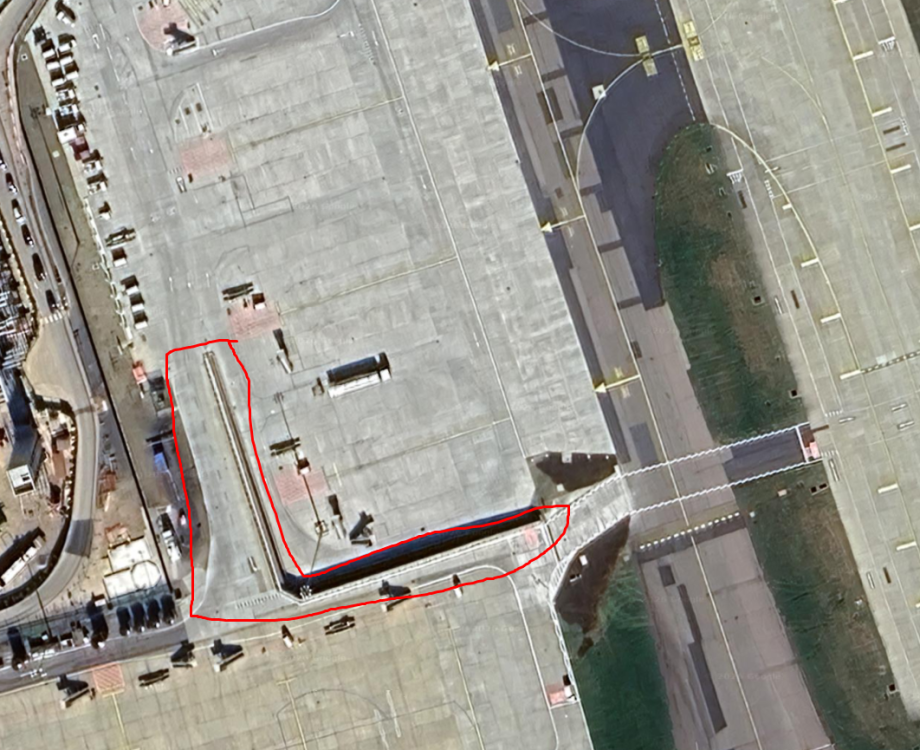
-
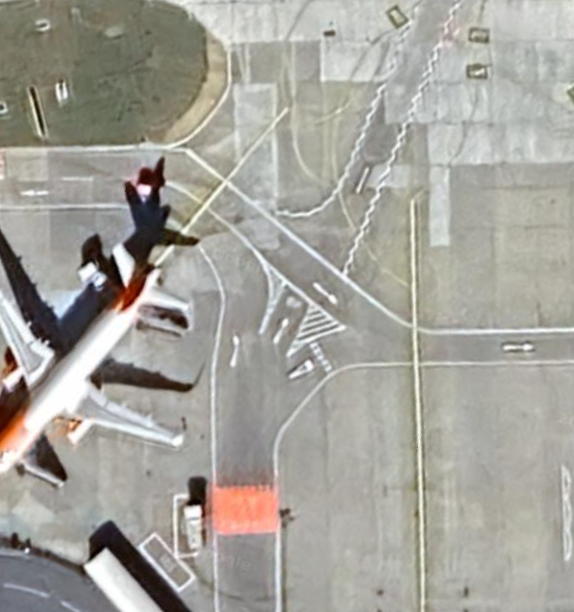
MISSING - Near the Fire station, there is a road with markings that goes from stand 20 over to the fire station and round the back.
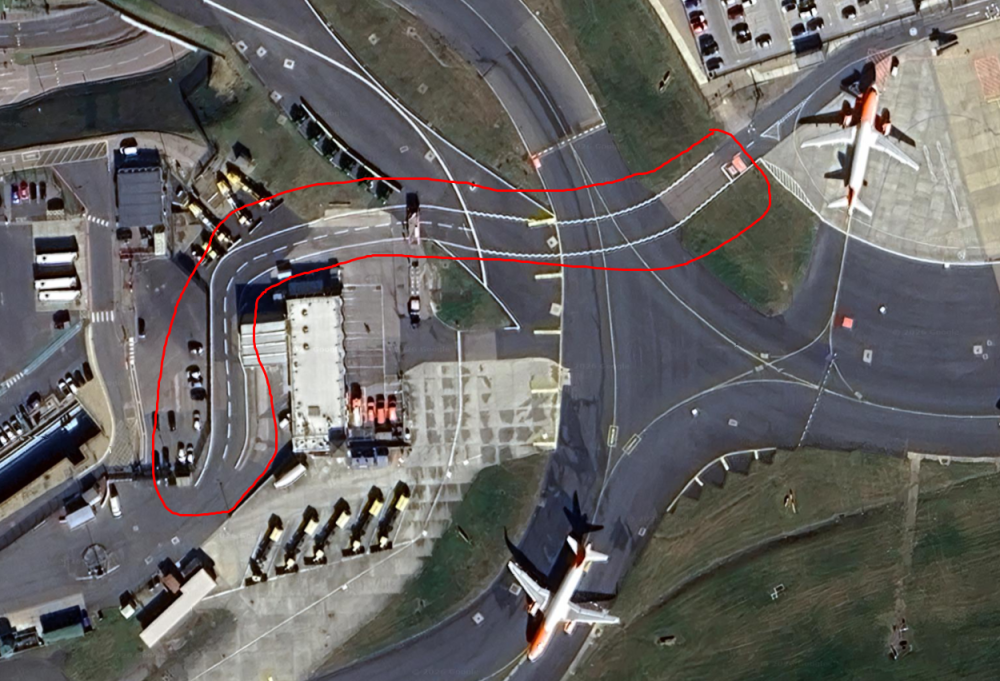
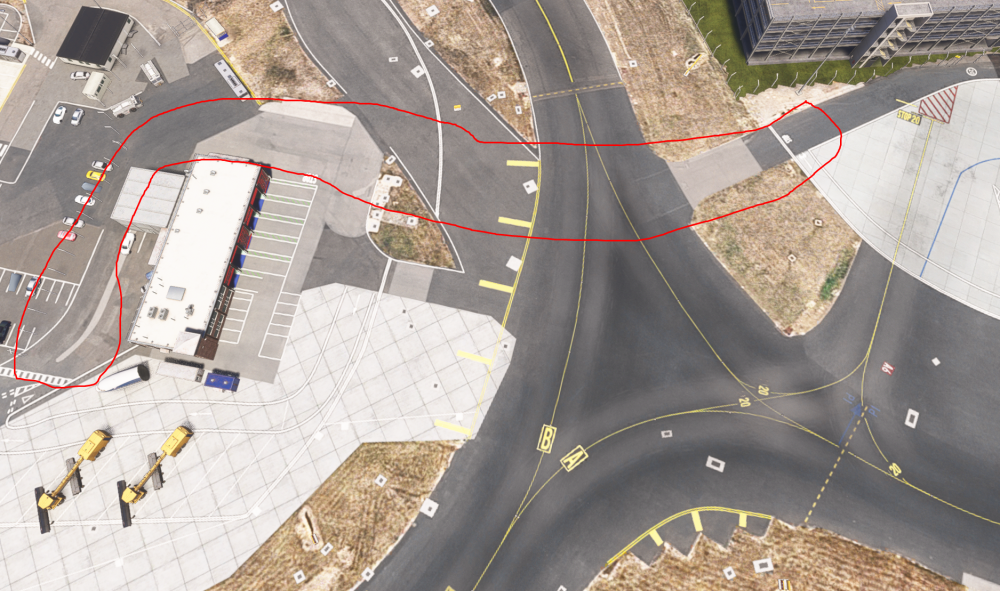
-
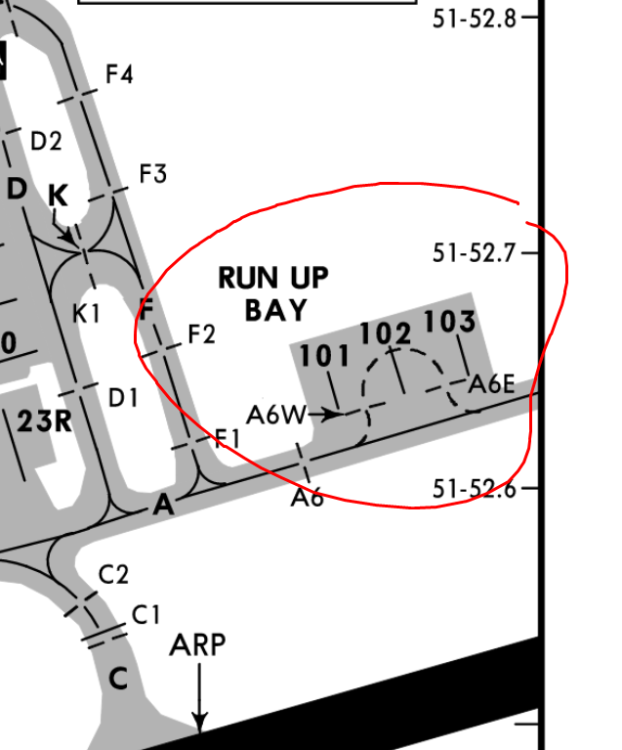
MISSING - I understand this is quite hard to add due to no aerial imagery, but it's not something you haven't done before... Luton has now expanded the Engine Run-up Bay, and added 5 new stands on there. A6W, A6E, 101, 102 & 103. Although it's in construction here, you can see the work and how big the bay is now with the stands. https://www.youtube.com/watch?v=QWLxDu8X878 - Time: 3:42
-
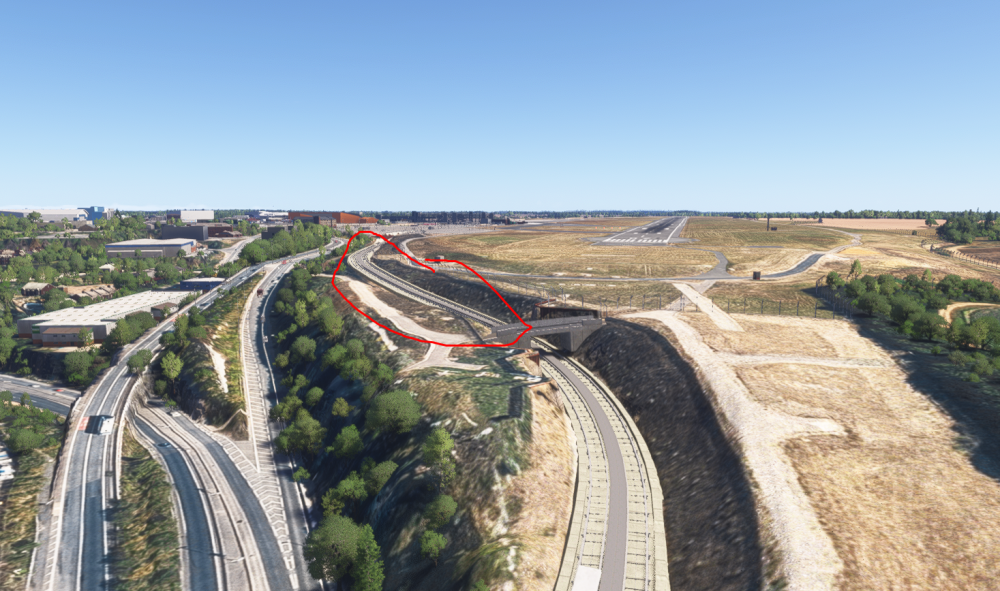
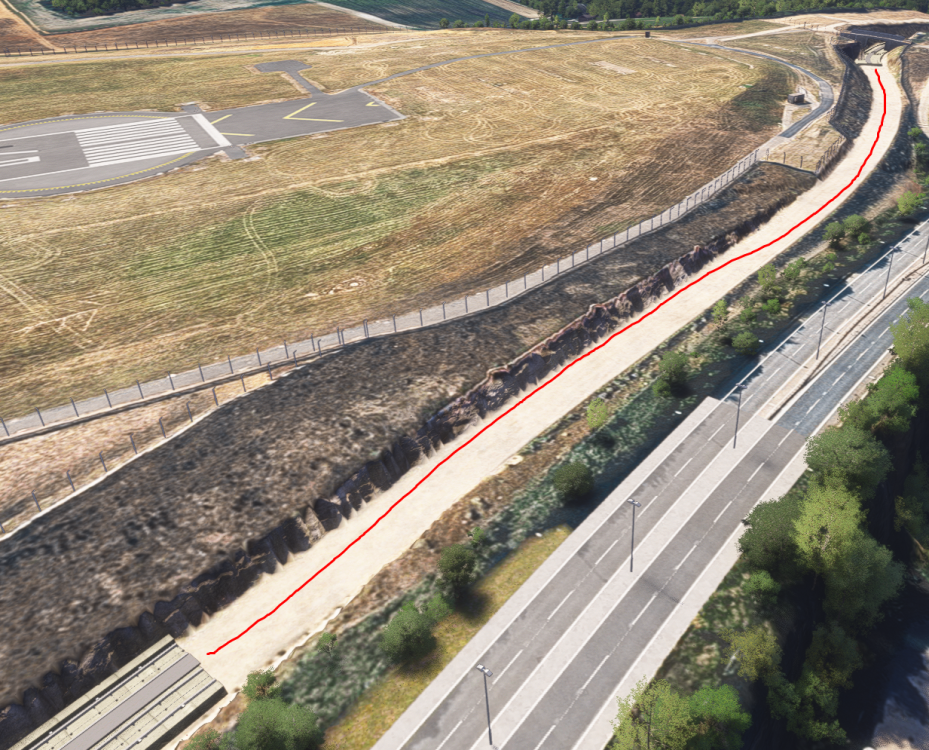
Hello, I thank you for updating Luton however, there are still quite a few bits and bobs that are outstanding with the scenery that would help with GSX profiles and add a bit more realism to the airport. These mainly focus around the 'Engine Run-up Bay' and around stands 20-23 & 90-93. Understandably, when you guys made the scenery, stands 90-93 were new and I'm sure getting proper imagery wasn't perfect... (And with that, please excuse my wonderful photos, if you like them you can put them to the fridge 😁) - All aerial imagery is with Google Earth. V1.1.0 BUG - There seems to be an LOD issue with a bit of the DART rails by runway 07. From far away, it's visible but up close it's not.
-
Not forgetting the GSE area at the back of the 90's, and the ramp road that goes up to the 20's which are visible in this image too...
-
-
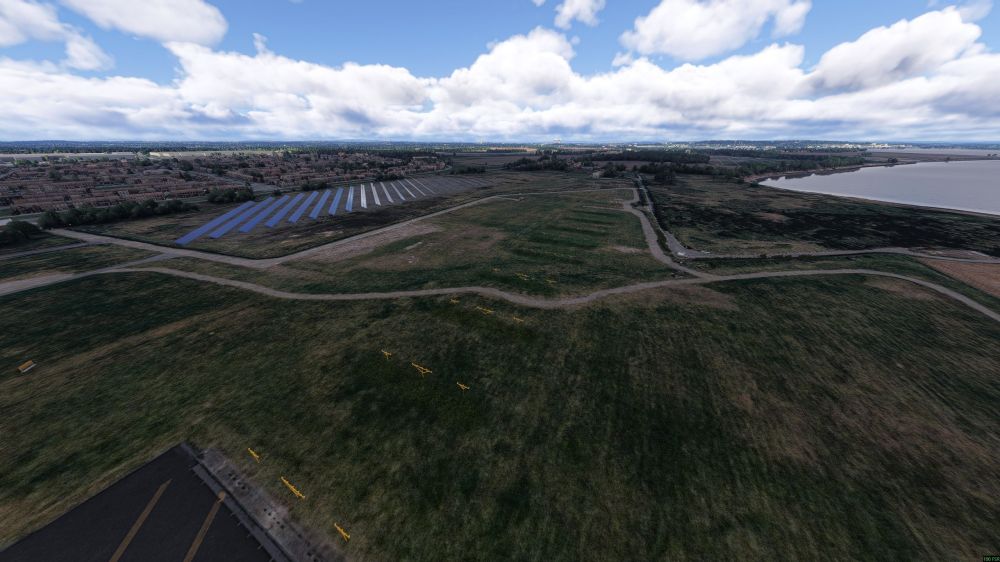
Thanks Jamir, I'm not trying to be awkward but all that needs correcting is the autogen trees to be placed back in the scenery that have gone missing in the 1.0.4 update. Once that's done, the scenery is spot on! Unfortunately at current the scenery looks dead, still in a BETA and frankly unusable due to its visibility issues.
-
Hello, is there any update to this? It's a 10 minute fix with a 30 min push to servers, yet here we are, 2 months later and still no fix....
-
And their other photo
-
I can also confirm this is not a isolated issue, as I have spoken to a few others too who are experiencing the same issue.