




Retro2000
Member
-
Joined
-
Last visited
-
Hello, Thank you for the latest update. Please could you have a look at some missing/incorrect items? The sign for taxiway G is missing on the exit from the runway Also there's are few items from v1.1.0 that remain missing/incorrect as listed here: https://forum.inibuilds.com/topic/37148-eggw-post-v110-findings/ Missing E2 sign facing east (next to max wingspan sign) Missing windsock next to B2 The runway turn on/off lights are all green from A1, but all the others are correctly green/yellow Stand 21R has the incorrect number on the taxiway (it says 22R) Thank you
-
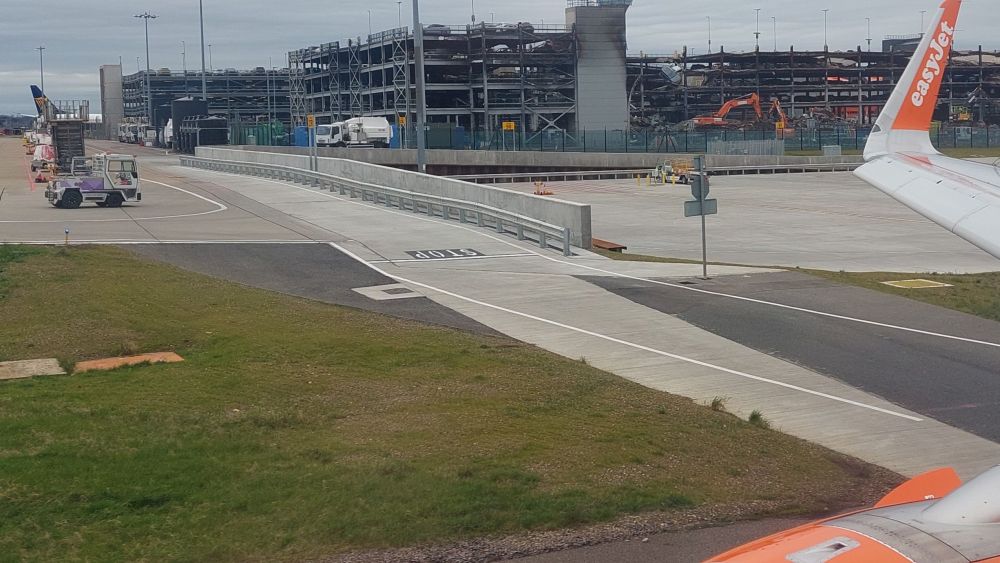
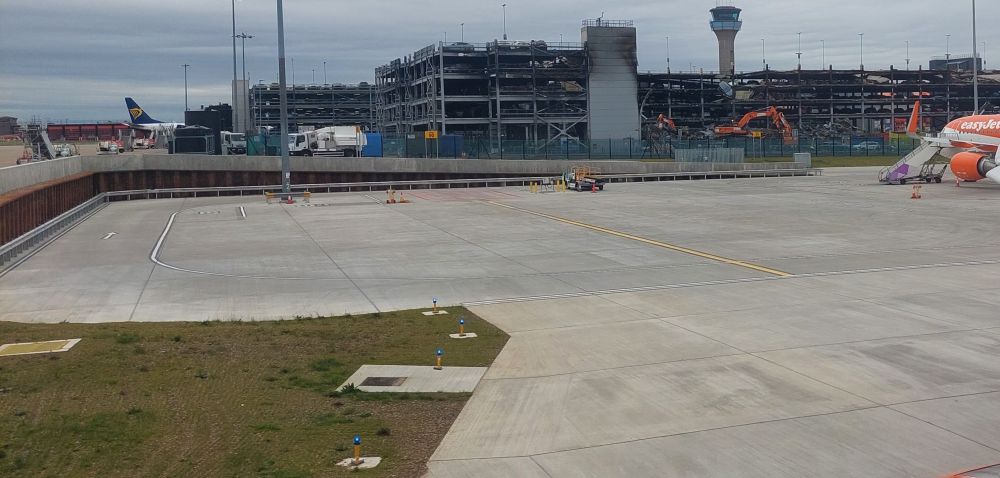
Great thank you, Also stand 21R has the incorrect number on the taxiway (it says 22R) Please could you consider adding some fire engines/vehicles around the fire station? It looks a bit empty! Also if it is possible to add the wall between stand 23L-R & 90? Thanks again
-
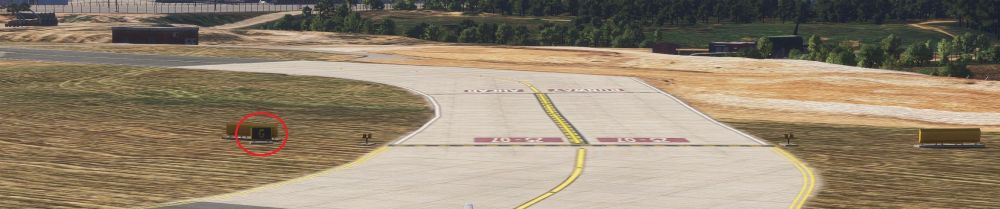
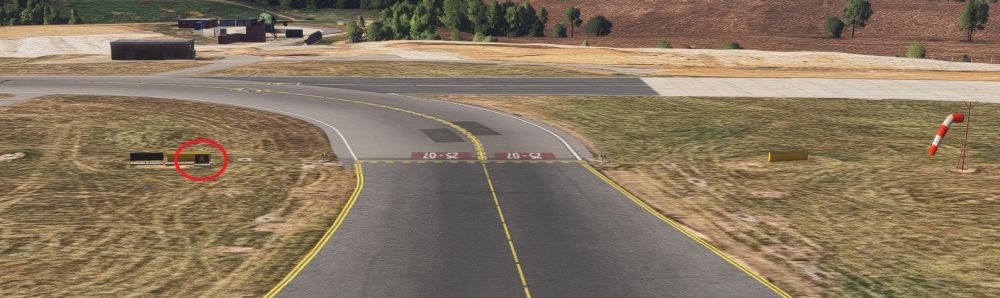
Hi, Here is in MSFS24 screenshots G sign on taxiway A A sign on taxiway G Missing E2 sign Lights from taxiway A on/off runway all green (should be green & yellow) Missing windsock by B2 Thank you
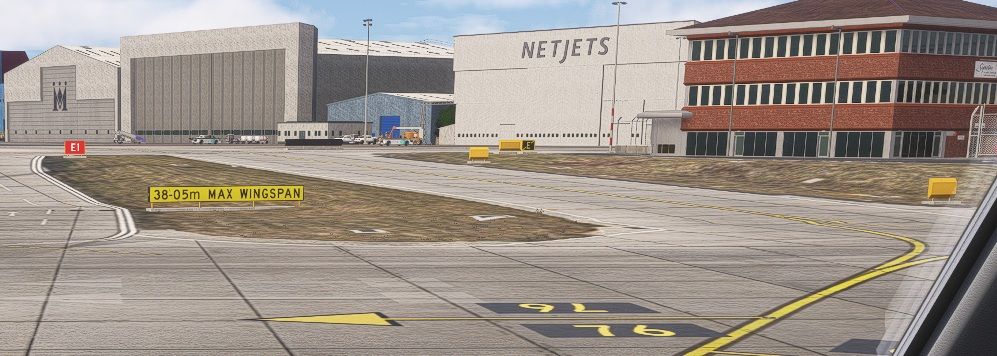
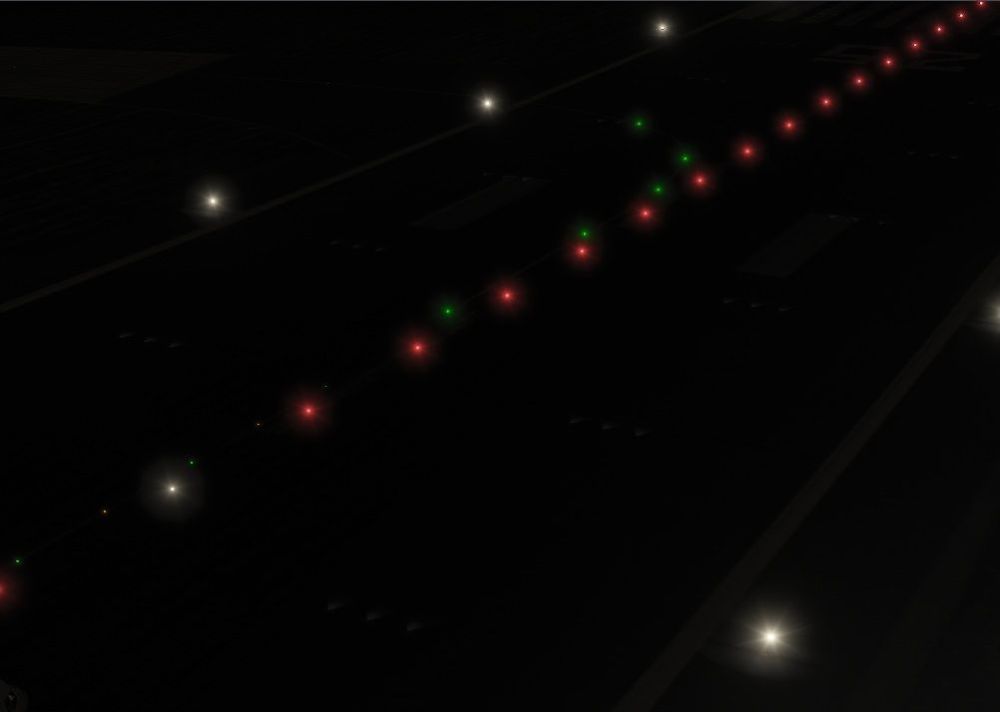
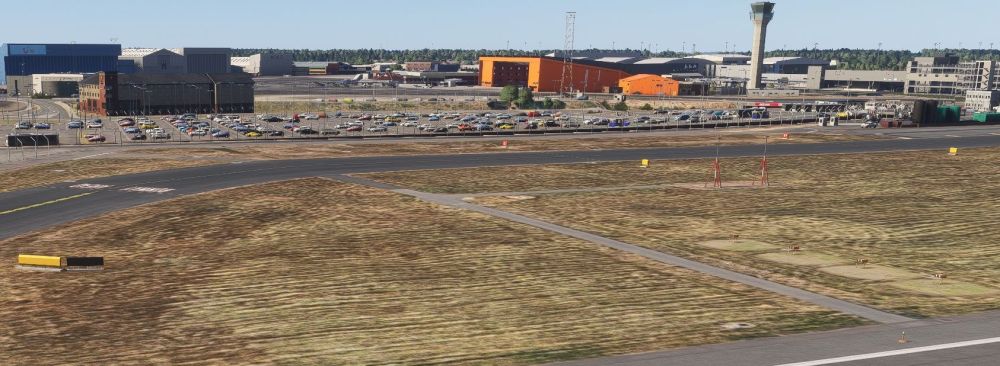
-
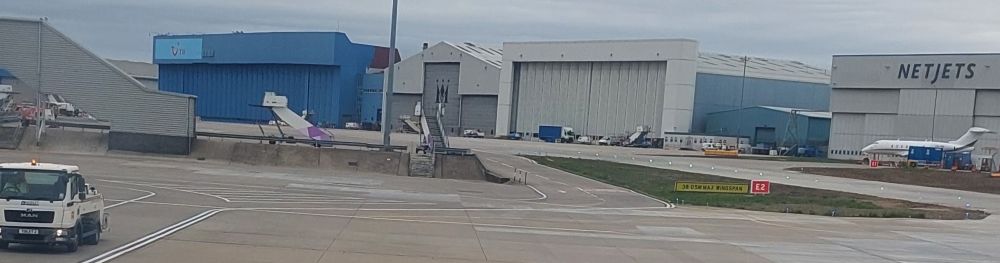
Hello, Thank you for the latest update, much appreciated! There's a couple of incorrect taxiway signs, when leaving the runway the signs for taxiway A & G are mixed up (taxiway A has a sign for G & taxiway G has a sign for A). The runway turn on/off lights are all green from A1, but all the others are green/yellow. Also the E2 hold point sign (next to the max wingspan sign is missing). I've attached a picture of how it looks at the airport. The windsock is missing next to B2. Please could you have a look at these? Thanks
-
Hi @IniJamir I received an email to say that you replied to this post, but I can't see the reply here & the email didn't show your full reply. Please could you confirm? Thank you
-
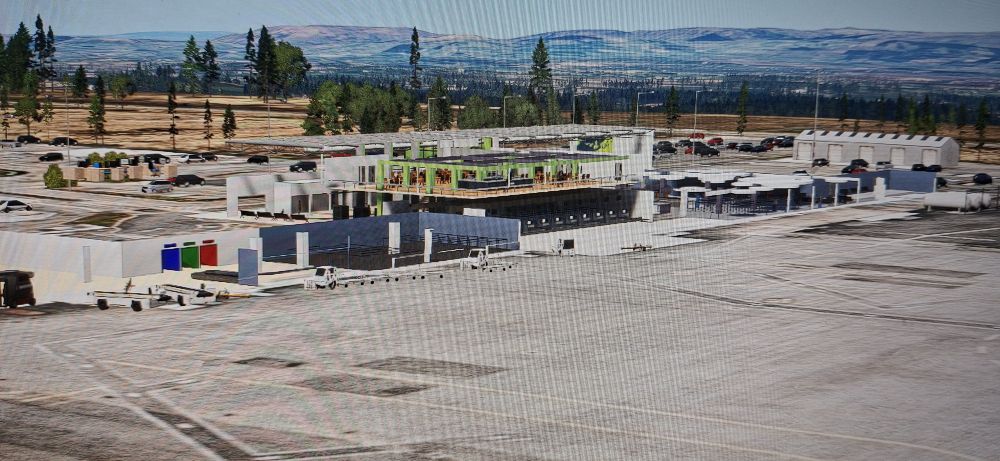
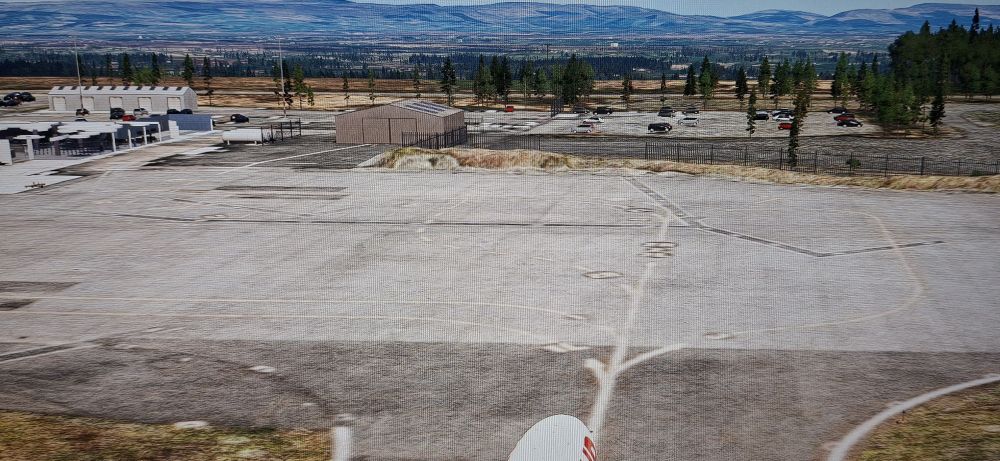
Hello, On msfs 2024 the terminal building exterior is missing as well as the ground textures, at EIKN. I've tried a reinstall, but that didn't fix the issue. I've attached photos. It is all ok on msfs 2020. Please could you assist? Thank you
-
Hello, I believe it may already be a known issue but at Luton the taxiway signs are often very blurry. At EGGW taxiway A has been extended towards the start of runway 25, the original taxiway A is now G. Please could adding the new taxiway be considered as part of an update? Thank you EGGW gnd chart (new).pdf
-
Hello, I've noticed after a recent update (not sure if it was Luton or the SU15) that the stand number signs on the south stands (20-23) are very blurred & the numbers aren't visible until fairly close to them. Also the stand number signs are missing from stands 1-4, 77-79 & 90-93. If possible please could the max wing span sign be added at E2 and the runway guard lights (the yellow flashing ones) too. Thanks for the great scenery!


