Krake802
Member
-
Joined
-
Last visited
-
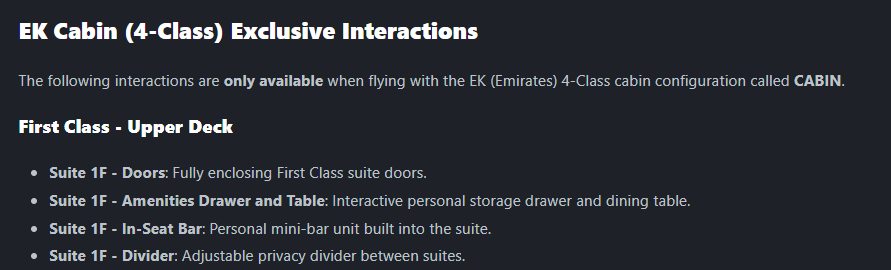
Hello, Reading the manual and getting too see some great animations added to the cabin for 'little pleasures' for those that do enjoy the cabin. However, I'm a little disappointed that all of these are in the middle set of seats rather than the window seats... I'm sure those, like me, who like the cabin and will spend time in there and now getting the chance to click some fun clicky animation things would very much appreciate if the animations could be moved to the window seats instead of the middle seats? I'd definatly enjoy my first class viewings from a window seat rather than the middle, F seat....

-
That’s really appreciative of you letting us know there’s active development on Luton. Are you able to dive into what updates are planned to be added in this progress? Or what things are being worked on?
-
Absolutely incredible work Kyle! Just loaded up and all is working as intended. Good to see some life and build again in Liverpool. Will be flying in and here much more common now :) Now... If you could fix Luton up as mentioned here: https://forum.inibuilds.com/topic/37162-luton-eggwltn-feedback-v110-bugs/ (Except the LOD's as they're fixed now), that would be great ;)
-
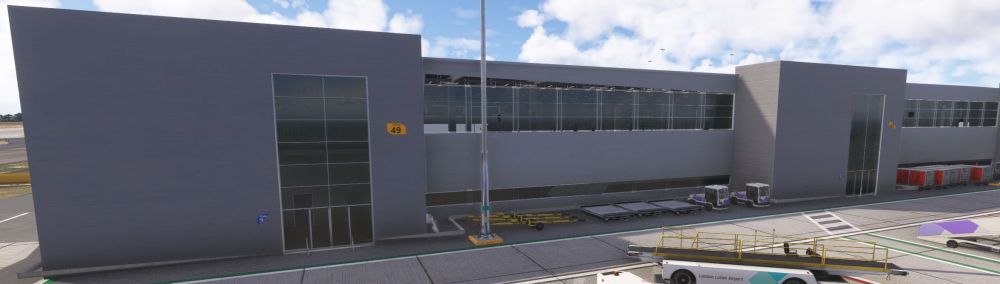
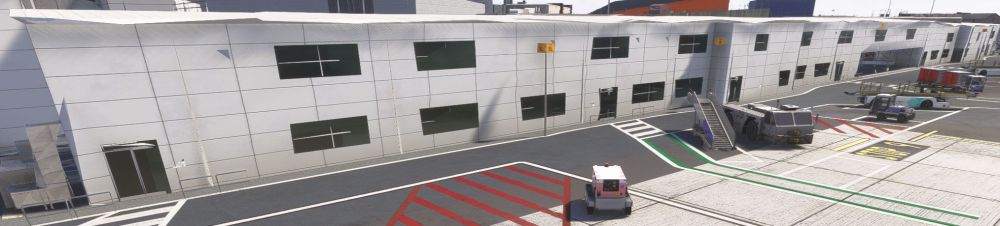
Continuing with area 4, the bus terminal side, all the LOD's are screwed here too... Especially around the doors, the building/windows areas and at the end of the building too.
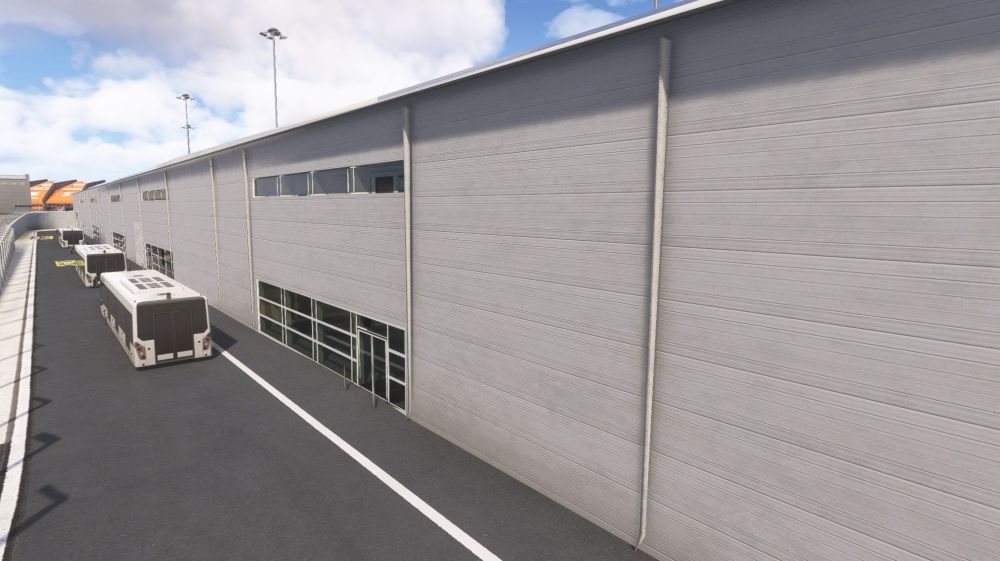
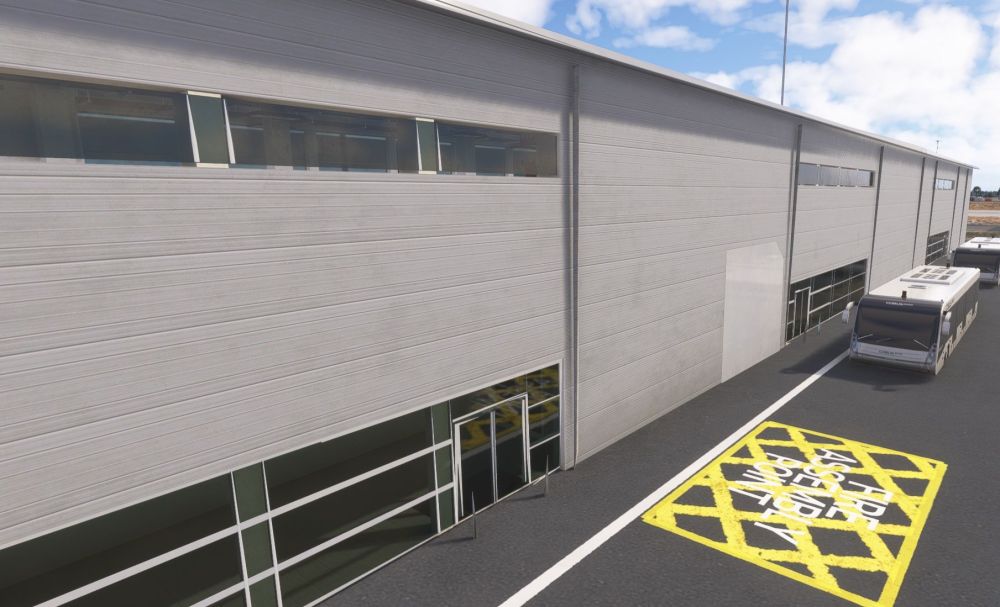
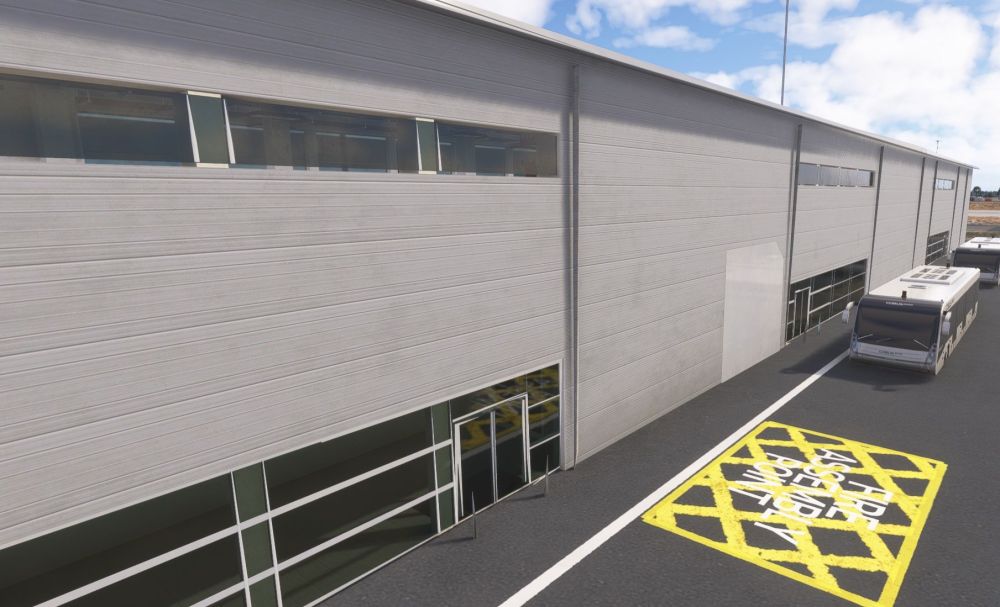
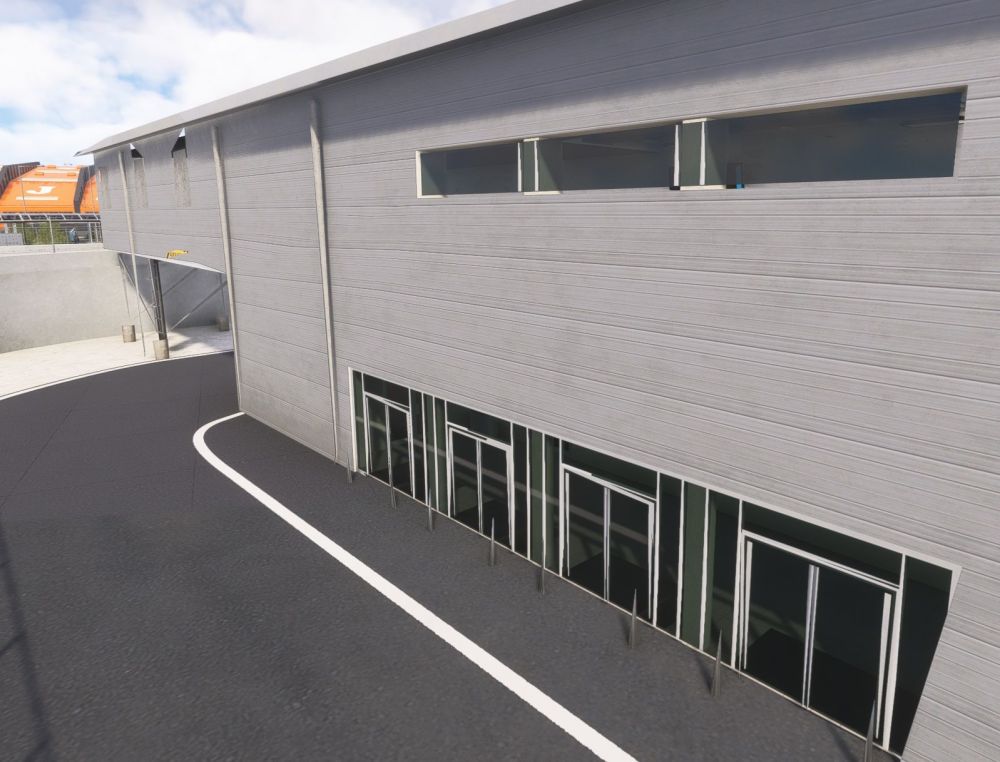
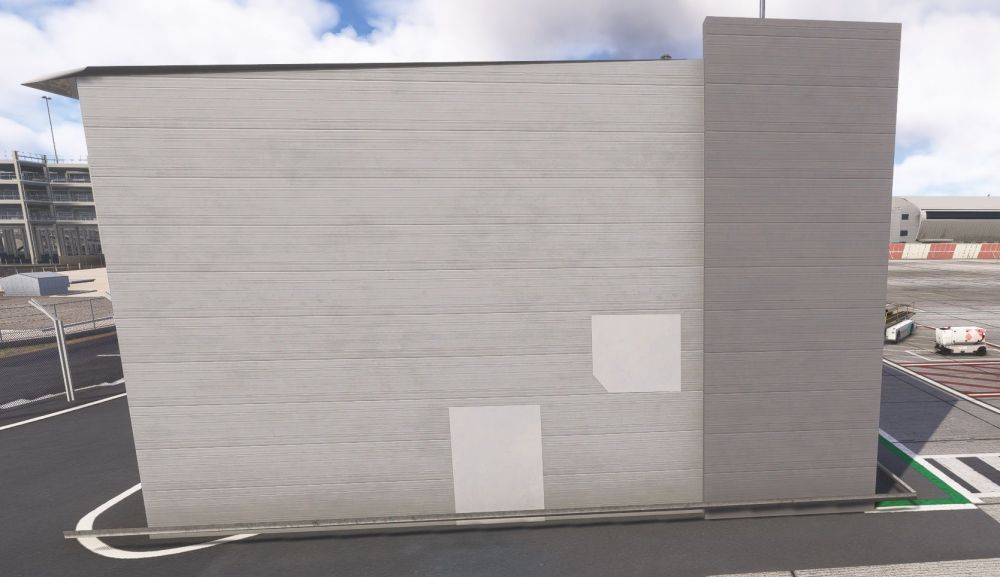
-
Then for area 4, you can see at stand 47, one side loads in, but go to the left a bit and it unloads.... The rest area all unloaded no matter how close you go.
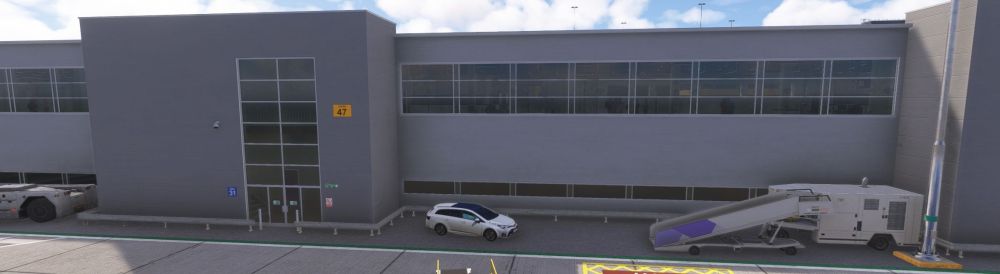
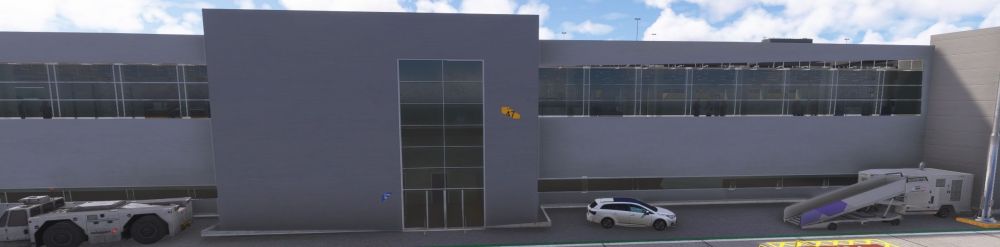
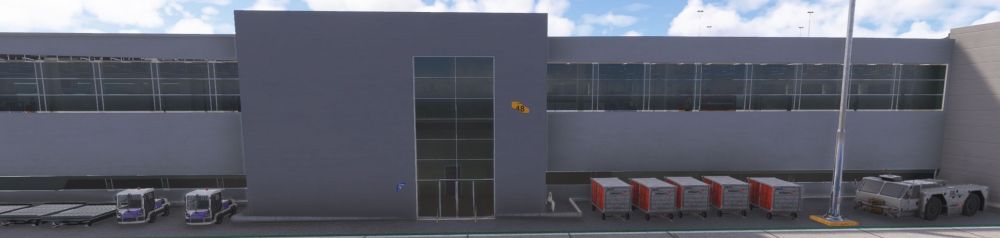
-
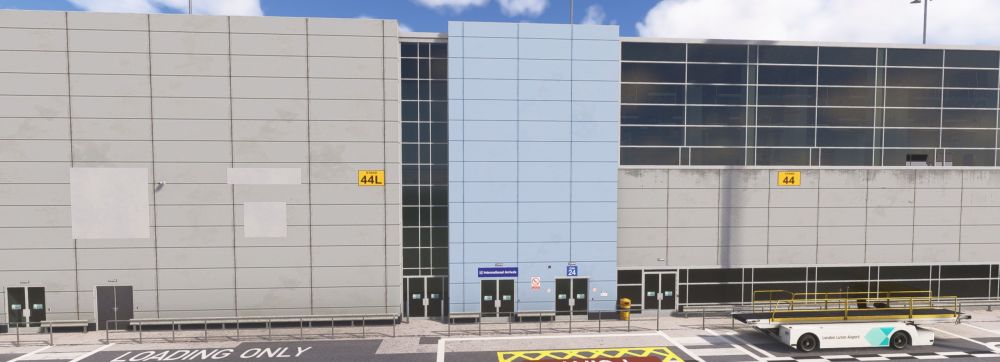
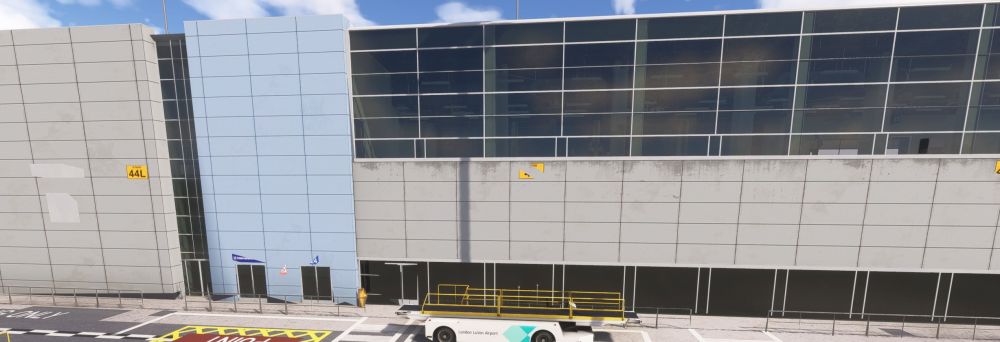
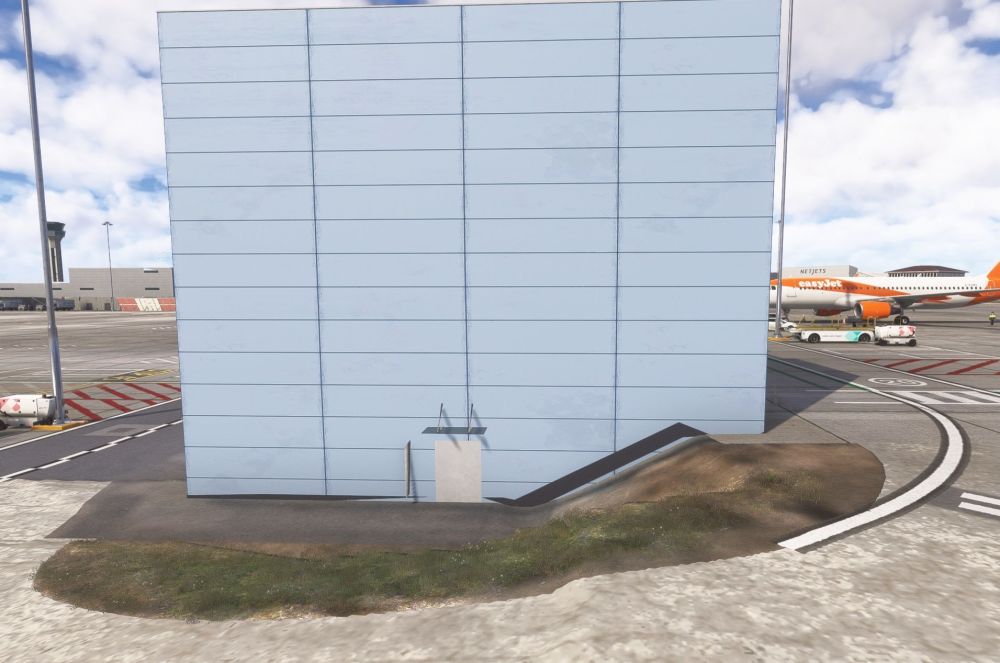
You can see at one point at stand 44L it loads in but at 44 it unloads.
-
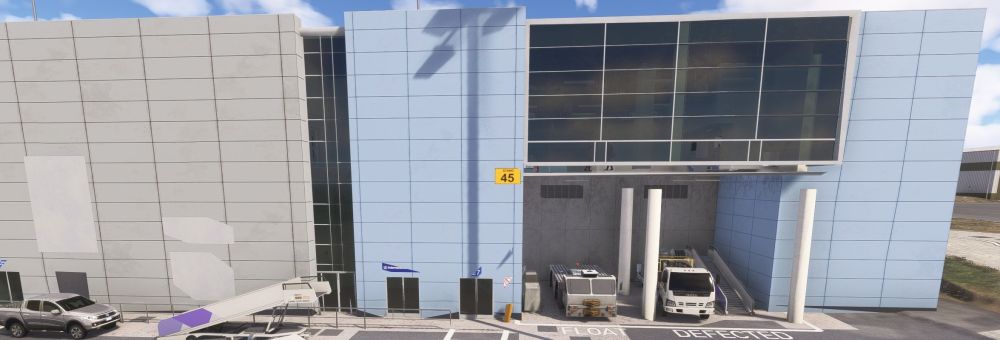
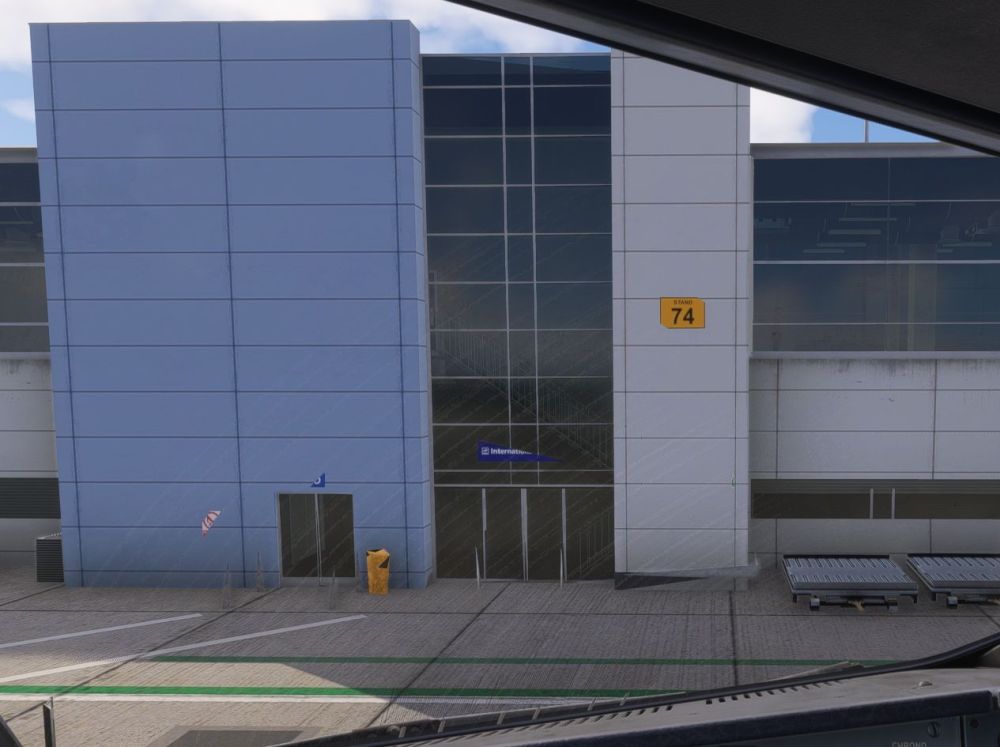
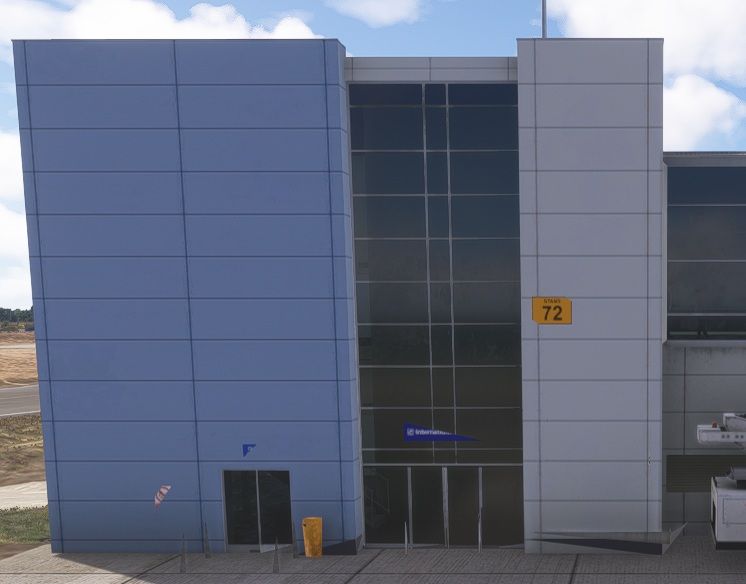
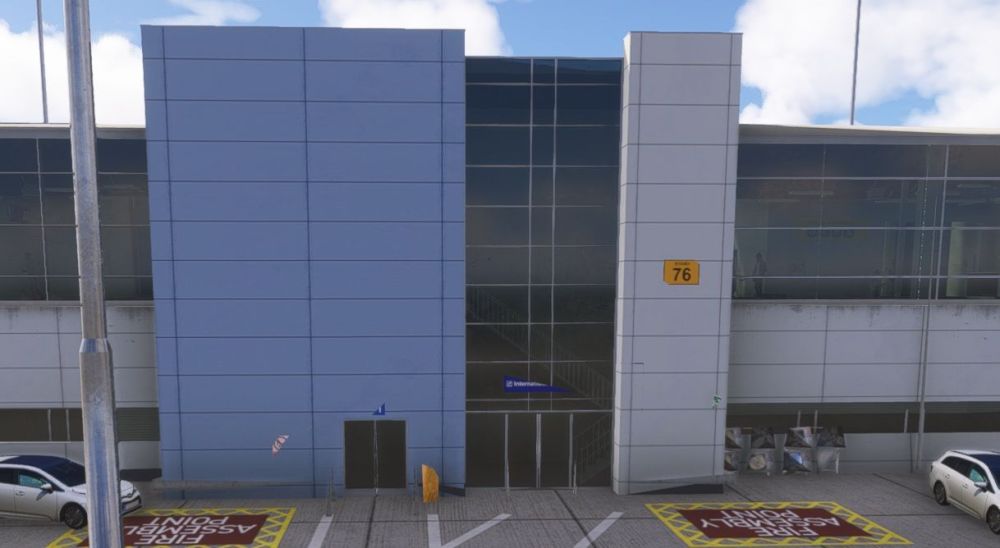
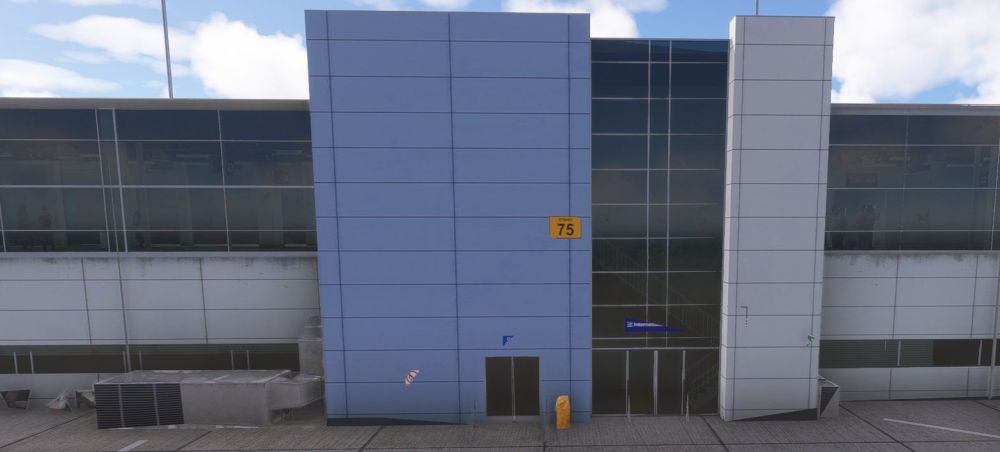
Then for area 3, you can see in some areas the building struggles to load in, especially by gate 45 & you can see the LOD's for the signs, fences, barriers, aircon units & some of the building are screwed on the 72-76 stands & 43-45 stands.
-
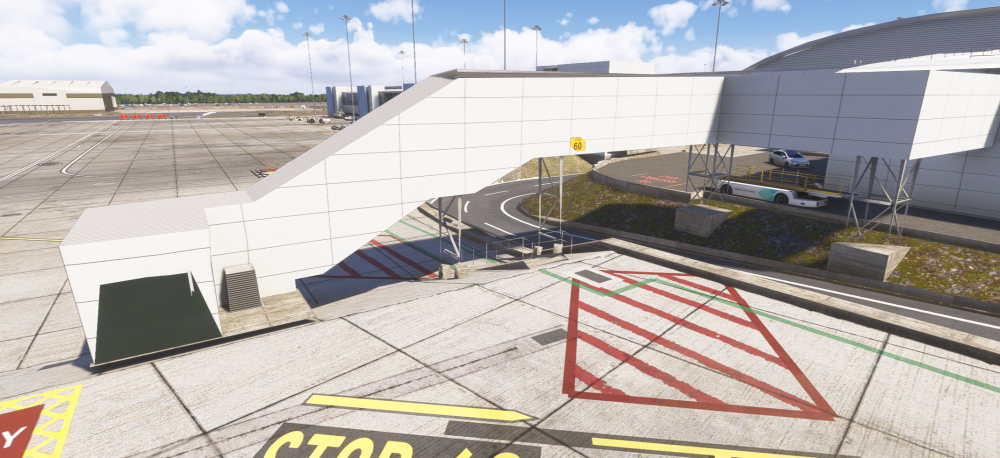
You can see here at stand 60, how close I have to be for the immigration area to build in...
-
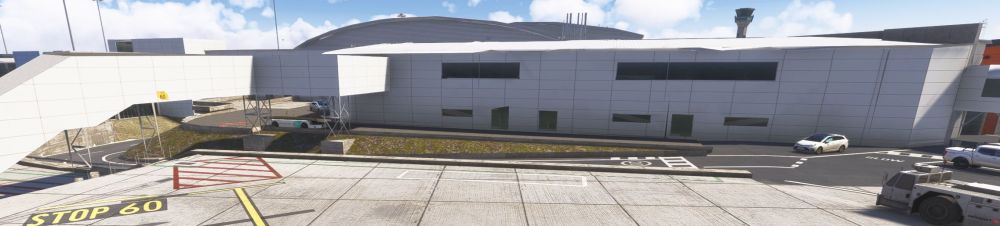
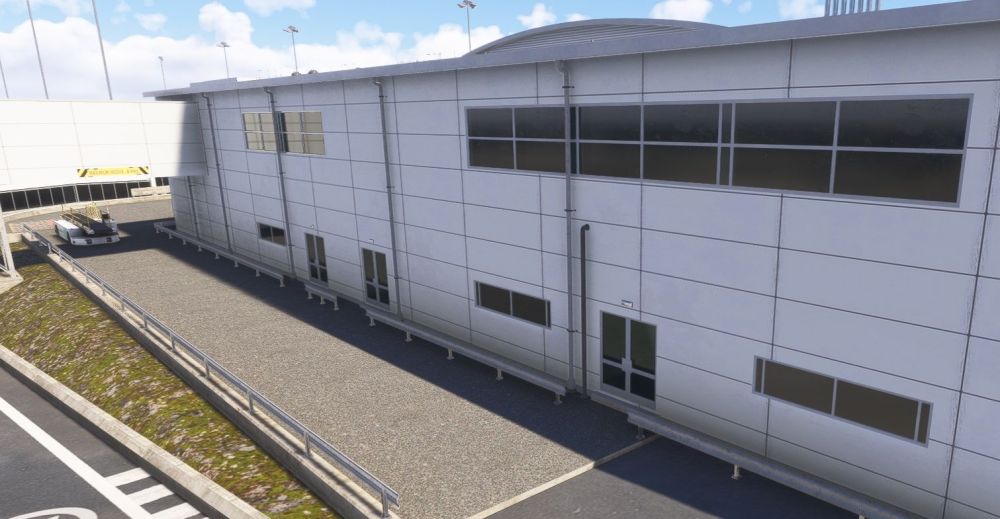
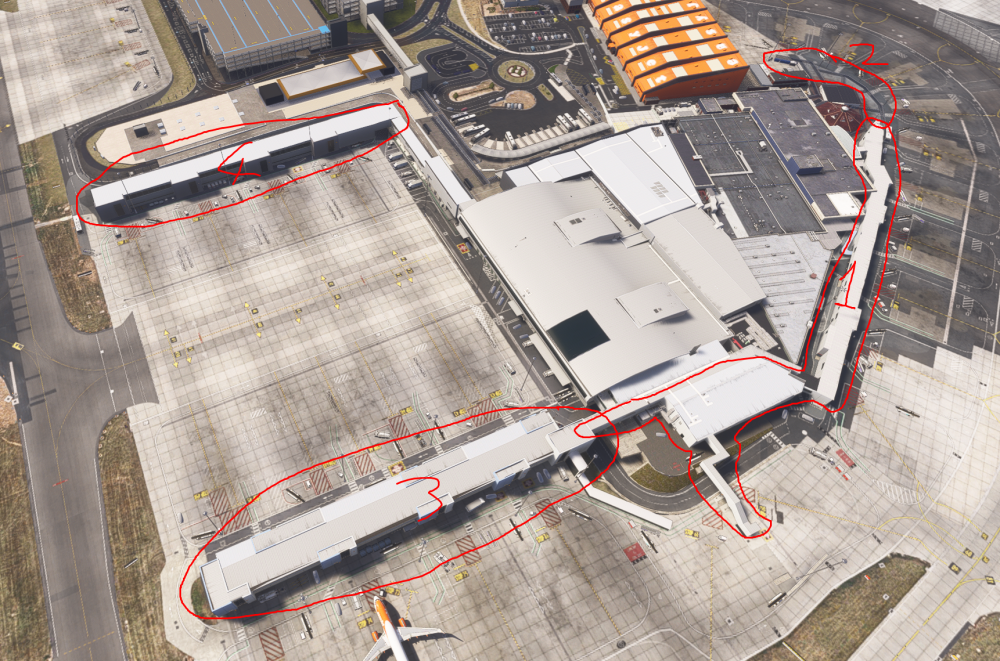
Area 1, the white long building that sits across stands 5 through to 9L and 60.
-
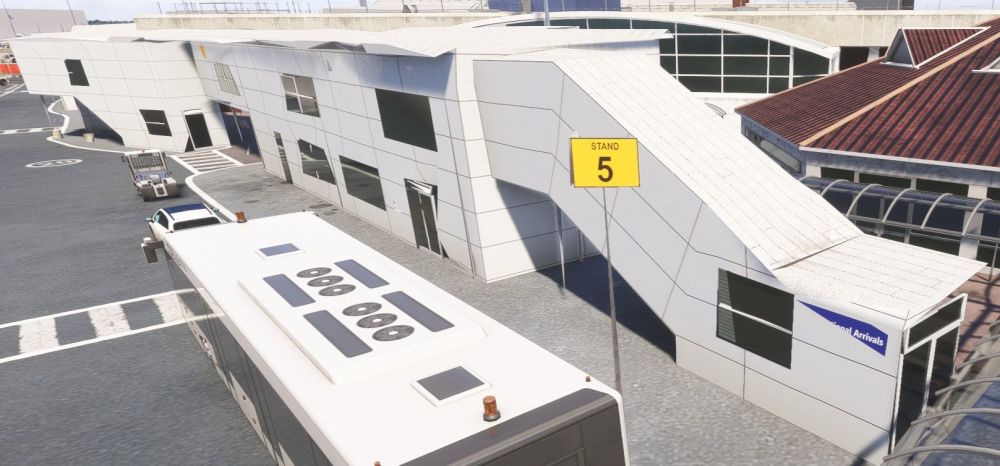
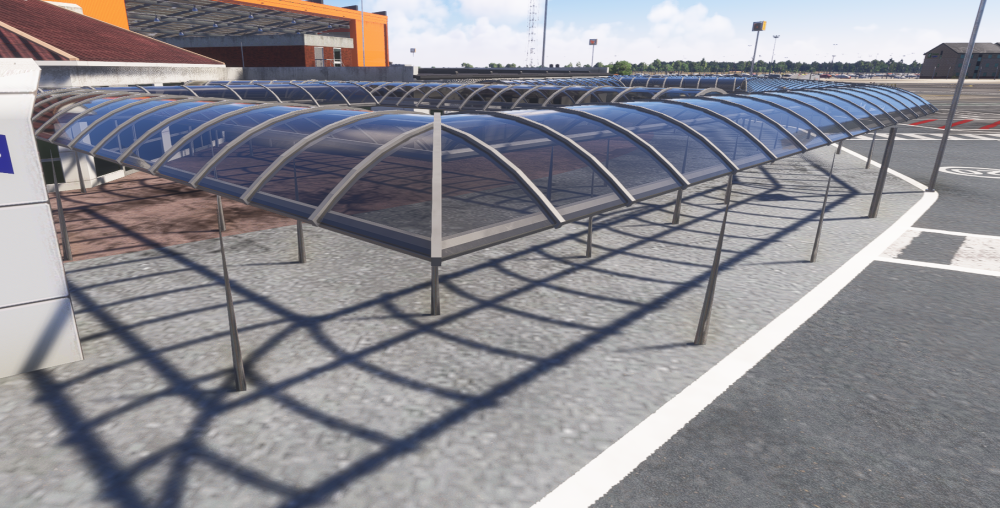
Starting with area 2, the covered walkway, they just don't load in, ever. The yellow bollards and chains are missing too. image.png
-
Now, for a big issue currently in the sim compared to updates needed above. These are BUGS due to the new LOD system.... There seems to be 4 buildings affected by the LOD, and you can be right on top of them and they still don't load in, or the load in only when on top of them.
-
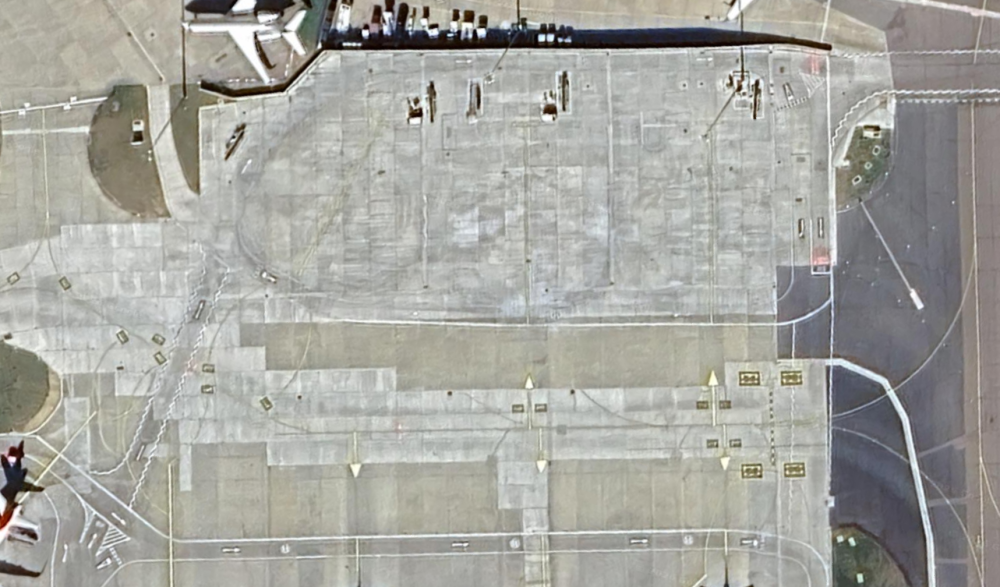
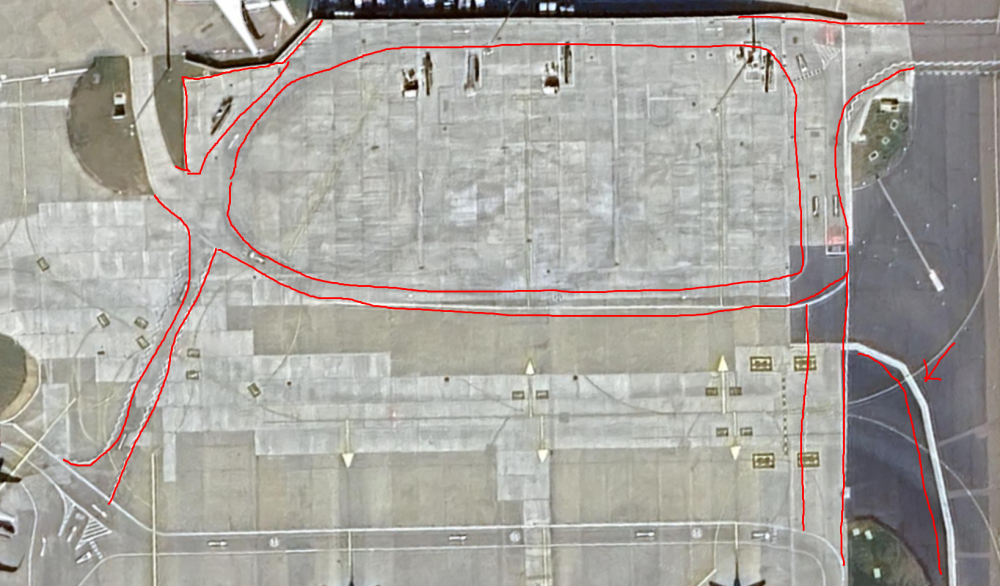
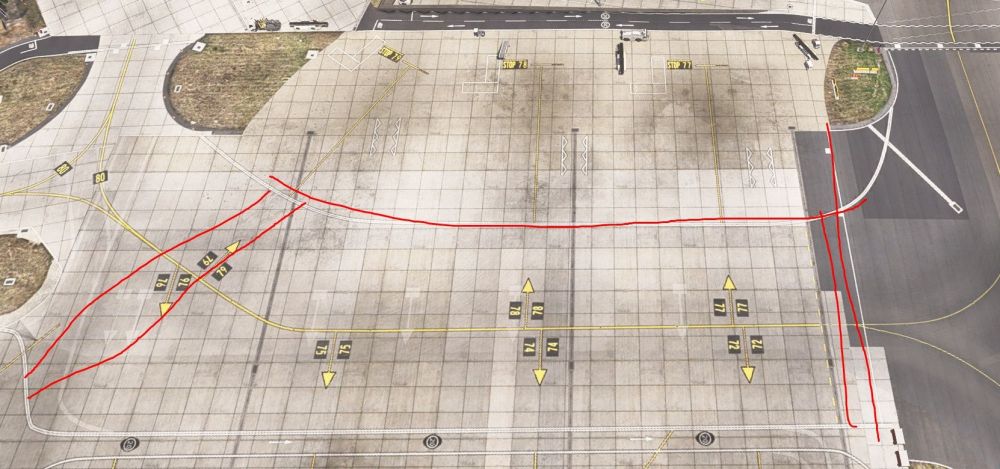
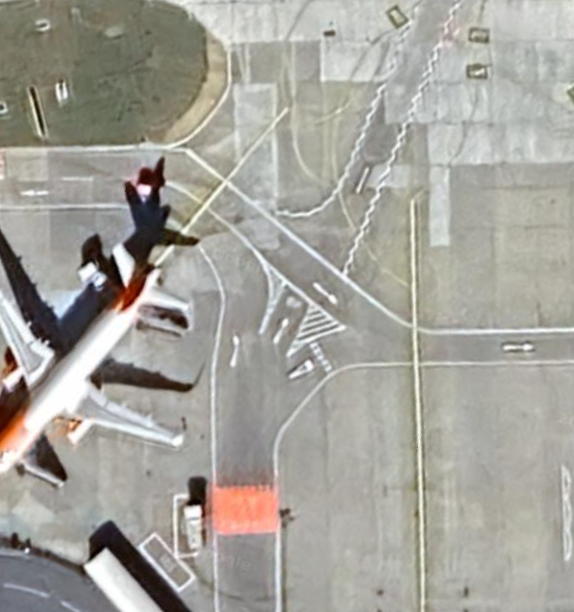
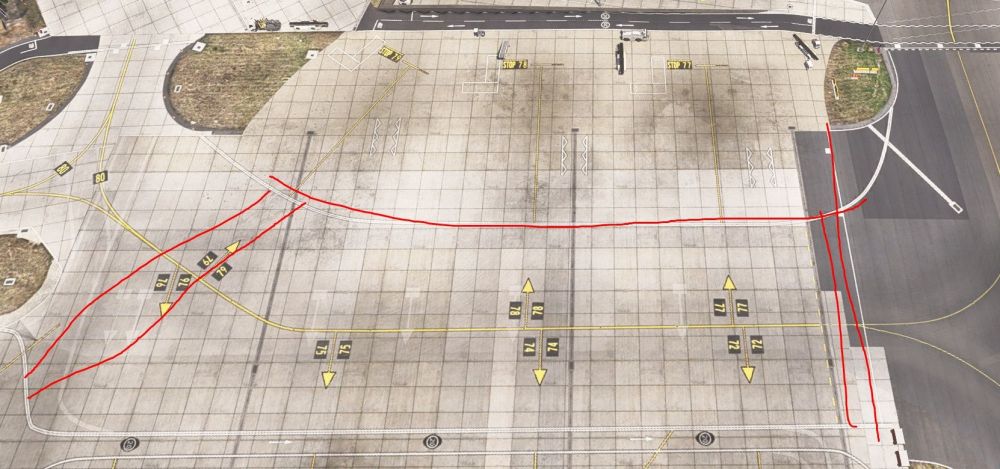
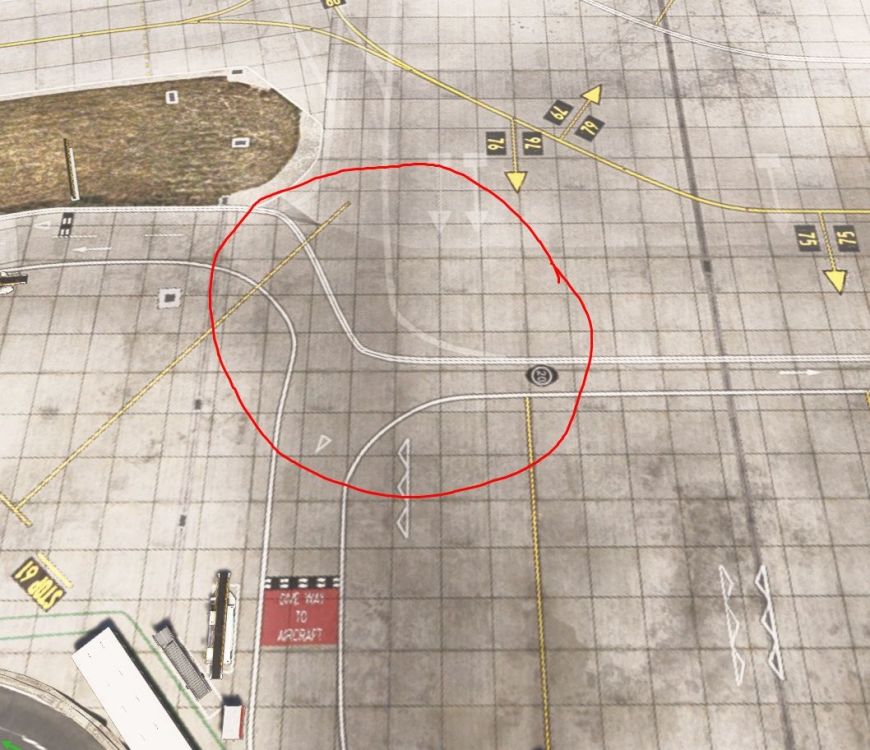
Hello, an update to road workings around the 70's stands.
-
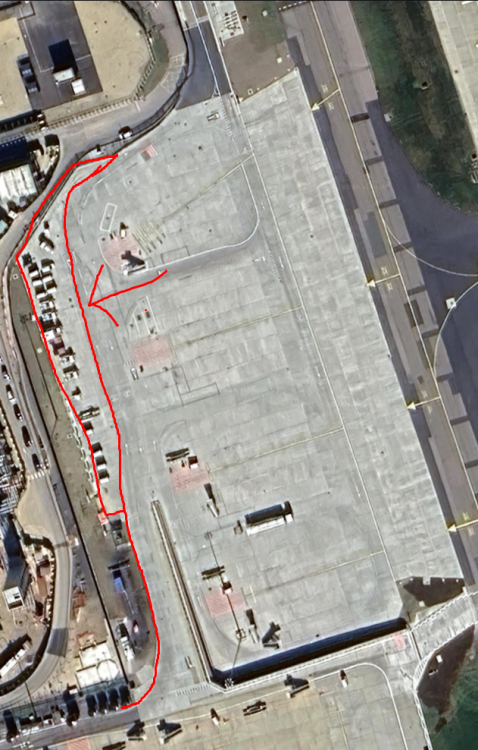
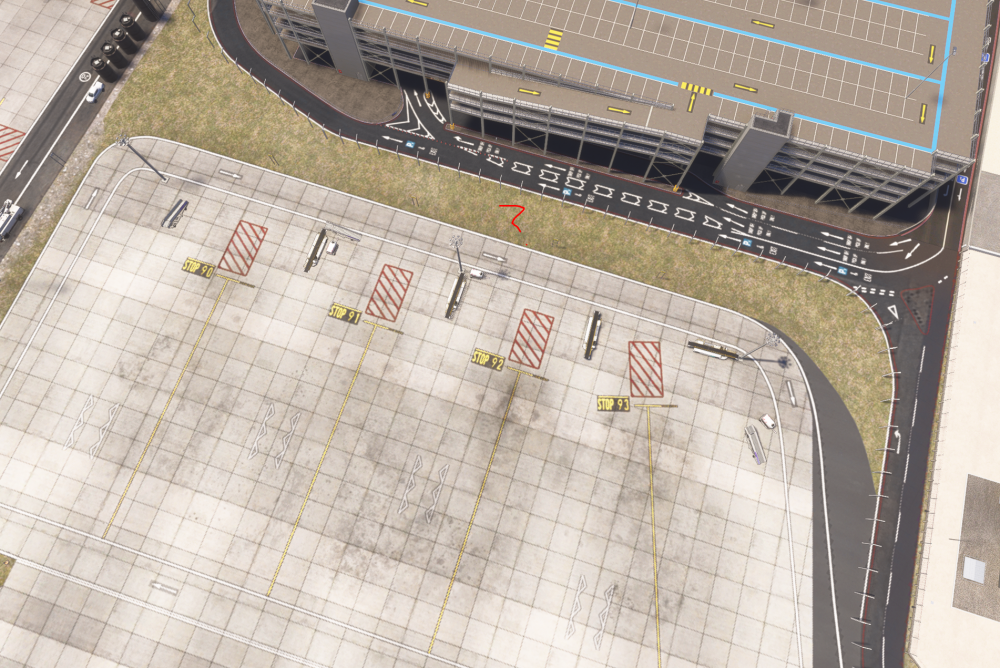
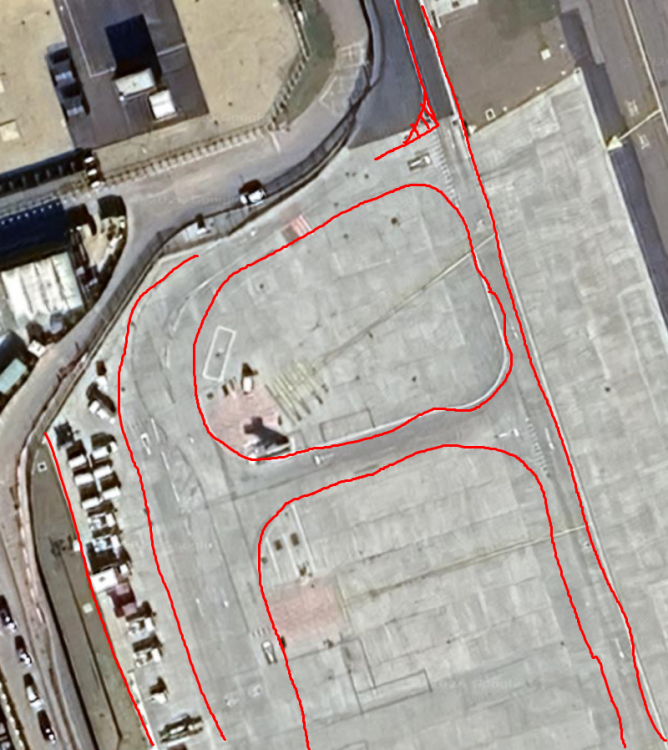
MISSING - At the far edge of stands 90-93, there is an area for ground service equipment to be placed. In the scenery, it just stops at the service road.
-
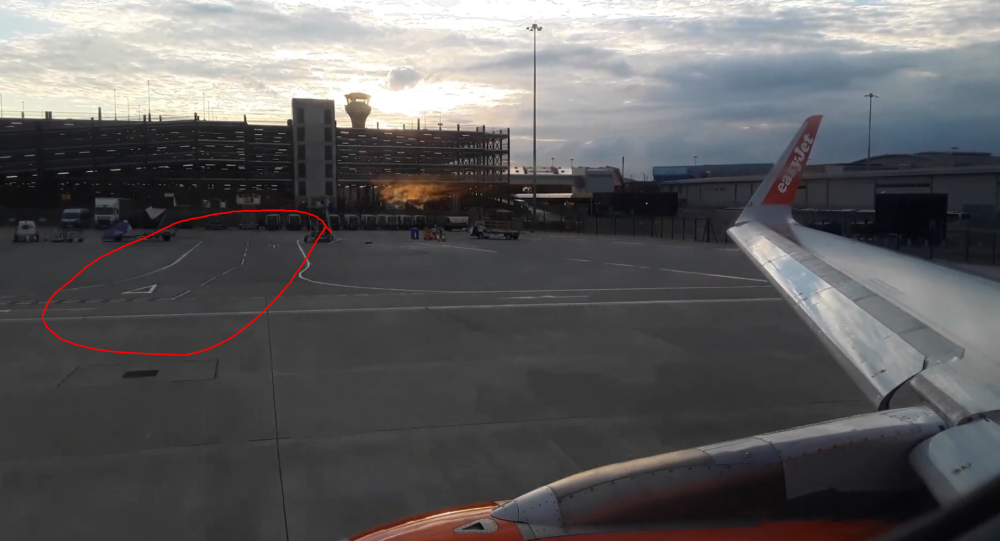
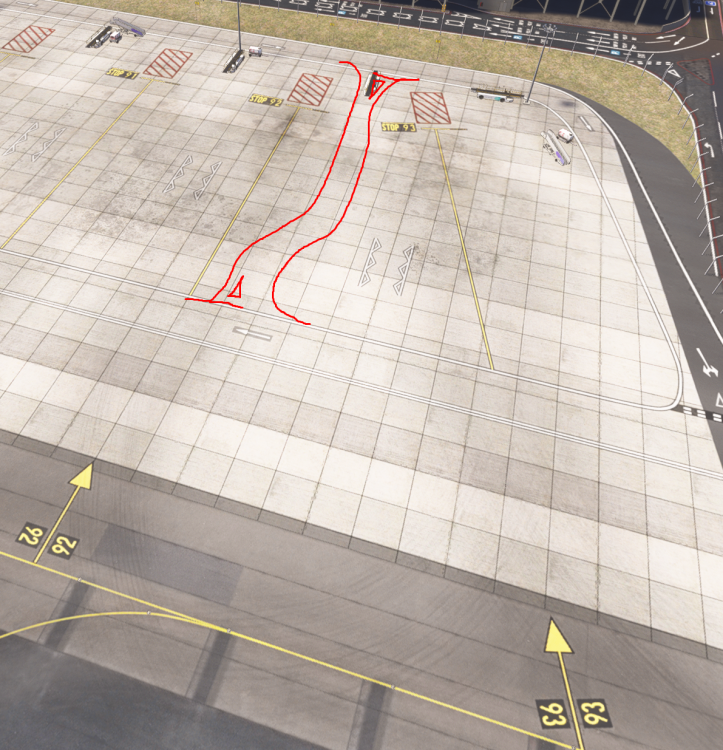
MISSING - Between stands 92 & 93, there is a road that goes both ways. With this, stands will need rearranging though due to space, so I understand it's quite a bit of work. https://www.youtube.com/watch?v=06H39DZzRRA - Time: 5:47
-
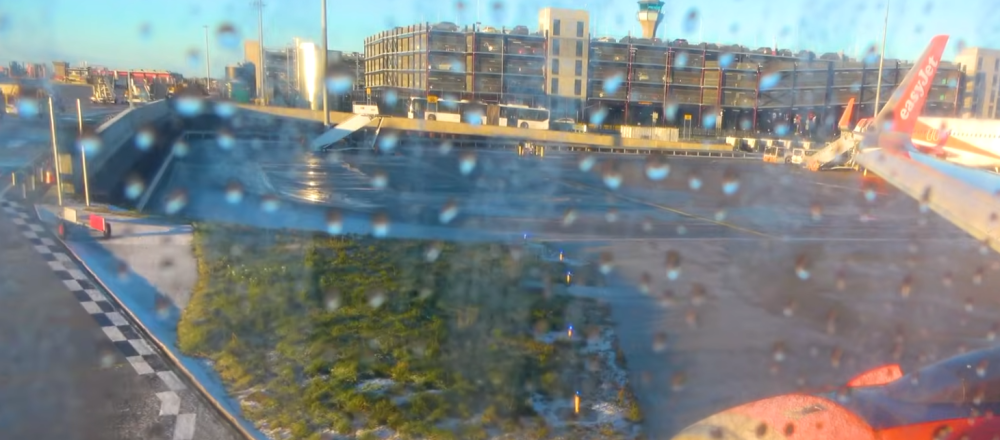
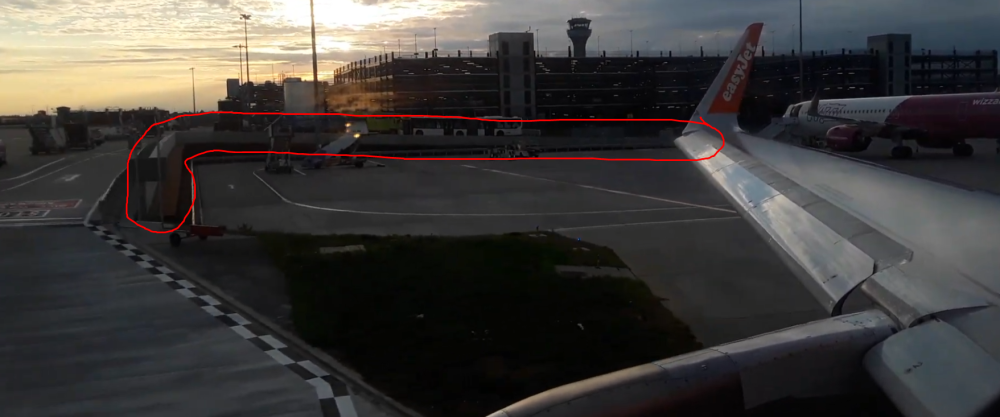
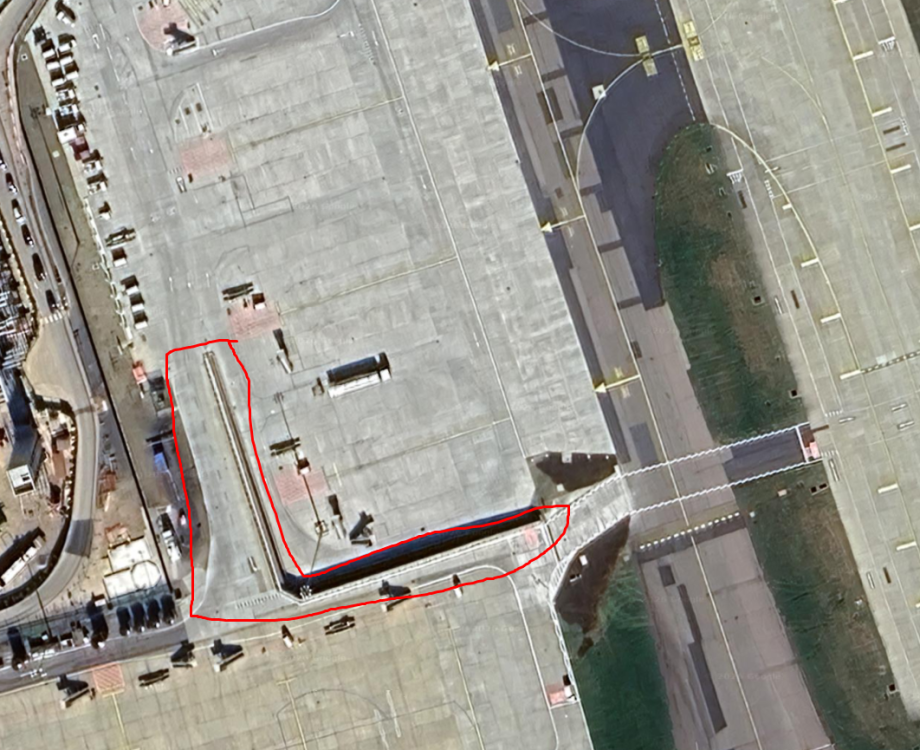
MISSING - From stand 91, at the back, there is a service road that ramps up to lead to the stands 20-23. The concrete wall 90* turns and follows down the service road to the D1 holding point. https://www.youtube.com/watch?v=6UjO6be3K5Q - Time: 7:36 https://www.youtube.com/watch?v=06H39DZzRRA - Time: 6:15