




Roders
Member
-
Joined
-
Last visited
-
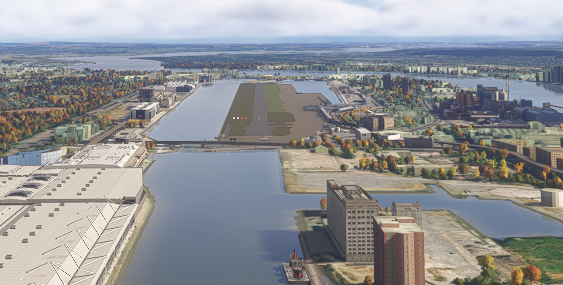
And LOD 150 gets you 2nm of draw distance, is this a joke?
-
Ok so LOD 150 works, which is unusable for me. Let me get this straight though, I need LOD 150 to see the airport from 1nm? I cant afford to run LOD 150... how can you sell an aiport and not advertise the fact you need a NASA computer. What a joke
-
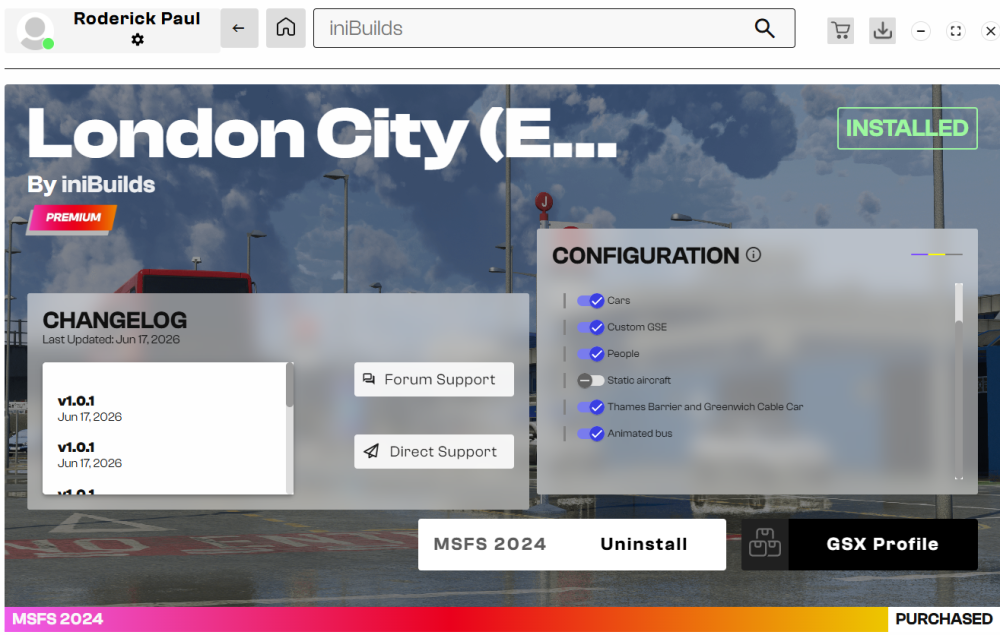
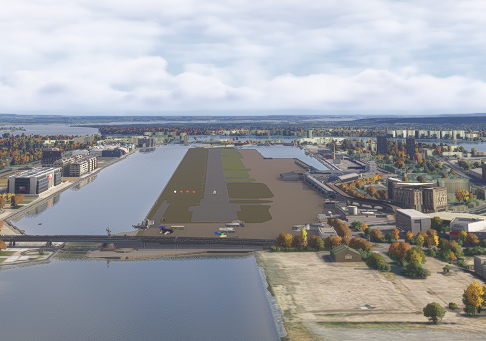
Very disappointed... tried with PG on/off, increased LOD, config settings are all enabled except for static aircraft... no idea
-
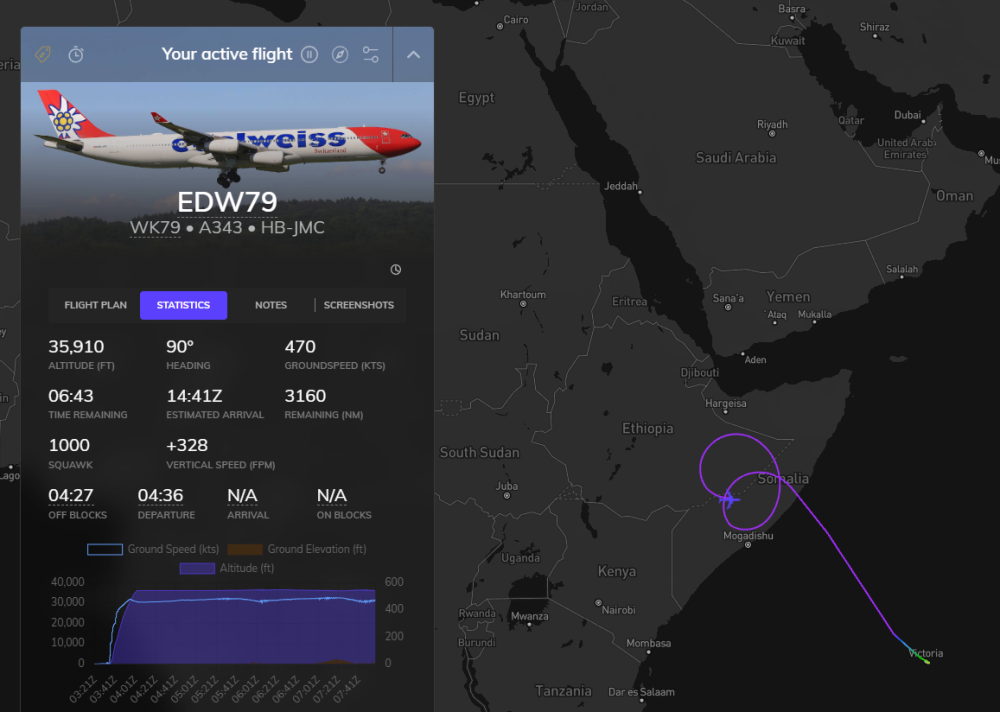
@iniBuilds Its been over half a year iniBuilds can we get an update please? I just reinstalled MSFS 24 again and the issue persists. I am so beyond fed up with this aircraft. Are you telling my you havent made any progress on this issue at all? Its like you forget we are paying customers.
-
Also @iniBuilds any progress in your discussions with Asobo on the sim communication issues that are causing the systems freeze? Thanks
-
@C. Schaffhausen Have you had this issue recently? I havent mentally recovered from the pain this addon has caused me in the past and have yet to complete a single long haul flight successfully
-
-
I experienced the exact same thing around a month ago, pretty much every second flight with the A340, and then once in the A330-300 while departing Mumbai. I have since gone back to MSFS 2020, much more stable platform. @IniJamir was there any feedback from the dev/testing team on my connectivity theory? Did anyone try to purposely disrupt their internet connection while flying the A340 to see if the issue can be recreated? Im still partly convinced this is a sim connectivity/stability issue. I havent tried any flights without auto step climb enabled. I never flew with Navigraph data enabled as the sim navdata is up to date anyways. Since this happens with both the 340 and 330 im leaning more towards an internet/connection related problem. As I have wireless connection, any small disruption might result in loss of comunicaiton between sim and module, which is basically what this issue is (not WASM related).
-
-
-
-
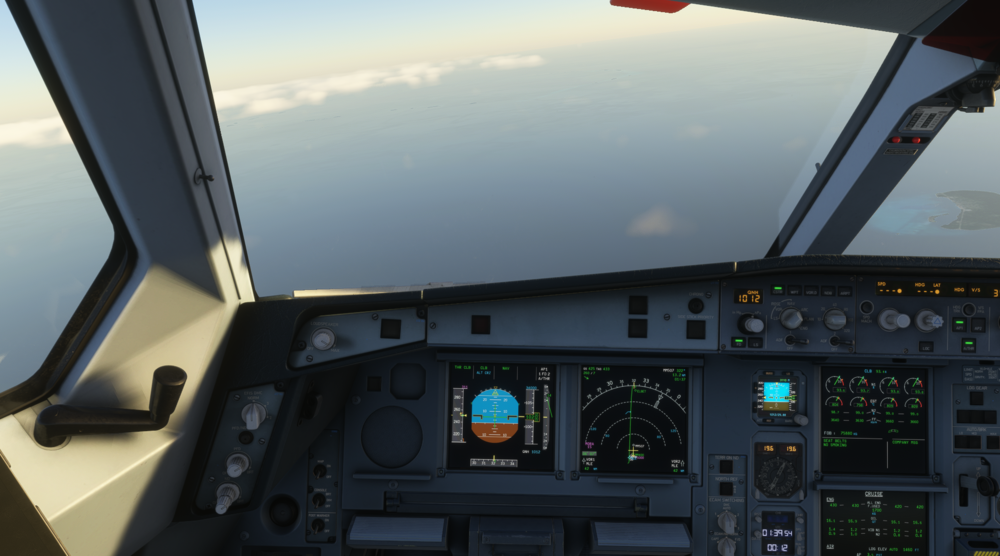
Just to be clear which "WASM" problem are you talking about, as the term gets thrown around quite a bit? 1. Orange screens "WASM" crash 2. Aircraft freezing (no warning, plane veers off course and runs out of fuel/crash into ground)
-
I can confirm the iniManager makes absolutely no difference - im suspecting this is a MSFS2024 online services / connection issue. Its completely random .... It happens during climb out, sometimes during cruise. Temporary connectivity issues while using wireless internet might be the culprit. @IniSteve can you try recreate this, perhaps the team can try purposely disrupt their internet connection while flying the aircraft, see if they can reproduce this. The joys of online gaming! I cant begin to describe how much of my time I have wasted trying to troubleshoot this issue - could you please at least give this a try and report back... im begging you @iniBuilds!
-
Thanks, I just resubmitted.
-
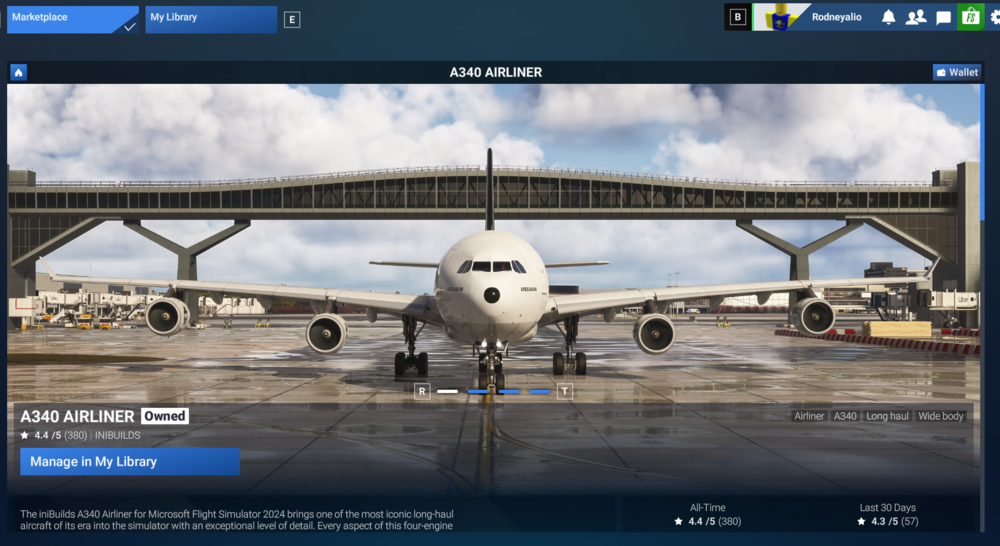
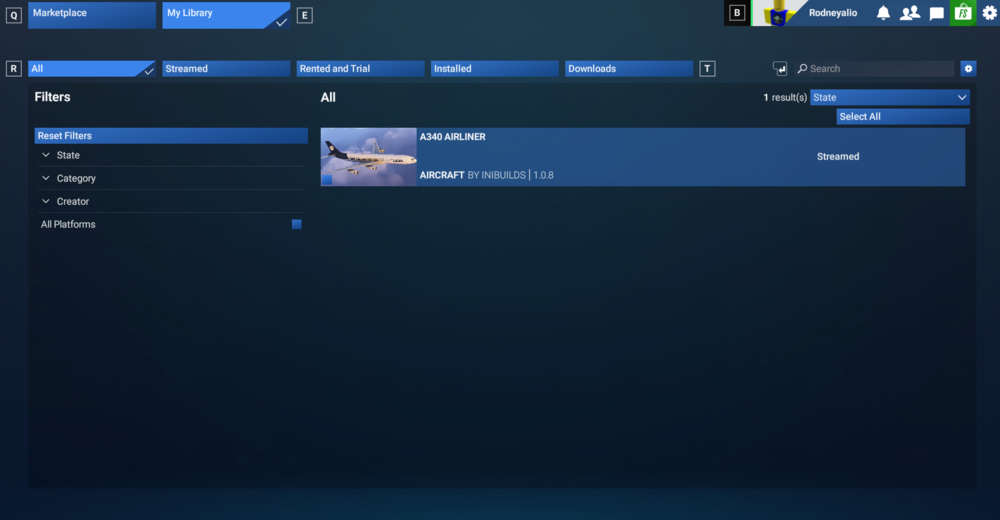
Hi There, I sent an order transfer request on the 16th of Jan, I have not recieved a notification that it was rejected nor any info at all from anyone at iniBuilds... The aircraft is not available for me to download in the iniManager. The automatic reply said it would take maximum 72 hours before approval/rejection.


