




CSEverett
Member
-
Joined
-
Last visited
-
Some important notes - the aircraft didn't move at any point during the above test. I conducted a rejected takeoff test with the ground spoilers and autobrakes armed, accelerated to 120 knots before rejecting, and the ground spoilers deployed properly (including visually), and I have every reason to believe they would deploy properly if armed on landing. This issue is only with MANUAL deployment of the ground spoilers (in this case with the aircraft parked) - and for all I know A380 systems logic doesn't allow manual deployment of the ground spoilers, in which case everything is working correctly (hence why I originally asked if manual deployment was possible in the first place).
-
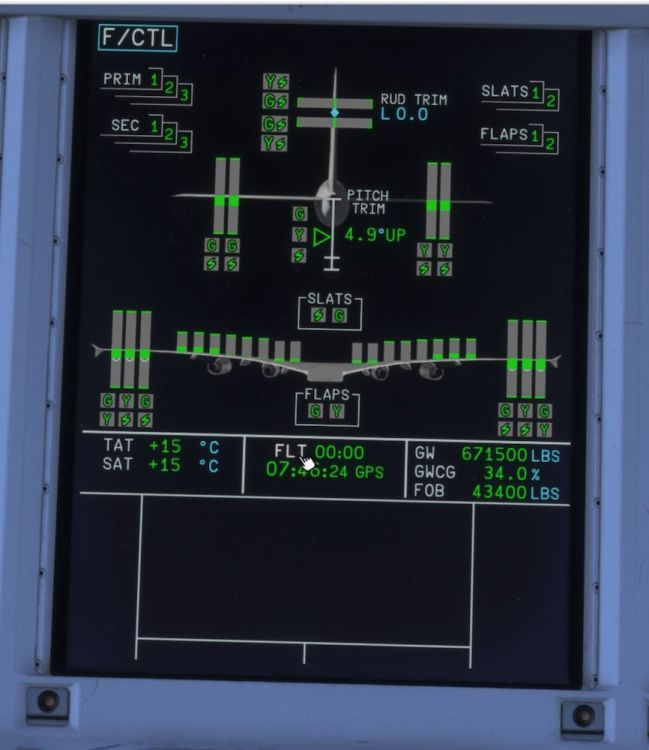
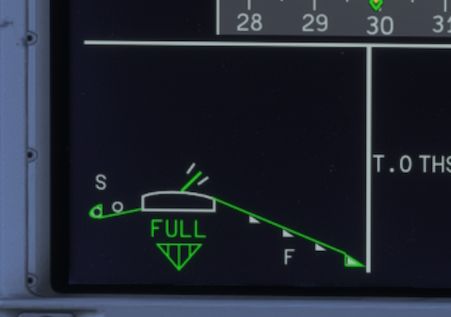
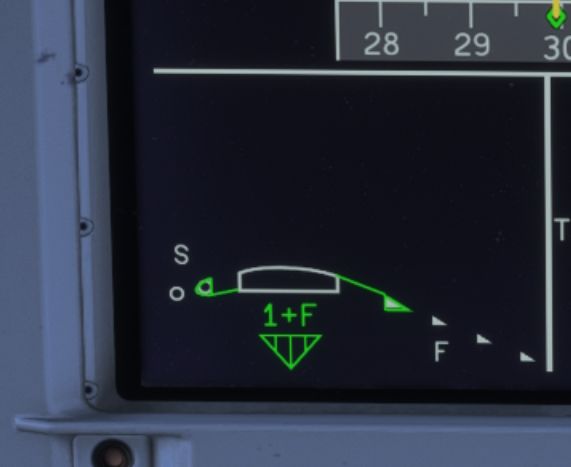
After pressing Right Shift + N: Closeup of spoilers display:
-
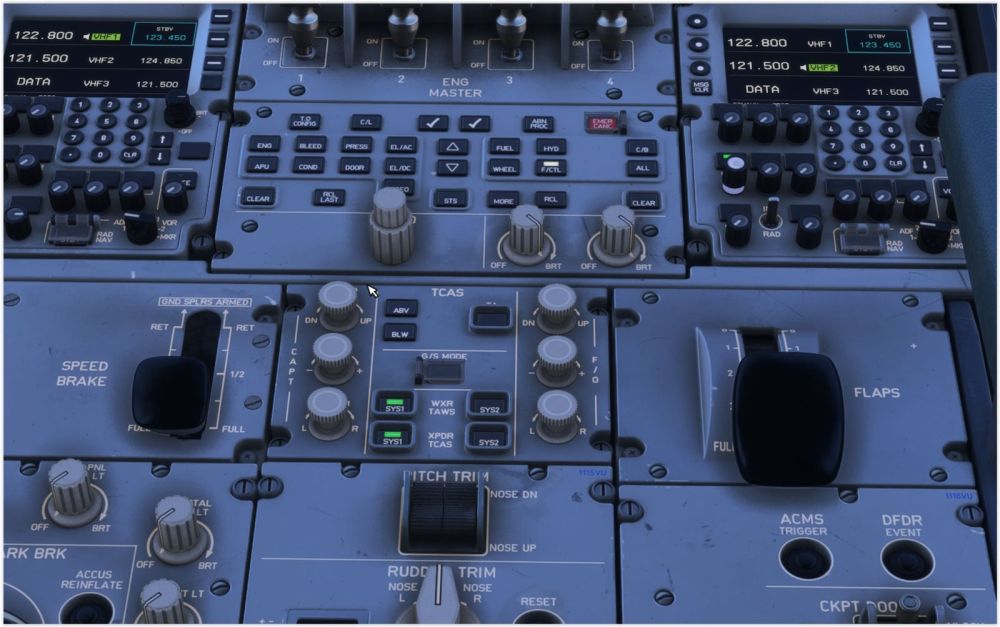
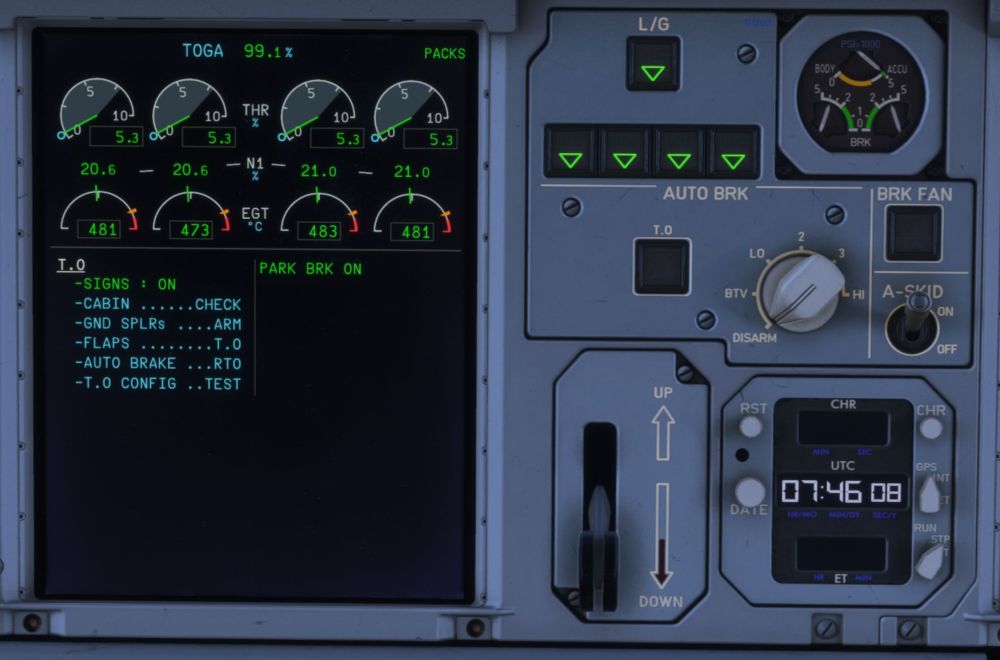
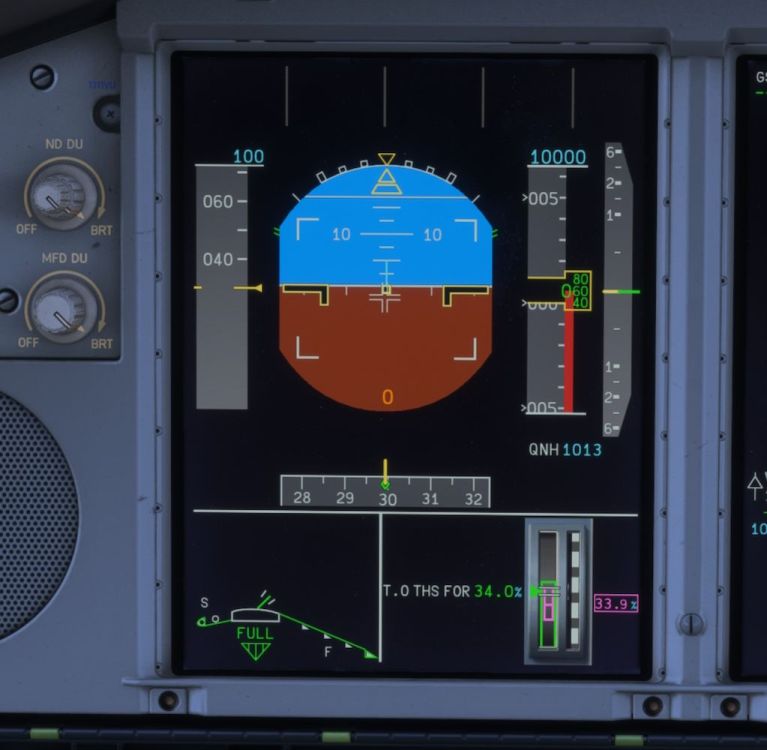
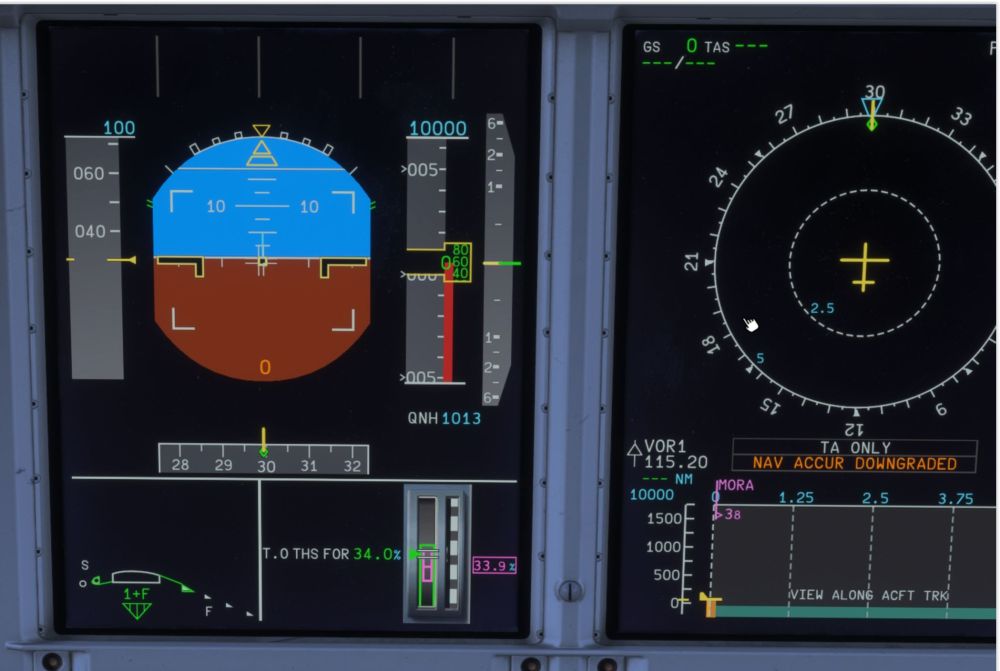
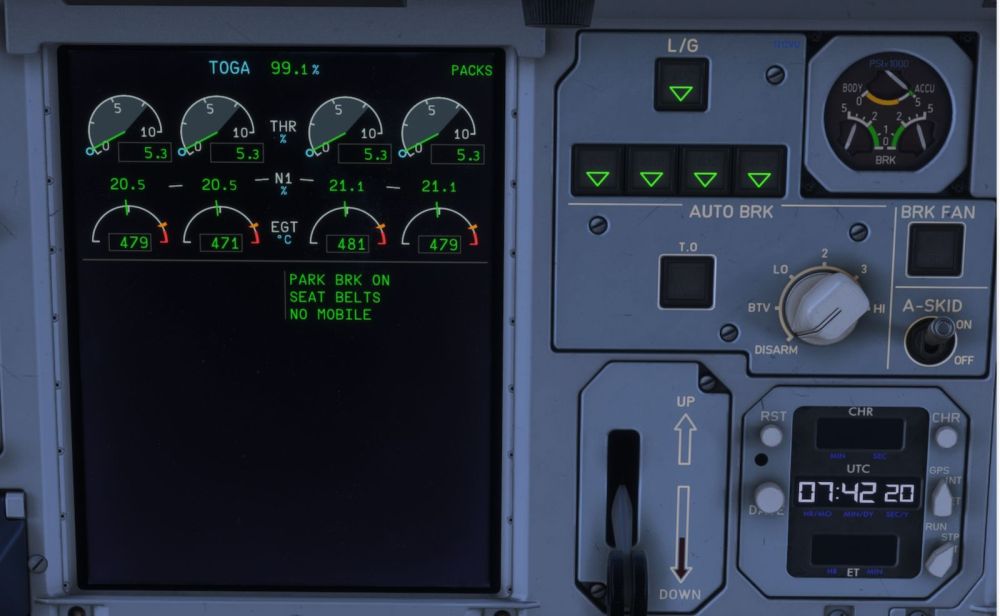
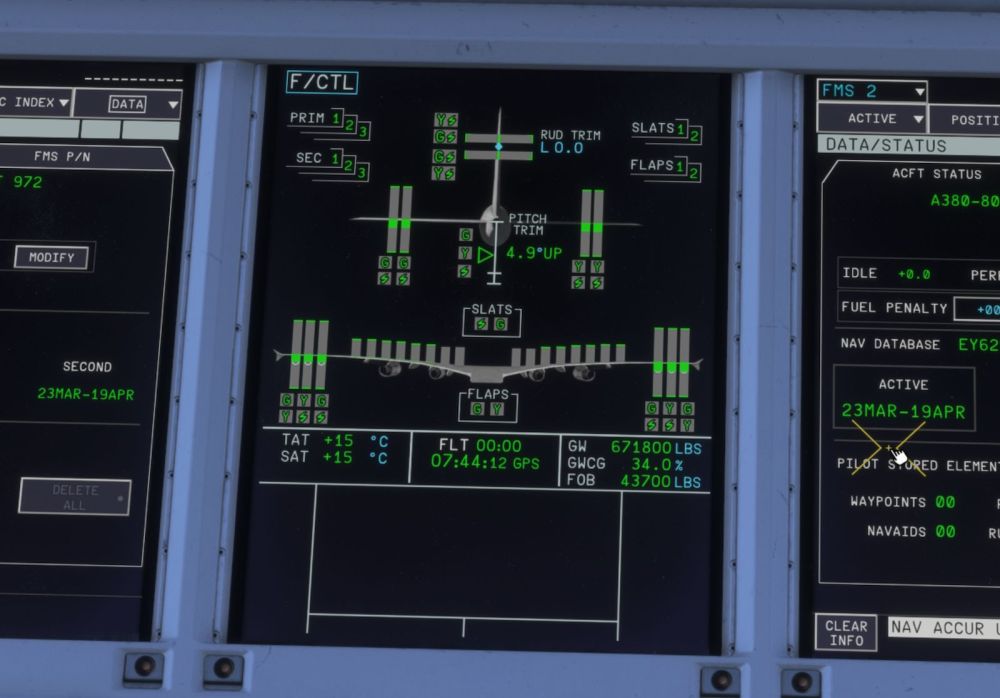
Before attempting to -MANUALLY deploy the ground spoilers system status: -All four throttles idle with confirmed no jitter. Closeup of flaps/spoilers:
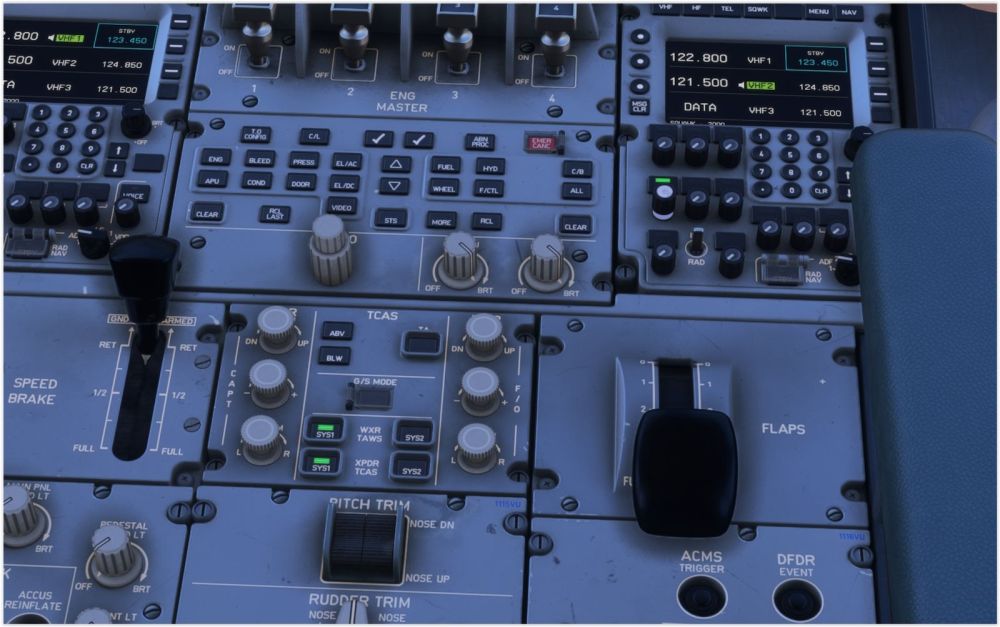
-
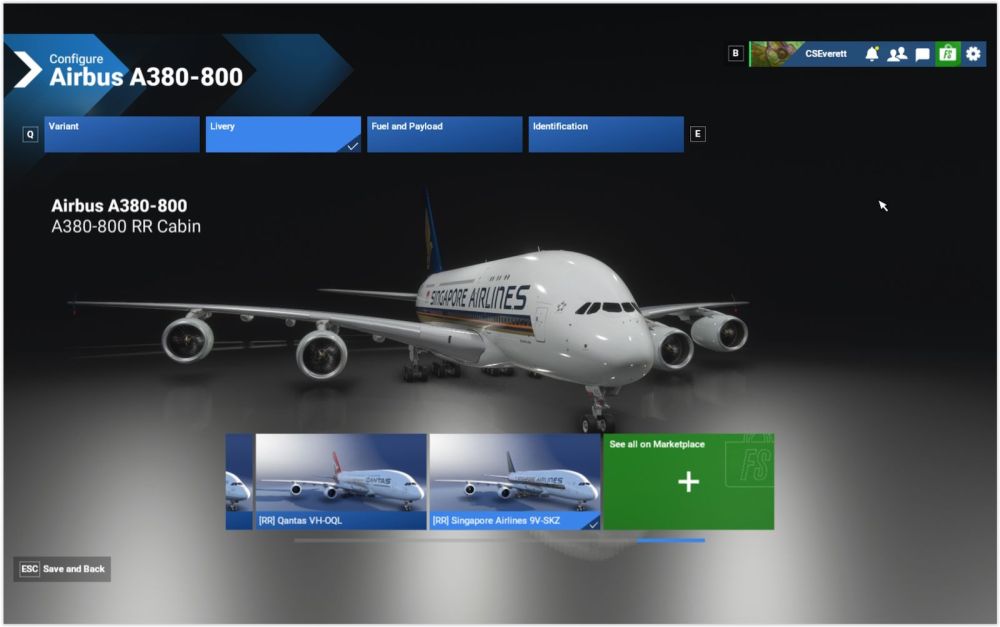
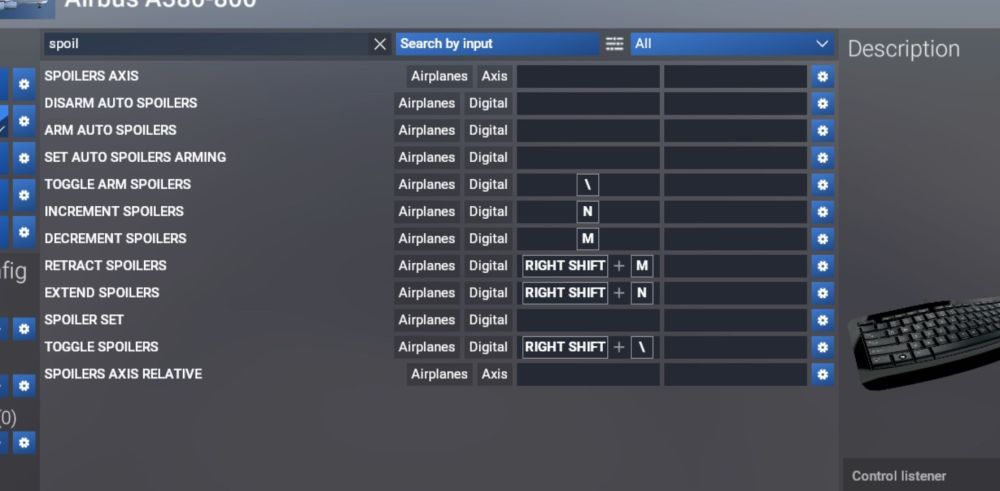
Okay, this is going to be as comprehensive as I can go. (Since there's no log file.) Before starting the flight, and controls:Uploading Attachment...
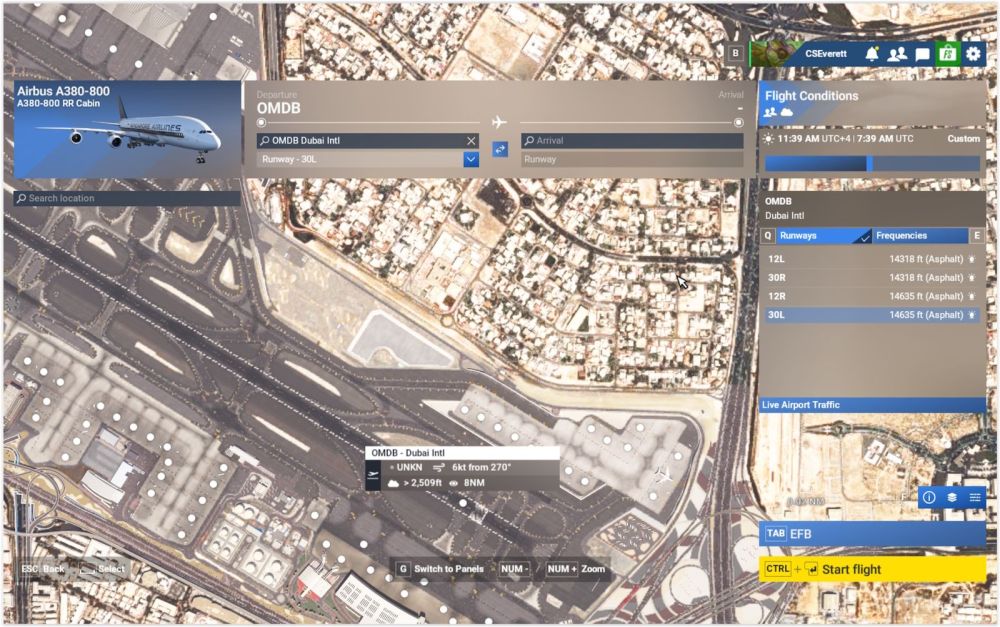
-
-
Okay, the ground spoilers not being able to be deployed after the aircraft loads and before taking off I suspect might be a result of the aircraft computers being in Flight Mode when the aircraft loads on the ground and hasn't taken off yet, not Ground Mode. If upon starting up the aircraft it's supposed to be in Flight Mode then that's fine, but if not, is there any absolute way to tell which fight mode the aircraft is in?
-
Okay, not a key or control issue - ground spoilers deploy just fine on your A330 - but they also don't on the FBW A380 either - which makes it a A380 control logic trap I'm stuck in. Load the plane on the runway with engines running, then attempt to extend the spoilers control fully results in the spoilers being limited to what's clearly the in-flight limit. So, is the plane's computer simply in a control mode that doesn't allow ground spoilers (or is the parking brake being set the entire problem), including manually? (Perhaps the computer is simply in Flight Mode instead of Ground Mode? That would explain everything, but how do you tell what mode the computer is in?)
-
I don't see how it could be a keybind or hardware bind. I reduced the controls to this, no hardware controls, started a flight on the runway, then the first thing I did was hold N, full speedbrakes but no ground spoilers. Am I doing something wrong, is this simply a case of the flight control logic not allowing it using this sequence of imputd, or is this a new bug?
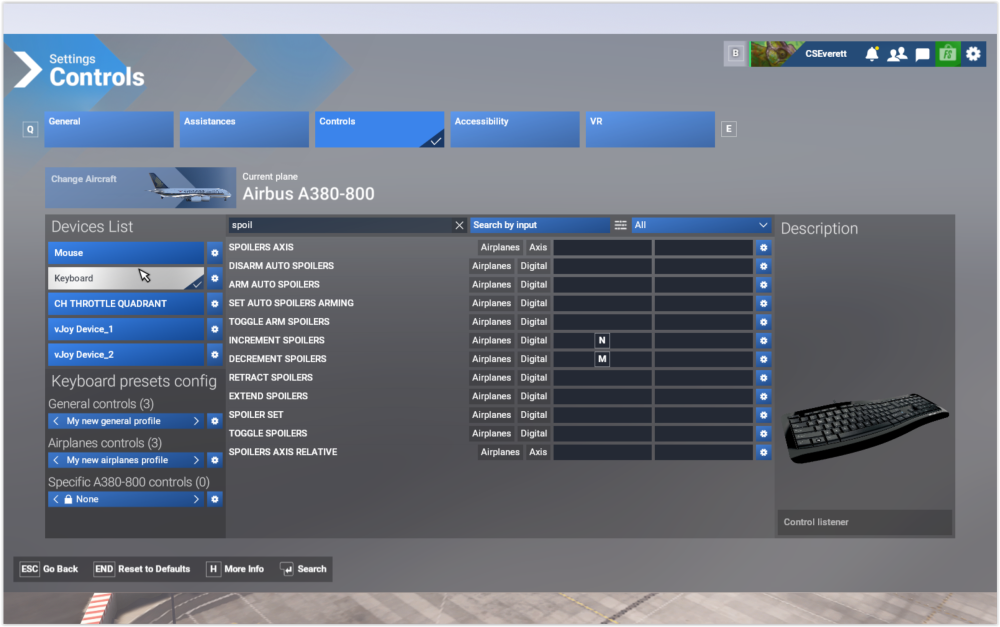
-
Oh, and on starting the flight and loading the plane the wing flex causes the wings to literally flap like a bird for a minute or two before settling down. I'm serious, it looks like it's flapping it's wings.
-
Not only did that not work, I'm not sure I'm actually getting ground spoilers at all, in any flap config. As the flaps extend each step retracts the spoilers slightly despite the spoilers remaining at full. This is full spoilers with flaps fully up:
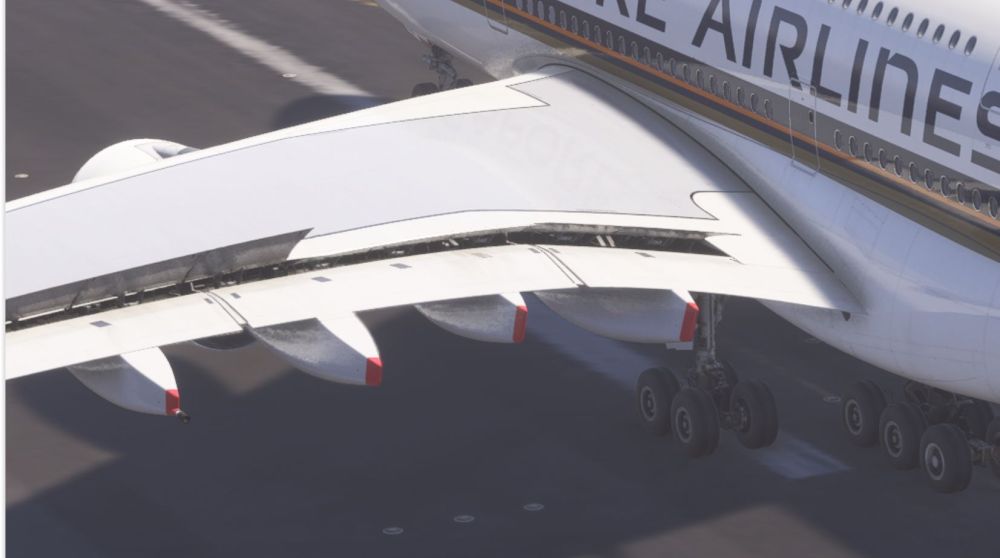
-
Followed your instructions, first download was a success but installation failed, clicked retry and the download and installation worked, followed the first load procedure, then started the plane on the runway (which as a result meant it was in takeoff config). Result is that I got ground spoilers when the flaps were set for takeoff, but not when the flaps were full. Strange.
-
Okay, I loaded a new flight directly on the runway, and I'm not getting ground spoilers. Here's my control settings, the cockpit spoilers and flap levers positions, and what I'm getting on the wing. For what it's worth, when I tried to install the plane it gave an error and I had to restart msfs to get it to install. Also when I first installed the plane I hadn't seen the"first launch" procedure on this forum, so once I saw it I uninstalled the plane, re downloaded it, then had to restart msfs because of the same error again to install it, then followed the procedure correctly.
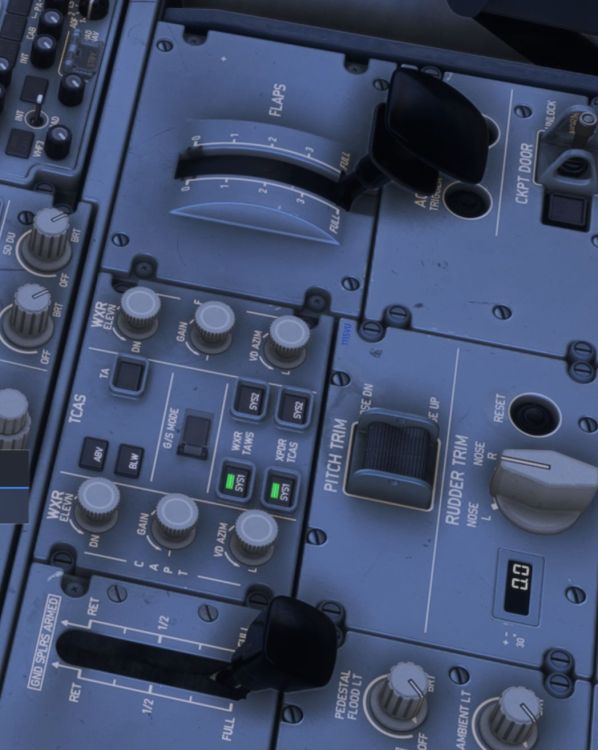
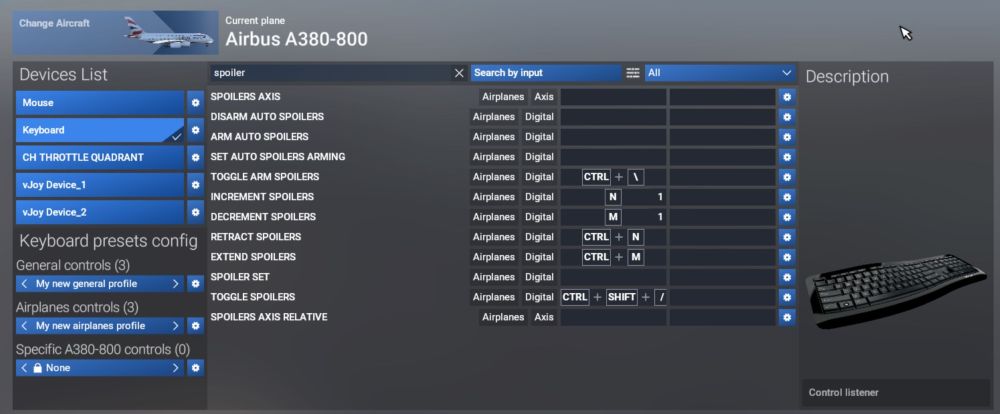
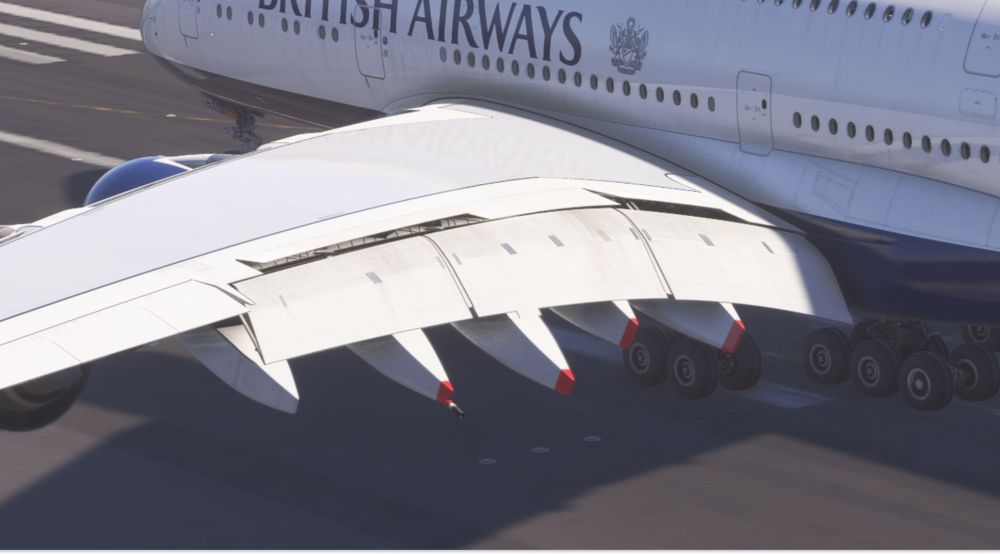
-
I can't figure out any way to manually deploy the ground spoilers when on the ground. Can they only be deployed via the armed/automatic on touchdown method, or have I just missed it? If they can't be deployed manually that would seem to be a safety issue. Thanks.
-
You've been setting stabilizer trim right?
-
I'd like to have a go at adding passengers to the bridges leading to the jetway in the 1.0.2 version which didn't have multi jetway, which I was able to get from the marketplace. What I don't know is where the GSX profile for 1.0.2 via the marketplace is located (since I'll need to back it up first), or if it's even included or a separate file or at all. Thanks.


