




ussscirocco
Member
-
Joined
-
Last visited
-
-
Wow, them servers must really still be maxed out... In the meantime, I've raised a ticket with MSFS - and they've confirmed I'm not on Beta so they don't know why it's an issue. I've done a clean install of MSFS etc, still unable to download it. But yeah, the servers must be really maxed out....
-
Hi Kyle, No, not yet. Tried again at 0800 GMT this morning and still saying unavailable. I'd also question how that other user would know that to be a fact rather than an assumption. Best regards, Danny
-
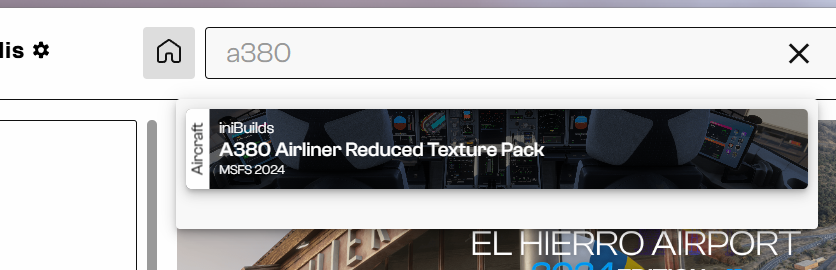
Can I just double check that you're not relating to the reduced textures version of the A380? That seems to be available for everyone regardless of having it purchased or not. IMO. This really isn't the best way to launch a product.
-
Hi Kyle, appreciate what you're saying but it's not entirely helpful for everyone. Surely is it not worth raising with FS from your end that users are not able to download the product locally? As we know, they never listen to individuals. Not everyone has a super solid or super fast internet connection. I've also had x4 CTD with the A380 in the last 24hours, not had a CTD in months. It's etiher the A380 itself it the fact it's streamed in (when nothing else on my game is streamed in other than the core content). Many thanks in advance. Danny
-
I've had the exact same, not sure what I'm doing wrong.
-
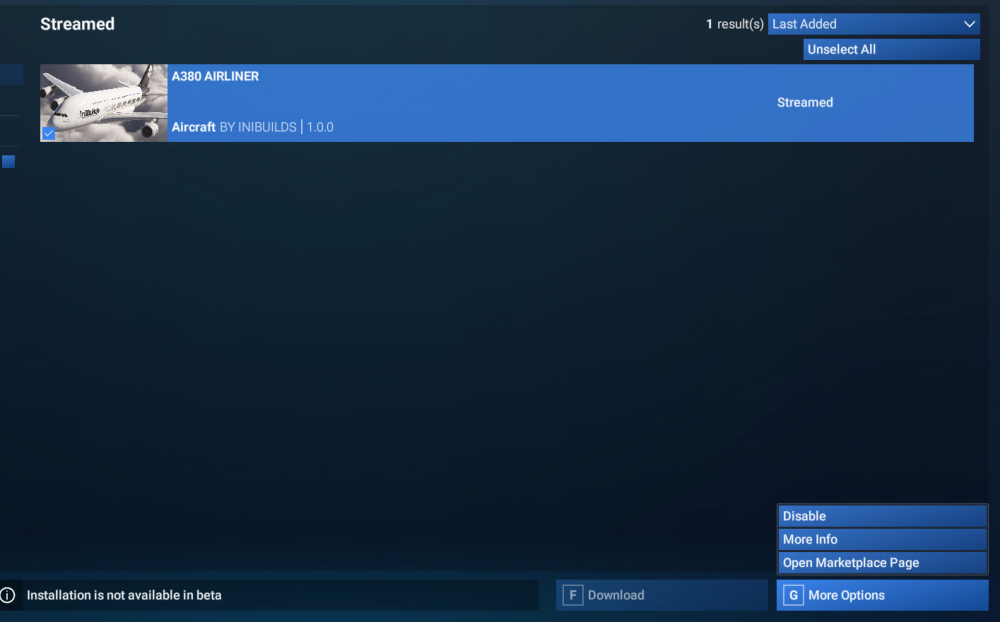
Tried flying it (flies and performs very well, kudos) but still unable to Download it? edited for spelling.
-
Yes I've had the same. I restarted the sim and then it was suddenly there, however annoyingly - it's only able to be streamed into the game - zero option to download it locally (which is what I prefer to do). Secondly, I'm a bit annoyed and perplexed that it's only available on the FS Marketplace and not directly through Ini.... £70.09 spent and so far I'm sat here just waiting or this addon to 'stream in'... Not the best start!

