




Hood Kazibwe
Member
-
Joined
-
Last visited
-
-
-
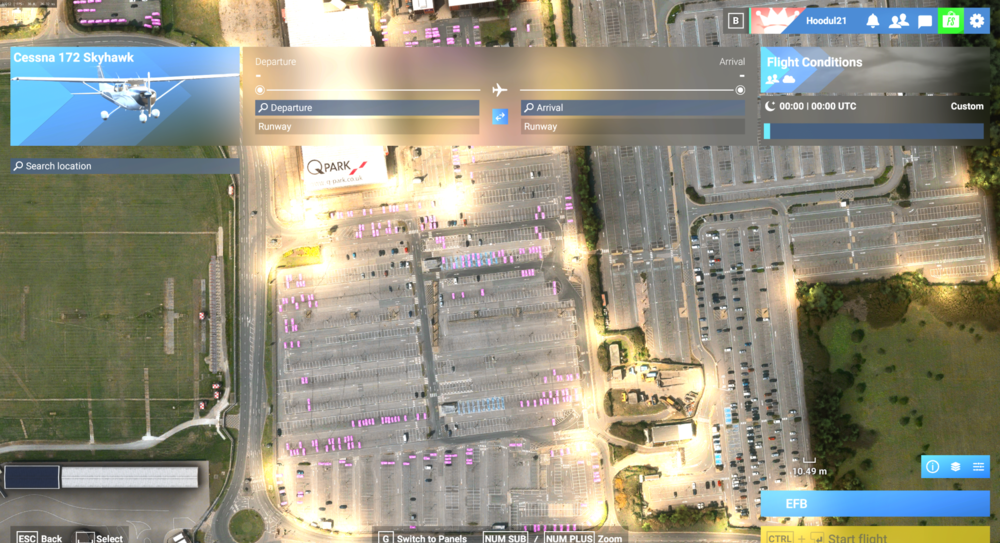
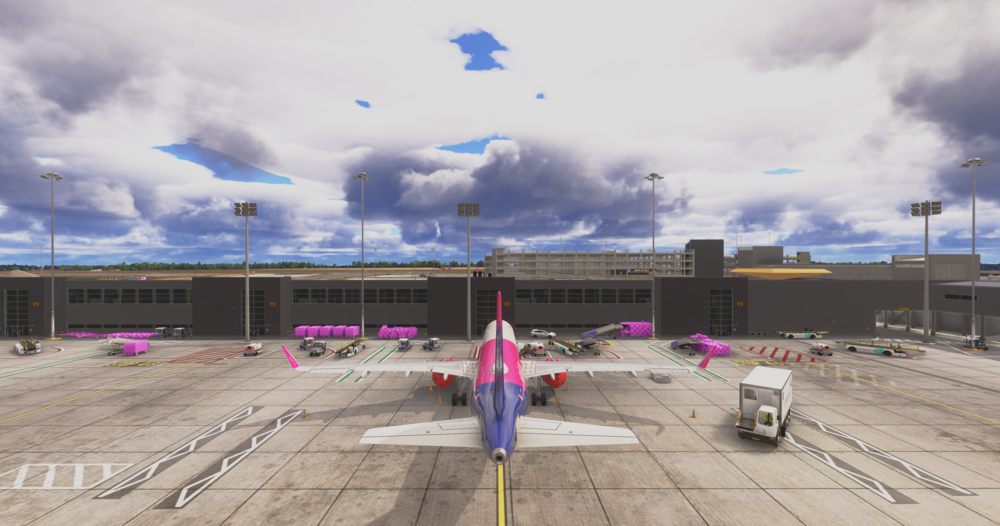
UPDATE: For anyone interested I have managed to resolve the pink texture issue but what I had to do was completely remove all streamed/downloaded packages within the "Microsoft.Limitless_8wekyb3d8bbwe" folder and the issue seems to have been fixed so my guess is that there were corrupt textures installed. the only annoyance is that the issue was only with inbuilds sceneries and no other scenery from developers I had installed. also I'd like to note that uninstalling all packages and then reinstalling (I prefer to download rather than stream) can take upwards of a few hours depending on your internet.
-
Did some testing and issue is still there with: 1. empty community folder apart from inibuilds Heathrow 2. empty scenery index folder 3. shader cache and rolling cache cleared this issue is also affecting inibuilds cape town too to my knowledge but I didnt do a specific test for cape town like this yet
-
-
No signs at Runway 22 but 04 has signs. all addons disabled apart from reshade and fsltl traffic
-
Noticed this aswell. There's no taxiway markings whatsoever next to the runway 22 thresholdInstead of "Microsoft.FlightSimulator_8wekyb3d8bbwe" folder try going into the "Microsoft.Limitless_8wekyb3d8bbwe" folderdoes anybody know what could possibly be the issue here? this has happened after updating the scenery. I've done a reinstall of the scenery 3 times and have emptied community folder. This doesn't happen in MSFS2020 but the scenery it should be compatible in 2024. any help would be appreciated. thanks.
 try clearing the WASM folder. if that doesn't work do a full reinstall WASM folder location: C:\Users\(YOURUSERNAME)\AppData\Local\Packages\Microsoft.Limitless_8wekyb3d8bbwe\LocalState\WASM\MSFS2020\inibuilds-aircraft-a350 IF there is a WSASM folder in the MSFS2024 folder for the a350 clear that too just to clarify, delete everything in that folder


