




askeff95
Member
-
Joined
-
Last visited
-
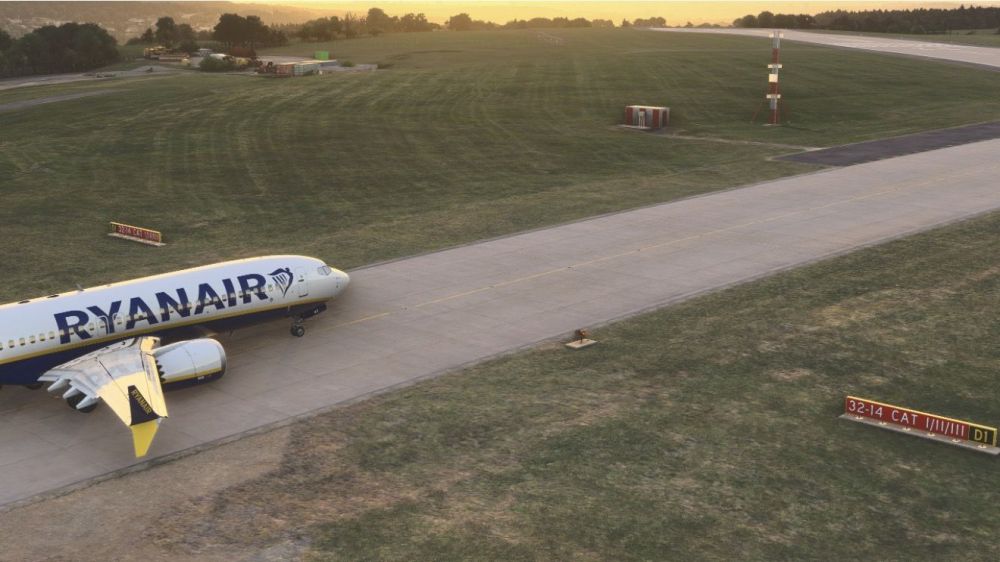
The taxiway hold point ground markings for D1 are missing at the entrance to RWY 32. I’ve seen it a couple of times on Vatsim now where aircraft are causing runway incursions and controllers are having to send aircraft around.
-
Thanks for the quick response Jamir. I'm still having the issue with Dubrovnik.
-
Hi everyone! Has anybody got any closer to figuring out the issue with the blurry taxiway signs? Jamir - did you manage to get any feedback from the team?
-
Hi Steve, thank you for the reply. I can confirm the issue is resolved for me.
-
I can confirm that mine is exactly the same as the above picture.
-
Hi, after updating to v1.1.0 through the inimanager, it appears to have removed all of the taxiway signs at EGSS. Before the update there was a known issue of blurry taxiway signage with the "Compatible" range of airports but since updating, they have disappeared all together.
-
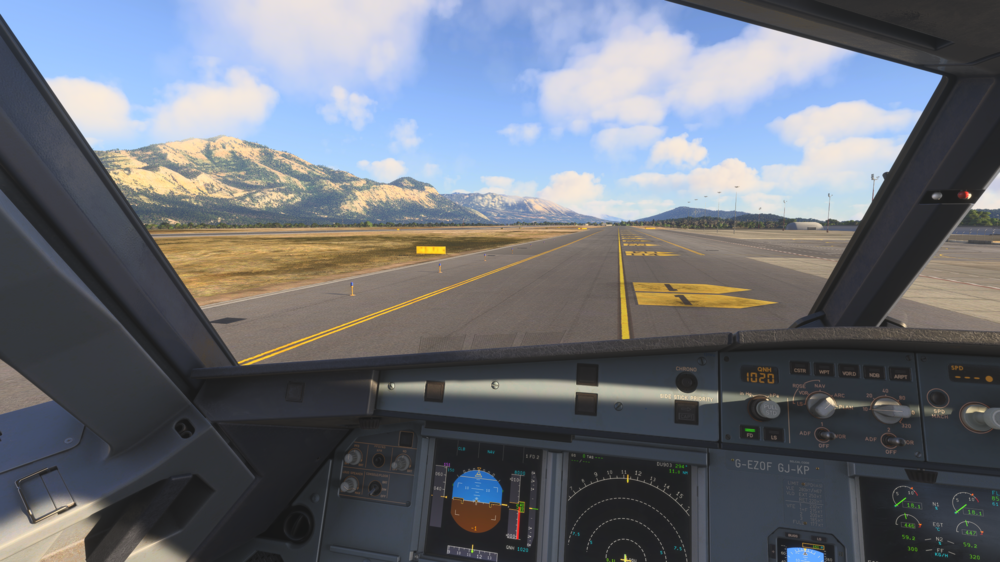
Yeah it's pretty frustrating. They know it's an issue so I'm very surprised they haven't sorted a solution this. It is spoiling the immersion on their "Compatible" range. This was Dubrovnik. Eddie - Do you have any updates from when your raised this with the team?
-
Sadly, I’ve still not seen or found a solution to this yet.
-
Did you get a fix for this by any chance? I am having the same issue. All 'Compatible' Inibuilds scenery have blurry taxiway signs until you get really close to them - but even then, they are still a bit blurry. I did email support regarding this in July, they said they would let the scenery team know but it could be a limitation with 2020 scenery's in 2024...surely there is a fix?


