KLEE330
Member
-
Joined
-
Last visited
-
I believe I’ve found a stable solution: When you send the initial request, start the chronograph. An error message saying “failed to download data” may pop up—simply ignore it. Once 45 seconds have elapsed, your flight plan will be imported correctly. Anyway , never click Init Request repeatedly in quick succession
-
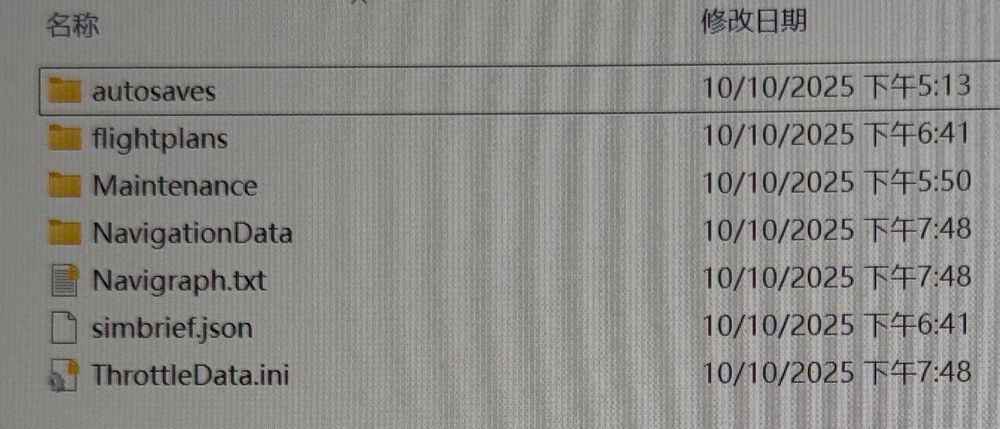
After the "error downloading data" message appeared, I did not find the target fpl file in the work folder. I mean there is no target fpl file like ZZZZ.fpl in inia340/work/flightplans folder I tried running with an empty community folder to rule out any addon conflict and follow the steps above, but still can’t import my flight plan And I also find that this problem will happen in iniA350 ,when you click CPNY F-PLAN REQUEST it will change to REQUEST PENDING and 20 seconds return to CPNY F-PLAN REQUEST and no message come from FMS but OIS can import simbrief flight plan perfectly just like the efb in a340 But the pmdg fenix ifly maddog even default 787 didn’t have this problem, and I find that before SU4 the A340/A350 works perfectly , this problem seems may probably appear after SU4
-
Hello everyone,I have problem with Ini request function Although the EFB can import flight plan from simbrief Successfully, but in the mcdu , when you click ‘ini request’ it just says’Ini request: ERROR DOWNLOADING DATA ’ . And you have to repeat 2 to 20 times click the ’ini request’ until it imports your flight plan successfully And I checked the simbrief aircraft model which is the Ini official profile and I try to change my network and I try to use vpn also tried vpn tun , I also checked my efb simbrief account setting, but all of these didn’t work. Actually I didn’t change any efb settings since I first configured the EFB settings properly,and in the previous version like 1.0.5 before it all works perfectly, but in the 1.0.6and 1.0.7this situation always happens
-
maybe you should use the latest version of livery
-
Thank you very much, I solved it!
-
delete hues working now
-
same here
-
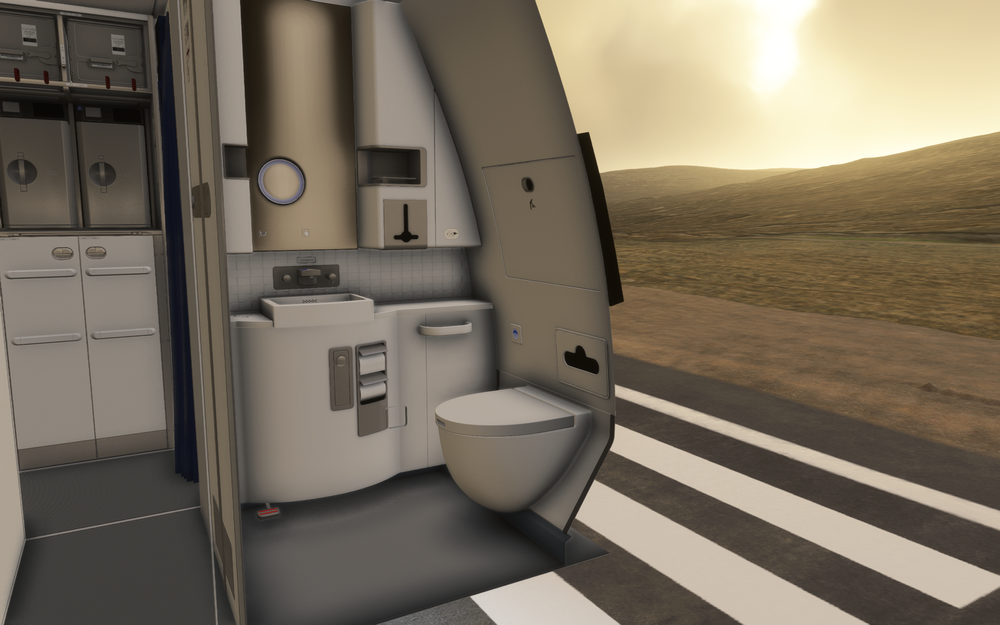
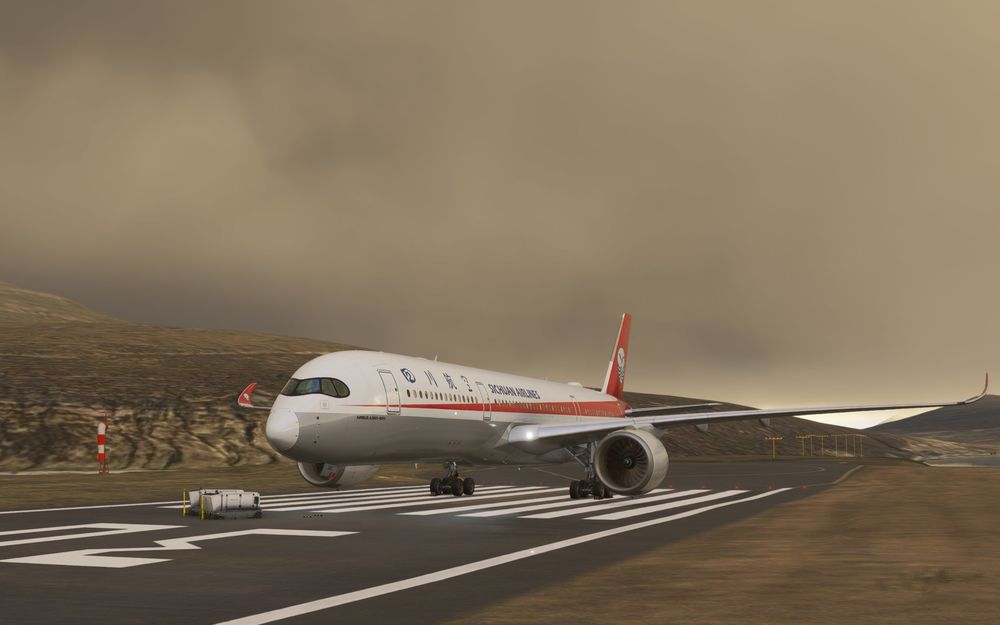
And I also try to born in a gate with ini default Cathay livery A35K (also updated in the latest version) and still not have cockpit
-
I updated 1.1.7 but the cockpit and nose wheel are gone, and I try to restart my msfs2024 and nothing happens
-
solved
-
I can download the new 1.0.3 version, but after it finished download, I can’t install it, the button”install “doesn’t work. but I can download and install other aircraft normally
-
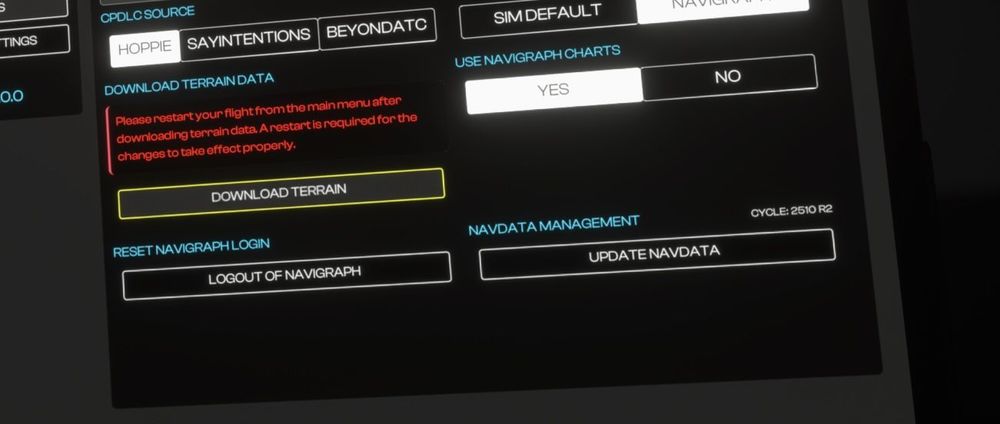
does any have trouble downloading the navidata the update button seems not working at 340 1.0.2 ; but the 350 can update normally
-
Ok, it can download the terrain data. The reason is network problem which means i need to turn on the VPN TUN mode. After turn on that I can download the terrain data successfully.
-
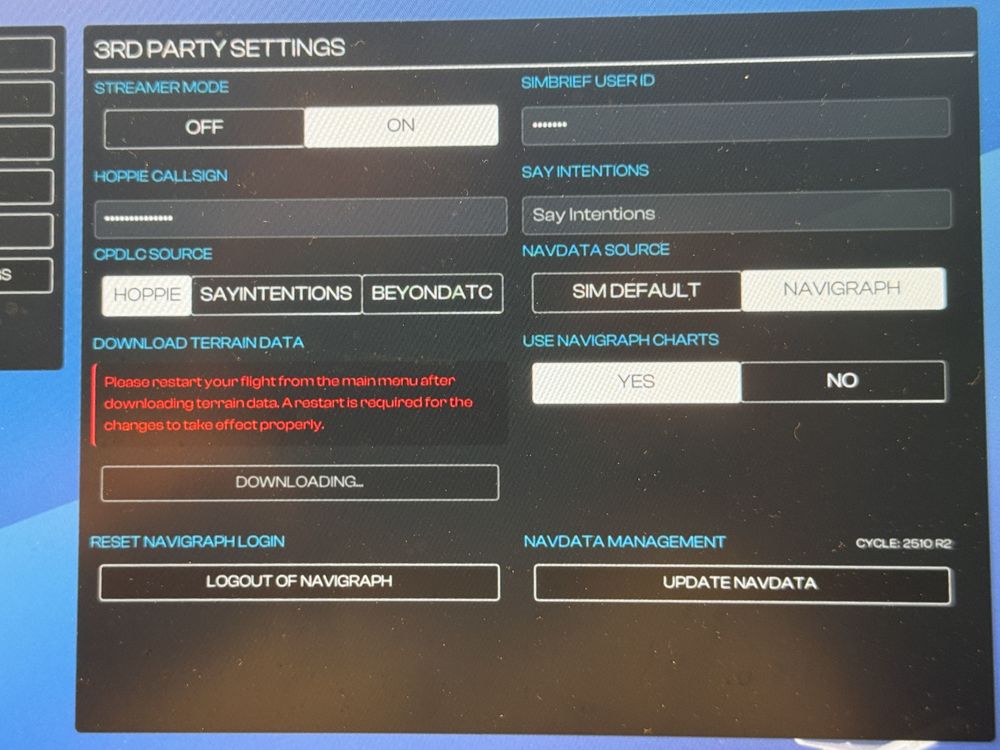
And when I select download the terrain data it just remain downloading for at least one hour…
-
Hello everyone, I can’t download the terrain data, and I check the work file and there was no terrain data file and I still also exclusive the local state file in the antivirus software still can’t download the terrain data