DeltaXrayWhiskey
Member
-
Joined
-
Last visited
Everything posted by DeltaXrayWhiskey
-
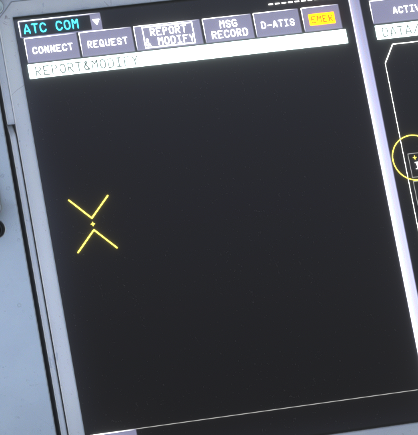
Thanks for the reply. I did have a look a few times under ATC COM menus and was not able to see where I could do position reports but happy to take another stab when I am next airborne in the right airspace. As I said, it was something Brisbane Radio advise I should be able to do but could not see an option for it. If not possible, that is okay. Just wanted to make sure I had not missed something or perhaps misconfigured. I thought perhaps it is meant to be under the page show below (Report & Modify) but there is nothing there.
-
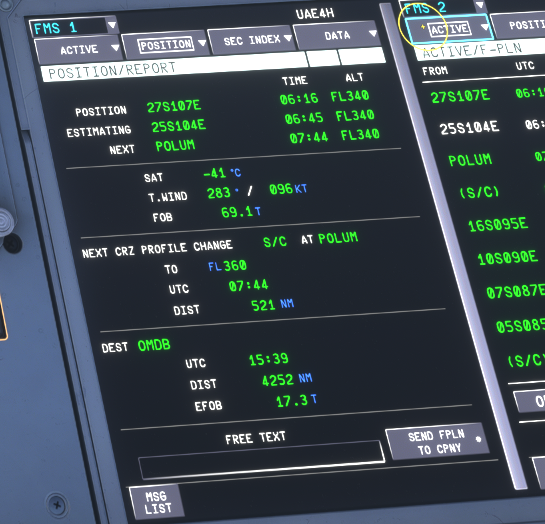
Hi. Should I be able to send position reports via CPDLC via the ATC COM Menu under "POSITION/REPORT" page. I am currently doing a flight across the Indian Ocean and Brisbane Radio advised that I should do CPDLC position reports and they thought I should be able to but that does not seem to be the case. I know ADS-C reporting works but in this case Brisbane Radio are not able to receive those reports. Is this supposed to be a feature of the A350 or does that page just help with voice based position reports?