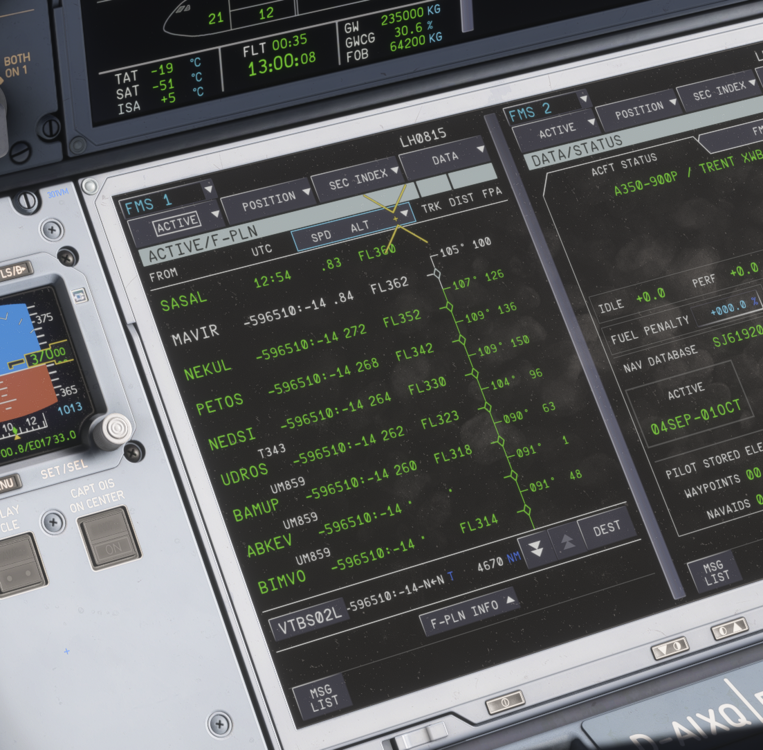
HolePunch
Member
-
Joined
-
Last visited
-
-
no Beta in use :)
-
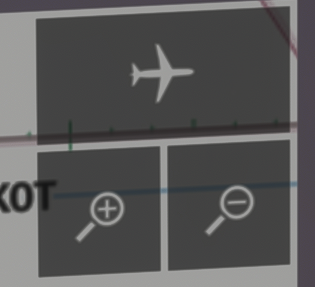
you mean the EFB, right? and you have these Buttons in mind? they work fine for me
-
20260927-0823-36.0291543.mp4 The zoom is also moving, when i try to switch from Plan to ARC or ARC tp NAV. Only Keyboard and Mouse connected with standard 2024 Keyboard profile. Any first suggestions, how we can the reason? - The A350 has the same behavior... i have no idea, what key binding could have this result :) Thanks in advance :D
-
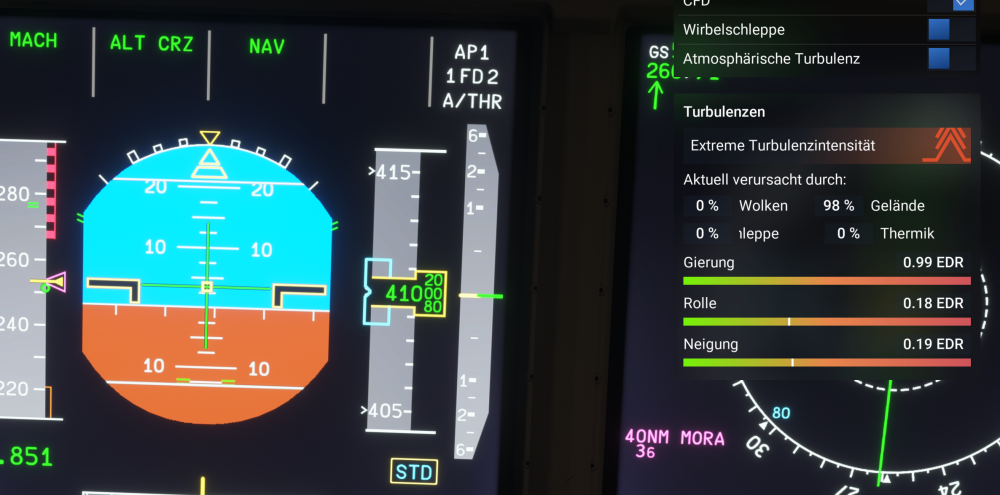
i just checked the turbulence data and i just ask myself if it can be true :) This is the only plane, which behaves like that. Just would be nice to know if its a bug or not. i am flying far to high to be influenced by ground Winds etc. Sometimes they just jump back to 0, then run up quickly to.99 again. Thanks a lot in advance
-
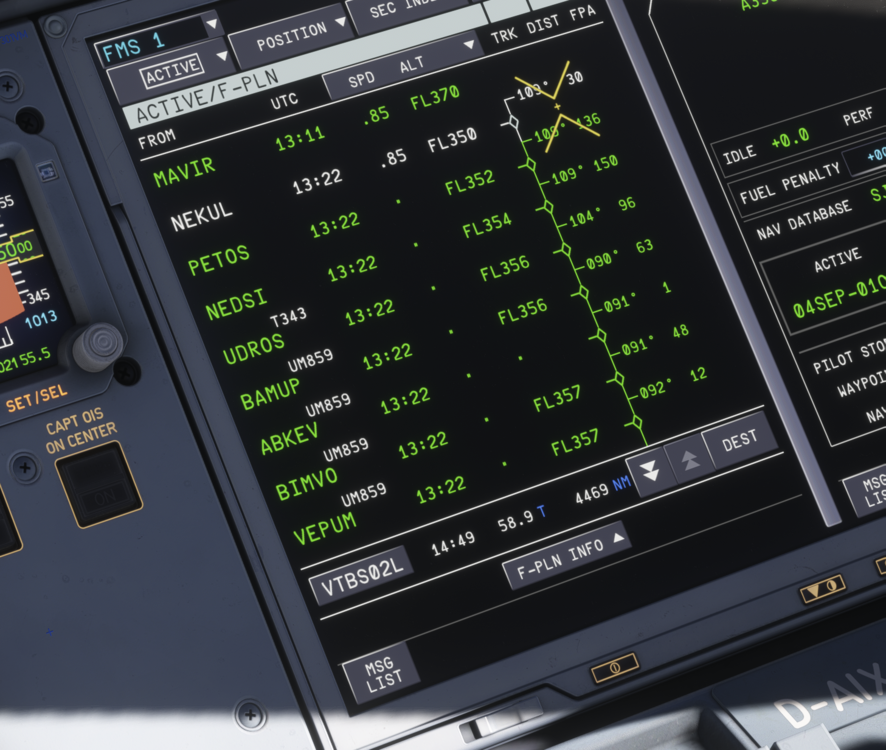
Even if I have everything in one Flight Level - the calc. is not correct - started with 70 tons of fuel. its not possible, that after 10 hours of flight only 12 or 13 tons are burned.
-
I have it, when selected flight level is above optimal flight level