




Dirkster
Member
-
Joined
-
Last visited
Everything posted by Dirkster
-
depite no chocks, aircraft won't budge. Engines are turning and reacting to throttle input, but no movement. Handbrake off, of course. Dirk
-
I will try this again, upping the flex temperature maybe. Quite certain I don’t have any button assigned from mixture et cetera on the yoke. Certainly didn’t assign one myself. Certainly didn’t assign one myself.
-
Yes, very similar.
-
Hello, yes, outside temperature was a -2°, the flex temp of 0° a result of the EFB calculation. Dirk
-
On two occasions now, the engines cut out immediately after take-off. In both cases, I took off from PANC on RWY 33. Flex temperature set to zero. Engine anti-ice set to on. Nav and profile armed. Not sure what is going on here, what did I miss? Did anyone else have this happen to them? (Slats/Flaps set to 15/15, trim set as well, still very sluggish to raise the nose though) Dirk
-
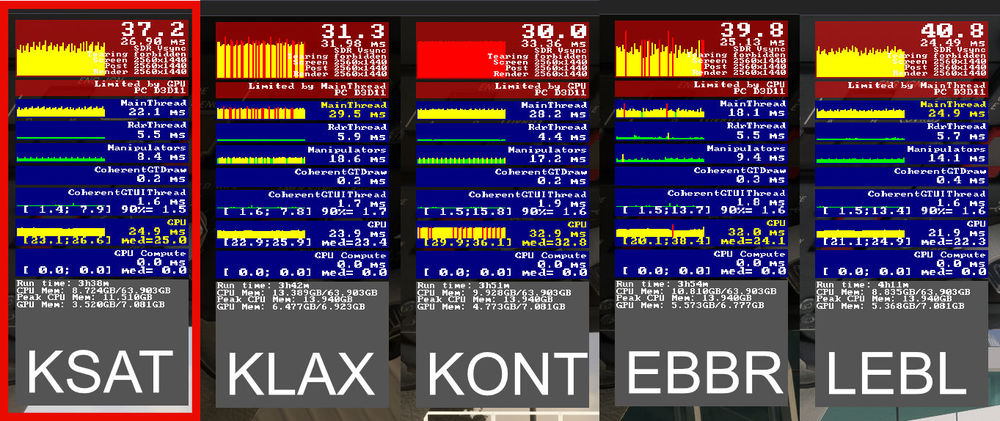
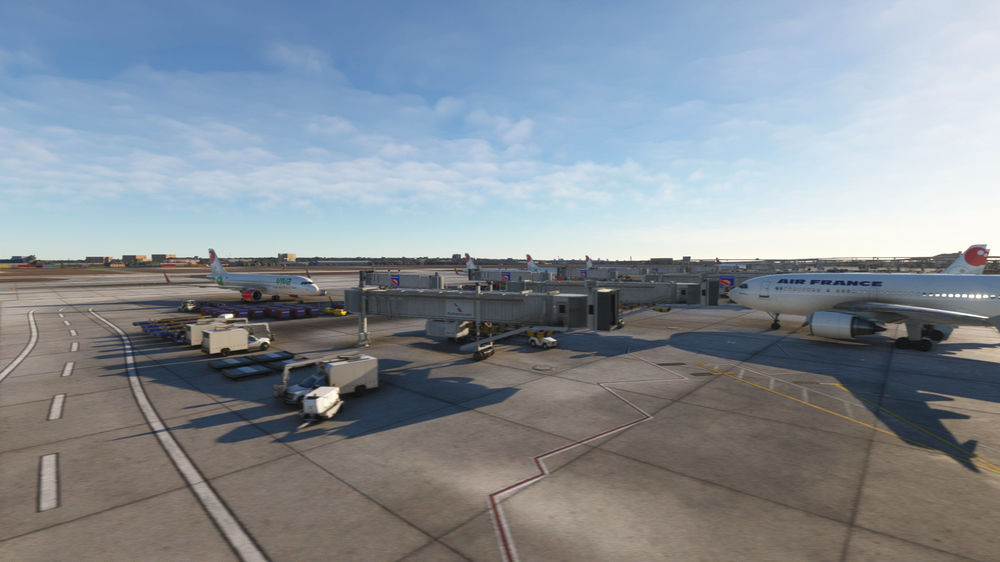
Hello, late reply from me again, apologies! Tried to run it with Photogrammetry turned off, but still, same problem. Adding to this, just wanted to show a comparison with other airports, which load and display fine.
-
Also, not sure if relevant, but noticed this in the debug window Adding further, this is the only airport this 'not-loading' completely is happening to me, and I have by now dozens and dozens or airports, often way more expansive, purchased.

-
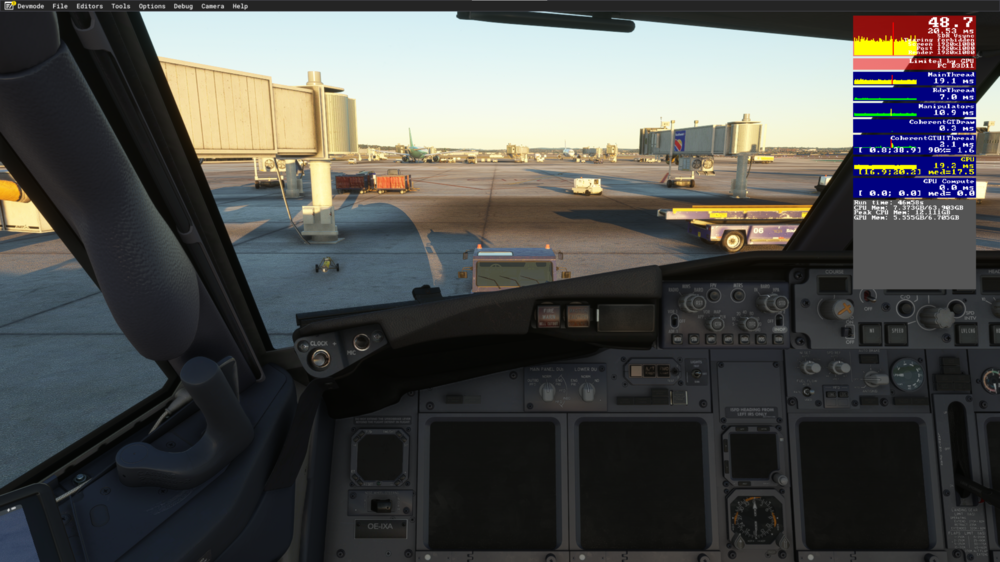
Okay, now in 1920x1080...
-
The previous screenshot was for KSAT. For comparison, the following is for KLAS.

-
Oh, hi! Yes, sure, just how do I enable the developer mode... ? Never done that... Dirk... but this is what it still looks like
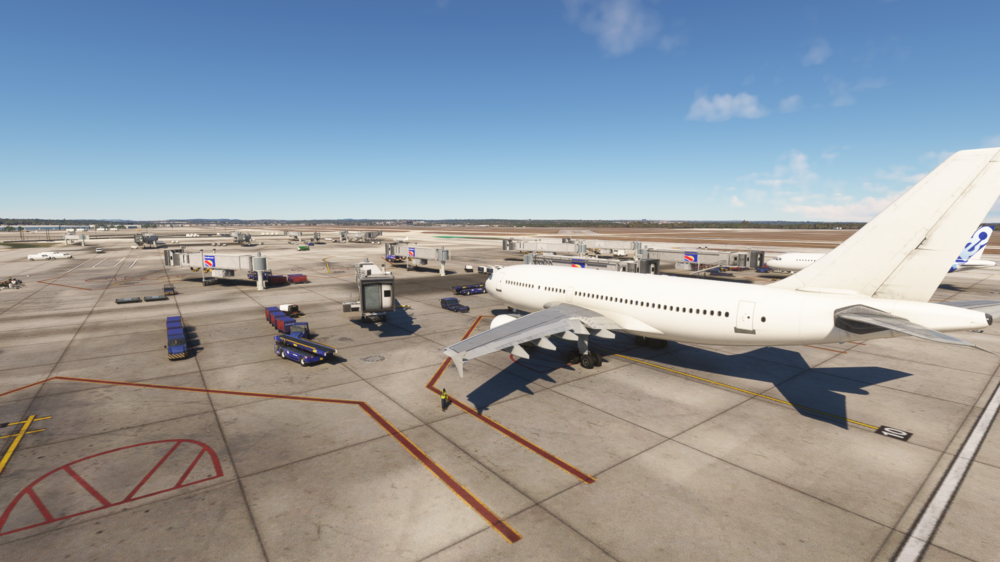 Yes, I was hoping that @iniBuilds would have an idea as to where to look, what might be the culprit. In any case, I deleted everything form the community folder for the moment...
 @iniBuilds… any suggestions?Posted this now as a new topic as there were no replys in here. (how do i delete this post now..?Purchased KSAT through the inibuilds website, then downloaded through the iniManager, and having the problem that the scenery won't load.Scene initially loaded without textures and buildings, now, after deleting and redownloading it twice, textures load, but still no buildings, only jetways.All other sceneries loading fine, also loaded in with other aircraft, and same result.The inibuilds-airport-ksat-san-antonio folder is located in my community folder and is 5.62GB.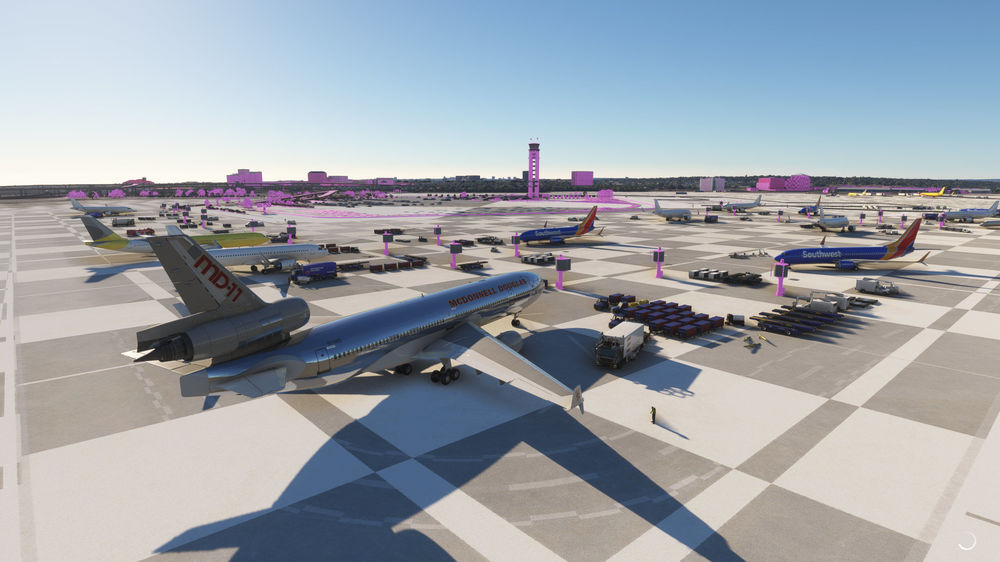
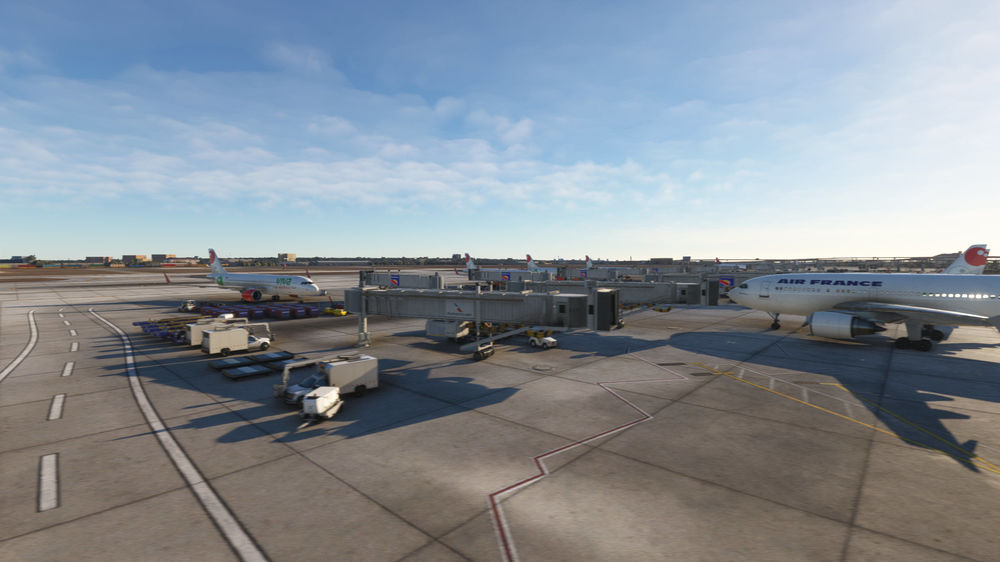
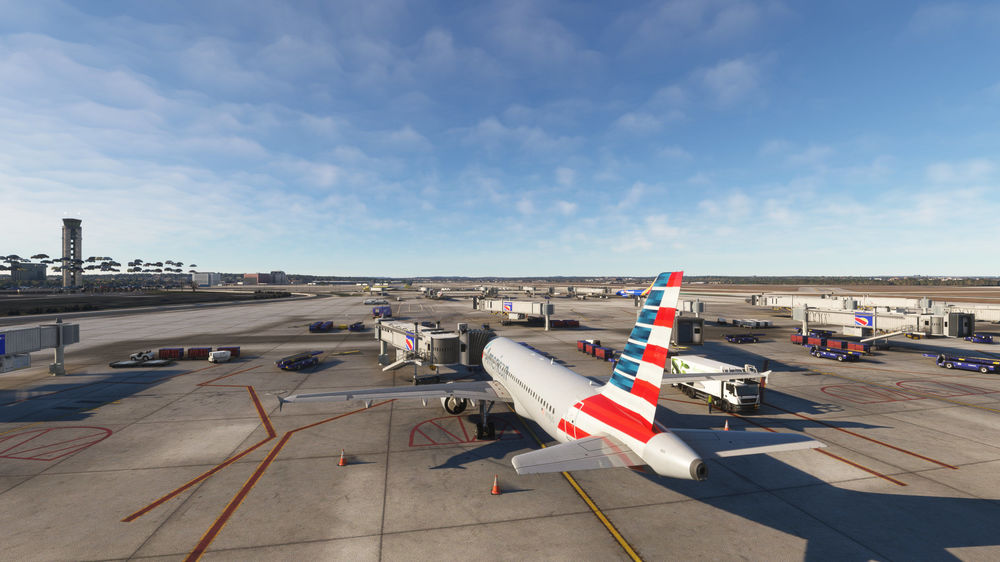 Just wondering if this ever got resolved, and if so, what the fix was. Yesterday also purchased KSAT through the inibuilds website, then downloaded through the iniManager, and having the same problem. Scene initially loaded without textures and buildings, now, after deleting and redownloading it twice, textures load, but still no buildings, only jetways. All other sceneries loading fine, also loaded in with other aircraft, and same result. The inibuilds-airport-ksat-san-antonio folder is located in my community folder and is 5.62GB.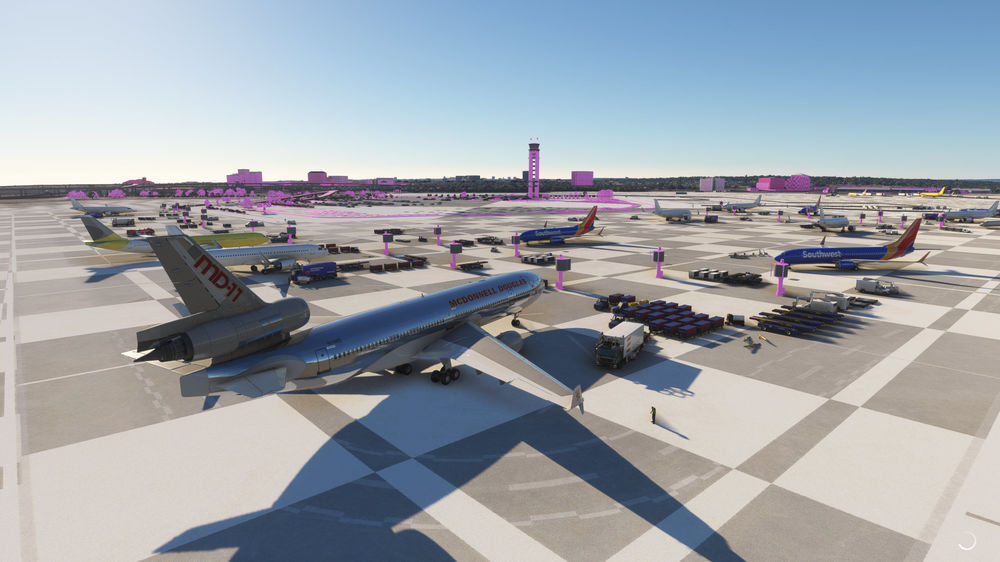
 In the A310, in the FMC, is there any way of getting the distance between the individual waypoints displayed? As it is, I am only getting timestamps along with the speed and altitude. I do of course see the distance to the next waypoint displayed in the navigation display, but only of course once I am on my way to that waypoint. Is this simply how it is, or am I missing something? Many thanks, DirkI removed all liveries as well as runway texture add-on (via MSFS add-on manager), and ‘Hey Presto!’, all worked without hiccups, not just for the A310, but Fenix, PMDG etc as well. Atm only adding liveries as I need them, one by one, and will try to test the runway textures add-on again soon as well. Will update here when that happened.@iniBuilds Would yo hav eany suggestions as to where to look to fix this? Has this sort of thing cropped up before maybe? DirkStill having this problem, so I decided a few days ago delete the 310 and download it fresh. Everything works fine this time, but on subsequent flights the same problem came back.. Any hints or tips would be much appreciated. Tempted to throw out all liveries and download them again from inibiilds store. Must add also, that I have had similar problems with other aircraft in the sim, the CRJ, the Fenix, and sometimes the PMDG as well. Then, for a few days, things seem fine again, but then the problem is back. Has anyone encountered something similar?. DirkHello, recently encountered a problem a few times, where when loading in the A310, the plane isn't set to C&D, when it should. Even if I switch to C&D, it remains as if external power is applied. I looks and sounds as if hte plane is powering down, but screens remain on and buttons don't react, when I try to turn external poer off and or turn batteries on or off. Its just doesn't seem to be loading in correctly and then 'getting confused' over where its at. I tried with various liveries, now slowly getting rid of most and grabbing the ones from the iniBuilds store, where I can. DirkSøren, did you manage to figure this out? I am able to do this on the Boeing and A320, but so far. I’ve not been able to do this in the A310. More than waypoints, I am actually interested in marking the distance to my arrival by just adding a radius. Any suggestions or links would be much appreciated. Many thanks, Dirk


