




Deer-in-Motion
Member
-
Joined
-
Last visited
Everything posted by Deer-in-Motion
-
I don't seem to be running out of fuel. I can do this several times and the engines always return to the A/T setting after unpausing. It definitely seems related, though. But I'm glad you were able to replicate it!
-
I barely noticed there was a triangle when looking at it. Made it difficult to set takeoff trim.
-
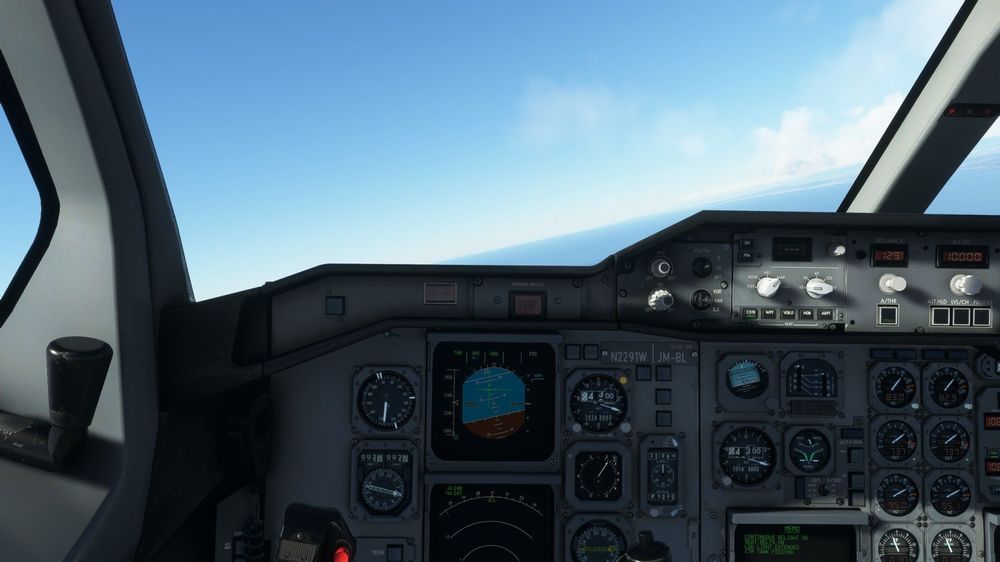
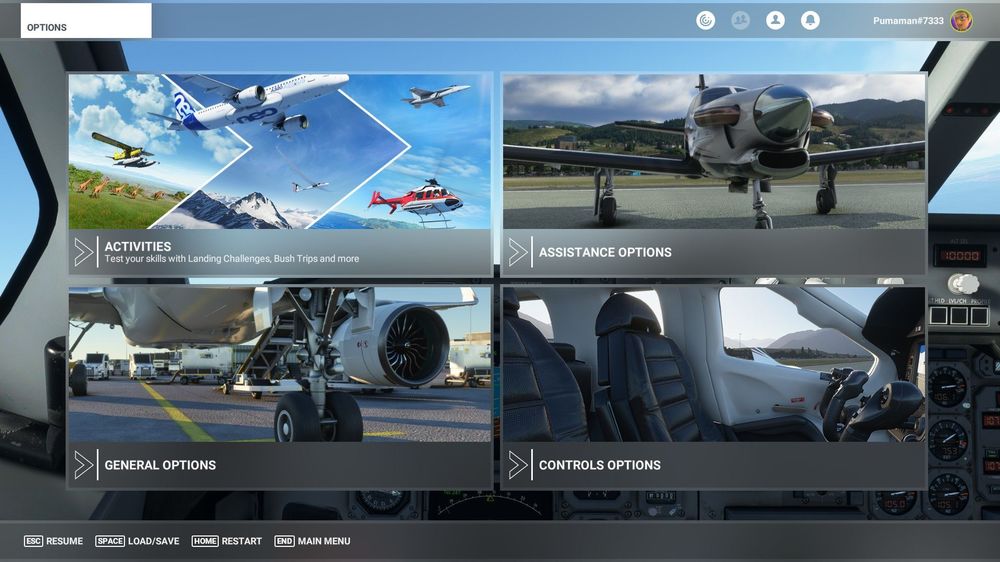
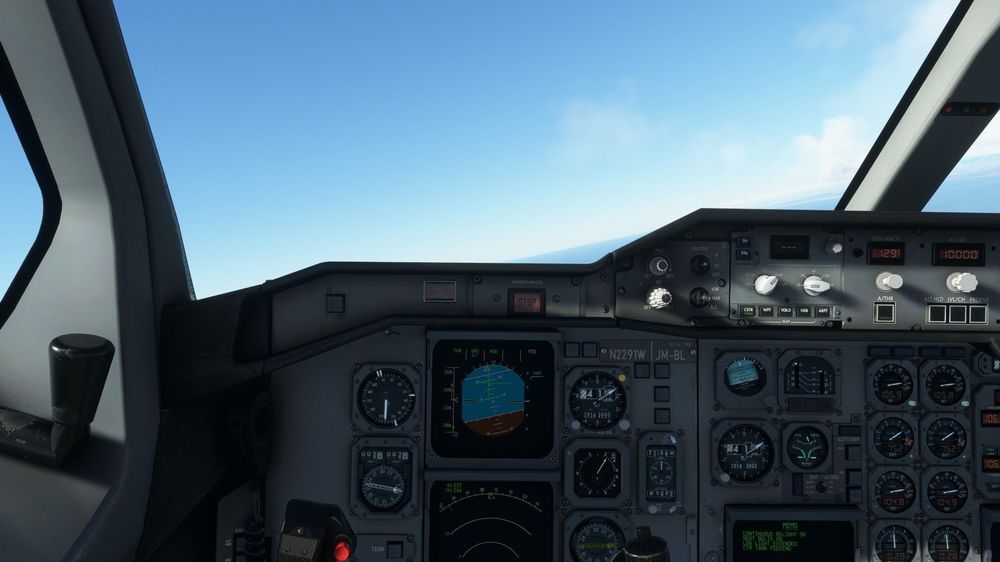
This is what I did. I spawned on the runway with everything running and simply took off. Entering the ESC pause menu caused the engines to fluctuate wildly. See screenshots. I have a feeling that fuel flow is getting interrupted when entering the ESC menu. Screenshot sequence is bottom-to-top.
-
I'll try again and see if I get a repeat.
-
I was ascending out of San Diego when I decided to turn multiplayer back on. Once I returned to the aircraft the engines shut down.
-
You can find that info on the Weights and Balances tab in the EFB once you've loaded up. You can also find the TOW on the center ECAM screen under GW.
-
Sounds very similar to my problem. What throttle quadrant are you using? Make sure there are no assigned axes to either mixture or prop pitch. I had this problem on my first three flights before I checked various forums and saw this link. I'm on a flight right now and no problems.I noticed this. Without it GSX and Volanta can't identify the aircraft.After some experimenting after exporting a flight plan I inputted the From/To fields in the FMS. The flight plan gets populated from that, but it doesn't include the rest of the OFP, like ZFW or fuel.I have SimBrief set up in the iniManager. It has a SimBrief flight plan export feature. I have no idea where it's exporting to. I see the SimBrief downloader can export an ini flight plan file, but I don't know where to put it or if it'll even work.Same problem. It just says "Pending".


