




Harrier77
Member
-
Joined
-
Last visited
-
-
Hi, I use PSXT with RT for the insertion of realistic traffic into MSFS2024. At EGCC, the RT follows the new taxiways very well, generally, except for the new taxiways E and D. The taxiways E and D between LINK 4 and LINK 2 are placed too far SW compared to the real world; this results in real traffic aircraft taxiing off the scenery taxiways (see screenshots). The scenery needs to be redrawn with the correct placement of these taxiways (I will stress again that all other taxiways seem to be correctly placed for the real world). Peter
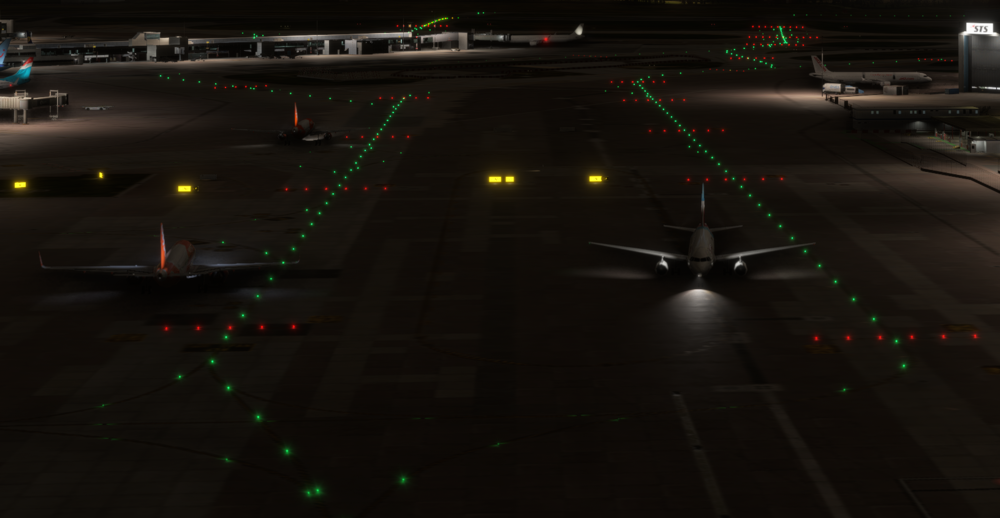
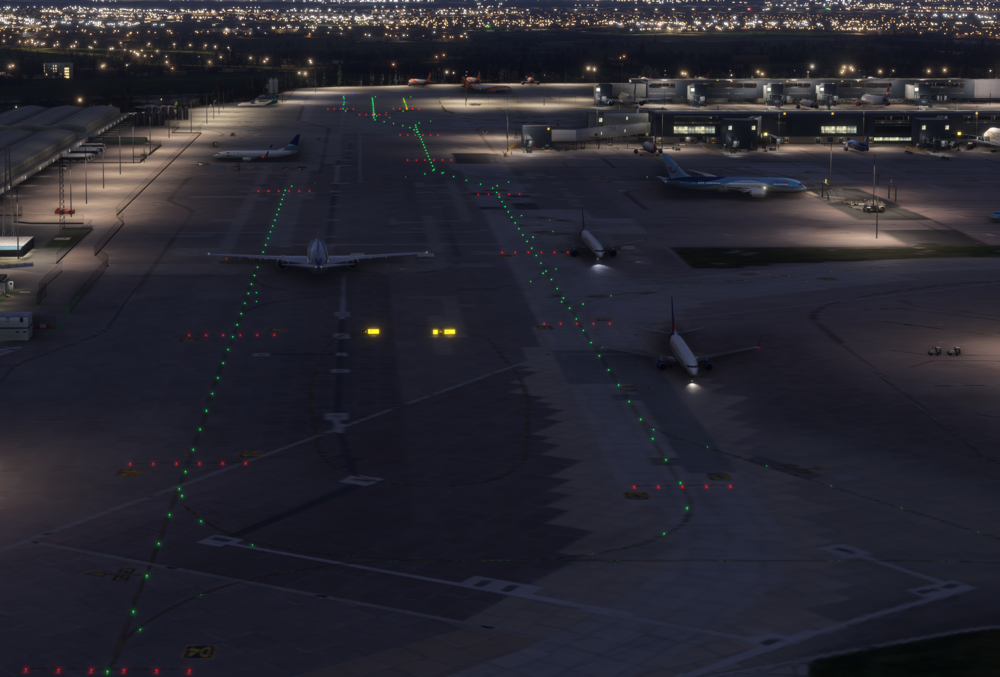
-
I can also confirm this behaviour.
-
Thanks for your help. I have it working now.
-
Thanks for the ref to the manual. I have followed that procedure and twice the aircraft turns away from the final course at the FAF. I will try some more approaches to see if it is procedure dependent.
-
I have followed the procedures in the video but I have yet to get it to work. I have tried two times so far and the navigation turns off course at the descent point both times. It could be me, but as an experienced RW Airbus pilot I believe I am doing things correctly. I guess I will try some more otherwise its back to selected modes only.
-
Thank you. Also, is it possible to program the AI better. For example, only one runway for take offs and one for landings? This would help the AI flow. I would suggest 27R for take offs and 27L for landings when westerly, and 09R for take offs and 09L for landings when easterly.
-
Would it be possible to look at the gate airline codes so that FSLTL models can be spawned at the correct gates rather than randomly?


