




PilotGW
Member
-
Joined
-
Last visited
Everything posted by PilotGW
-
I reported this on the Discord and indeed, the only way I got it working was to stream the aircraft. I couldn't get it to work at all with the aircraft installed locally. Logging in while streaming and then installing locally didn't work, as I was immediately logged out. That being said, it keeps logging me out (presumably with each update..?). Since the last update, I'm struggling to log in again even while streaming the aircraft. To outline the problem step by step, the QR doesn't appear on first load of the aircraft. Trying to link through my browser results in an error message (The user code is expired, invalid, or already linked to an app). If I press 'Refresh Code,' the QR code now appears and I can link, but even though it's showing as linked in my Navigraph account, it just doesn't work. This really needs fixing. Edit: Okay, it's decided to start working again all of a sudden: I logged out of the L1011 from my Navigraph account Logged in via the PFB (it didn't work. The QR code was still showing despite linking 'successfully') Restarted the sim and now the PFB is showing I'm logged in Bit of a faff.
-
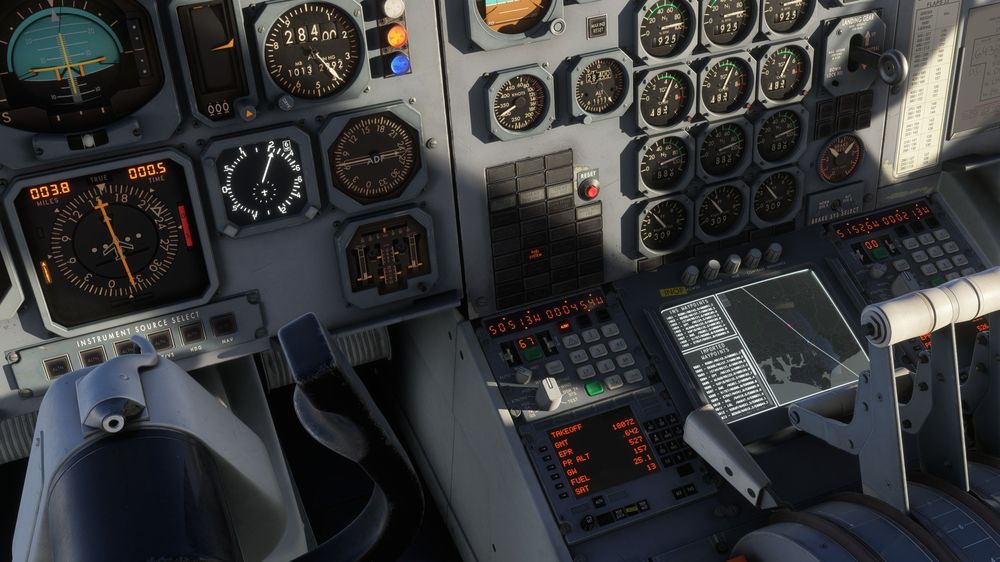
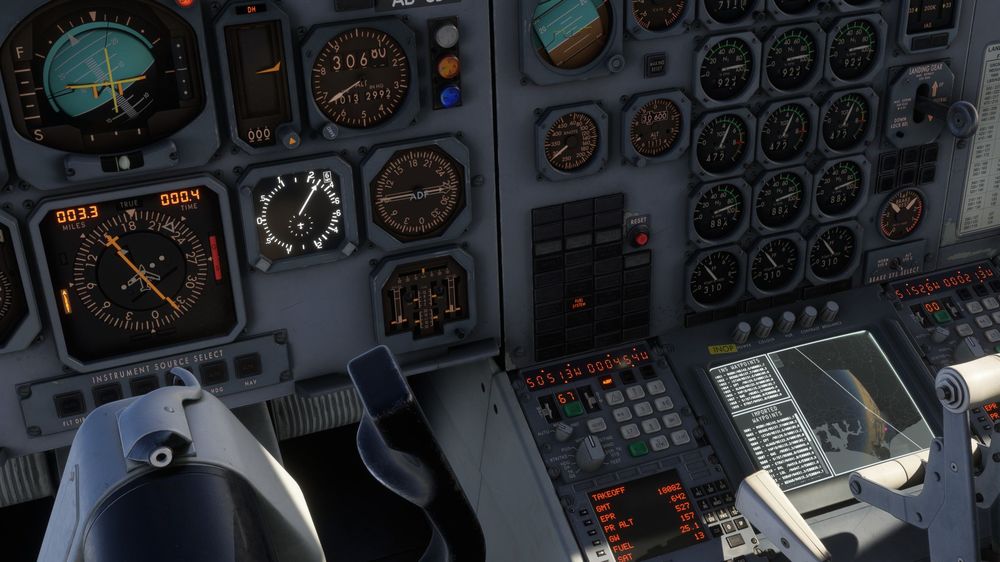
Just tried again but with a Simbrief import so there's no doubt over whether the coordinates were correct. Same thing happened. The INS gets stuck on 6 > 7, when it should change to 7 > 8. Looks to be correctly positioned on the moving map display. It seems to get confused as soon as I fly over the waypoint. I get the sense the aircraft feels as if it's 'missed' GWC VOR and tries to have another go by turning back. Approaching GWC. Leg 6 > 7. Correct coordinates and positioning on the map. Aircraft turns right overhead GWC. INS stuck on leg 6 > 7. Distance starts increasing. Aircraft now off track according to the moving map.
-
Hi, Slightly odd one. I've been doing a few practice departures and climbs up to cruise, getting a feel for the aircraft. I departed from Luton (EGGW) and set course towards Menorca (LEMH) using the following route, the first 9 waypoints entered manually (not imported through Simbrief), starting at RODNI. EGGW/25 N0480F350 RODN1B RODNI N27 ICTAM Q63 CPT UN859 SOPIL DCT BALAN DCT EVPOK DCT NARAK DCT GAI DCT LOMRA DCT ROCAN DCT GEANT N727 SARGO SARG5B LEMH/01 Upon passing GWC VOR (Waypoint 7 - N5051.3, W00045.4) The aircraft should have turned slightly left towards SITET (Waypoint 8 - N5006.0, E00000.0). Instead, it entered a right turn, almost as if it's trying to double back to GWC. This happened a few days ago. I shrugged it off as user error, perhaps a bug. I tried again today and the exact same thing happened at the exact same point. I managed to get it into heading mode to turn it back towards the next waypoint (SITET) but I noticed the distance to the next waypoint was increasing instead of decreasing. Clearly it hadn't sequenced properly. I had to do a manual track change from waypoint 7 to 8 to get it work properly. Am I doing something wrong?
-
Hi, Did you manage to find a solution to this? I just flew to Shoreham for the first time in ages and I have exactly the same issue. I figured it might have something to do with the new World Update, but judging by the time of your post it seems that isn't the case. I tried removing WU17 anyway, just to test and that doesn't fix it, neither does having a clean community folder with just Shoreham installed.
.thumb.jpg.c478b3a8db742605855922dfa6a40d48.jpg)
-
Yes, it's been uninstalled since I purchased the scenery. After further testing I was able to make a similar thing happen at iniBuilds EGLL this morning, by loading in and going straight into the cabin of the A300. Sharp FPS drop, with an associated GPU usage spike. In this case, however, it would resolve itself within a few seconds, unlike the lengthy / sustained drop at KJFK. VRAM might be the issue after all. Forgot to note, I'm still using DX11 to try and avoid this in the first place, but it seemingly isn't enough any more. I'm guessing my PC is just getting a bit outdated for these modern add-ons. According to the official MSFS forum, a lot of people are also experiencing a performance degradation since SU14 launched, so it could be that too.
-
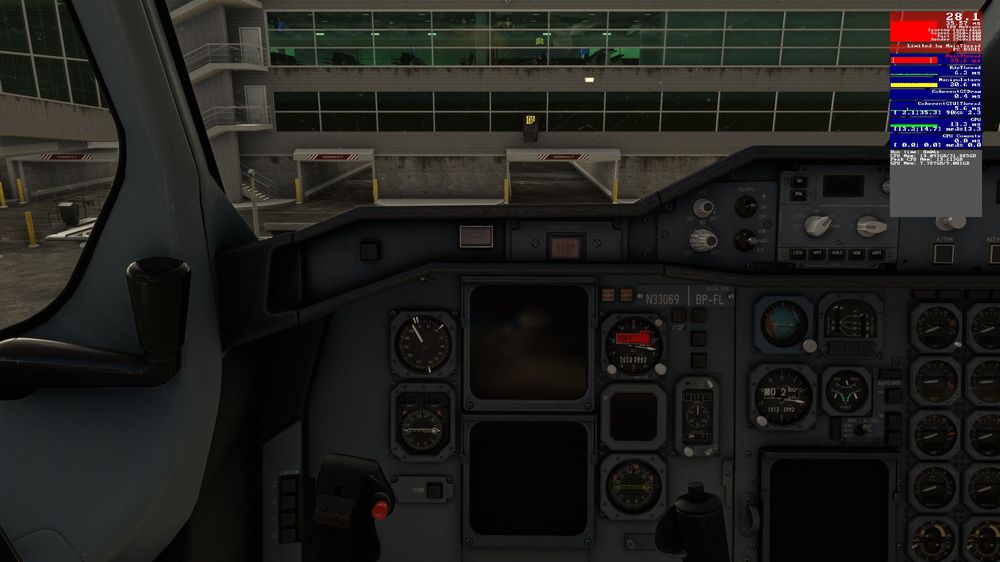
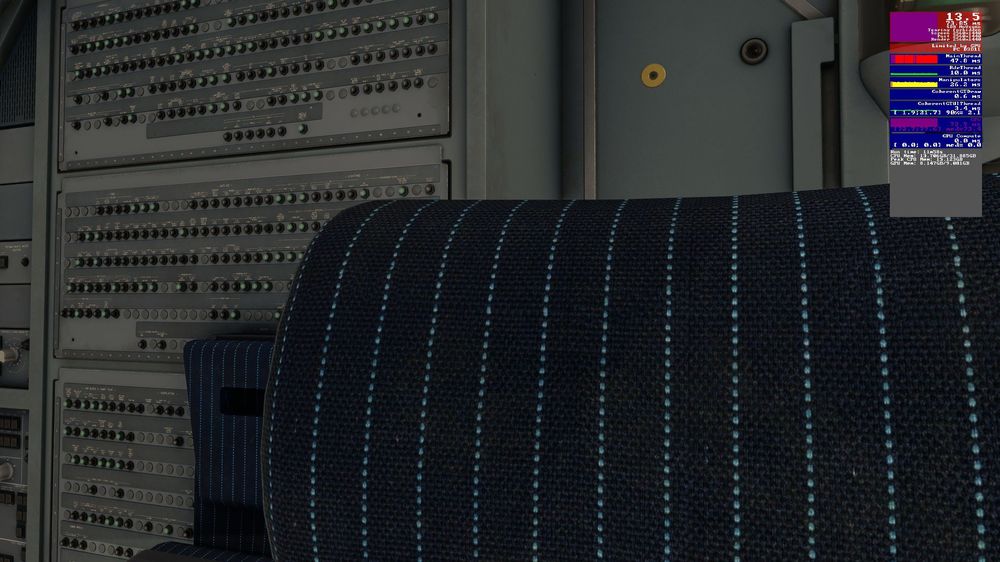
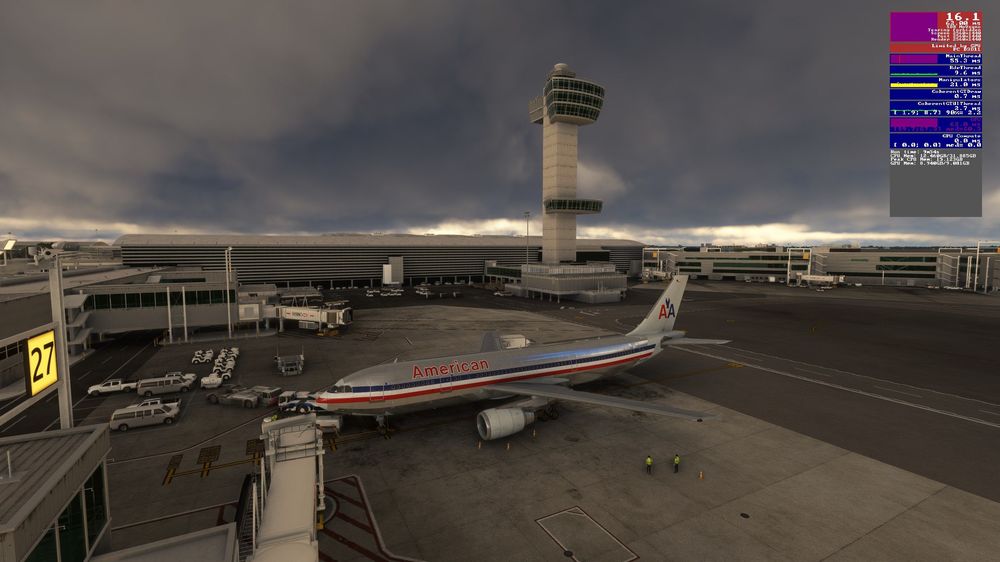
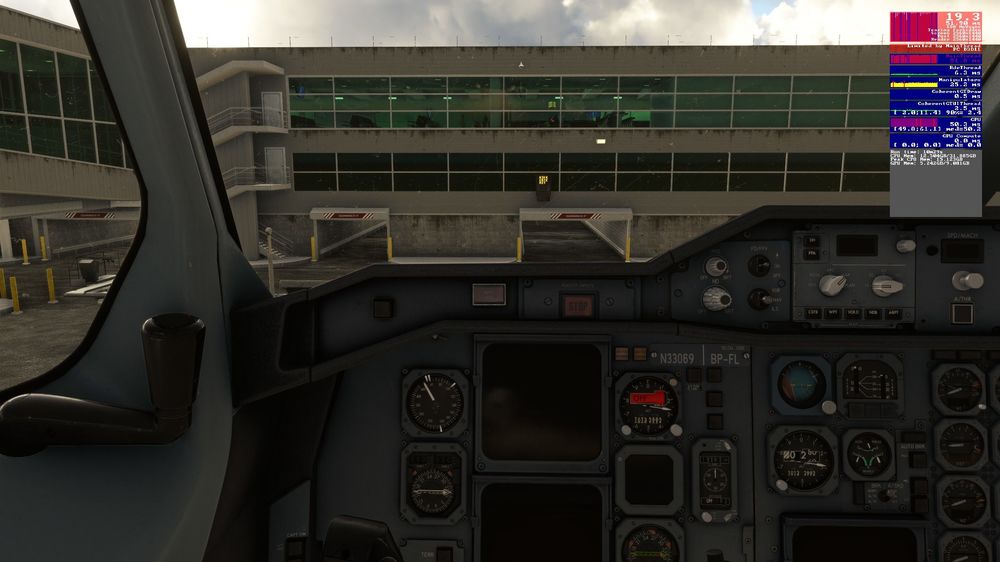
Hi, I bought KJFK a while back but never got round to using the scenery. I loaded in using the new A300 yesterday, but I'm experiencing a weird problem where the FPS starts out fine, but quickly reduces to an unusable level after I start panning around the cockpit or going to external view. To further test this, I loaded in at a random gate (A27). At the start, the FPS tends to hover around 27-30. If I then pan the camera to face roughly towards the back of the aircraft, my GPU usage suddenly increases to 99% (from a relatively low percentage) and my FPS decreases to around 10-15. Sometimes it will stay at a reduced FPS indefinitely, although I have seen it recover fully (but it happens again as soon as I start panning). I am noticing that the VRAM is going past the maximum at times, but even when it drops back below the limit, it sometimes won't recover. I tried using the advice in the pinned thread here, but it made no difference. I also tried turning off EVERY option in the iniManager for KJFK, but it made little to no difference. I also tried using the PMDG 737 and whilst I had a higher average FPS than the A300, I still happened. I figured I'd try loading into iniBuilds EGLL and Aerosoft EBBR with the A300 to see if I could induce the same issue, but in my very limited testing, I couldn't. At both airports, I noticed that the VRAM occasionally increased past its limit, but I didn't see the same behaviour as I do at KJFK. It stuttered briefly, but the FPS stayed relatively high. My settings are effectively the Ultra preset, but I've reduced Terrain LOD and Object LOD to 100 and my resolution is 2560x1440. This has worked well for me in all situations since MSFS launched. Intel i7 10700K | ASUS RTX 3080 10GB | 32GB DDR 3600MHz RAM Am I doing something wrong?
-
Hi, I've noticed several problems involving liveries for the A300: 1. Lufthansa Express (D-AIAS): Cannot be downloaded through iniManager. "File Not Found." I can download through the forum, however. 2. Islandsflug Cargo (TF-ELW): Installs fine through iniManager. When downloaded from the forum, however, it cannot be extracted. It says the compressed folder is invalid. If I try 7-Zip instead, it states: "Headers Error, Unconfirmed start of archive, There are some data after the end of the payload data." 3. Islandsflug Cargo (TF-ELB): Installs fine through iniManager, but when I close the program and reopen it, it treats it as if it isn't installed. I would have to manaually delete the livery from my Community folder, if I decided to remove it in future. 4. Multiple Freighter Liveries: This isn't a huge issue, but for OCD sufferers like me it does bother me. 🙂 Multiple freighter liveries have differing "ui_type" assignments in their respective aircraft.cfg files. Some show in the simulator as "A300-600RF", some show as "A300-600F", and some just show "A300".
-
Hi! This isn't a big issue at all, but I've noticed that when using liveries downloaded from iniManager, there are no pilots visible in external view. This doesn't seem to happen with liveries included in the base package. I've seen a few other posts here that indicated that it was a known bug, but that was back in November 2022. Did this ever get fixed, or is it still pending? I've also noticed that the Air Transat Classic C-GFAT livery is missing a thumbnail in the menu, despite the thumbnail being present in the texture folder. I did some poking around, and the only difference I can find between this livery and the others, is that references to the thumbnail files are missing in the layout.json file. Many thanks!


.jpg.2a56ffeb7f469cd29eae6bb96228a98d.jpg)


