




cvqueiroz
Member
-
Joined
-
Last visited
-
-
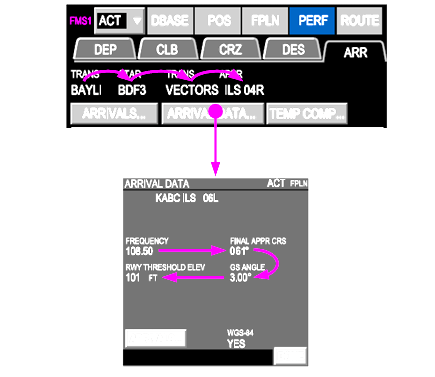
After have done three flights yesterday, in none of the flights I could perform an ILS Approach. Following the step in the Airbus-A220-Pilot-Guide, as you can see in the image below, when I check the Arrival data, the ILS frequency can not be displayed. Even if I place the ILS Freq in the Control Tuning Panel (CTP), the aircraft does not recognize it. Is It an issue / bug ?
-
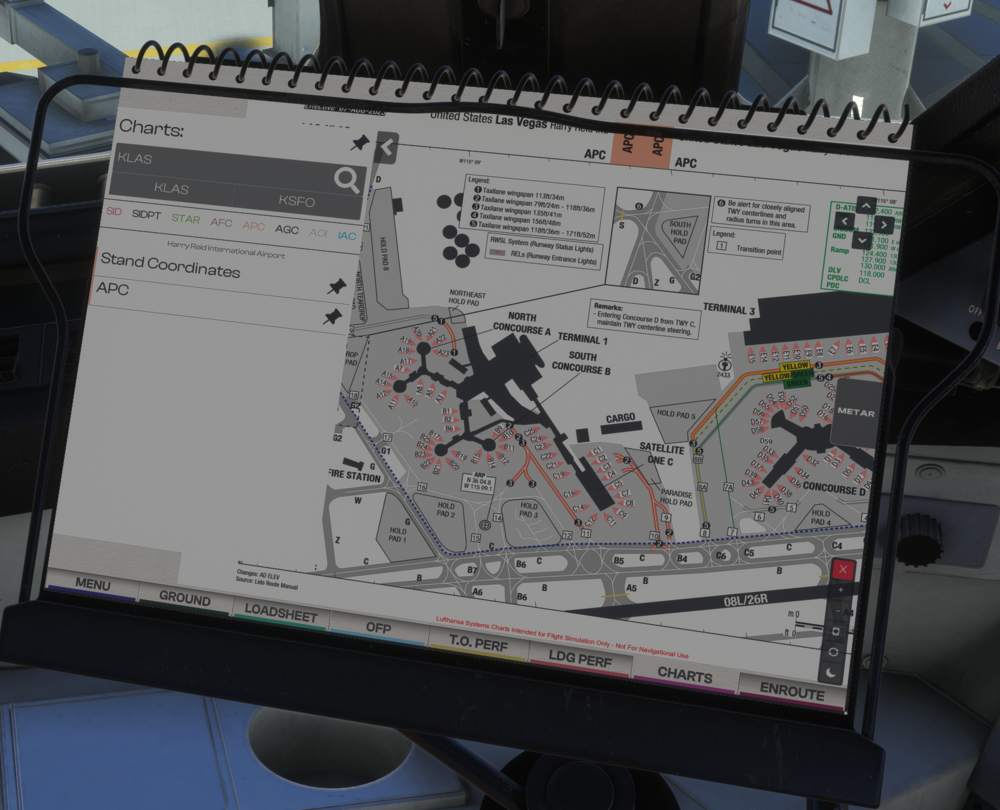
Hi dude, I have done all the step to have navigraph chart be linked and approved in L1011 EFB but I can not have access through the EFB. Do you a clue what is happening ?

-
I have been seaching about PMS manual and it would be nice if tha manual had a section explaining it.
-
I noticed the same behavior ...


