




FSUK_86
Member
-
Joined
-
Last visited
Everything posted by FSUK_86
-
-
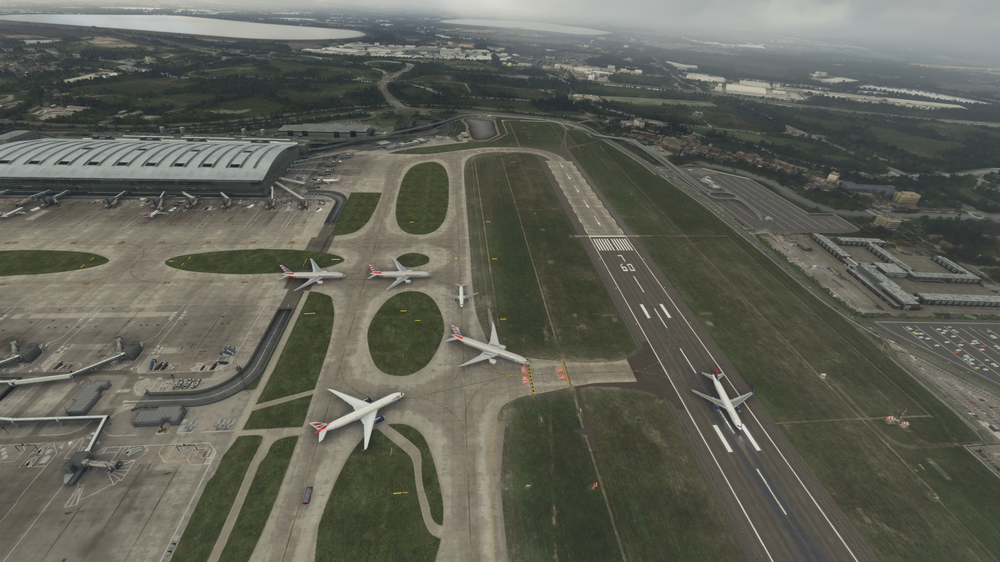
hi i posted about this probl;em well over a year ago and seems to not be fixed any chance you can have a look at it, the ai path to make them go to the start of runway 09L at A13 as the ai is trying to join the runway at a12 and blocking the taxi way thanks
-
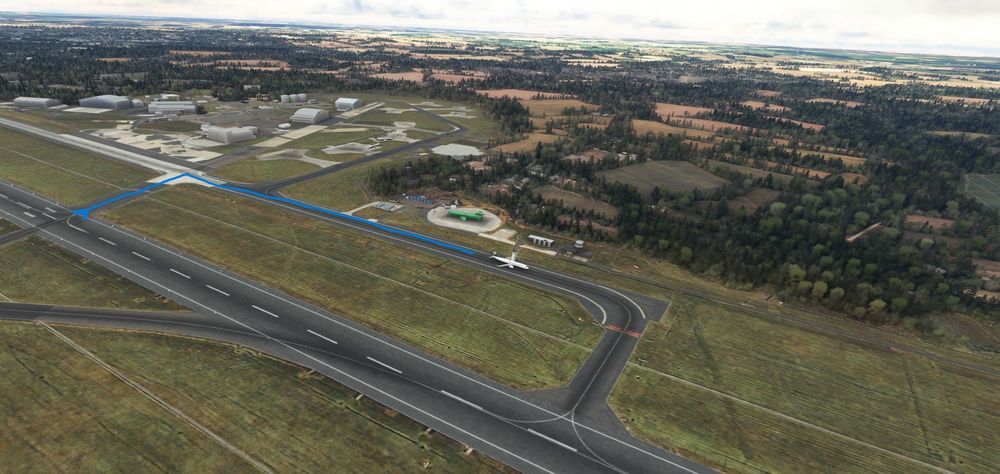
can you have a look to see why AI Traffic is truning off the runway the wrong side after landing, this happens if ai lands on 04 and 22, they will turn off onto V1 Then V3 and go along to holding point U then cross thanks
-
for me its the same parking codes dont match up to real world
-
-
is there any chance you can update the ai path to make them go to the start of runway 09L at A13 as the ai is trying to join the runway at a12 and blocking the taxi way thanks
-
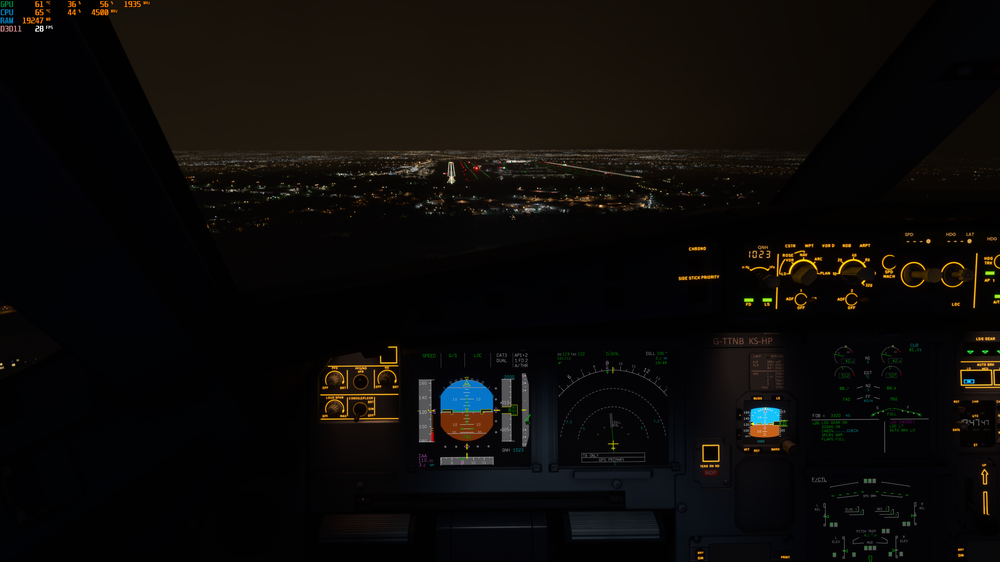
Using fbw Experimental no problems my end,
-
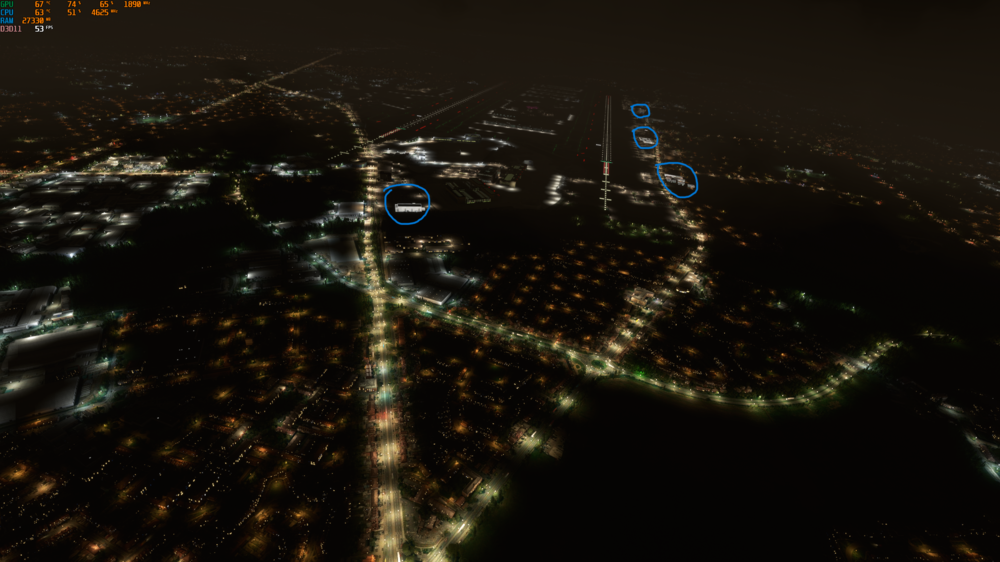
hi still the same after new update white buildings until you get close to them and then they pop in to normal, not just me who has the problem seen it in loads of youtube videos,
-
have you got the asobo handcrafted heathrow installed what we get if you buy the premium deluxe, if so delete that in the content manager.
-
i have just seen LVFR released a bundle to do other custom airports aswell as default. my guess would be LVFR will have to update there end, i would ask over at there forums
-
LVFR Static only work with asobo handcrafted airports


