




kilanyjr
Member
-
Joined
-
Last visited
-
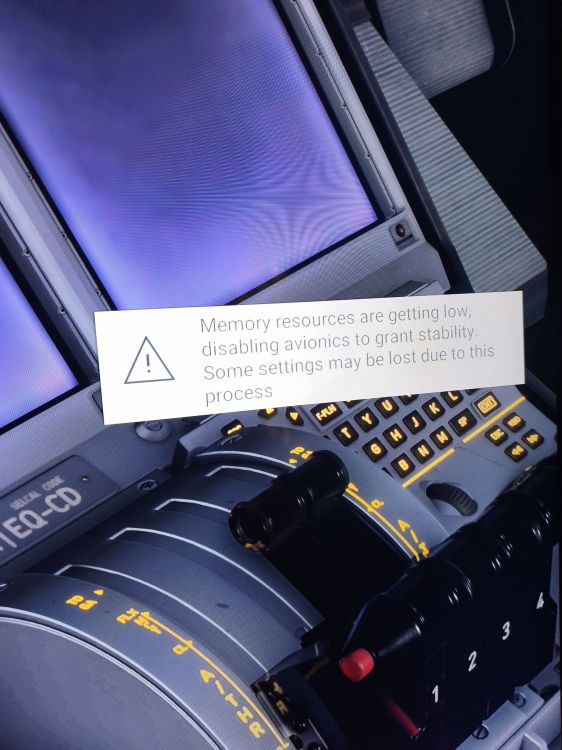
I hope you have a solution now because More Than Two Weeks Since i Buy it and I can't make one flight or even success to do any take off without This massage Pop Up! Thanks
-
-
-
Hi Everytime after i land on any airport i get this massage...low memory and disable avionics and all the screens going black even the efb !!! And I can't control the aircraft or turn off the apu or battery it just not responding and it's very difficult to control on take off and landing because it lagging but on cruise it's ok and fun to fly...can you help please Thanks
-
-
-
Good evening everyone... I'm also have problems with the 75 dollar A380 I can't even begin a flight always the same massage (low memory and Reduce performance and disable avionics) It's really disappointing we have this beast and we can't make one take off without the screens turn off. I hope they fixed right now because we paid a lot to have this experience.

