ggbond250
Member
-
Joined
-
Last visited
Everything posted by ggbond250
-
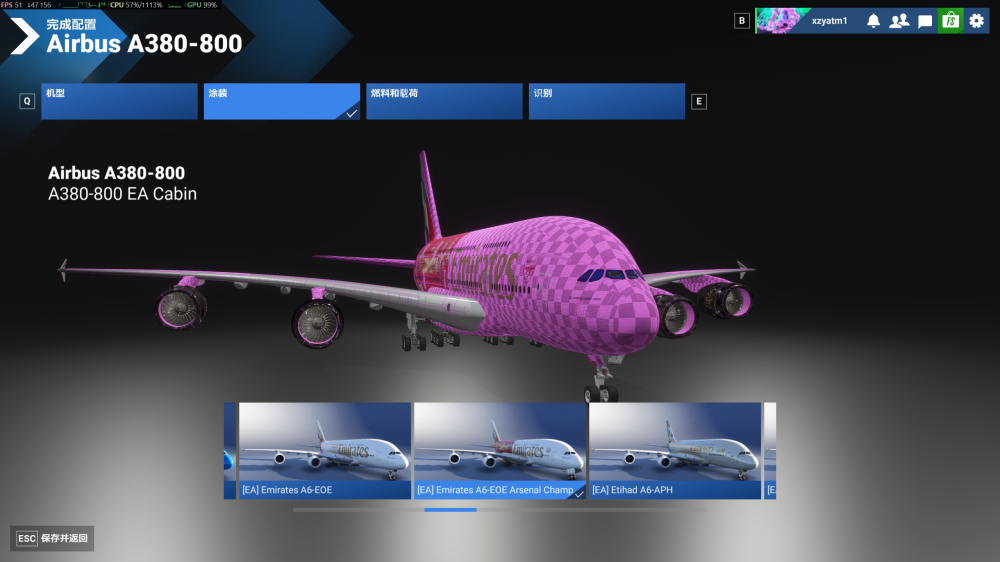
My A380 aircraft model and livery are both up‑to‑date, yet garbled text still appears.

-
I have tested all the troubleshooting methods mentioned above without any issues, but I am still unable to locate the exact cause of this problem.
-
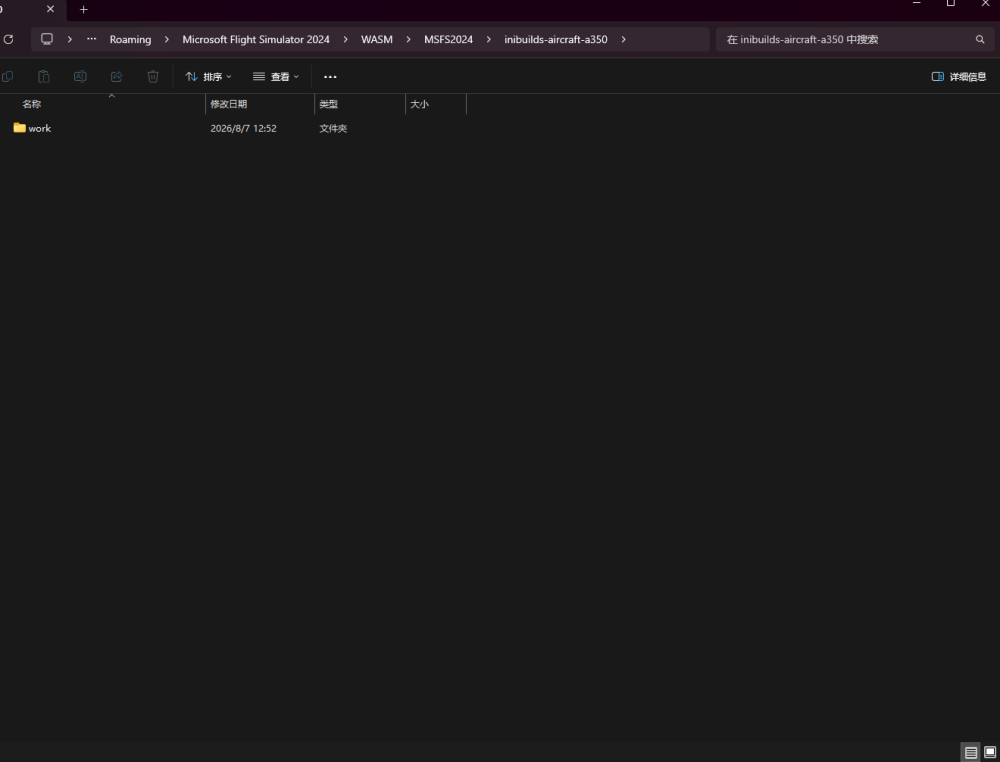
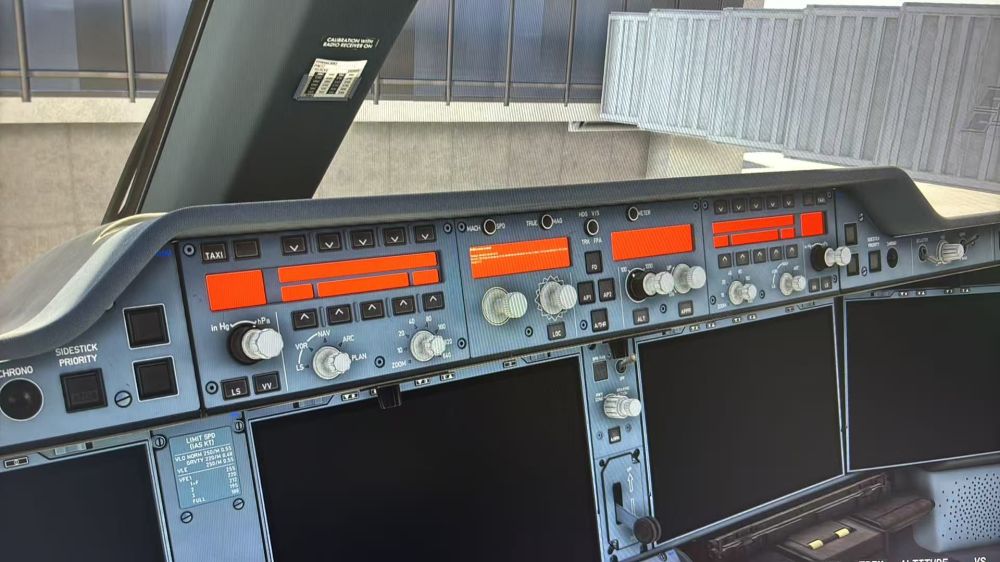
No WASM cache files are generated even after recompilation, and the aircraft add-on itself cannot launch.
-
It still doesn't work, sorry.
-
I have reinstalled the system completely with drive C fully cleaned up. When reloading the aircraft, there are only files inside the work folder with no other documents available.
-
WASM crashes frequently; there are no WASM files inside the WASM folder, only a work folder. This was purchased via the built-in marketplace version.This issue applies to all products of your company. How to resolve this kind of issue?