




pierre L
Member
-
Joined
-
Last visited
-
Houston we have problem 🙄 I cleared and deleted all as you propose deleted even deleted synaptic-aircraft-a220 in the Community folder, reinstall iniManager V 2.6 uninstalled and reinstalled a220 and MSFS24 dont find the aircraft among the others addons... but after Enabled Synaptic a220 Airbus in My Library the aircraft appears in the menu and seems work normally now 🥳 Its okay?
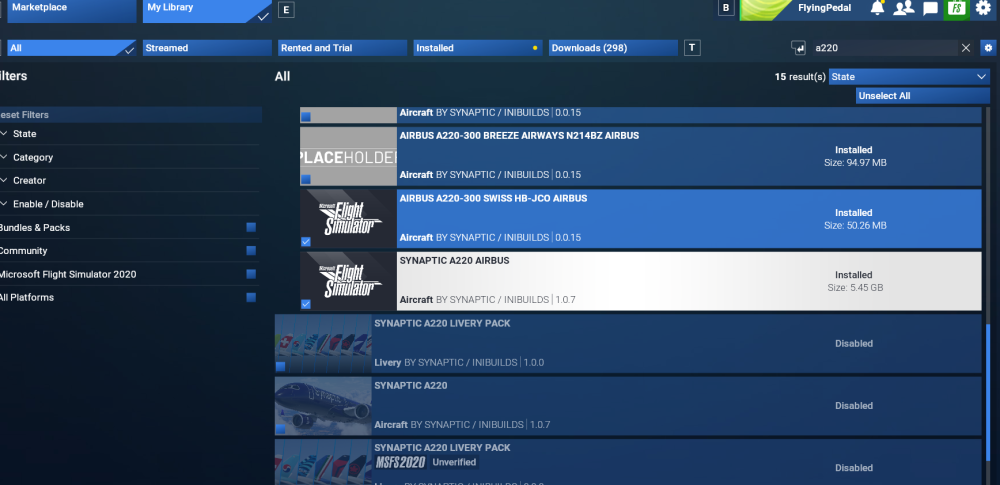 Hello I did exactly what you said but now even if the installation is in my Community folder as other addons MSFS 2024 dont find it See screenshots thanks for your help again Pierre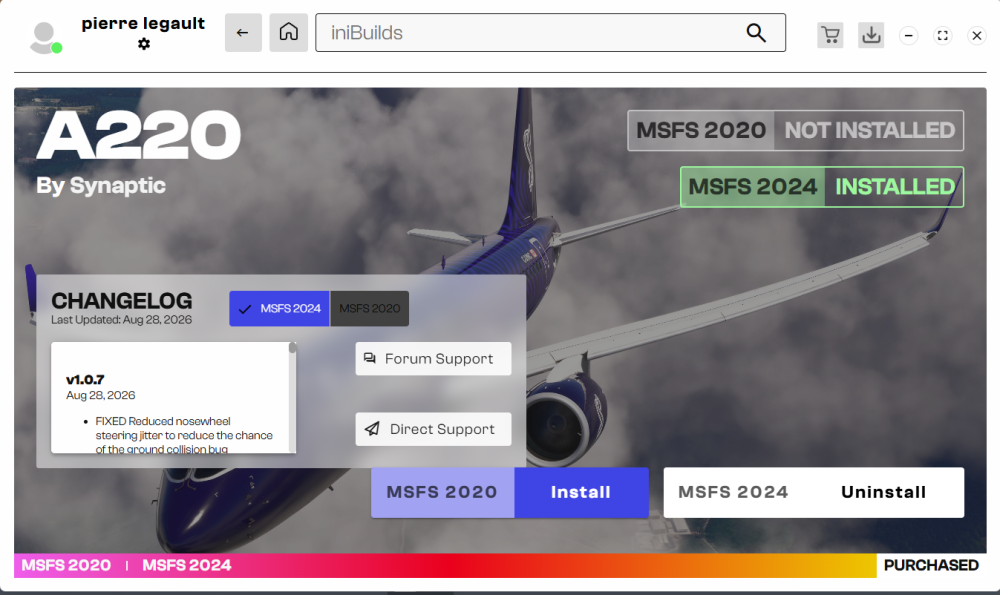
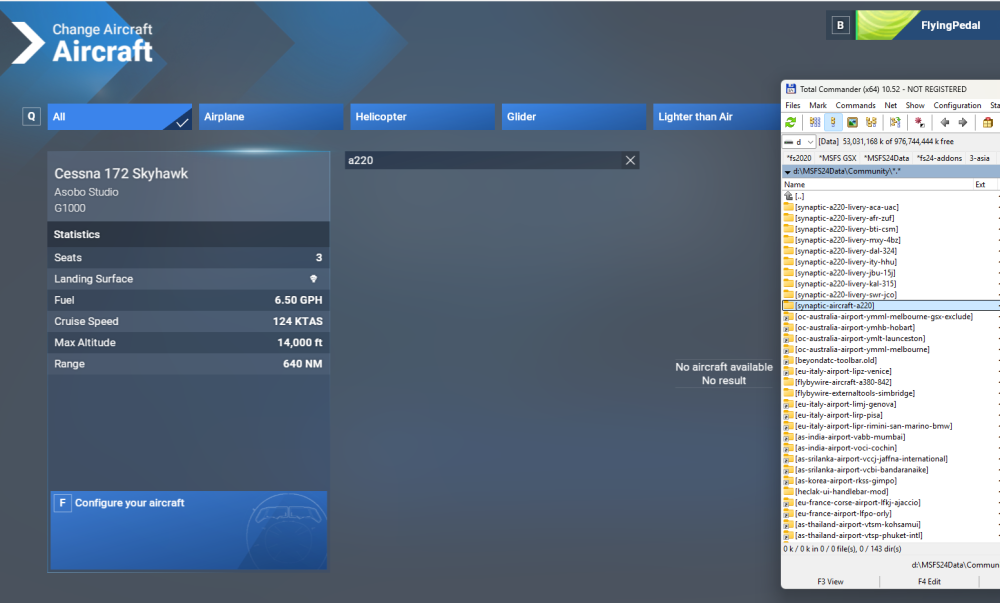 Hello IniKile Sorry I did exactly what you say and now when I select a220 I dont have liveries even if I downloaded several from flightsim.to and also from marketplace. Alson now if I load scenery/airport with the default liveries MSFS 2024 frozen. Can you explain detailed steps after move my a220 into initManager? Regards


