Chris135
Member
-
Joined
-
Last visited
Everything posted by Chris135
-
Hello, I’ve installed version 1.0.9a, and I’m still occasionally encountering the issue where the TOD is ignored.
-
Thanks for the very quick reply! Yes, I tried that—several times, in fact. I’ve also reinstalled the aircraft and deleted the WASM folder multiple times. None of that has had any effect.
-
Hi, I bought the A220 today, and one of the first things I test with a new add-on is the panel states. When I select GPU or APU, simply nothing happens. Is this intended? I like starting with a fully prepared aircraft in the sim, as that is more realistic.
-
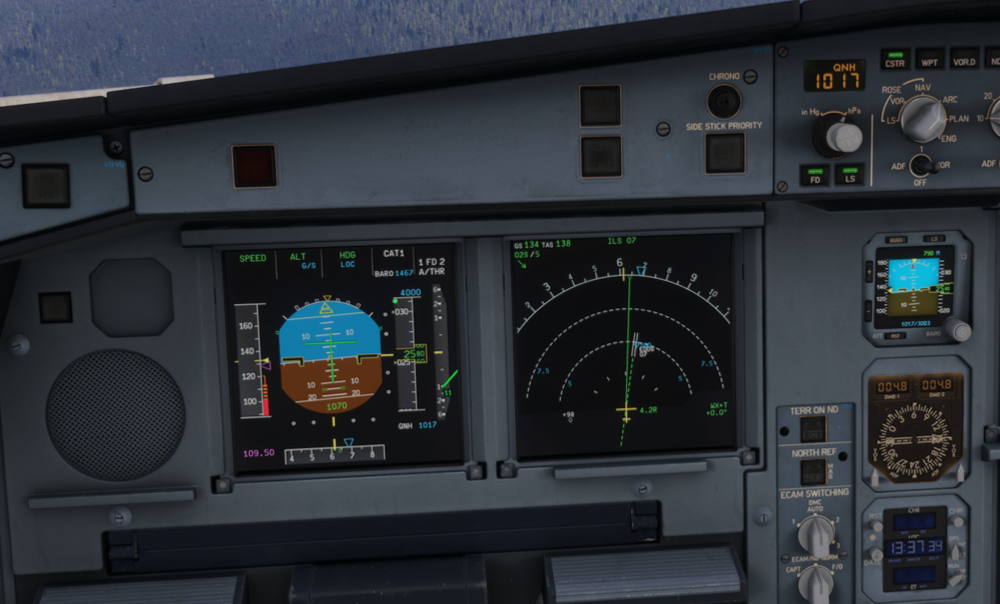
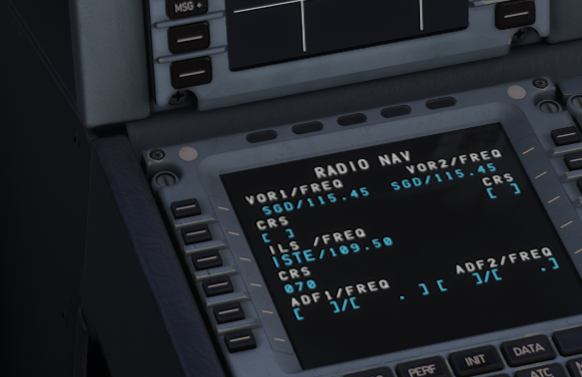
Hello, I'm having the same problems. I just landed at EDDS on runway 07 with the A332, and no diamonds were visible, even though the correct frequency was set on the RAD/NAV page. I also had this problem with the A400M! @Eddie When will this problem FINALLY be fixed?!