Skip to content
View in the app

A better way to browse. Learn more.

iniBuilds Forum

A full-screen app on your home screen with push notifications, badges and more.

To install this app on iOS and iPadOS
  1. Tap the Share icon in Safari
  2. Scroll the menu and tap Add to Home Screen.
  3. Tap Add in the top-right corner.
To install this app on Android
  1. Tap the 3-dot menu (⋮) in the top-right corner of the browser.
  2. Tap Add to Home screen or Install app.
  3. Confirm by tapping Install.

Brit

Member
  • Joined

  • Last visited

  1. Has worked for me fine last two flights, JFK and Heathrow.
  2. Done two flights today and neither did the plane capture the ILS, Heathrow to Malta and back.
  3. https://drive.google.com/file/d/13Szz0G2KRdEIEe3WYJ5NL-eYXxDgW6GZ/view?usp=drive_link
  4. Yes I have made a video, how do i share it with inibuilds guys it's 1.4gb. Basically i have to press GND START/ ASSIST AIR START to get the engines to come on.
  5. Success! Can now start the engines by setting the engine start switch to both. Least I can fly her now.
  6. No luck, out of ideas now! I tried panel state with engines running and the engines start somehow lol
  7. Tried that still doesn't work.
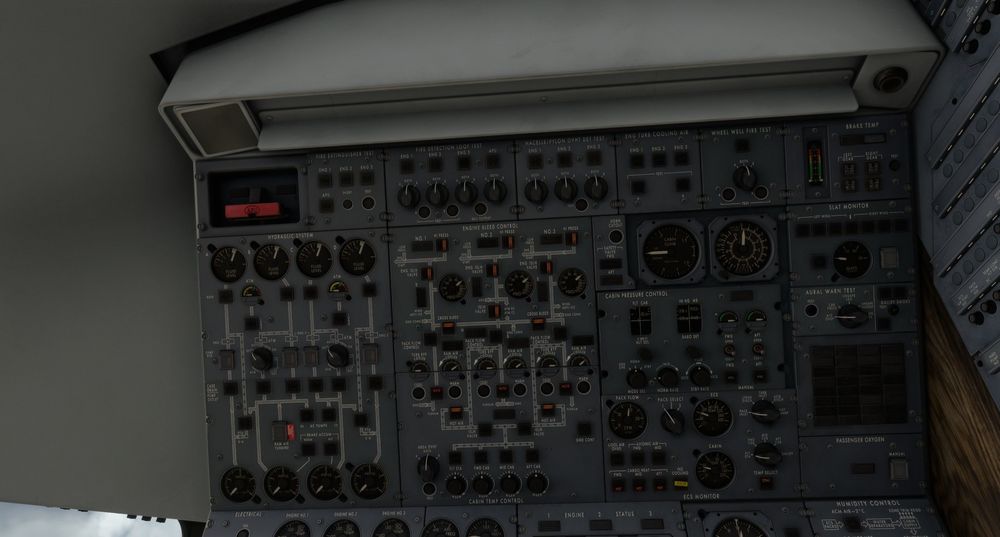
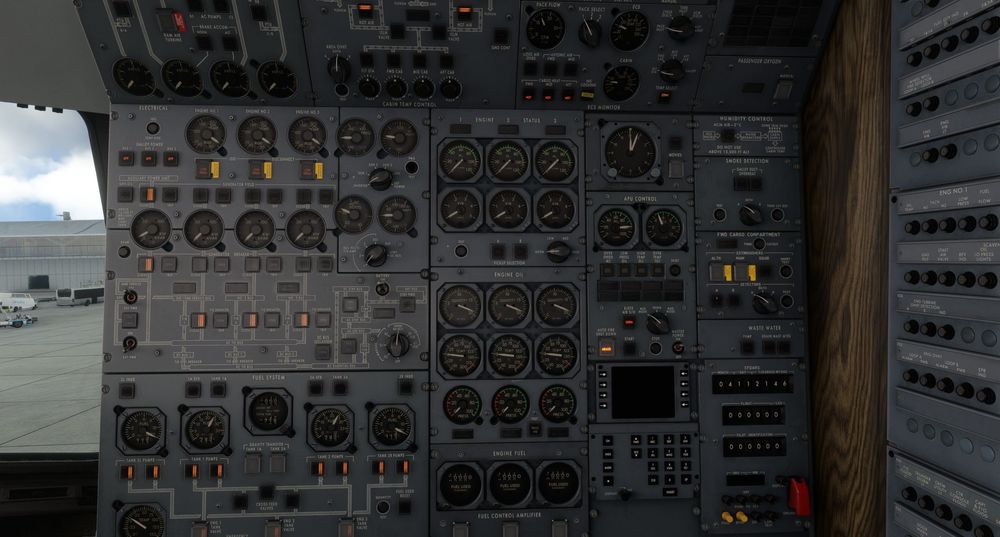
  8. Hi I set up everything correctly but i still have no pressure to start the engines? Am i missing something? Was fine before the update. Here are a couple screenshots. Thanks
  9. Brit replied to Brit's topic in Other
    Nevermind figured it out.
  10. Brit replied to Brit's topic in Other
    One more question. Setting it up via the EFB, reverse work fine but when i go to trottle up a little bit it activates the MCT mode?
  11. Brit replied to Brit's topic in Other
    Yeah thanks, that worked.
  12. Hello Recieved the throttle today and looks great but having issue setting them up. When I go and set the throttle axis 1 or either 2 theres a nu,ber added so the throttle doesn't move properly. Here's the image attached. Any ideas on how to fix this issue/ Thanks!

Account

Navigation

Configure browser push notifications

Chrome (Android)
  1. Tap the lock icon next to the address bar.
  2. Tap Permissions → Notifications.
  3. Adjust your preference.
Chrome (Desktop)
  1. Click the padlock icon in the address bar.
  2. Select Site settings.
  3. Find Notifications and adjust your preference.