Bishop
Member
-
Joined
-
Last visited
Everything posted by Bishop
-
I am also in favour of an A310/A300 Cargo variant that hopefully also has CPDLC support like the X-Plane variant and a working printer. 😉
-
 A livery for the virtual VA Phoenix AIR, which has its home in the business simulation Fly The World. This skin is pure fiction for the Convertible Freighter Version. Have fun with it. BishopD
- 1 review
-
-

- 2
-
-
 A livery for the virtual VA Phoenix AIR, which has its home in the business simulation Fly The World. This skin is pure fiction for the Freighter Version. Have fun with it. BishopD
 -
 A livery for the virtual VA Phoenix AIR, which has its home in the business simulation Fly The World. This skin is pure fiction for the Passenger Version. Have fun with it. BishopD
 -
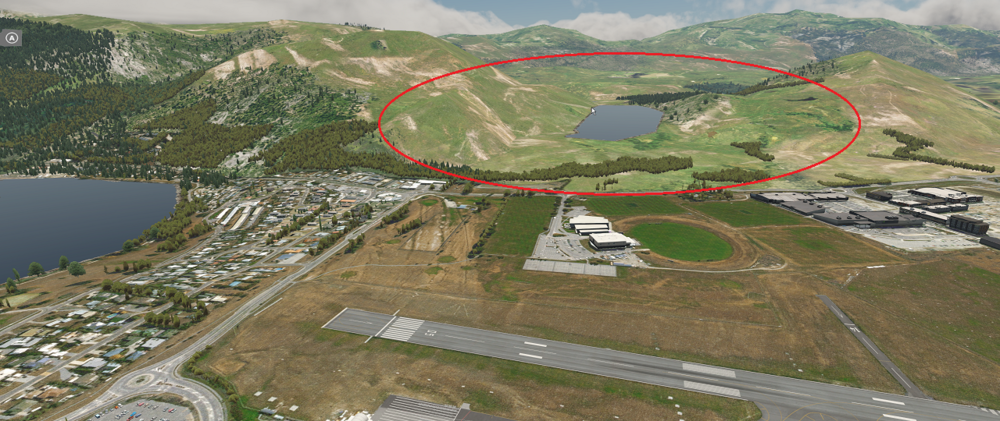
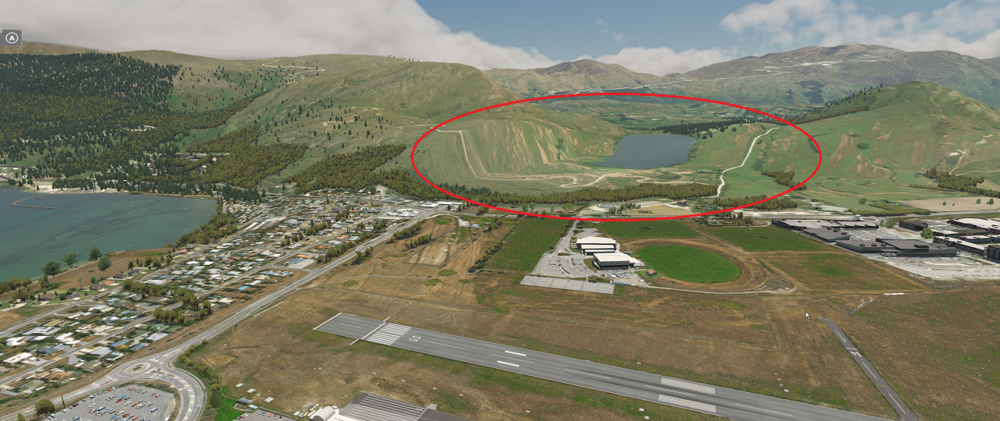
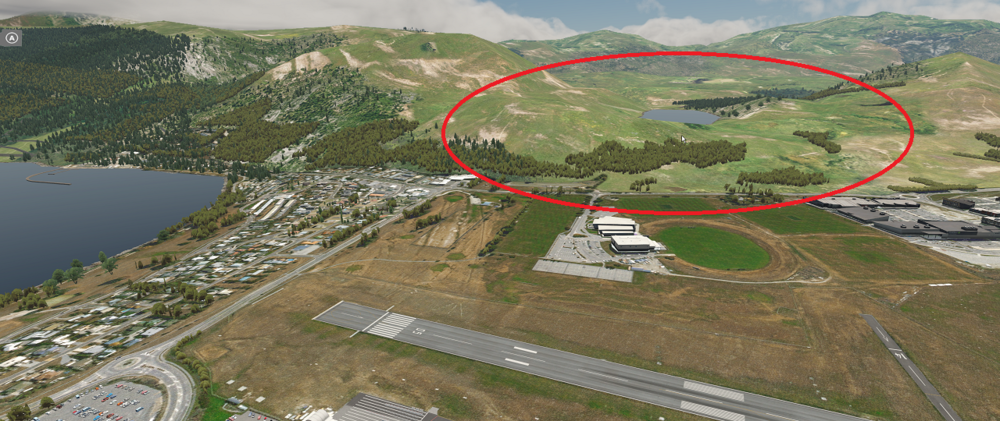
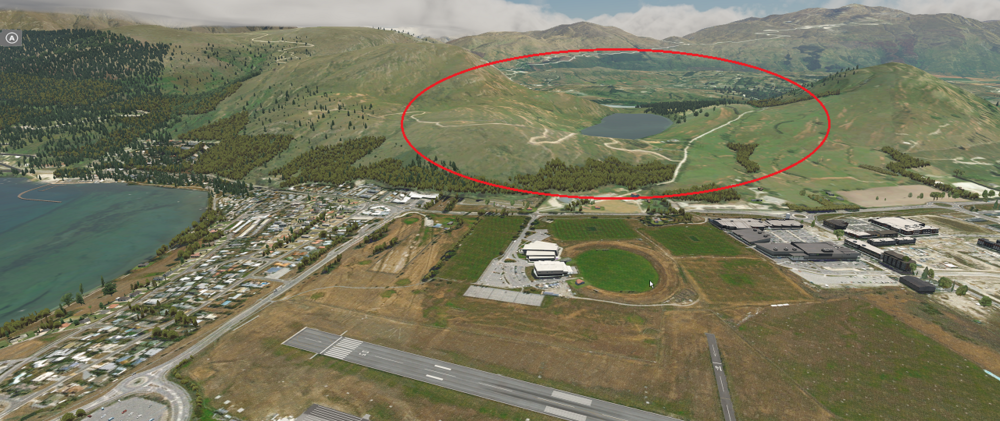
Hello I purchased the NZQN scenery for X-Plane a few days ago and found that there are problems with the terrain. Basically the scenery around the airport is flat which leads to unattractive effects. I show this in the pictures below. One with Orthos and one with standard X-Plane. As you can easily see, the area is very flattened and the lake is tilted. I have already found a solution for this. You should remove the line "1302 flatten 1" from the file APT.dat in the folder "Path:\iniScene Queenstown NZQN\Earth nav data\". After that the terrain will be displayed correctly again. Flat Terrain Standard X-Plane. Flat Terrain with Orthos. After removing the line "1302 flatten1". Fixed Terrain Standard X-Plane. Fixed Terrain with Orthos. With kind regards Bishop