




Benoit92
Member
-
Joined
-
Last visited
-
Hi, Is it possible to have an "update" section in the forum where we could see the latest MSFS A310 version, like XP version. Goal is to be sure we can compare it to EFB version number, as for now it is a bit confusing as we have information that update is done, but no way to check if we have it up and running;)
-
Hello Pilots 😉 @Erdmaennchen4 try this, it is a lot easier 😉 Menu > ACARS > Request Simbrief That's it, just put your simbrief user name Hope this help Good flights
-
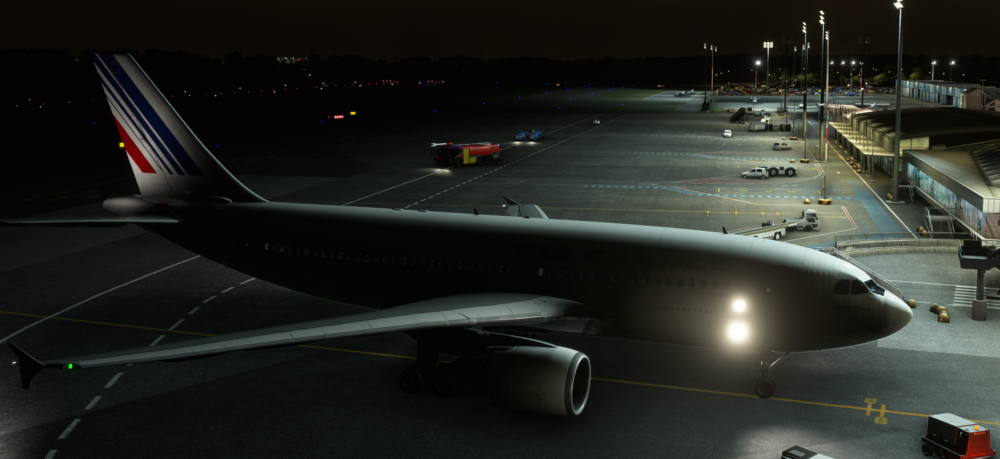
@AplhaRomeu I think she has the 2 lights you are refering to
-
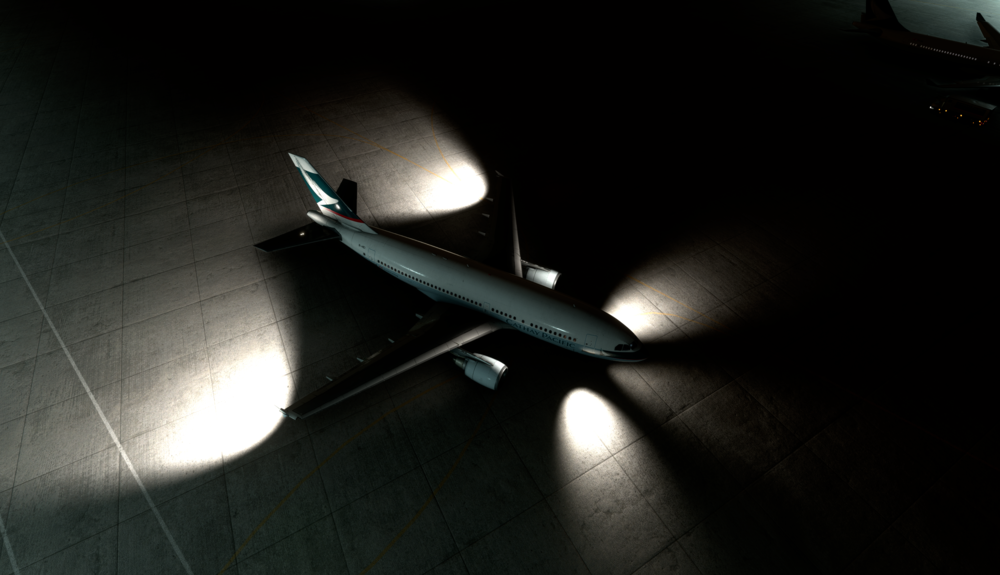
Hi Team, Here is an illustration, in DX12 taxi light in the front is very "weak", while winglet light are "strong". Thank you for your support
-
Hi Team, Thank you very much, I was really expecting one of your Airbus in MSFS. Your version of A300-600 was the reason I bought XP11 ;) Just to say I'm ready to pay for a MSFS A310 cargo version ... Thank you :)


