




A340iB-2025
Member
-
Joined
-
Last visited
-
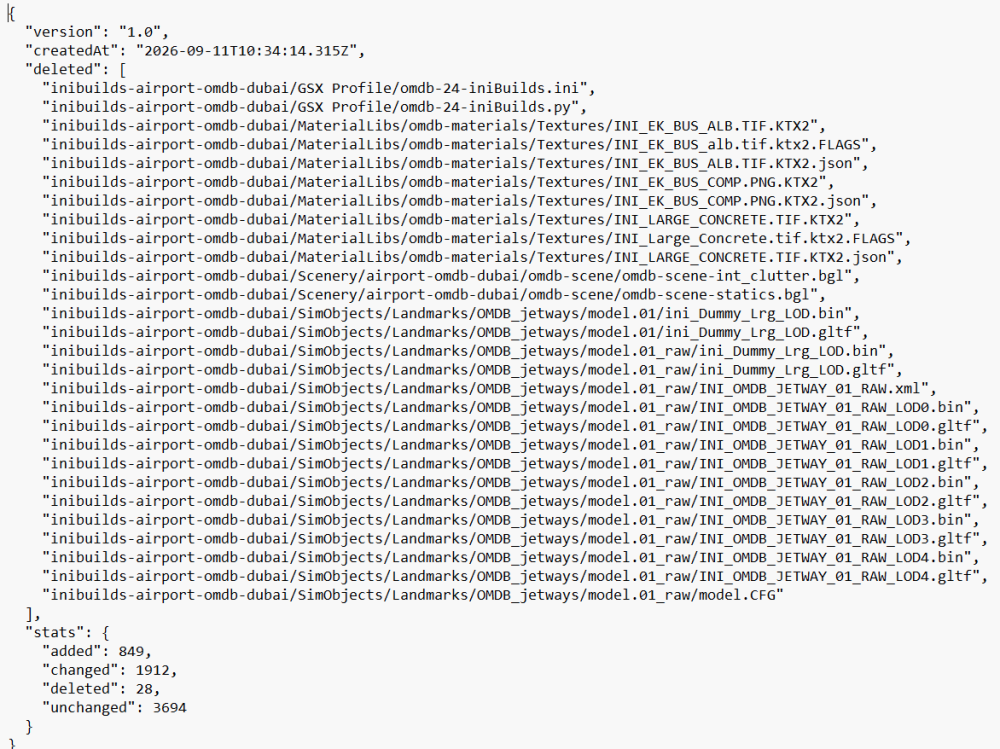
I dont think so, if you look at the date of the files in virtuali folder, it saye 13th sep 26. I installed the update on the 15th sep. What are your virtuali files dated? What about the _manifest.json in the community folder, why is it there? Thanks.
-
virtuali:

-
In the community folder, I have this _manifest.json, why is that?
-
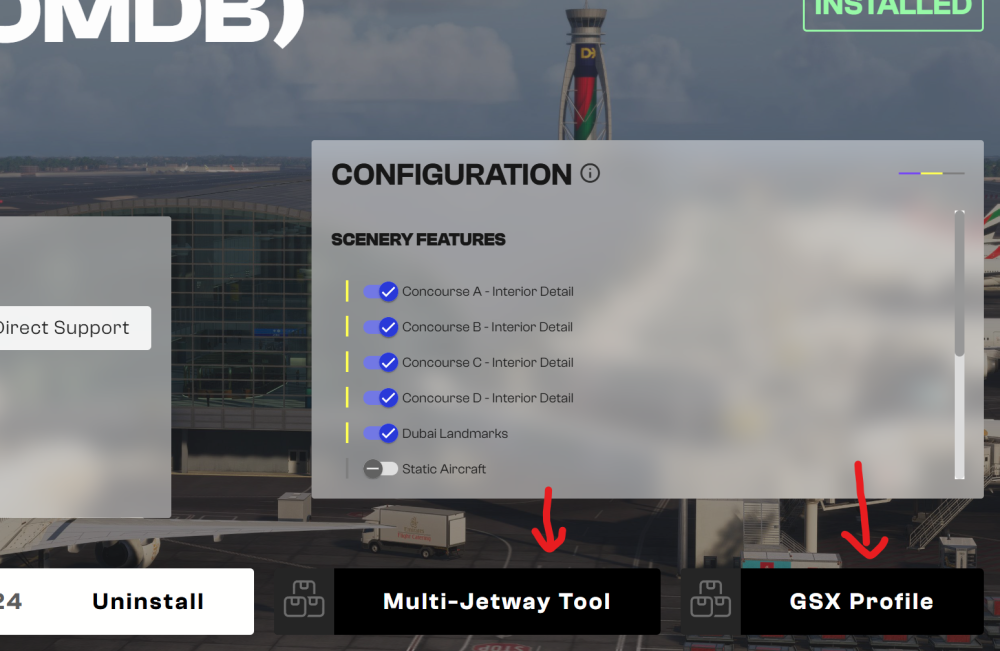
Kyle, those buttons:
-
Hi, do you have to select (click on) the GSX profile and multi jetway buttons to install them? After installing, I have a GSX profile of the 13th of september 2026, without clicking on the button in the inibuilds app. What is the button for, if you dont have to click on it?
-
Hi, what are the "GSE" options? Is "GSE" a company based in JFK? Thanks
-
FYI: I did a test with the Fenix under same conditions and it works as expected.
-
Hi Kyle, thanks! Scenery: RJOA
-
Hi, I just did a flight into RJOA, RNP Z 10. I was well before OA 050 at 3200ft, Appr Page was set up correctly. Before OA 050 I pressed APPR, but the plane did not descent. Any ideas? Whats the current state, reagarding this issue. I am using Navigraph. Thanks.
-
Great point, thats true.
-
Nothing set in the MSFS settings, regarding reverse thrust. I am using winctrl airbus throttle. Do you have any stream, where get a higher N1 in full reverse than 45%?
-
Yes Kyle, but why are "Ö;Ä;Ü" are causing a mistake, that is the question for me.
-
Yes. You can see that in many streams, they all show reverse thrust at around 45% N1.
-
I am not sure, what you are saying, I think the issue is, if you use letters like "Ä,Ö,Ü" it is causing the issue.
-
Same here, any idea if this is a sim limitation?


