Skip to content
View in the app

A better way to browse. Learn more.

iniBuilds Forum

A full-screen app on your home screen with push notifications, badges and more.

To install this app on iOS and iPadOS
  1. Tap the Share icon in Safari
  2. Scroll the menu and tap Add to Home Screen.
  3. Tap Add in the top-right corner.
To install this app on Android
  1. Tap the 3-dot menu (⋮) in the top-right corner of the browser.
  2. Tap Add to Home screen or Install app.
  3. Confirm by tapping Install.

chickenman

Member
  • Joined

  • Last visited

Everything posted by chickenman

  1. chickenman replied to berkkp's topic in Sounds
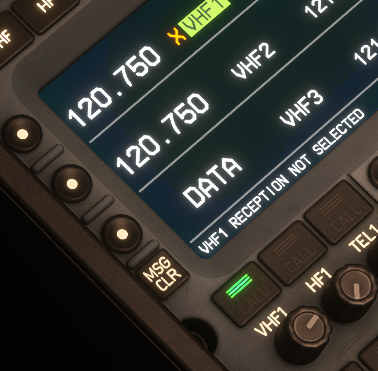
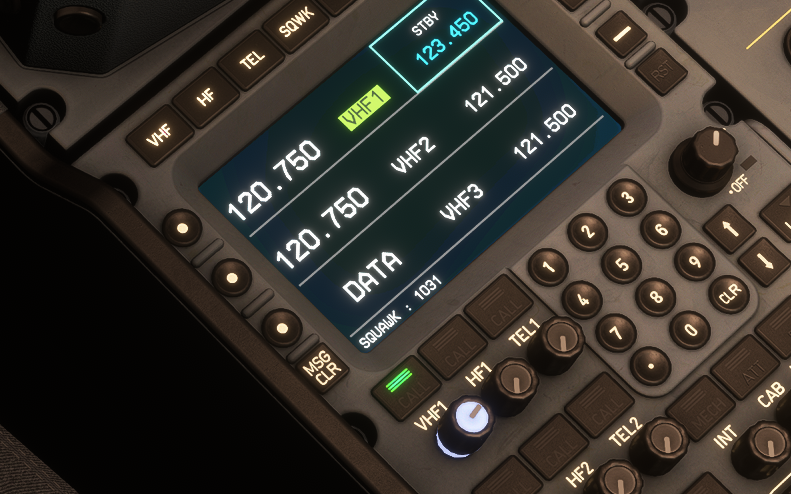
    If you've also got the message that says: vhf1 reception not selected Then right click the VHF1 knob to pull it then turn it up to receive ATC audio
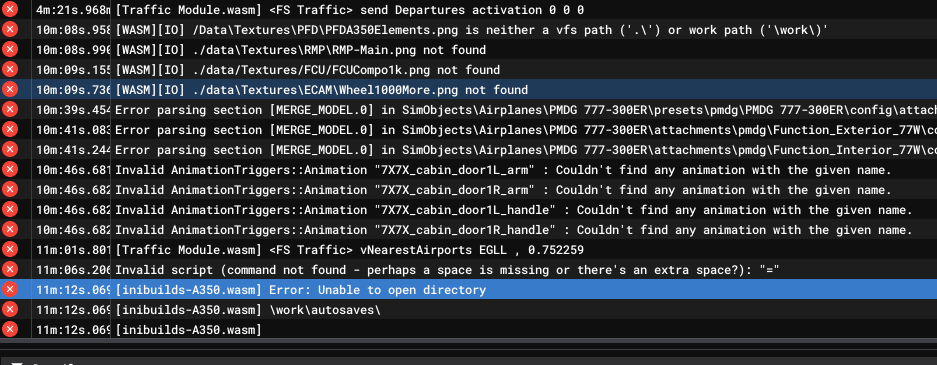
  2. After another WASM crash. Cleared WASM directory. Errors again.
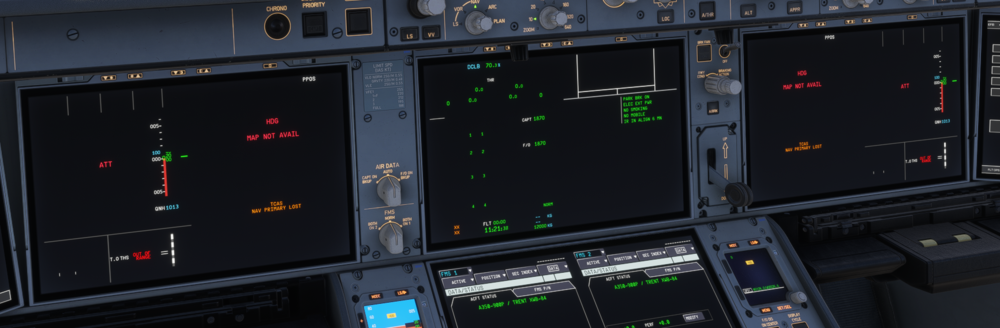
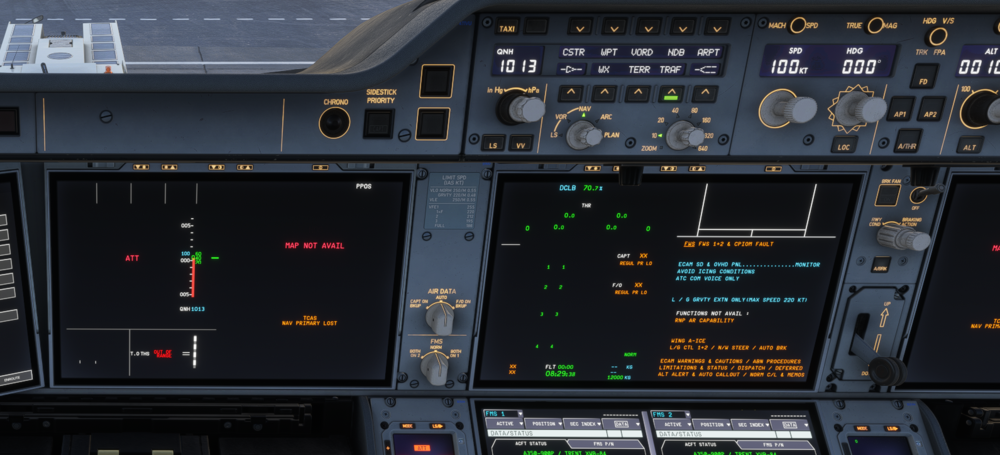
  3. Not quite resolved - FO displays are still corrupt
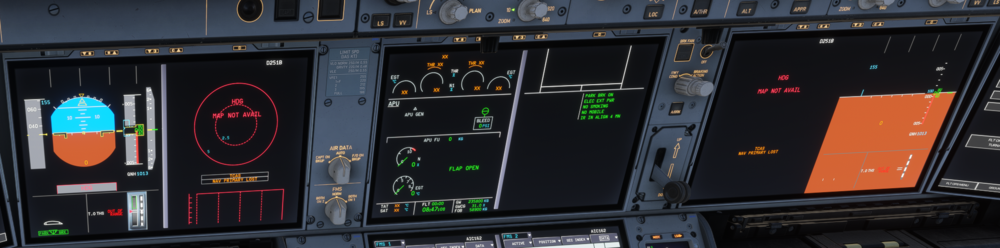
  4. v 1.2.1 fs24 MS Store version Trying to resolve WASM issues. First saw when upgrading to v1.2.1. resolved by clearing WASM folder. Has MFD WSM crash. Cleared WASM folder then uninstalled.. Reinstalled and had MFD display issue again. Cleared WASM folder and it was resolved.
Account

Navigation

Configure browser push notifications

Chrome (Android)
  1. Tap the lock icon next to the address bar.
  2. Tap Permissions → Notifications.
  3. Adjust your preference.
Chrome (Desktop)
  1. Click the padlock icon in the address bar.
  2. Select Site settings.
  3. Find Notifications and adjust your preference.