




khakans
Member
-
Joined
-
Last visited
Everything posted by khakans
-
Hi, I just noticed something new for me. If you make any changes to the original files, you get a WASM crash error. My Thrustmaster throttle wasn't working in reverse. Following advice, I changed the `false` value in the `[throttle] reverse_on_axis = false` line of the WASM file to `true`. After that, the reverse started working well, but in subsequent flights, it started giving a WASM crash error right at the beginning cause of this manuel change. To fix this problem, completely deleting and reinstalling the A340 files only resolves the WASM crash issue. I think there's some kind of program protection involved. But,the WASM throttle data file doesn't save the change made by the EFB throttle settings and constantly saves/shows the value as `false`. I don't know how to change it to `true` without manually modifying the WASM file. If anyone knows, I'd appreciate it if they could let me know.
-
Hello, I think you purchased it through the Marketplace too like me. We're experiencing this problem because the version there is outdated. In this case, we'll either have to wait for an MSFS update or transfer the product to the inibuilds account via the inibuilds manager. I'm doing the transfer now because it's unknown when MSFS will update.
-
And please, if possible, could our admin move this thread under Msfs2020? I accidentally posted it here. I can't do it.
-
Hello everyone, Finally, my problem has been identified. Thanks to the Inibuilds support team for their help. As I mentioned before, I just purchased the A350 from the MSFS 2020 Marketplace. However, the version downloaded from the MSFS 2020 Marketplace is 1.1.6. The version downloaded from MSFS 2024 is 1.1.9. Therefore, the liveries are not visible in MSFS 2020 due to version incompatibility. At least version 1.1.7 is required. The latest version is 1.2.0. Now I'm waiting for the MSFS 2020 Marketplace update. I think this problem will be solved then. For the information of those experiencing the same problem.
-
Thank you so much for your "kind" reply. It's immediately clear what a wonderful person you are. I later realized I posted this under the wrong heading. However, since I couldn't move or delete it, I assumed an admin would move it.Therefore, I may not have seen anyone experiencing similar problems. I guess I'm getting old now. Although it was just basic advice, I tried what you suggested anyway. I created a new Community file and reinstalled the liveries, but as I expected, it didn't work. I don't use any third-party plugins/addons for the aircraft. It's installed as is, as downloaded from the MSFS Marketplace and inimanager . I wouldn't normally engage with someone in this tone, but I'm responding in case others might benefit from my answers. BEST REGARDS,
-
I'm wondering if anyone else is experiencing this problem? Or is there a problem with my simulator? This is very frustrating. I'm looking for help from anyone who has an idea for a solution.
-
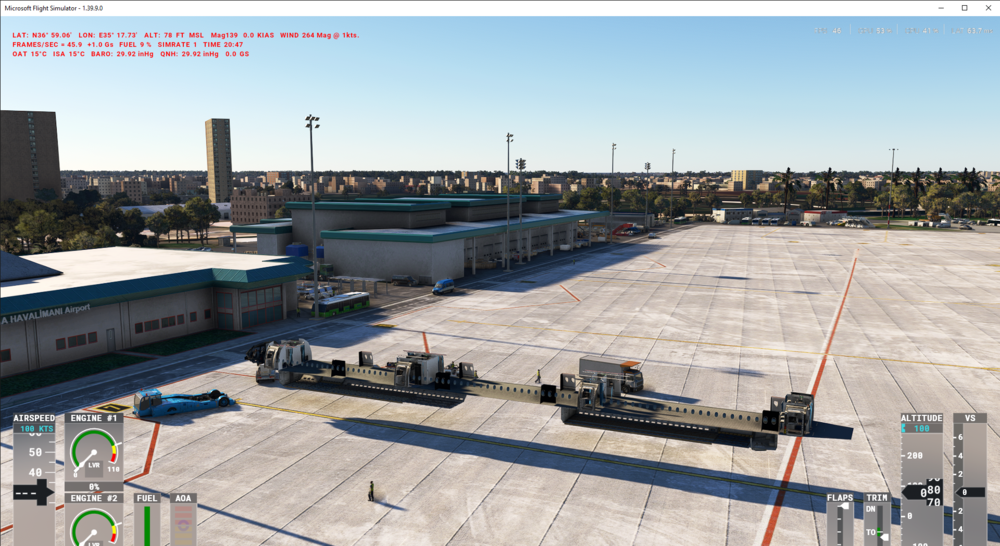
Hello, Today I just bought A350 and downloaded liveries by inimanager but they are not visible. Only default inibuilds liveries visible. What could be the problem? Additional Information: The problem exists in MSFS 2020. This issue does not exist in MSFS 2024.
-
Hello. No not yet. But I used up to 4x sim rate. Yesterday it was freeze my controls but today not. Also strobes worked without set on/off beacons. And today I bought A350 and continue with her for a while.🙂
-
Today I made a test flight and have no issue. Ltfm - Essa
-
When I bought my A340, its version was either 1.0, 2, or 3. I enjoyed many trouble-free flights with it. Now I've parked it and I'm waiting. There should be a way to revert to those versions. Please provide us with this opportunity until a new version with fixed issues is released. It's very upsetting not being able to fly my favorite aircraft model.
-
Hello, try set beacons off then on after set strobes on. This works for my A340.
-
-
-
-
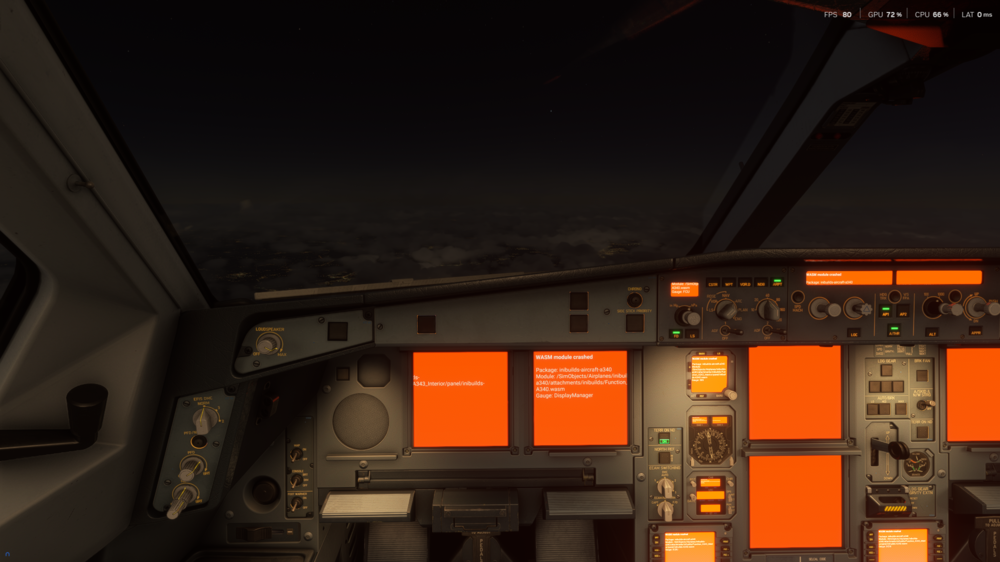
I've been experiencing this issue for a few days. The latest one just happened on my EDDH-LTFM flight. It happened while trying to change the LTFM approach procedure from the MCDU during the flight. I'm using the Sim Default navdata. Route: EDDH/23 N0453F390 AMLU2B AMLUH M852 DENIX DCT ZUCKA DCT OMELO DCT ODLIV DCT MAVOR DCT UVERA DCT BIVBU DCT BUVAK DCT RIXEN RIXE2A LTFM/34L
-
Hello, following your recommendation, I installed the Msfs2024 Su4 beta today and flew the route I was stuck on yesterday with an A340 without any problems. Pause/Unpause worked without any issues, and I was very happy. I hope this isn't a coincidence. If I experience any problems again, I'll let you know here.
-
-
Interestingly, after completing the flight and approaching the gate, my strobe lights started working. There doesn't seem to be any problems yet. Please disregard this issue.
-
Hello, this issue was gone by ver.1.0.4. Thank you. But now strobe lights are not working. I'm still testing if there is an other issue.
-
Hello. In after last update baro do not show set STD or altimeter flashing warning on PFD while climbing or descending at TA/TL levels in A343.


