frequentflyer141
Member
-
Joined
-
Last visited
-
Looks like people in the A350 are suffering from this bug as well...
-
Hello! I wanted to buy the A300 during the most recent iniBuilds Marketplace Creator Sale, however even though the image: showed the A300 as being on sale, the price sadly remained unchanged in the store. :( Also, could you clarify which version of the A300 is currently available on the Marketplace? Is it the dedicated "Premium" edition or the "Compatible" version? Thank you, and have a nice day!
-
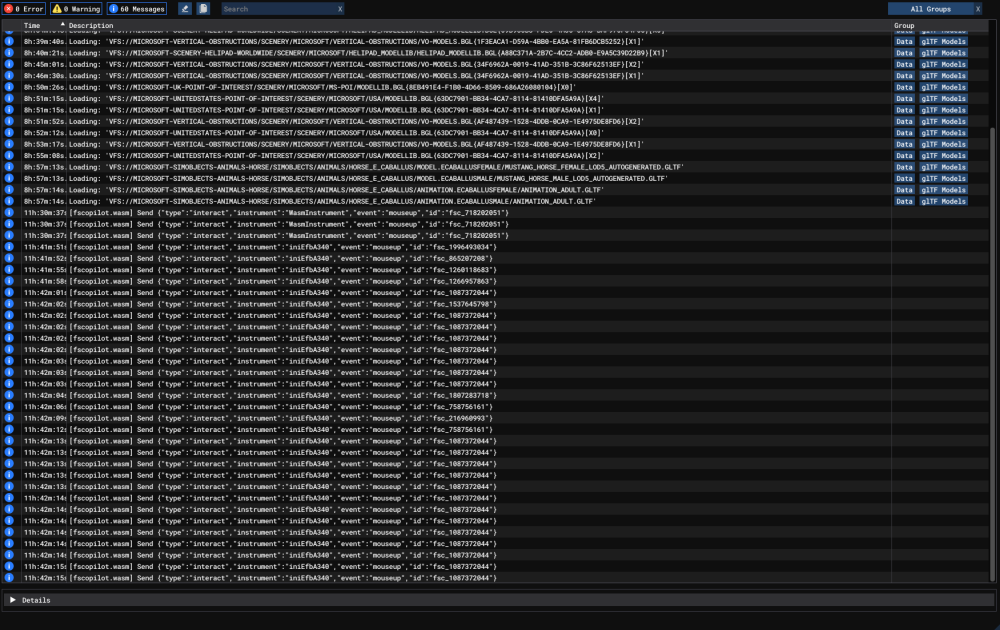
Sadly a +1 on this issue. Just tried doing a long haul flight from LSZH to KTPA. After around 10 hours of flight, everything froze - all the screens are froze and flightpath has been lost, controls are unresponsible. I was using A340 for my rare overnight flights before and never had any issues. I updated it and this happened on my first flight. edit: just a quick note - tried looking into console for any indication of a wasm crash and couldn't find anything... I think? Screenshot attached