




Luki117
Member
-
Joined
-
Last visited
-
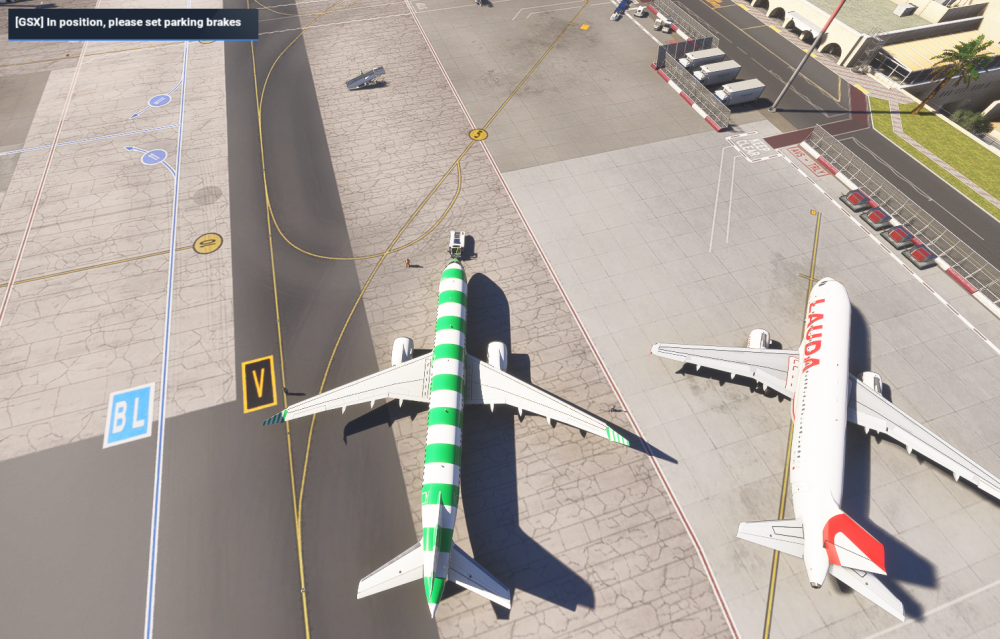
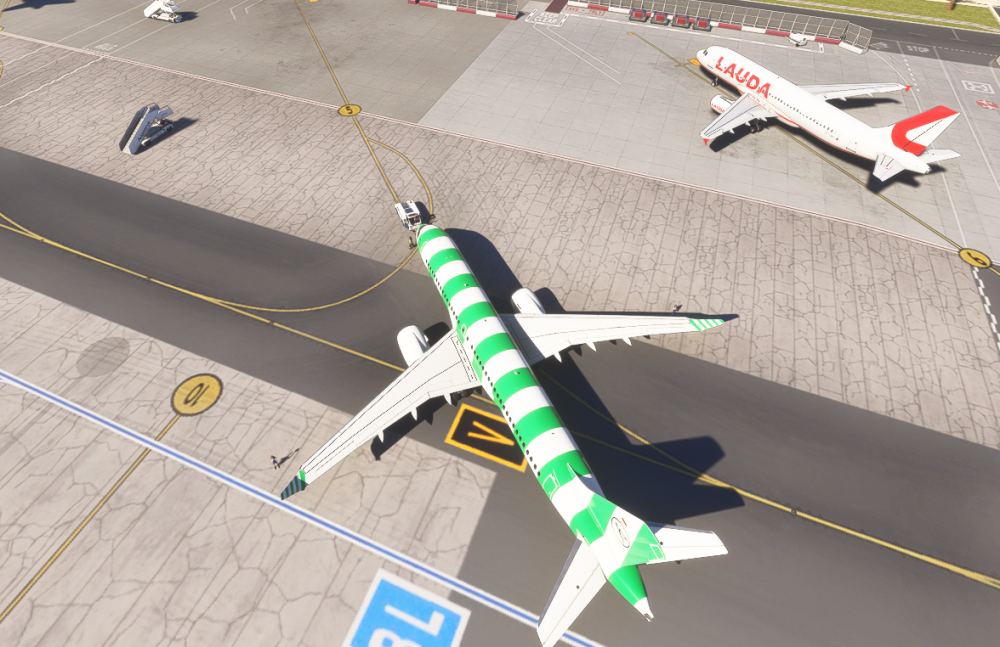
The pushbacks of SE Parkings dont follow and end at a taxiway... Much to close at the next aircraft. Left pushback: This should be the end position for the right pusback:
-
I`m wondering why is her no section for the A310 in MSFS2024????? Very sad that the A310 is no longer maintained here. No liverys, no support.... I'm on SU 4Beta and since some days (dont know the exact date) the fuel consumption is way to high. Never had problems with the fuel calculated with the Inib. Simbrief profile. But know i have to refill at the middle of the routes. HAve already tuned the fuelconsumption in the profile to P15, but i still run out of gas. Anyone else? Any ideas?

-
The first solution dont work, the second one takes to much frames. So i payed a lot of money for this plane and its still unflyable... And it seems that inibuilds do nothing. Very frustrating....
-
Not really. What makes you think that? I´m on 1.6.16.0 and the newest A350, and it happend three times to me yesterday...
-
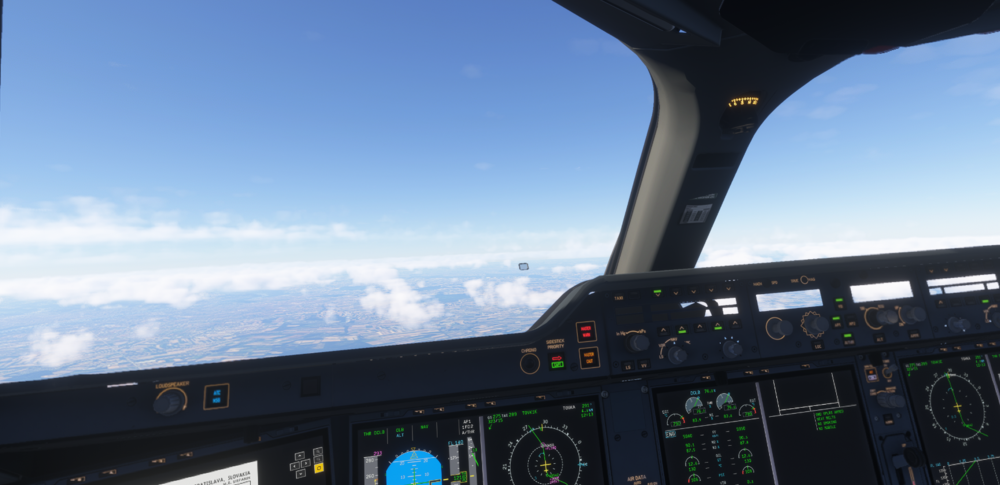
Still the same problem here with VR. No fix in sight??? It comes immidiatly after a few minutes after takeoff.
-
The solution is quite simple: The actual version has to work with the actual stable SU. That is the most important thing! And for beta testing (with Beta-SU), developers can play with a beta version themselves or give a beta to users. So every user has the choice. Many developers do so. I belive the problem here is again that a developer dont care about the VR users.
-
SU3 is the stable version. So i think they should it fix for this (as PMDG does it), and not for SU4!
-
And the same problem is back for me in 2024. Anyone else?
-
Will this ever be fixed?


