




jonster
Member
-
Joined
-
Last visited
-
HI, Since 1.0.12 I have the same issue. Load into MSFS, select a livery, select fly. MSFS crashes. Tried uninstalling, clearing packages and community folder etc. Still won't load Its and awesome plane but Ive had it upto here with all the crashes. For £60 odd pound............ Jon
-
Hi Eddie, I think I've found the culprit...............me. Its a PICNIC. (Problem In Chair Not In Cockpit) I left the cargo bay lights on. Thanks Jon
-
Hi Eddie, Thanks for the response. The knobs on the pedestal were in the right position. I'll check the door switch next. Funny thing is I loaded a new flight today and all was fine so maybe I hit that cockpit door switch at some point while moving around the cockpit. I will test and let you know. I didn't know about that switch. Thanks Jon
-
Hi Eddie, As requested
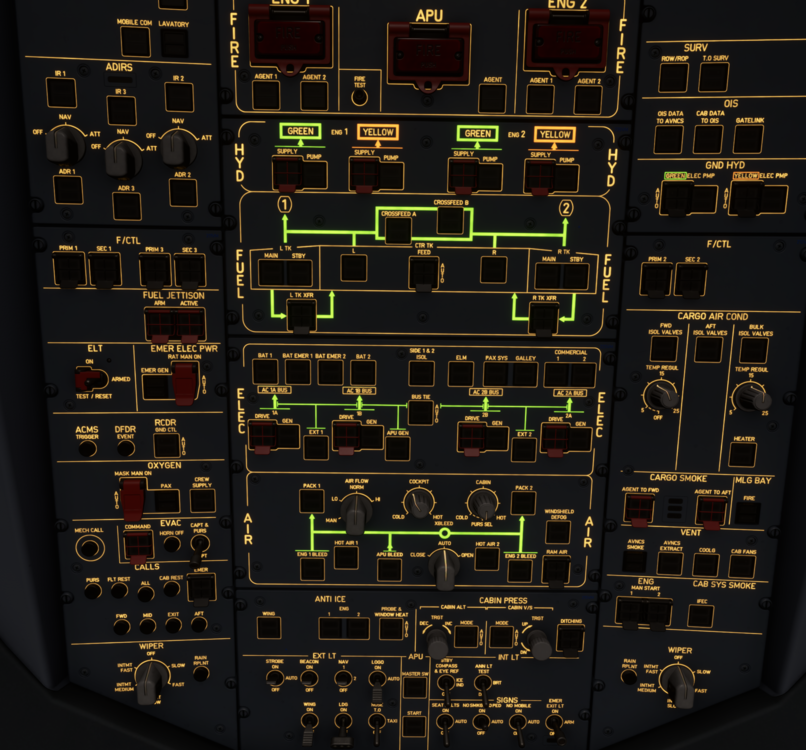
-
Hi everyone, Im struggling to turn off the main panel lights at night. I can't seem to find where to do it? Pedestal and overhead are fine. Thanks JonIve tried again and used 4 digits rather than 3. It now works......HI, I have created a number of custom waypoints in the DATA menu, names EEP, ETP and EXP. They have been saved but when I come to enter them into the fix page they don't show up. Am I missing something? Thanks Jon


