




Timalshiwa
Member
-
Joined
-
Last visited
Everything posted by Timalshiwa
-
It is a livery provided in the package.
-
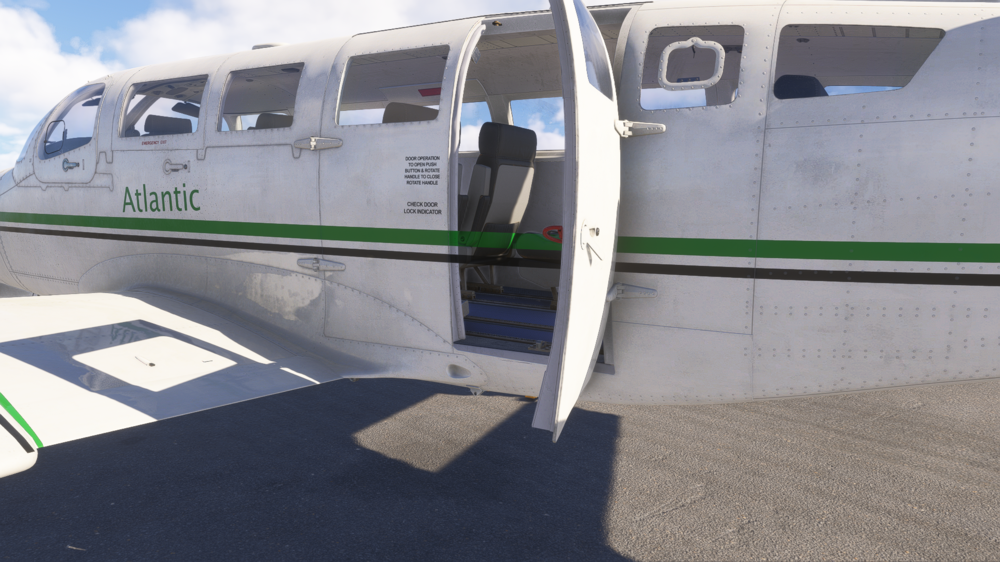
I have a feeling something is wrong 😉 Please tell me if there is other information I should provide. MSFS 2024 F406 Caravan II variant: Passenger livery: Atlantic Airways
-
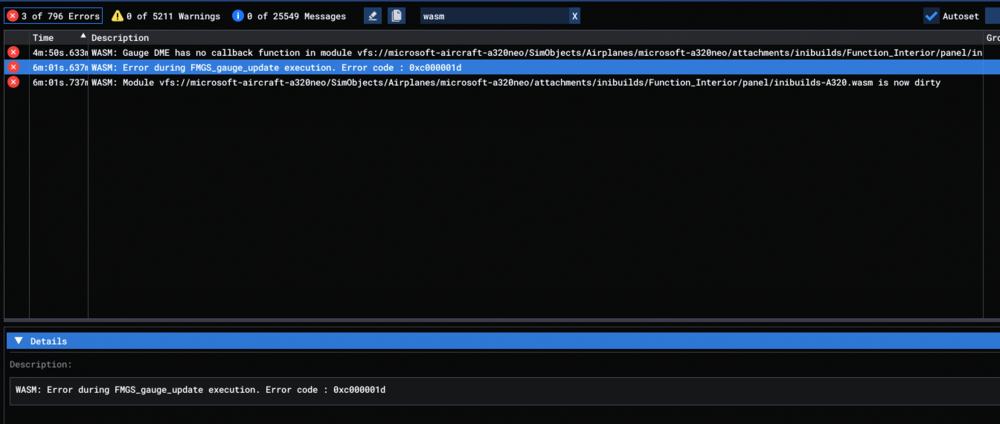
I have a WASM crash in the A320neo when I choose the ILS I25-Y for SCCI. Reproduced 3 times. To reproduce Load at gate Power on aircraft (Battery, GPU) Import from Simbrief in EFB Init from EFB in MCDU Choose arrival for SCCI Click on ILS Y 25 System freeze Information Aircraft: A320neo Simulator: FS24 Navdata Method: NAVIGRAPH OFP: EGYP/28 DCT MTP UW54 GAL DCT EGOSA EGOSA2E SCCI/25 (see Simbrief PDF attached) Specs: NVIDIA GeForce RTX 4070 WASM: Error during FMGS_gauge_update execution. Error code : 0xc000001d EGYPSCCI_PDF_1763298577.pdf
-
No I was still on 1.0.2 (1.0.3 wasn't out). Should I open a new thread in case of a new WASM crash?
-
Hello, I don't remember doing anything special, I noticed the crash during taxi after landing manually at KJFK. Besides I use FSUIPC7, LRM and BeyondATC. Aircraft: A350-900 Simulator: FS2024 Navdata Method: NAVIGRAPH OFP: ESSAKJFK_PDF_1741679268.pdf WASM Error: WASM: Error during BAT_gauge_update execution. Error code : 0xc0000005above Specs: Intel(R) Core(TM) i5-13500, 32 GB RAM, NVIDIA GeForce RTX 4070



