




janiTTor
Member
-
Joined
-
Last visited
Everything posted by janiTTor
-
Since I’ve updated the A340 to 1.0.2 the WW MCDU display is no longer functioning.Some news in that topic? Would also be interested in a remote EFB. Someone else?I can’t post the video here, cause it’s too big. But believe me, it’s working.Video
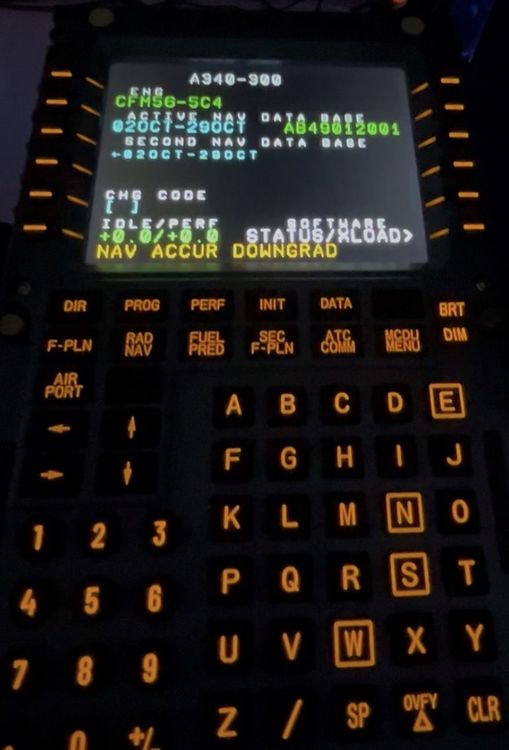 Yes, WinWing MCDU, wingflex RMP/ATC Combo are working fine. But MiniCockpit EFIS/FCU don’t work. I’ve got a mail from MiniCockpit yesterday, that the developers are already in work and there will be a new DLS in the next couple of days. As well as the Rawfire A102 with mobiflight is not completely working because some variables are still missing. There is no profile for the 340 at the moment. Only for the ini 300/310/320/350


