




The Fly Guy
Member
-
Joined
-
Last visited
-
Hello, I've been flying the Synaptic Simulations A220 since it's release earlier this week. I've come across various issues, some of which have been resolved. The current outstanding issues, although I suspect that they'll be others, are: The Terrain Display is not working The Weather Display is not working Thrust Reversers are not working When I pull my Flight Plan into the FMS, it's not loading the Speeds and Altitudes for each leg. I did calculate the Take-Off performance and sent that to the FMS, but I'm not sure that has anything to do with loading Speeds and Altitudes for the legs in my Flight Plan. Please help.
-
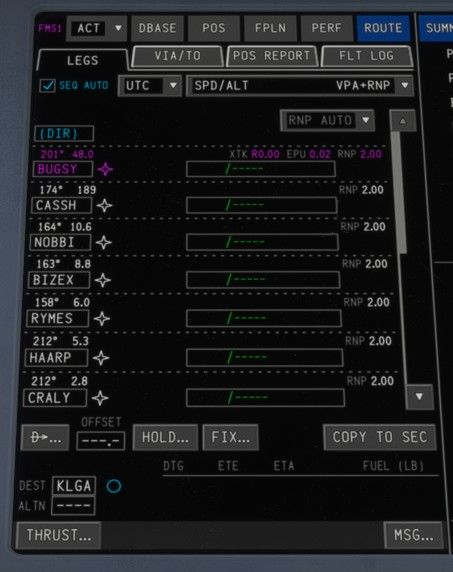
Ok, I got it to pull in the flight plan legs, but it's not showing the speeds and altitudes for each leg. I did use the EFB to calculate the take-off performance, and I did sync that to the FMS. But I don't why the speeds and altitudes for the legs aren't showing.
-
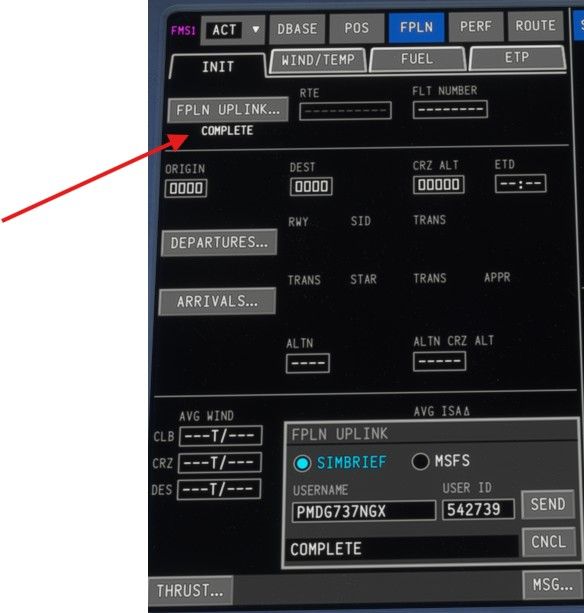
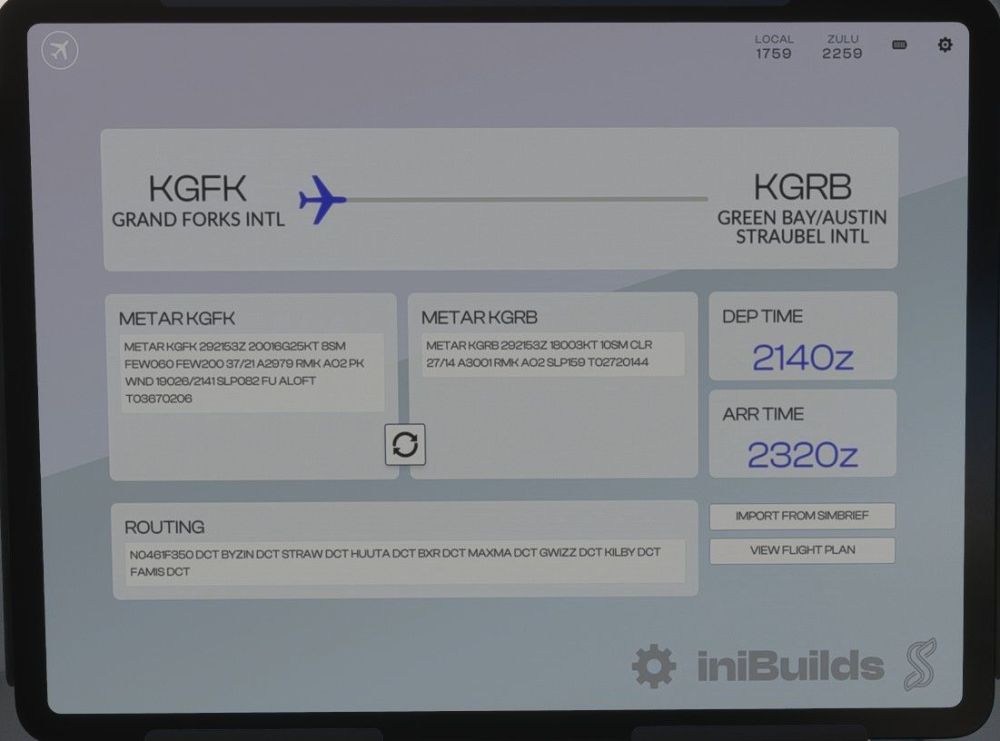
Hi, Reloading the Database did work, and when I try to uplink the flight plan in the FMS it does say "Complete". But, it isn't actually loading the flight plan into the FMS. The funny thing is that it does load it into the EFB. Please help.
-
I keep trying to upload my Simbrief flight plan into the FMS, but it just stays stuck on Pending. I’m able to upload it into the EFB. My Simbrief username and password are entered correctly. Please help.
-
Yeah, same here. I did noticed that the Pitch Trim is set to +4. But no matter what I tried, I can't get the nose to trim down while on AP. Tried adjusting the Vertical Speed in the AP, but still nothing but a steep climb to stall speed.
