




joshham
Member
-
Joined
-
Last visited
Everything posted by joshham
-
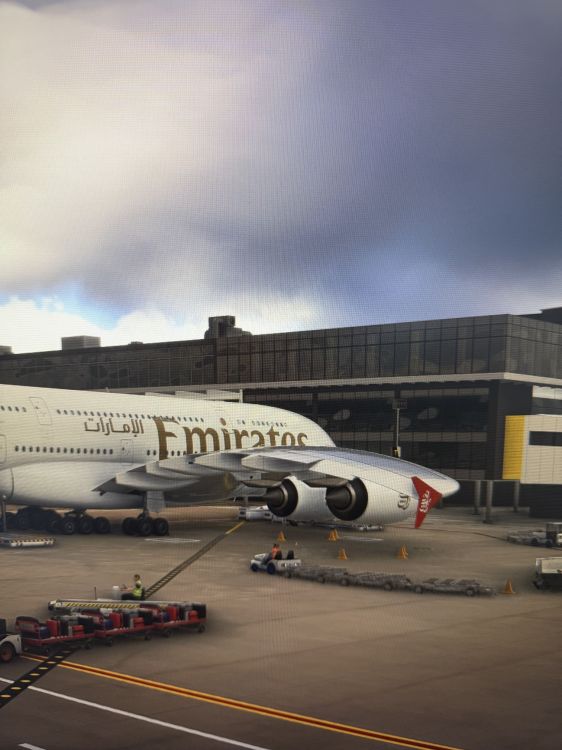
So I landed after a multi hour flight which was uneventful, however panned outside to look while taxiing and noticed that the wing tips were drooped a massive amount. had 12.8T of fuel left in the tank and landing weight was 340.8T with 423 pax. this doesn’t look right, here is a screenshot at the gate after the landing.
-
Cheers legend, I’ll give it a go. It’s got to the point that I can’t fly it anymore.
-
Hi guys, been having some issues lately with the A350-900/-1000 with regard to freezing after implementing “next wpt” after putting in an airways route. As soon as I input the direct to point and click enter, the aircraft freezes and becomes unusable. Has this been raised already and seen?

