Skip to content
View in the app

A better way to browse. Learn more.

iniBuilds Forum

A full-screen app on your home screen with push notifications, badges and more.

To install this app on iOS and iPadOS
  1. Tap the Share icon in Safari
  2. Scroll the menu and tap Add to Home Screen.
  3. Tap Add in the top-right corner.
To install this app on Android
  1. Tap the 3-dot menu (⋮) in the top-right corner of the browser.
  2. Tap Add to Home screen or Install app.
  3. Confirm by tapping Install.

Freeman494

Member
  • Joined

  • Last visited

Everything posted by Freeman494

  1. I will do thankyou for the reply. Have you had another other users report this? If so how did they solve?
  2. After V1.0.1 release notes said stuttering should disappear but if not to let you guys know. Seem to have few more stutters on the ground than I used to but less stutters when moving around the flight deck. CPU is Ryzen 9 9950X3D GPU 5090. Do I need to re compile WASM maybe?
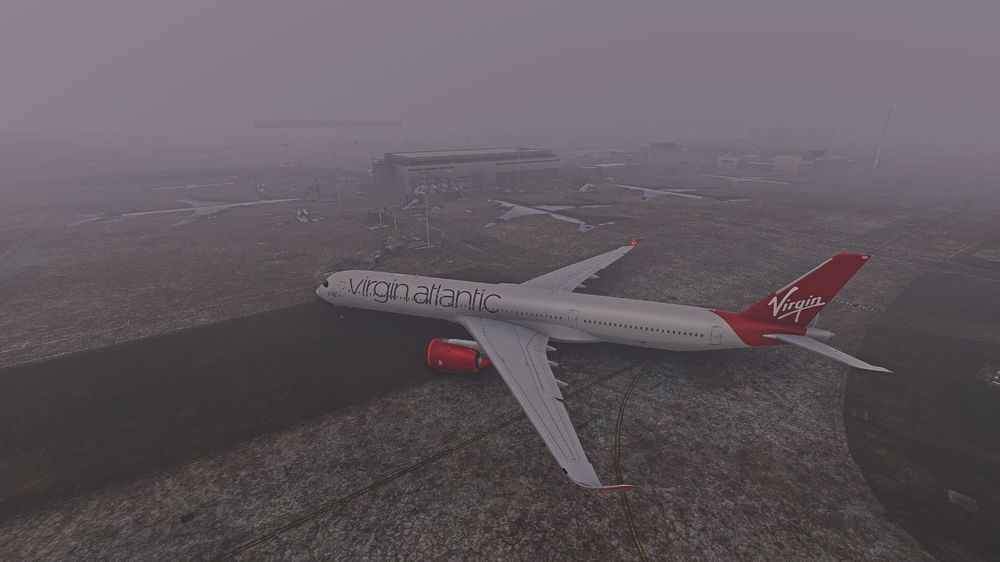
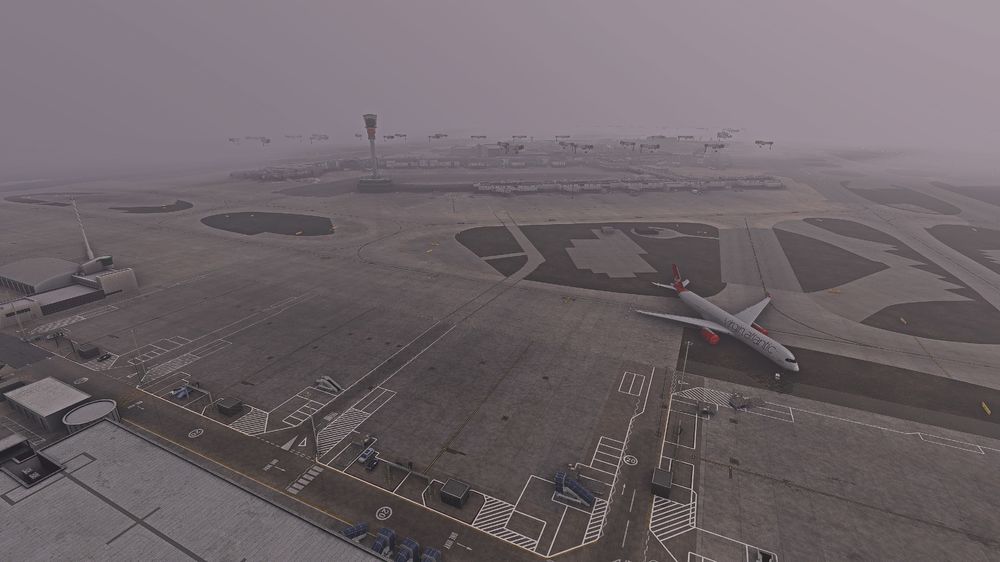
  3. All the buildings dont load properly the sim is stuttering and completely unusable. I have unisntalled and re installed, deleted scenery cache and no avail. Jetways floating in the air and all sorts. Anyone can help? When you click on a gate to start from it just puts the plane anywhere it wants 🤷‍♂️

Account

Navigation

Configure browser push notifications

Chrome (Android)
  1. Tap the lock icon next to the address bar.
  2. Tap Permissions → Notifications.
  3. Adjust your preference.
Chrome (Desktop)
  1. Click the padlock icon in the address bar.
  2. Select Site settings.
  3. Find Notifications and adjust your preference.