Skip to content
View in the app

A better way to browse. Learn more.

iniBuilds Forum

A full-screen app on your home screen with push notifications, badges and more.

To install this app on iOS and iPadOS
  1. Tap the Share icon in Safari
  2. Scroll the menu and tap Add to Home Screen.
  3. Tap Add in the top-right corner.
To install this app on Android
  1. Tap the 3-dot menu (⋮) in the top-right corner of the browser.
  2. Tap Add to Home screen or Install app.
  3. Confirm by tapping Install.

eth.74

Member
  • Joined

  • Last visited

Everything posted by eth.74

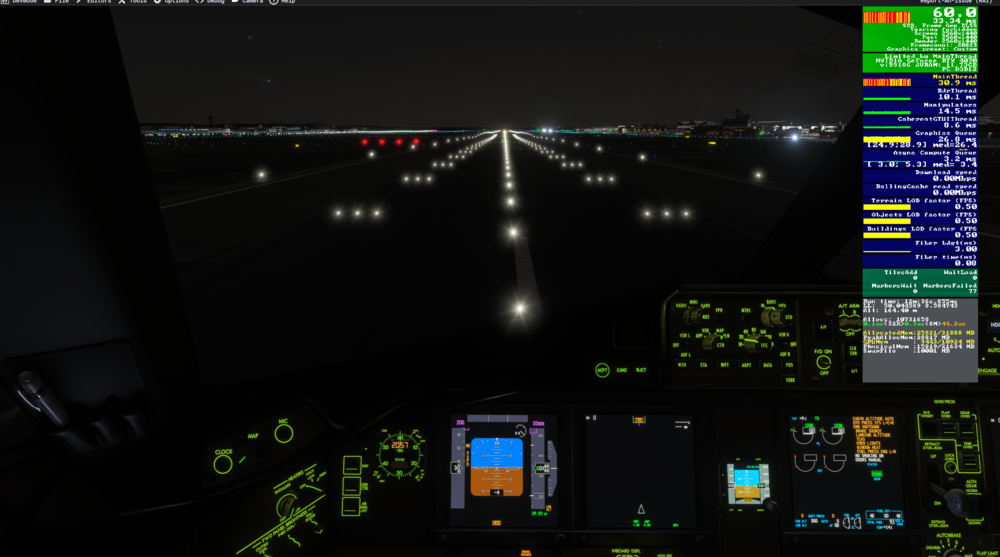
  1. the other screen :
  2. Hello since the a350 been releases i had very big issue with the performance as you can see my screenshoot this have been take in EDDF at Friday during the event i take another screen with the 777 and the performance was much better (i will try to post the other screen) i just wanted to knew if inibuilds keep trying to fix that? Sincerely.
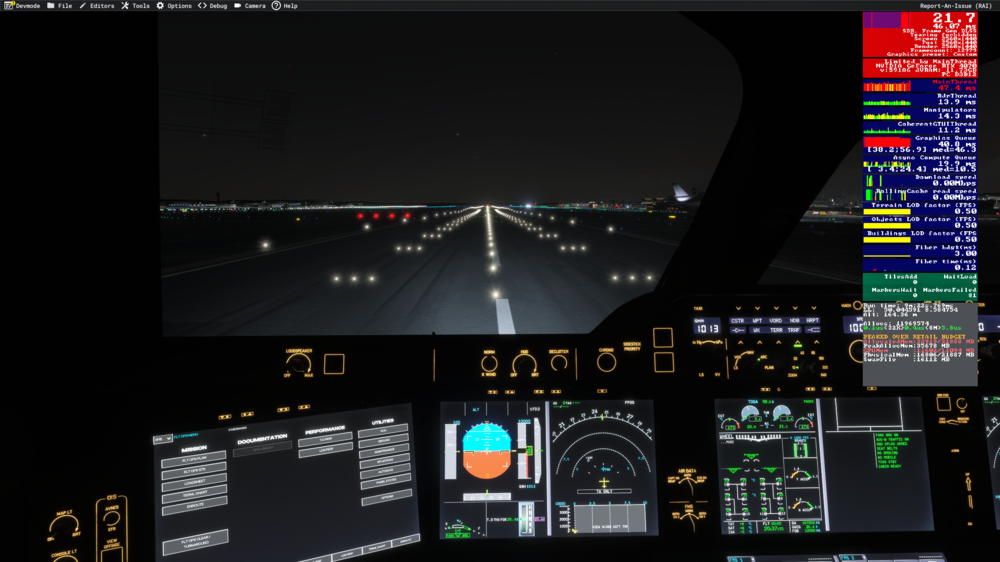
  3. For my it's the same problem RTX 4070, R 5 7600 , 32go ram and with the a350 i c'ant play on vatsim during an any event

Account

Navigation

Configure browser push notifications

Chrome (Android)
  1. Tap the lock icon next to the address bar.
  2. Tap Permissions → Notifications.
  3. Adjust your preference.
Chrome (Desktop)
  1. Click the padlock icon in the address bar.
  2. Select Site settings.
  3. Find Notifications and adjust your preference.