




Everything posted by SMN
-
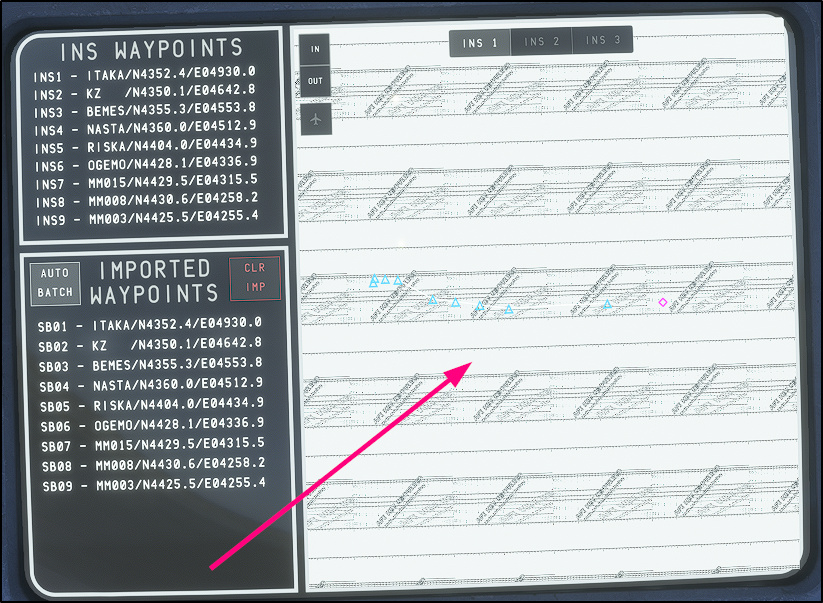
How long are we going to be looking at a map like this?
-
If nose wheel steering is controlled separately by the tiller and the rudder pedals, there is no problem. The tiller provides larger steering angles, while the pedals provide smaller angles. But if both are controlled through a single axis, then there are only two possible solutions: either add a manual switch for quickly switching between nose wheel steering modes (small/large steering angles) or make the switching automatic depending on speed. There are no other options! This cannot be solved by adjusting the sensitivity curve for rudder pedals !
-
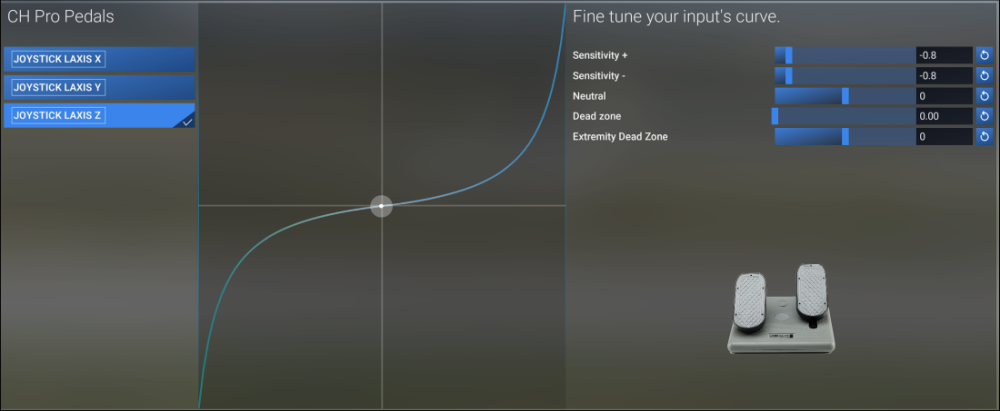
When configuring the curve for the “Rudder Control Tiller -YES” option, you need to set it up roughly like this to achieve a more or less smooth nose wheel deflection during takeoff... which is very inconvenient (it works well with small pedal movements, but if you move them a little more, the rudder instantly turns to nearly its maximum angle), which is very inconvenient—the plane just “jerks” from side to side!
-
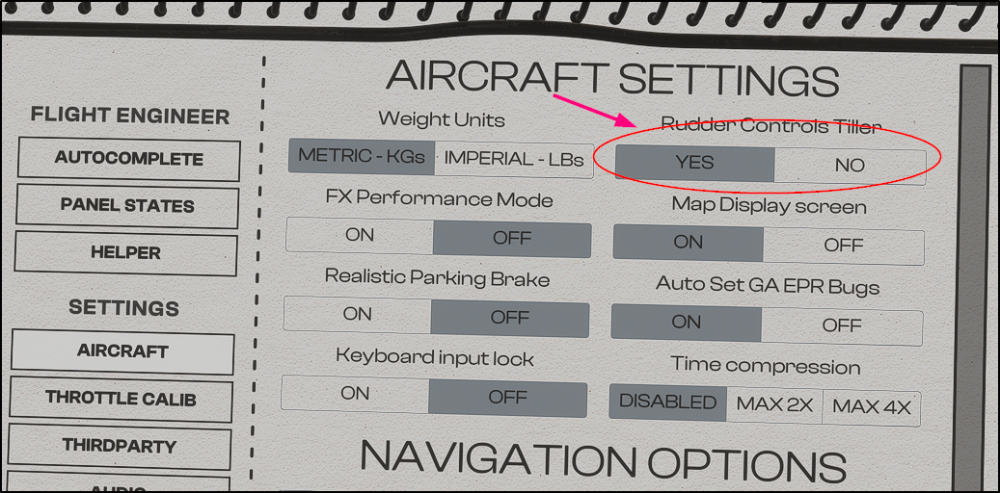
I only have pedals. I control the steering nose wheel and rudder with a single axis. In the settings, “Rudder Control Tiller” is set to YES. With this setting, it’s impossible to keep the aircraft runway centerline during the takeoff roll. When set to “NO,” the nose wheel turns at very small angles when taxiing to the parking area. How can I solve this problem? Maybe limit the nose wheel’s turning angle at speeds above about 60 knt with setting “Rudder Control Tiller” is set to YES Or have the ability to quickly switch between these modes... How can I do that
-
The same thing! https://forum.inibuilds.com/topic/40950-omdb-v2-msfs-2024-inibuild-tristar-l1011-jetways-not-operate/
-
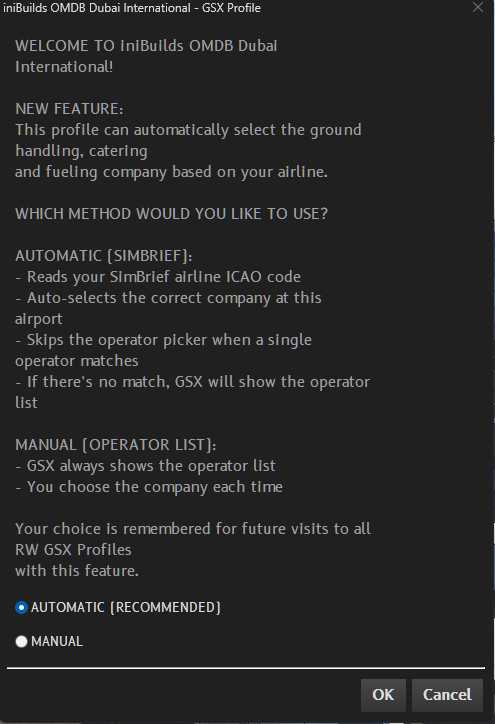
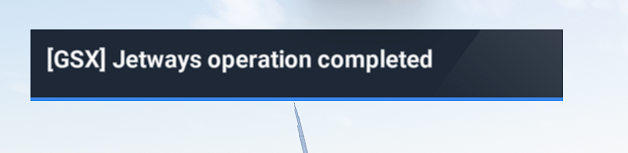
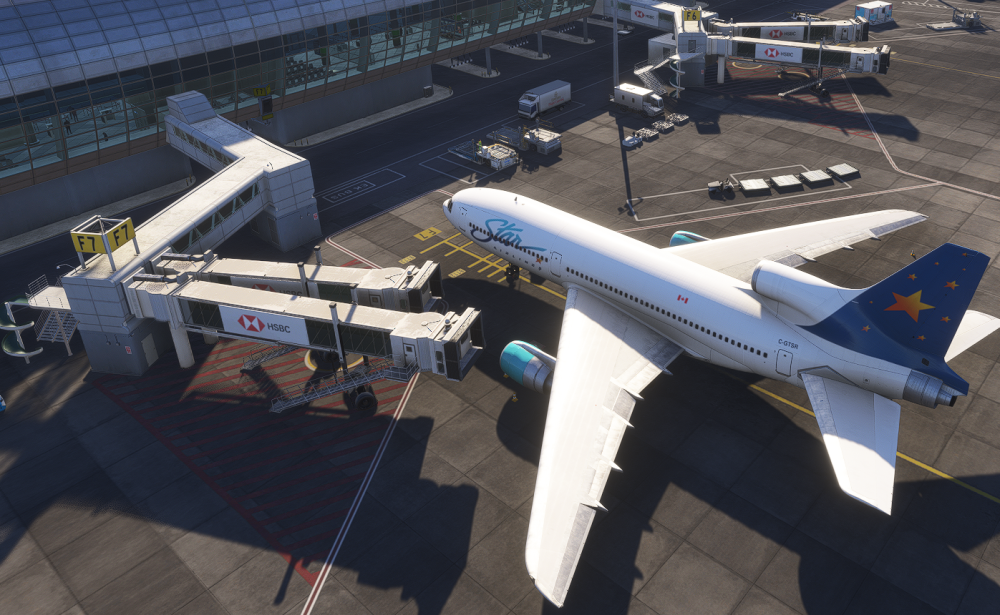
iniBuild Tristar L1011 OMDB v2 MSFS 2024 GSX Pro 4.0.22 3 files from the "Official GSX Profile" folder were copied to “...AppData\Roaming\virtuali\GSX\MSFS” When GSX Pro started, the following message appeared: I selected - AUTOMATIC. The jetways do not move! I tried this at different parking gates.
-
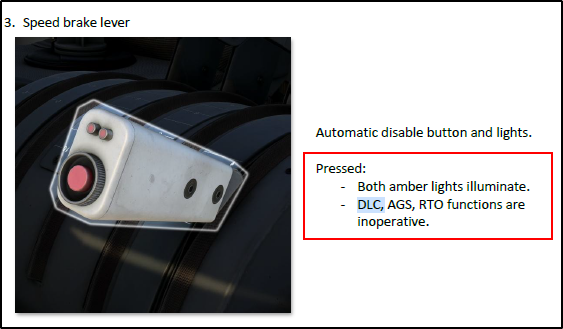
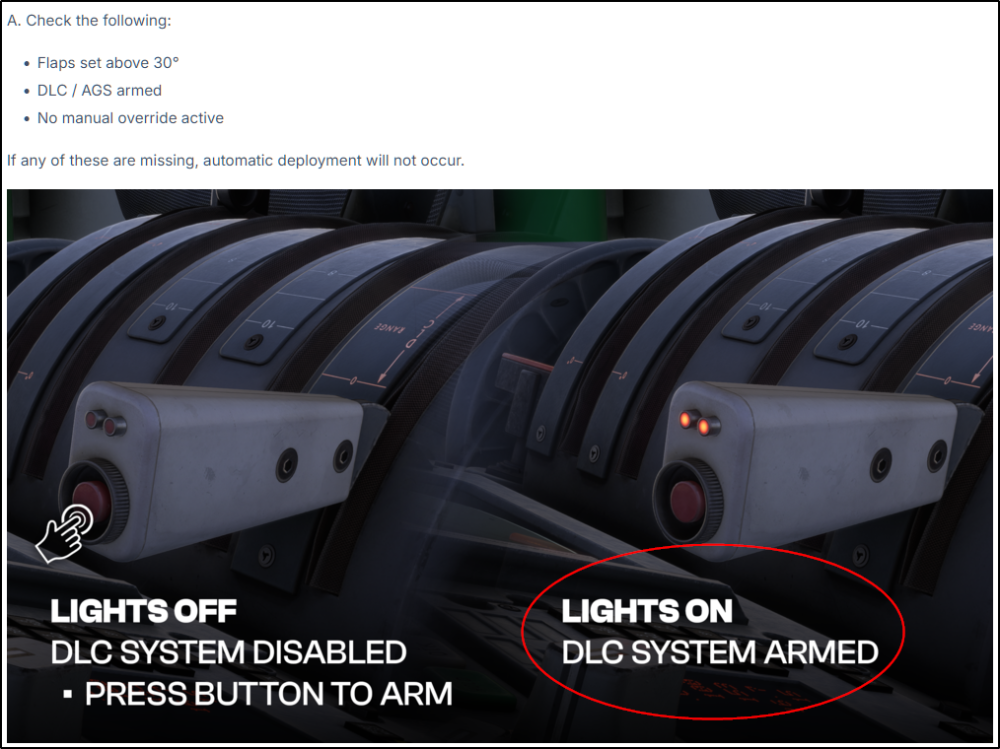
DLC Enable/Disable ? В Tristar manual on page 85 I see: Automatic disable button and lights. Pressed: - Both amber lights illuminate. - DLC, AGS, RTO functions are inoperative. В FAQ - Help - Quick Start & Troubleshooting https://forum.inibuilds.com/topic/35993-help-quick-start-troubleshooting/ I see: Lighs ON - DLC Armed! What is the correct information, and why is there conflicting information?
-
It's really strange that there are no variables for integration! For example, when the MD11 TFDi was released, all the variables were available right away!


