pleiades1202
Member
-
Joined
-
Last visited
-
I am seeing a freeze too when I try to change the transition on the arrival page. The simulator just completely hangs and I have to quit from the task manager.
-
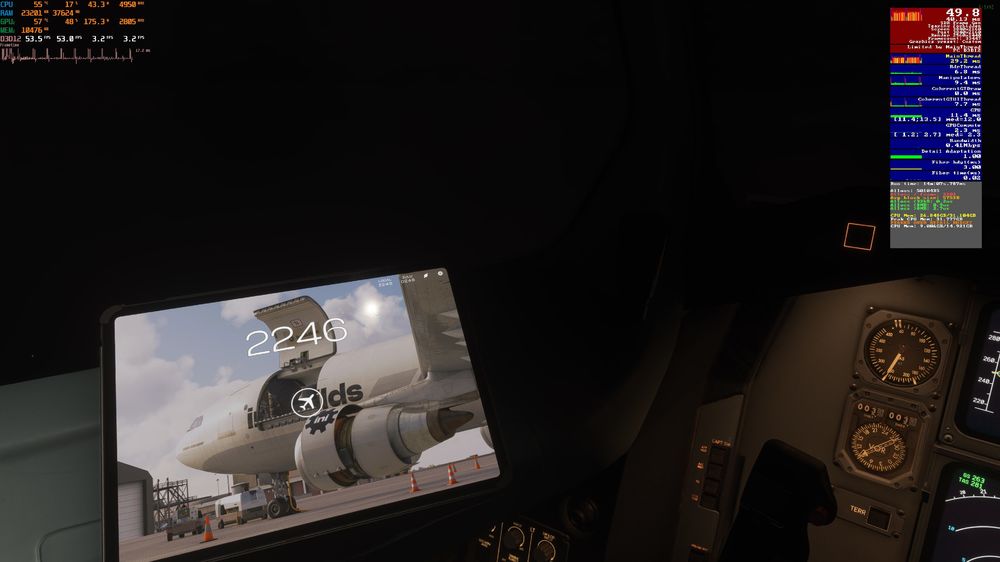
Hi, I reinstalled the aircraft, and saw the same thing. The freighter variant was far less smooth than the passenger variant, even with settings turned way down. The screenshot below was taken with the freighter variant, TLOD at 10, and DLSS set to balanced. Panning the camera around was very stuttery. I flew over the same area with the passenger variant, TLOD set to 200 and TAA, and it was smooth.
-
-
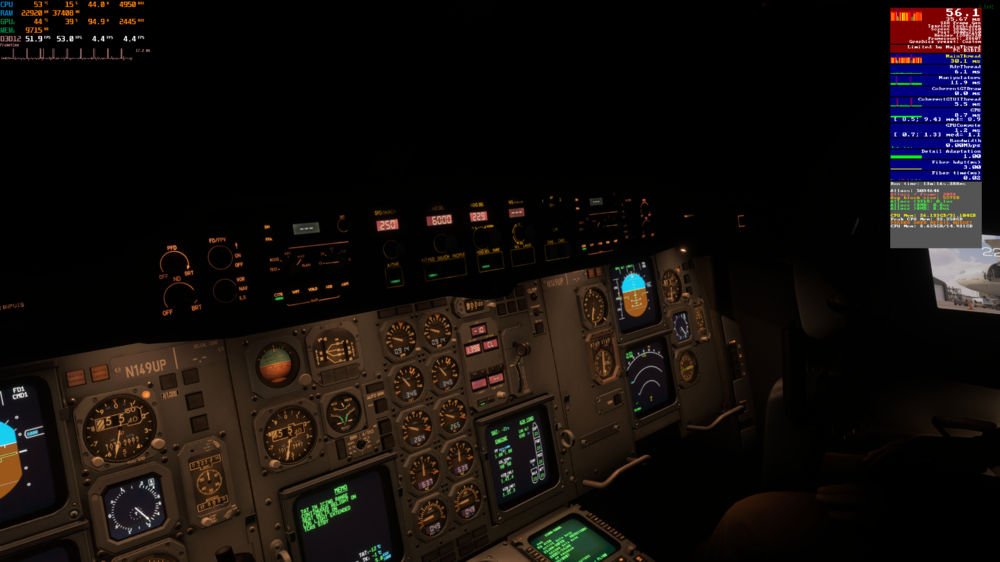
Hi, I have been seeing bad stutters with the A300. I have a 7800x3d, 4080 super, and 32 GB DDR5. The stutters are really noticeable when I am panning the camera or change instrument views. They also seem to occur even when I turn my graphics settings down. For example, I was seeing them with my TLOD set to 10, and DLSS set to Ultra Performance. I grabbed a screenshot with the developer mode fps display showing. This was with a render resolution of 1280x720. I was flying over Newfoundland, Canada at the time, outside of any major cities. Air traffic, road traffic, and airport traffic were all turned off. I also removed my navigraph plugins from the community folder.
-
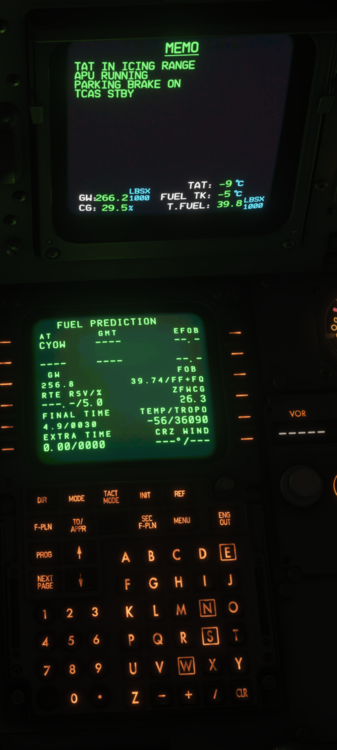
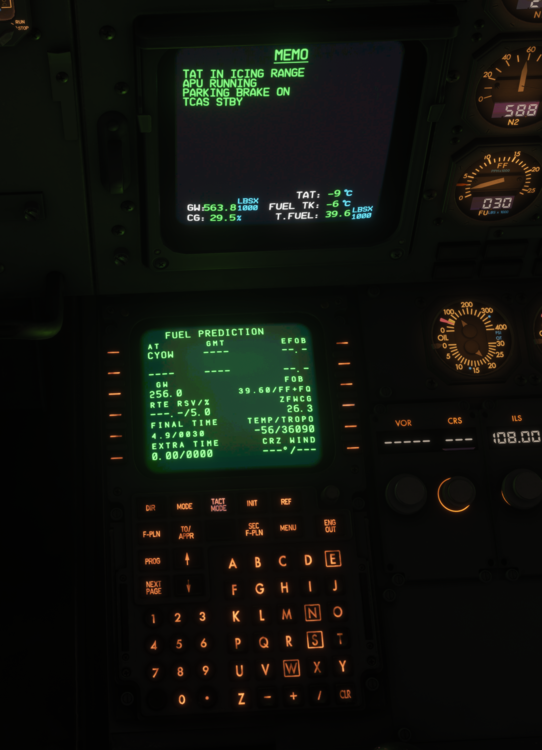
I think I figured it out. I had my EFB set to pounds. However, the GW field on the MCDU still expects kg. Note on my right image 256.0 kg = 563.8 lbs. The limits on the GW entry still seem to expect pounds, so I can't just enter my updated GW in kg while leaving everything else in pounds. For example, if I enter 115 kg for 253 lbs, I get an out of range error when I have my EFB set to lbs.
-
I'm having a bit of trouble with this. I can change fuel while the engine is running, for example removing 10 000 lbs using the EFB. I see the ECAM fuel reading reduce along with the fuel reading on the MCDU PROG->FUEL PRED. I also see the GW in PROG-FUEL PRED reduce. The only thing I don't see change is the GW on the ECAM, as noted above. I also see no change in the readout for optimal/max cruise. I pasted a screenshot of what I see after remove 10 000 lbs using the EFB, but without changing anything else on the MCDU. If I try to enter anything on the MDU PROG-FUEL PRED GW line, then the reading on the ECAM goes really high. For example, when I enetered "256", I ended up with screenshot 2.