braudoux
Member
-
Joined
-
Last visited
-
As a military user of the Airbus A400, the “send to avionics” is a must have as SimBrief is not compatible with military flight planning. Moreover, along with this request, the creation of waypoints using LatLong references should be possible. Currently, the process to create a waypoint allows entering coordinates and waypoint name but there is no saving possibility… Thanks to Asobo and Inibuilds to consider this…
-
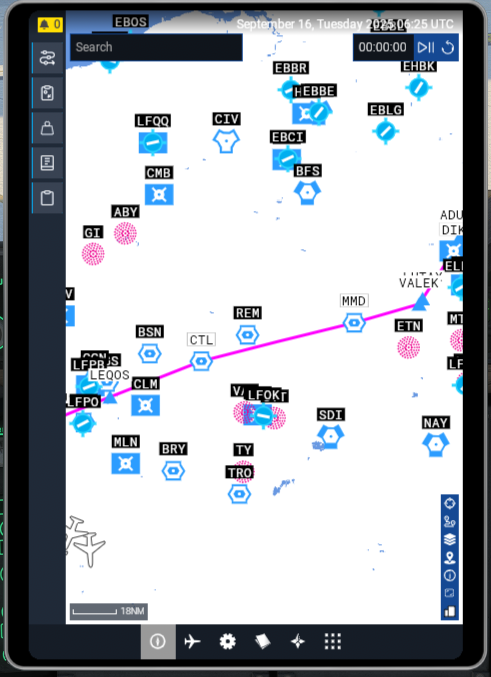
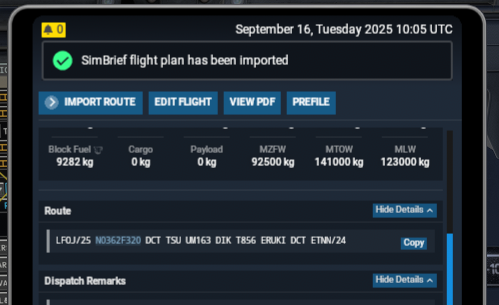
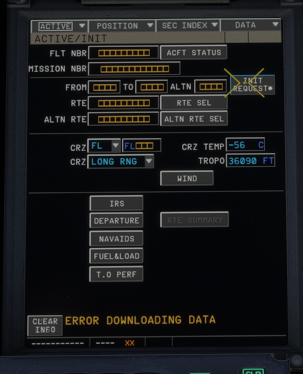
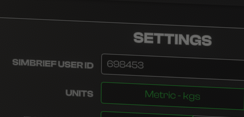
Hello. New in MSFS2024 and trying to make Simbrief work in the Airbus A400M MCDU. All software installed, subscription unlimited and connected to Navigraph… After my FPL is created, I imported it and the FPL is available in both EFB (Aircraft and MSFS Tablet). Then from the MCDU, I click on INIT REQUEST and nothing happens, with a message stating ERROR DOWNLOADING DATA. I have contacted Navigraph support and, after investigation, they suggest to contact you for investigation with aircraft debugging. Thanks (edited)