Skip to content
View in the app

A better way to browse. Learn more.

iniBuilds Forum

A full-screen app on your home screen with push notifications, badges and more.

To install this app on iOS and iPadOS
  1. Tap the Share icon in Safari
  2. Scroll the menu and tap Add to Home Screen.
  3. Tap Add in the top-right corner.
To install this app on Android
  1. Tap the 3-dot menu (⋮) in the top-right corner of the browser.
  2. Tap Add to Home screen or Install app.
  3. Confirm by tapping Install.

yves3550

Member
  • Joined

  • Last visited

Everything posted by yves3550

  1. Same here; I will revert ti 1.2.1 until fixed Yves
  2. The only solution is to unlog anf then relog on navigraph. I should work better
  3. yves3550 replied to yves3550's topic in Systems
    I found the solution : don't know why, but 2 parking brakes made an aopparition in the Honeycomb Bravo. They had nothing to do there, and I did not vonfigure them. I deleted them, and now it's OK HAve a good week-end yves
  4. yves3550 replied to yves3550's topic in Systems
    Hi, Some more informations : I had the same problem with the A350-100 which I don't use frequently. When i load it, the parking brake is not set. I have tried a flight with the A350-900 : 'whicjh I use most of the time) : on loading, the parking brake is set. Hope this will help Yves EDIT ; the problem is still present after upgrade to 1.09 and 1.21
  5. yves3550 replied to yves3550's topic in Systems
    Thank's. I forgot to mention that I have - desontalled the prodcut deelted the WASM directory then reinstall. No change.
  6. yves3550 replied to yves3550's topic in Systems
    20260129_201937.mp4
  7. yves3550 replied to yves3550's topic in Systems
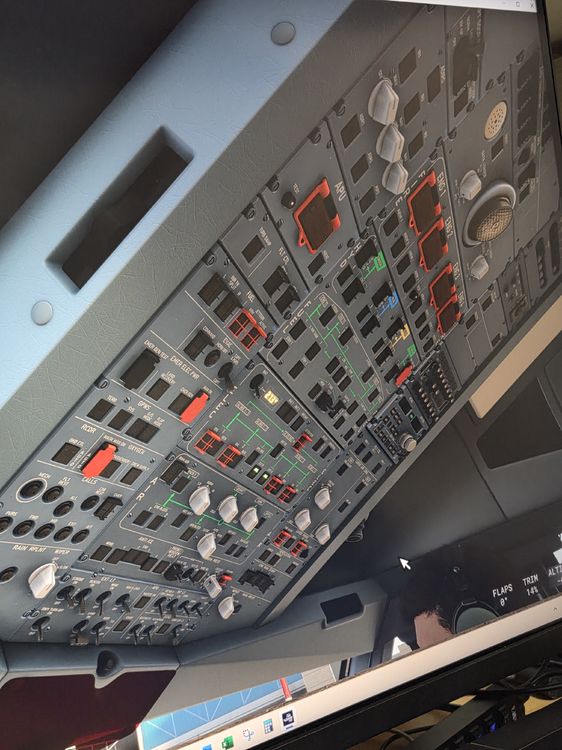
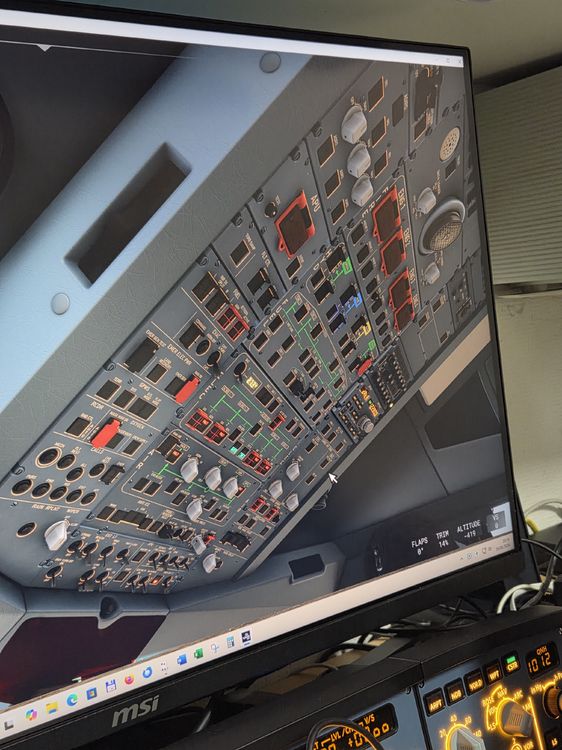
    HI, I took 2 picutres and made a little.
  8. yves3550 posted a topic in Systems
    Hi, I have a problem : I cannot disenagage the parking brakes. They are configured on my Honeycomb Alphan I can here a noise when i press on the button, but no effect. How could I do to release parking brakes and fly??? Thank's Yves from ELLX

Account

Navigation

Configure browser push notifications

Chrome (Android)
  1. Tap the lock icon next to the address bar.
  2. Tap Permissions → Notifications.
  3. Adjust your preference.
Chrome (Desktop)
  1. Click the padlock icon in the address bar.
  2. Select Site settings.
  3. Find Notifications and adjust your preference.